Change System Language in Vivid Radio
-
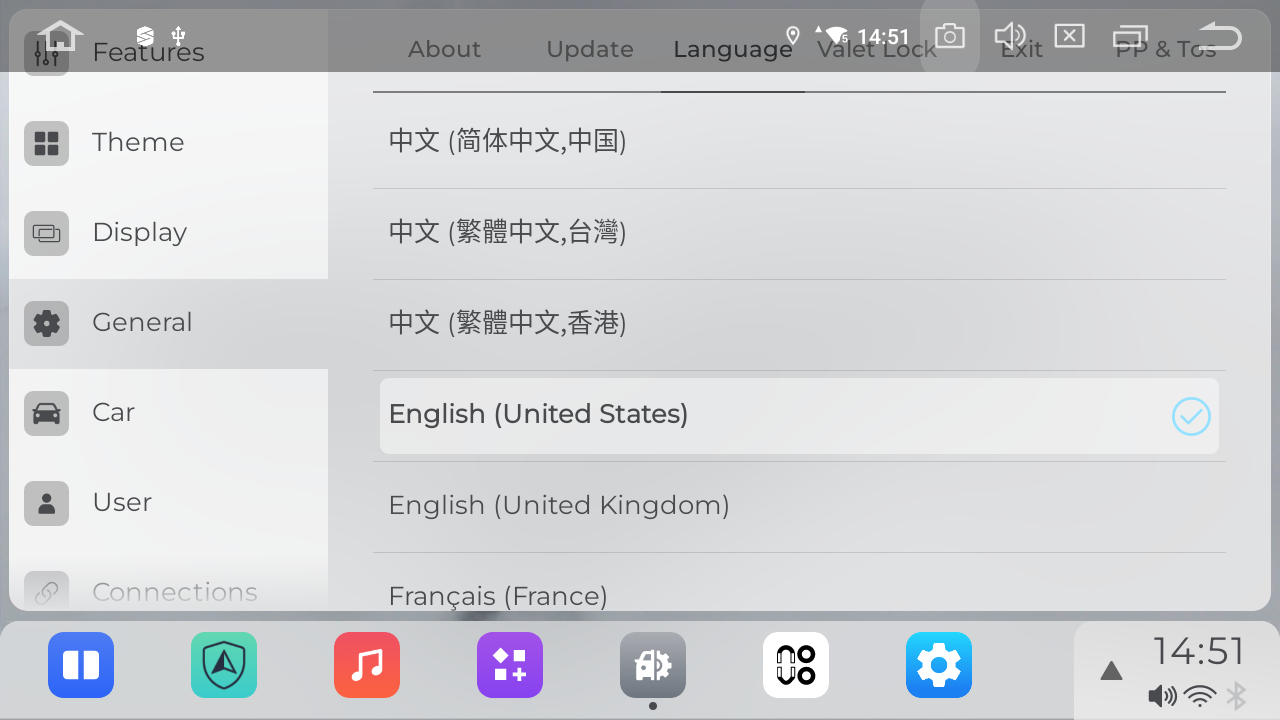
In addition to setting the language through Android Settings, you can also change it directly within the Vivid interface. Here’s how: Vivid Settings>General
In the language list, tap your desired language (e.g., English (United States)). A checkmark (✓) will appear on the right side of the selected language, confirming it has been successfully set.
Please login to reply to this topic!
