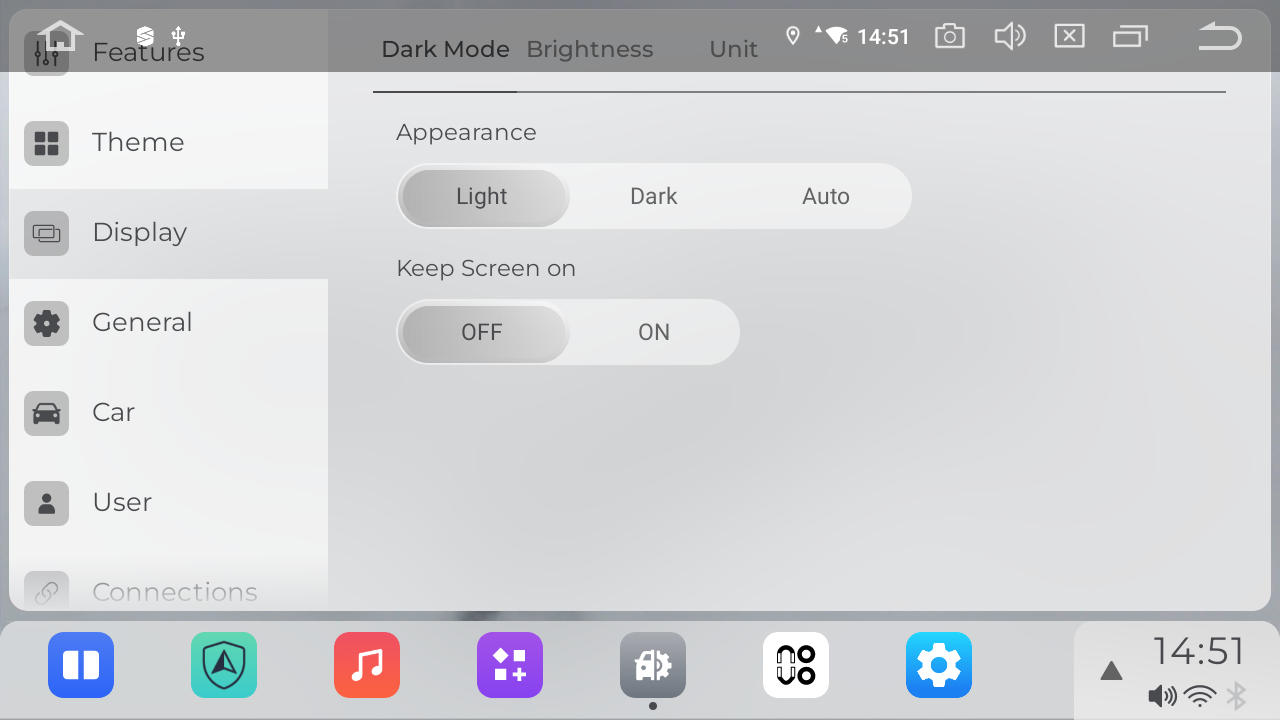
In addition to adjusting the day/night mode through the standard Android Settings, you can also configure it directly in the Vivid system. Here’s how: Vivid Settings>Display>Dark Mode
Choose your preferred mode:
Light: Keeps the interface in day mode at all times.
Dark: Keeps the interface in night mode at all times.
Auto: Automatically switches between modes based on your vehicle’s headlight status:
Turns to Dark mode when headlights are on.
Switches back to Light mode when headlights are off.
You can choose the option that best suits your driving preferences.