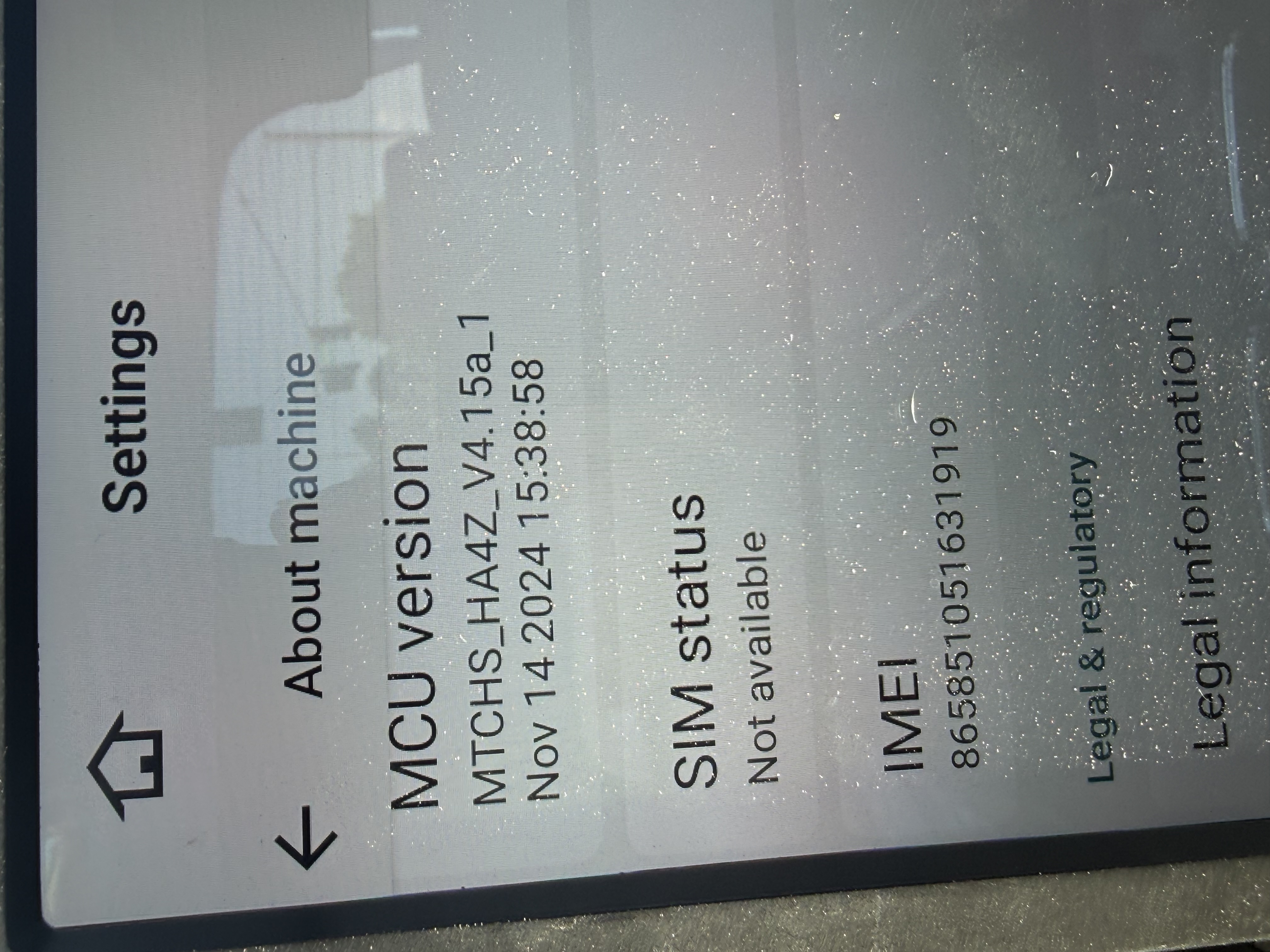
Hello,
I have a 2017 GMC Sierra 1500 with a BOSE audio system. I have good sound coming from the front speakers, but I have no sound coming from the rear speakers. I've tried to use the amplifier app and still no luck. Is there anyway this can be fixed?
@Cristian Alanis
Hello.
Thanks for your message.
In order to help you better, please provide the following information:
1.
Order Number & Purchase Date.
2.
The front&back side photos of factory head unit.
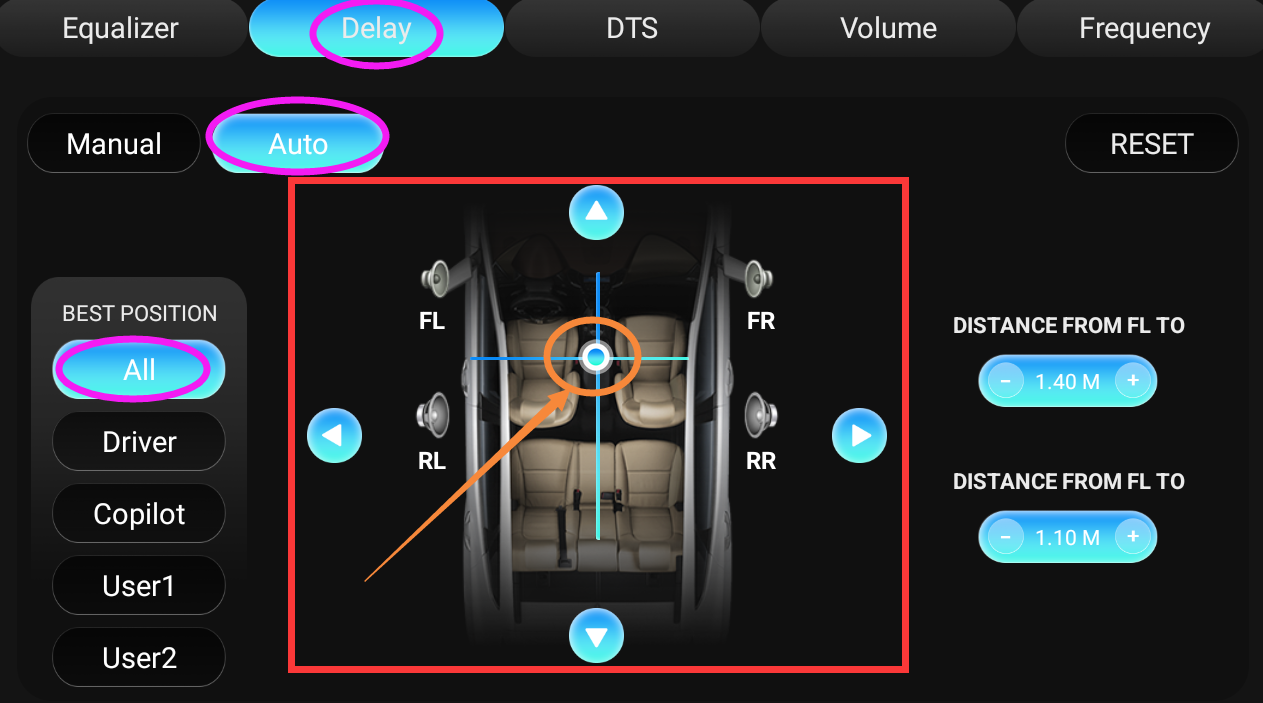
Please try to go "Amplifier App > Delay > Auto > All" to move the crosshair to the center,
then see if all speakers have sound.
Order # SP-DA7727
July 9, 2025
No sound from rear speakers. I have sound coming from the front speakers
@Cristian Alanis
Hello.
Thanks for getting back to us.
Don't worry, we have arranged the personnel to follow up via email.
Please check you mail box.
✉️Email: office@dasaita.com
Hi, I bought a g13 unit for my 2020 Toyota Tacoma, I installed it but the rear speakers won't work it has a factory jbl audio, I can post a picture of the build number on my g13 and a picture of the old head unit if needed
@Omar Granados
Could you please go to Settings>About machine and provide the following version information:
1.A clear photo of the stereo's Built Number.
2.A clear photo of the stereo's MCU version.
@Cristian Alanis did you get this fixed? I have the same issue. I've checked all the settings and it's none of those.
@Support Dasaita I need help with this same problem. No sound from the rear speakers. I've tried all settings and nothing works.
@Eric Cooper
Hi,
Please try to go "Amplifier App > Delay > Auto &Maunal> All" to move the fader to the center,
then see if all speakers have sound normally.

May we have the below information ?
1. Does your car come with factory amp?
2.Specail year and model for your car.
3.The order details.
4.Please go to Settings > About machine and send us a screenshot about the current Build Number and MCU version.
Thanks for your time so much.
@Support Dasaita
I've tried that with no change. I have the factory Bose amp. 2015 GMC Sierra SLT. I bought the unit off Amazon last August. 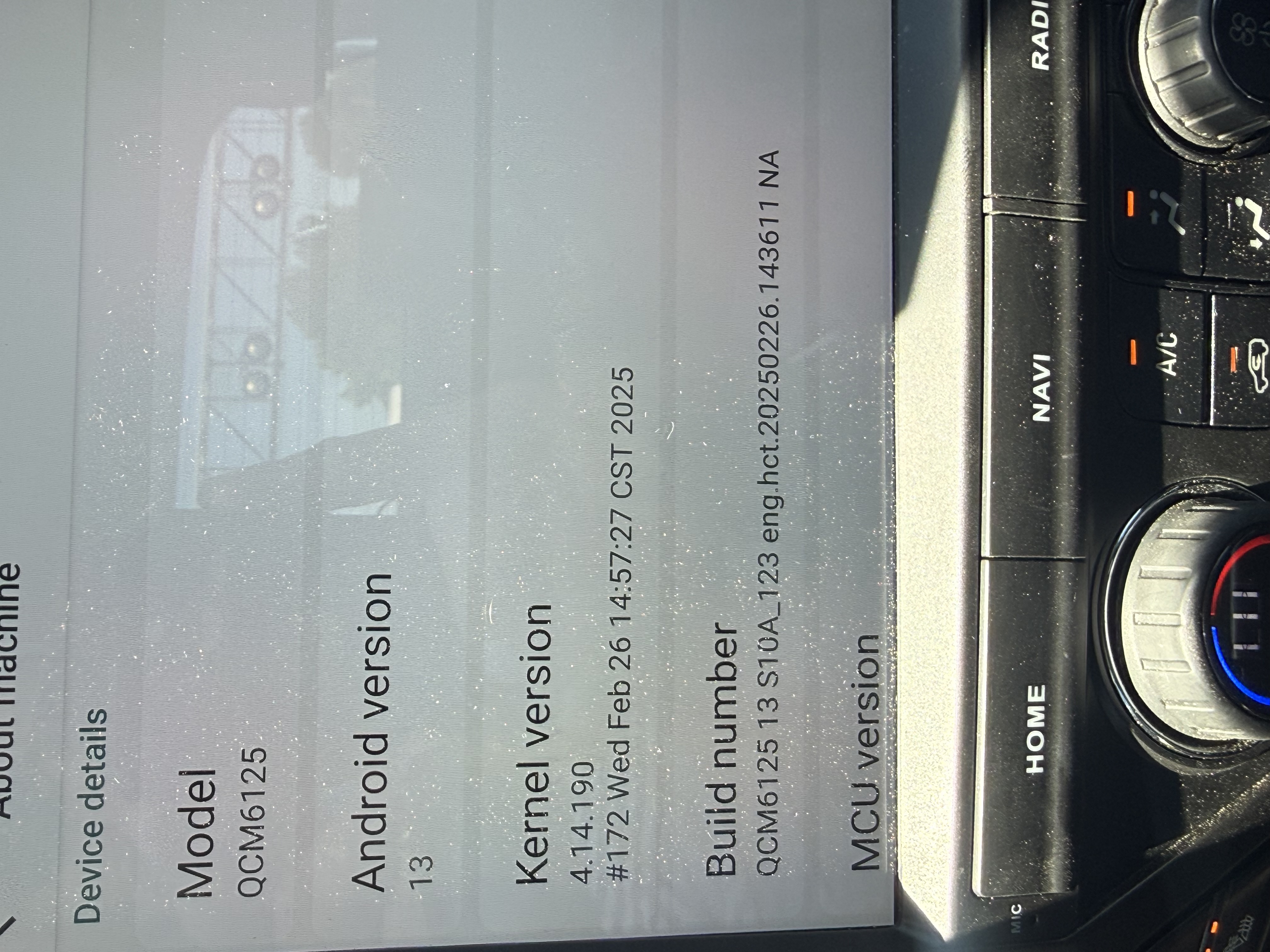
@Eric Cooper
If other users have any needs, please contact support@dasaita.com. Do not upgrade this software.
Hi,
Please update your unit to the latest firmware and MCU. Make sure your unit is QCM6125 Android 13 before proceeding.
Files to download:
① Firmware G13_V1(20260618): https://www.dropbox.com/scl/fi/un76pbc1nk24ce2bsuf74/update.zip?rlkey=1hf4bf4oovfbarjh87qmj4m5e&st=mikerba2&dl=0
② MCU 4.17h: https://www.dropbox.com/scl/fi/pt4jbm1nmeh1w7octd5an/hmcu.img?rlkey=uzkuhqaj20wrexuis49oyctgm&st=uq56dcqk&dl=0
Steps:
1.Download both files to your computer (do not rename or unzip)
2.Format USB drive to FAT32, then copy both files to it
3.Insert USB into the unit, and select "Wipe data and format flash" when prompted
4.After firmware update completes, go to Settings → System → MCU Updates to finish
Keep the vehicle running during the entire process.
Thank you for your time and cooperation in advance.
I finally got the update to upload and the rear speakers still don't work.
@Eric Cooper
Hello.
Could you please tell us whether there is completely no sound from rear speakers?
Or it has the faint sound but it is almost inaudible.
If possible, please write a mail regarding to your issue details and indicate your Order ID# in email subject.
So that we can forward it to senior engineers for further advice.
Thanks in advance.
Email: support@dasaita.com