@Michael Uribe
Hello,
Please try to go "Amplifier App > Delay > Auto &Maunal> All" to move the fader to the center,
then see if all speakers have sound normally.

@Support Dasaita
Hello, I have tried that but the sound is still only coming from the front speakers.
hello @Support Dasaita, I am having the same issues described above.
I have G13 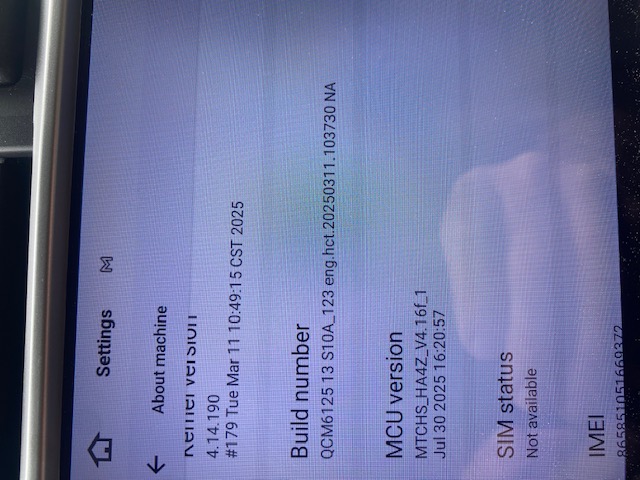
@Support Dasaita
Just following up on this issue. I am still experiencing it afer trying your suggestion.
@Michael Uribe
Please go to Settings > About machine and send us a screenshot about the current Build Number and MCU version.
Thank you for your time and cooperation.
@Michael Uribe
Before updating
Please go to Settings > About machine and send us a screenshot about the current Build Number and MCU version.
@Support Dasaita
Hello, below is a screenshot
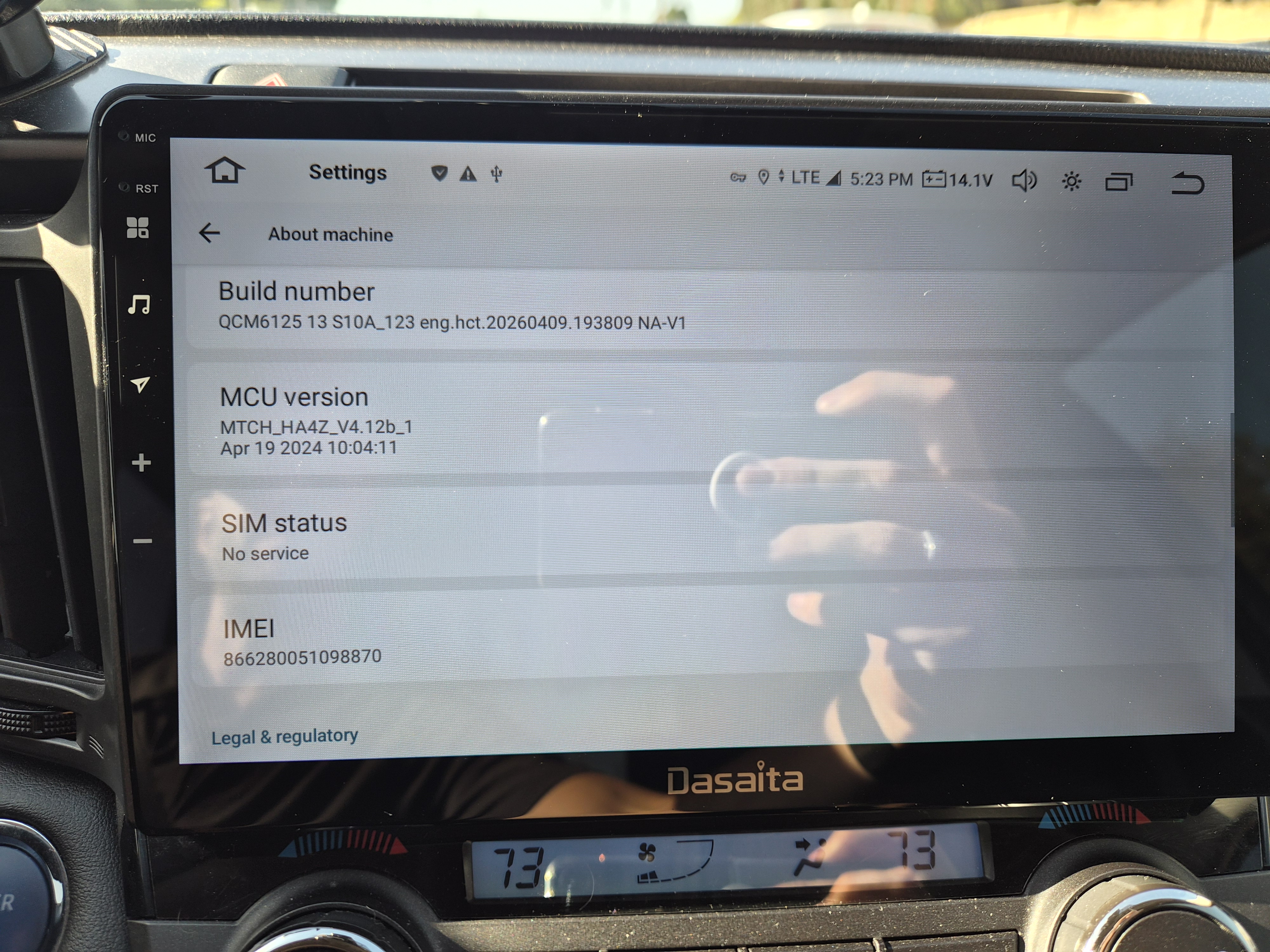
@Michael Uribe
Please update your unit to the latest firmware and MCU. Make sure your unit is QCM6125 Android 13 before proceeding.
Files to download:
① Firmware G13_V1(20260618): https://www.dropbox.com/scl/fi/un76pbc1nk24ce2bsuf74/update.zip?rlkey=1hf4bf4oovfbarjh87qmj4m5e&st=mikerba2&dl=0
② MCU 4.17h: https://www.dropbox.com/scl/fi/pt4jbm1nmeh1w7octd5an/hmcu.img?rlkey=uzkuhqaj20wrexuis49oyctgm&st=uq56dcqk&dl=0
Steps:
1.Download both files to your computer (do not rename or unzip)
2.Format USB drive to FAT32, then copy both files to it
3.Insert USB into the unit, and select "Wipe data and format flash" when prompted
4.After firmware update completes, go to Settings → System → MCU Updates to finish
Note: If your car has factory amp,please go Settings>Car >Car amplifer to adjust the fader
Keep the vehicle running during the entire process.
Thank you for your time and cooperation in advance.
@Support Dasaita will this work for my issues as well. I have no sub noise when using the head unit
@Support Dasaita
Hello, I followed the recommended steps but now I am getting no audio from the speakers and my backup camera is not displaying an image, just a yellow exclamation point. I made sure all the factory settings are the same as there previously were and correct but still no sound or camera visual. I have tried the radio and multiple apps and get no sound even with the volume turned to maximum. Please let me know what next steps I should take.
@Michael Uribe
Hello.
Please try to check if you have connected the speaker cable properly.
About the backup camera connection, please make sure that you have connected Yellow RCA "Cam In" with Yellow RCA "Camera".
If no luck, please write a mail regarding to your issue details and indicate your Order ID# in email subject.
So that we can forward it to senior engineers for further advice.
Thanks in advance.
Email: support@dasaita.com
@Support Dasaita
I have checked all the cables and they are connected properly. I have sent an email to the support email as requested.
@Michael Uribe
OK, we will arrange the personal to follow up.
Please pay attention to your mail box.
Thanks in advance.
