Zlink Not activating
-
Hi Support team.I purchased a Dasaita 9” Android 11 car stereo for Toyota Camry (2007–2011) with CarPlay/Android Auto (4G RAM, 64G ROM, WiFi) from your official Amazon store. After performing a factory reset, the ZLink app stopped working.Now, when I open ZLink, I receive the message: “Inactivated, click to activate” and “Please connect the Internet to activate,” but it never activates even when the unit is connected to WiFi or a mobile hotspot.Could you please help me reactivate ZLink for this head unit?Here are my details:
- Head unit model: PX6(1280x720)
- Build Number: rk3399-userdebug 10 QQ2A.200305.004.A1 eng.hct.20210111.104138 test-keys
- Android version: 10
- MCU version: MTCE_HA_V3.71_1 Dec 21 2020 15:48:35
- CPU Version: Dual-core Cortex-A72 @ 1.8G Quad-core Cortex-A53 @ 1.5G
- Serial number (if available): 79CF7E929B54C531
I have attached a photo of the ZLink error screen from my unit.Thank you in advance for your help and for re-enabling ZLink on my device.
-
-
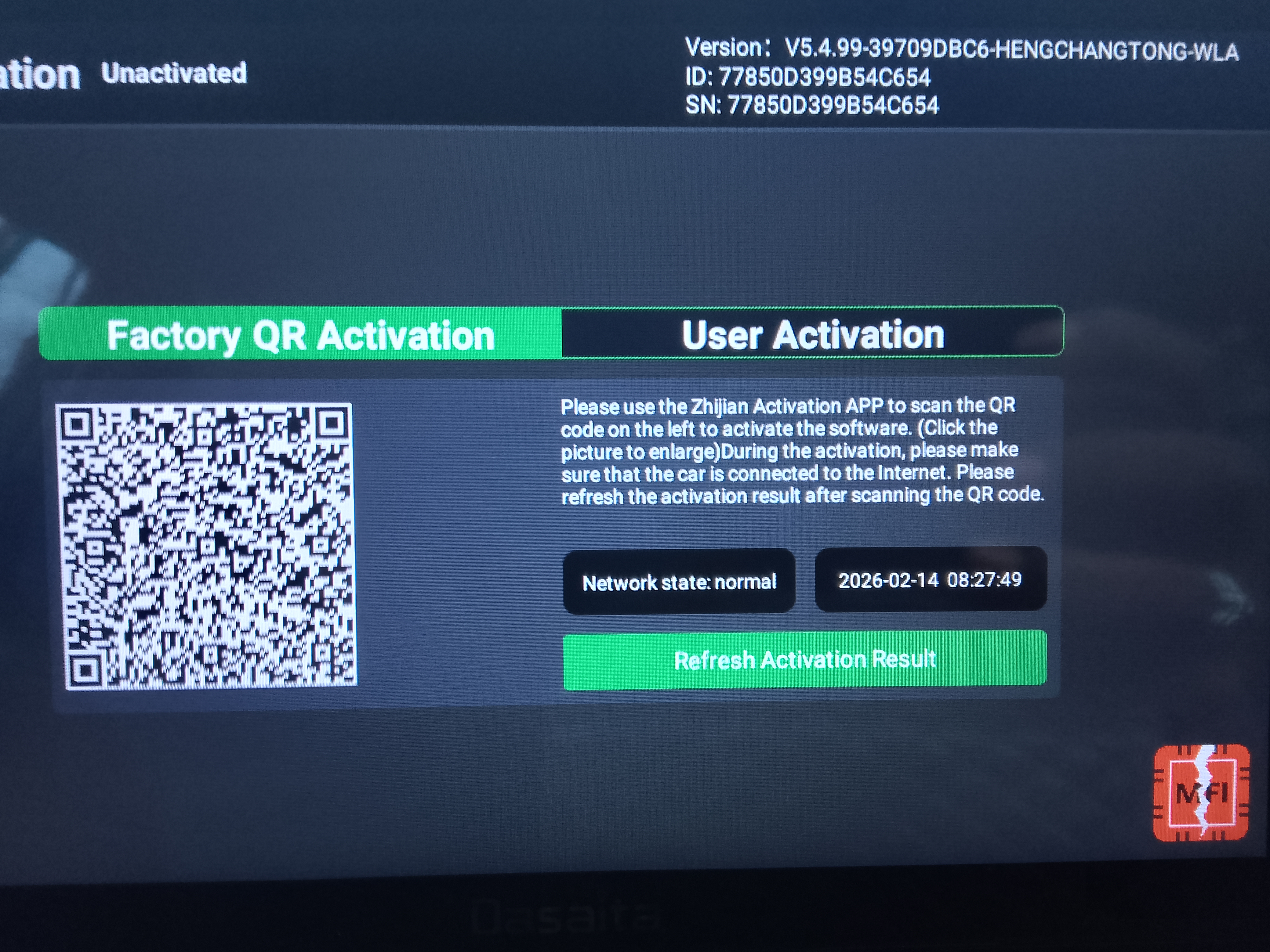
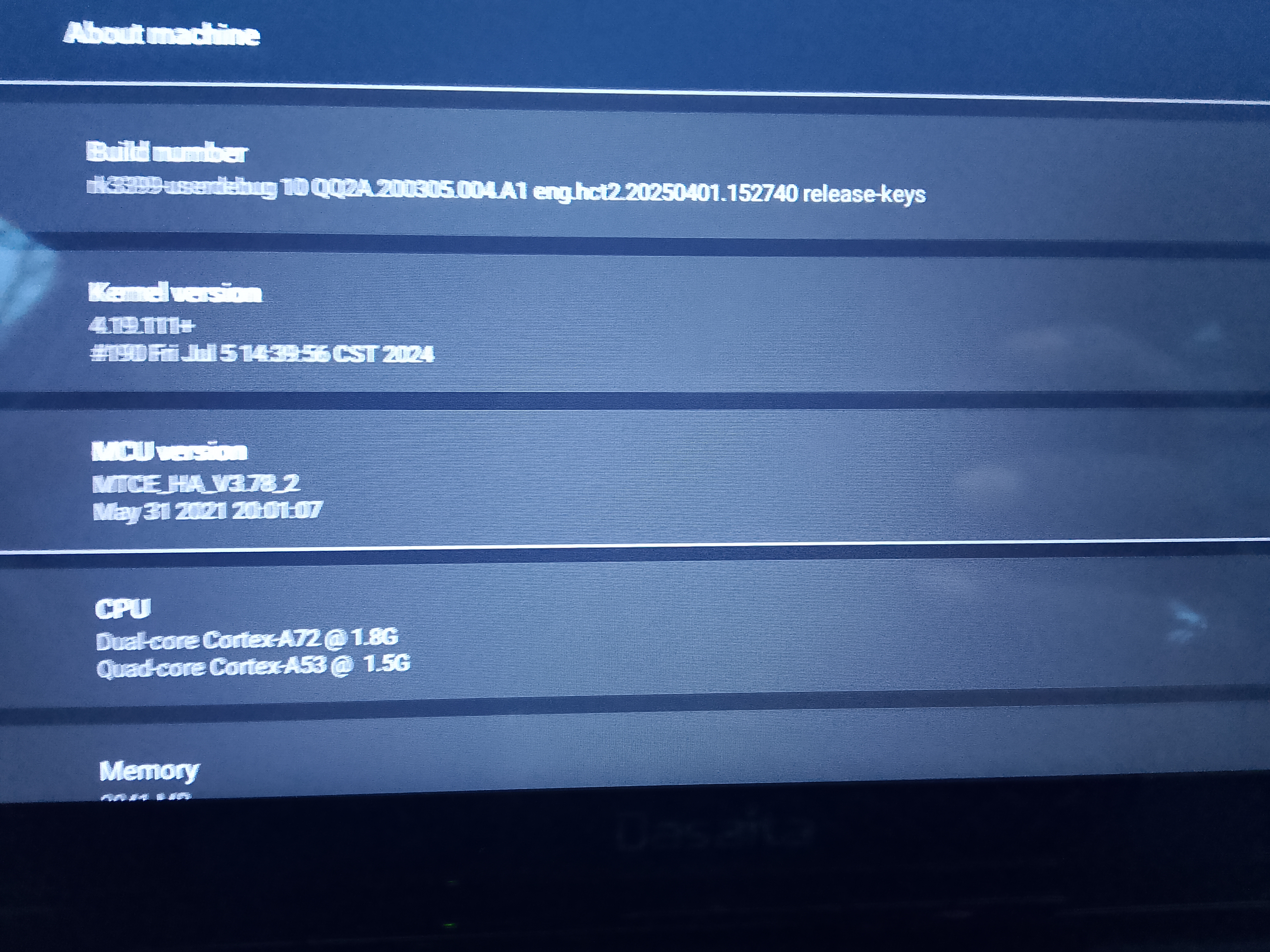
I got the same problem zlink not active zie picture
-
@cleo cleonise
-
-
-
Please login to reply to this topic!
