My G13 (Silverado 2018) stopped turning on with the truck. I replaced the fuse (though it didn't appear burned out) and it resumed working, but since then the line level inputs (RCA jacks) feeding the front speakers in the truck dropped to almost zero.
My setup is front, rear and subwoofer line level outputs feeding a 5 channel amp, and rear and subwoofer line level outputs still sound fine. If I mute rear and subwoofer, I can hear the audio coming through the front speakers, but it's very low. If I turn the volume way up, it sounds fine.
Could there be some setting that got corrupted when I had to replace the fuse or anything non-hardware related that could account for this issue and be fixed without having to get the unit repaired? I have temporarily switched the inputs to the amp so it's the rear channels that are super faint, and it wouldn't be so bad (I could even split the rear line level outputs and feed both from it) except that the head unit is too smart and sends phone call audio to the front channels only, so I have to crank up the sound on a call and listen to it coming from the back seat.
Grateful for any insight into ways this could possibly be configuration / non-hardware related and fixable.
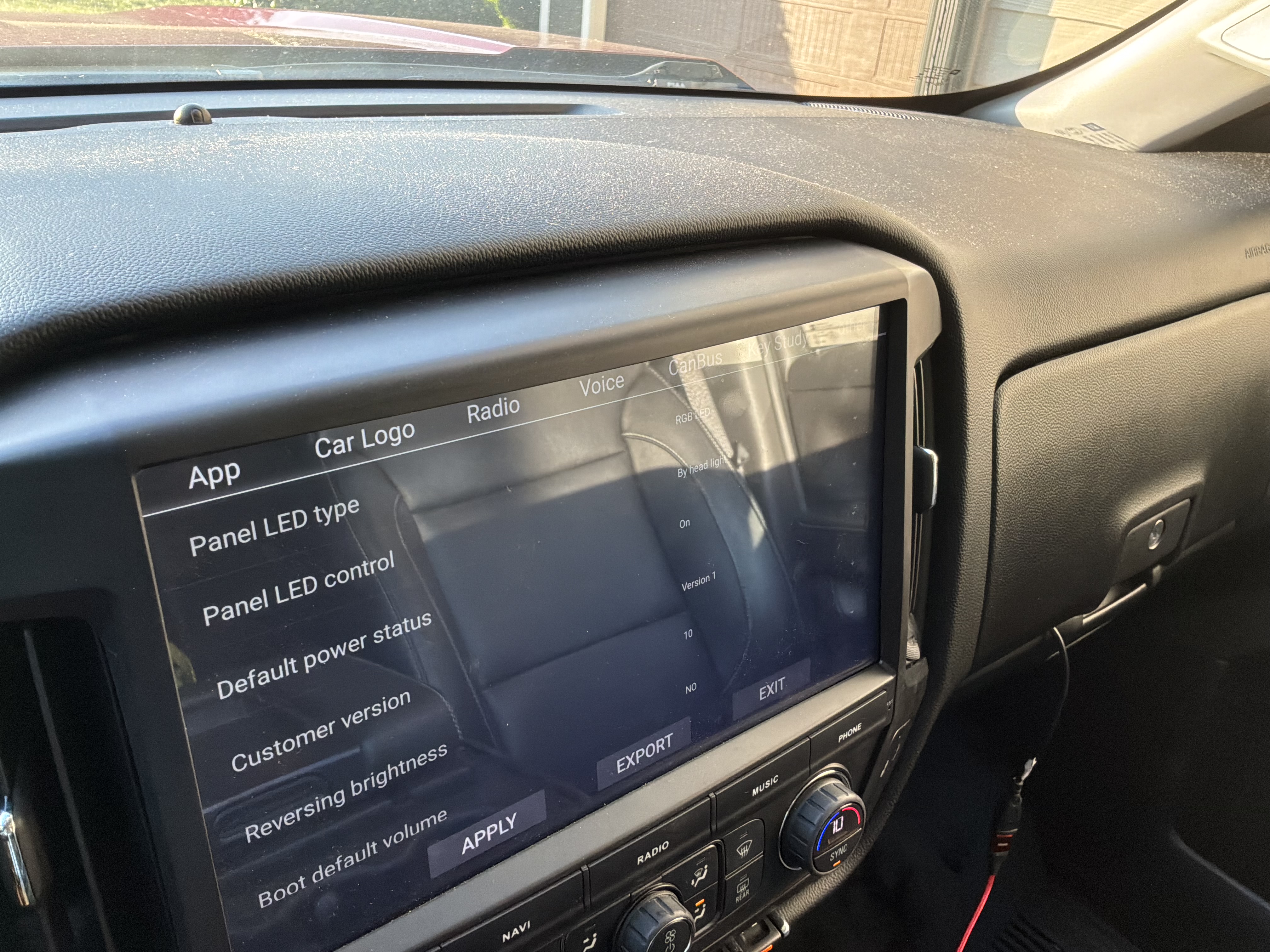
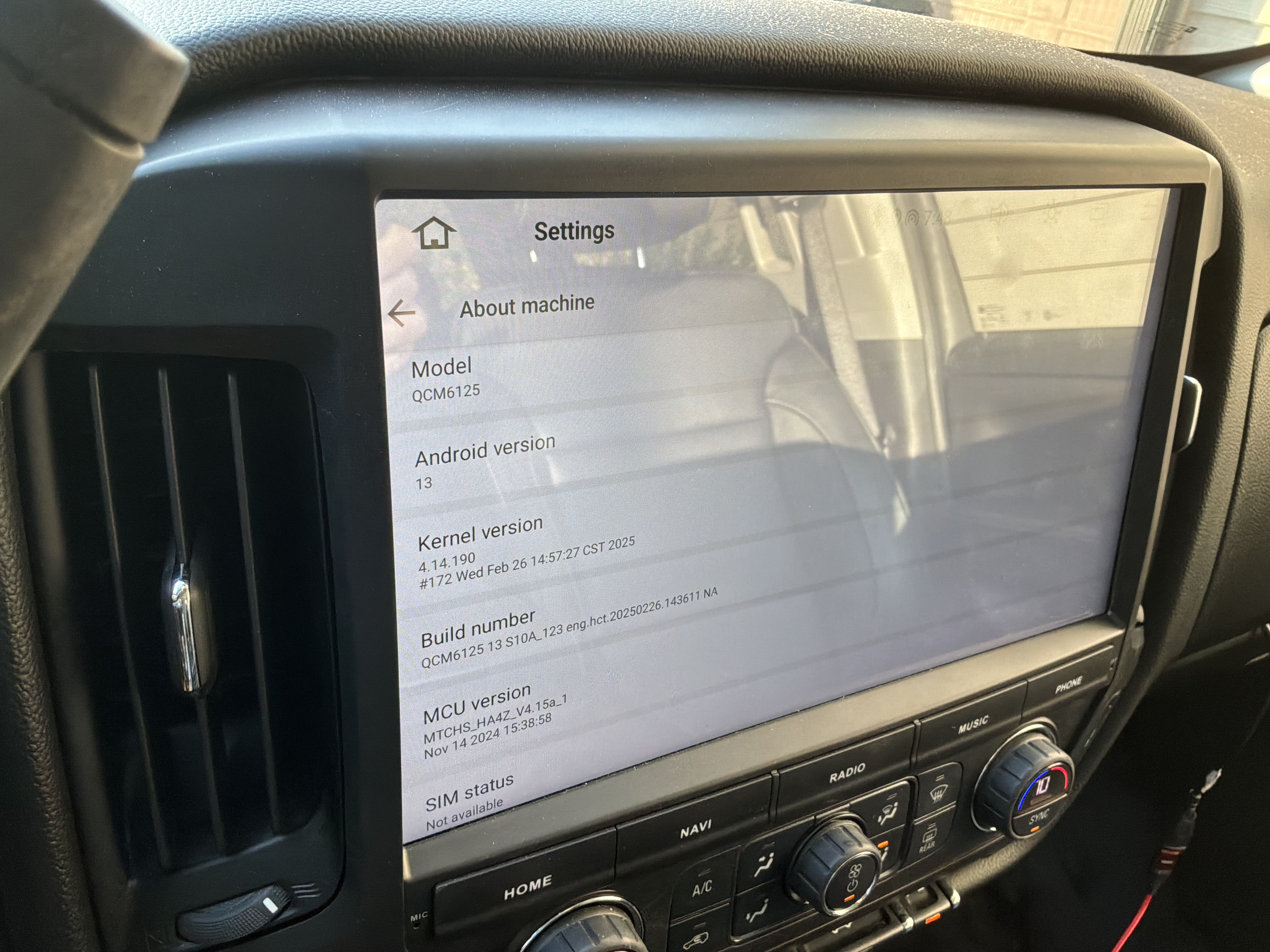
Looks like I only have Version 1 as an option. Screenshots attached of the Customer version when dropped down (only one choice provided) and the About screen with Build and MCU info.
Thanks for your help!