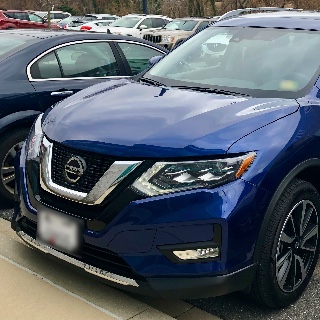
Vivid13 - how to remain on until door opens?
-
My Vivid13 is an awesome improvement to the stock head unit that came with my 2018 Rogue, but there is one feature that I liked on the OEM that is missing on the Vivid - after stopping the engine, keeping the head unit on until a door opens.
I've played around with the auto-shut off ACC setting, but none of them do this. In fact, if I set it to a value other than Auto-Sleep, the Vivid13 does a complete power down, which means I have to wait for it to fully startup the next time I start the car. I've left it on Auto-Sleep as that just wakes it up on the next start.
I've tried looking through all the settings and can't seem to find a way to keep the stereo powered on after the engine stops, and go into auto-sleep once a door is opened. Is there a setting I've missed than can control this?
-
@RogueWarrior
Hello.
Please try to do as follows:
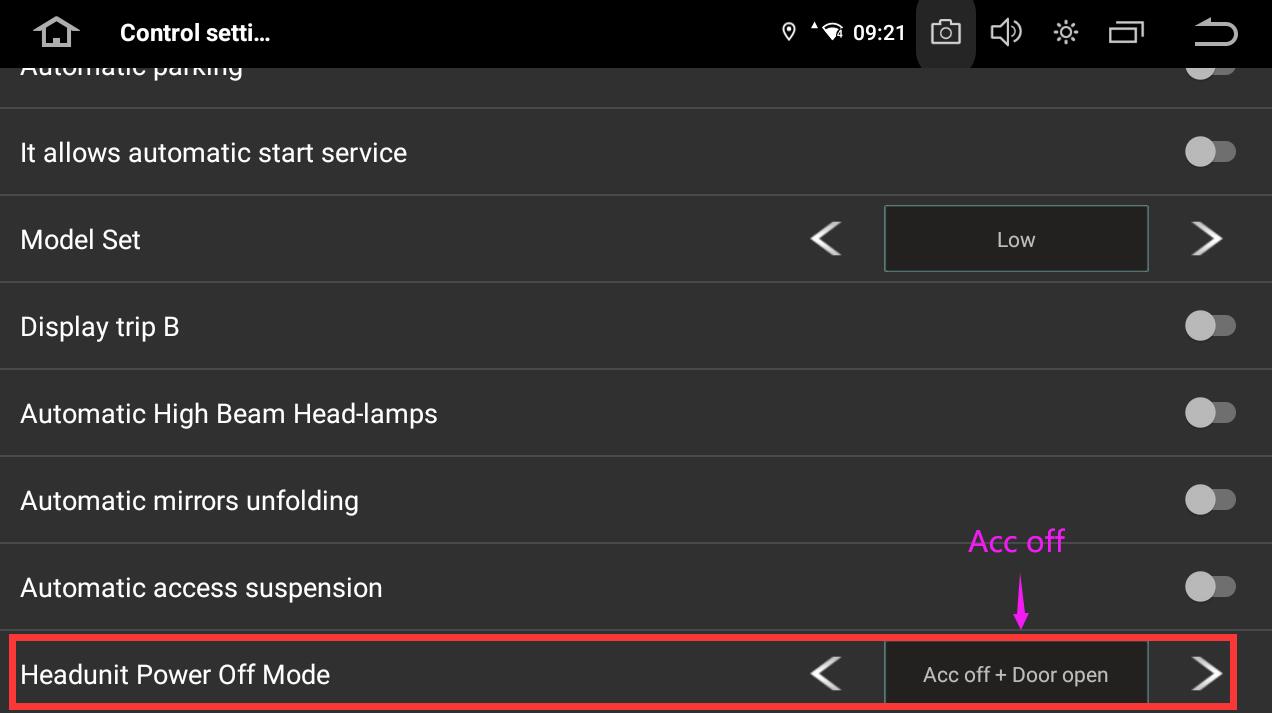
Control Setting App > Headunit Power Off Mode > ACC off.If the issue persists after trying, please record a short video showing the issue and send it to our email address.
Kindly include your Order Number in the email subject.
Thanks in advance.Email: support@dasaita.com
-
-