




Dasaita 10.2" QLED Car Stereo for Jeep Wrangler JL 2018-2022 & Gladiator JT | OEM Style Design with Physical Knobs & Buttons | Wireless CarPlay Android Auto | Retains Factory AHD Backup Camera

🔥 14 left in stock


The Complete Infotainment & Performance Upgrade for Your Jeep
Stop compromising. Dasaita G13 is engineered from the ground up for the 2018-2022 Jeep Wrangler JL and Gladiator JT. We combine a true no-cut, no-splice plug-and-play harness with flagship-grade hardware to give you a breathtaking 10.2" display, concert-quality audio, and smartphone-smart connectivity—all while preserving 90% of your Jeep's original functions. This isn't just a radio swap; it's your command center reborn.
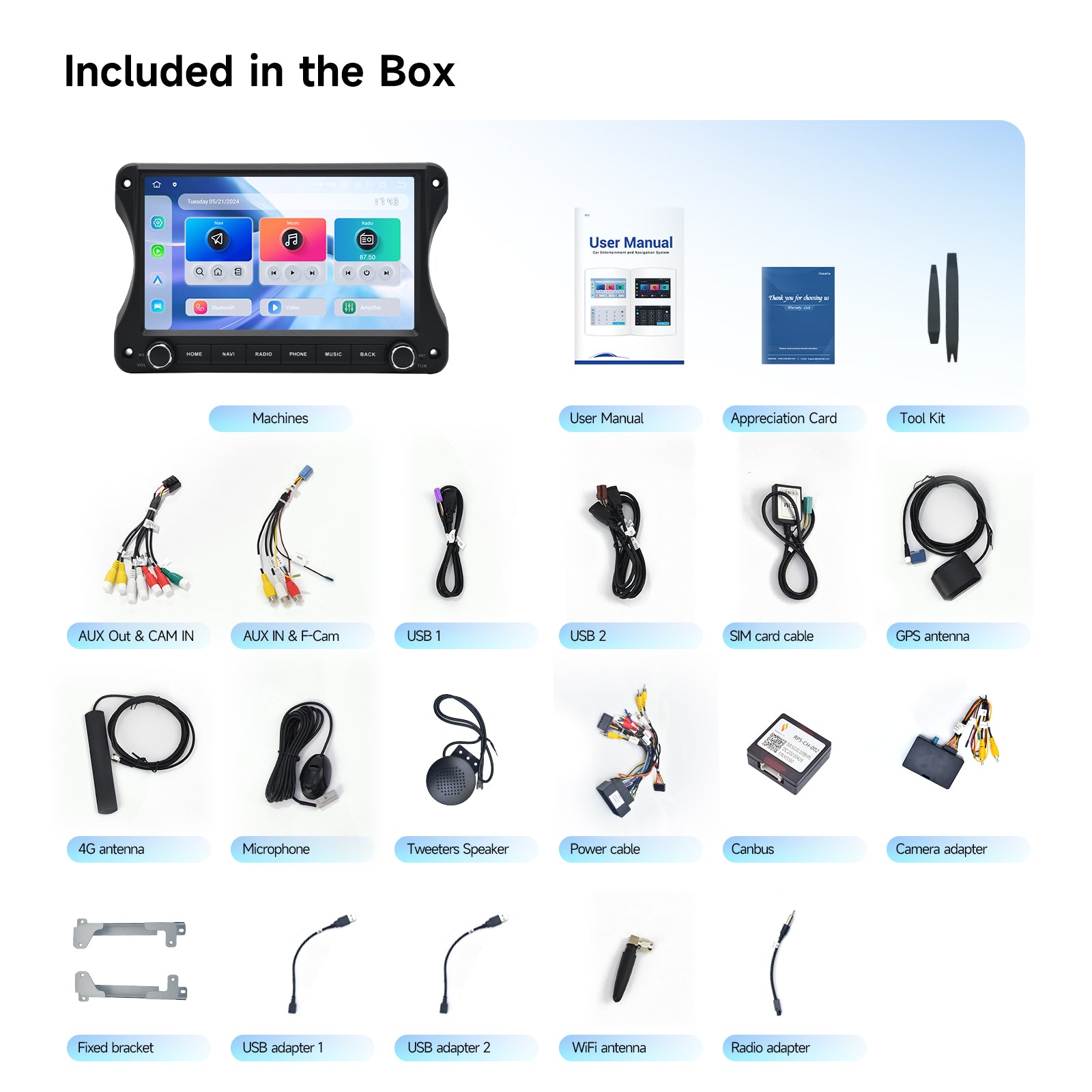
Pure Plug & Play, Zero Function Loss: Includes a custom CANbus decoder and harness. Retains factory steering wheel controls, OEM AHD backup camera with dynamic guidelines, A/C displays, parking radar sensors, door ajar alerts, AUX, and USB ports. Install with confidence in an afternoon.
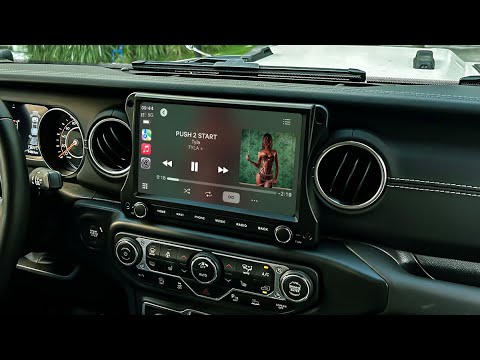
Tactile Jeep-Approved Design: Features a unique combination knob and physical buttons alongside the sleek touchscreen. Glove-friendly, dust-resistant, and designed to look like it came from the factory.
Snapdragon Power & Massive Storage: Powered by a Qualcomm Snapdragon 665 Octa-Core CPU and 8GB of RAM for buttery-smooth operation. 256GB of internal storage holds thousands of songs, maps, and apps for any adventure.
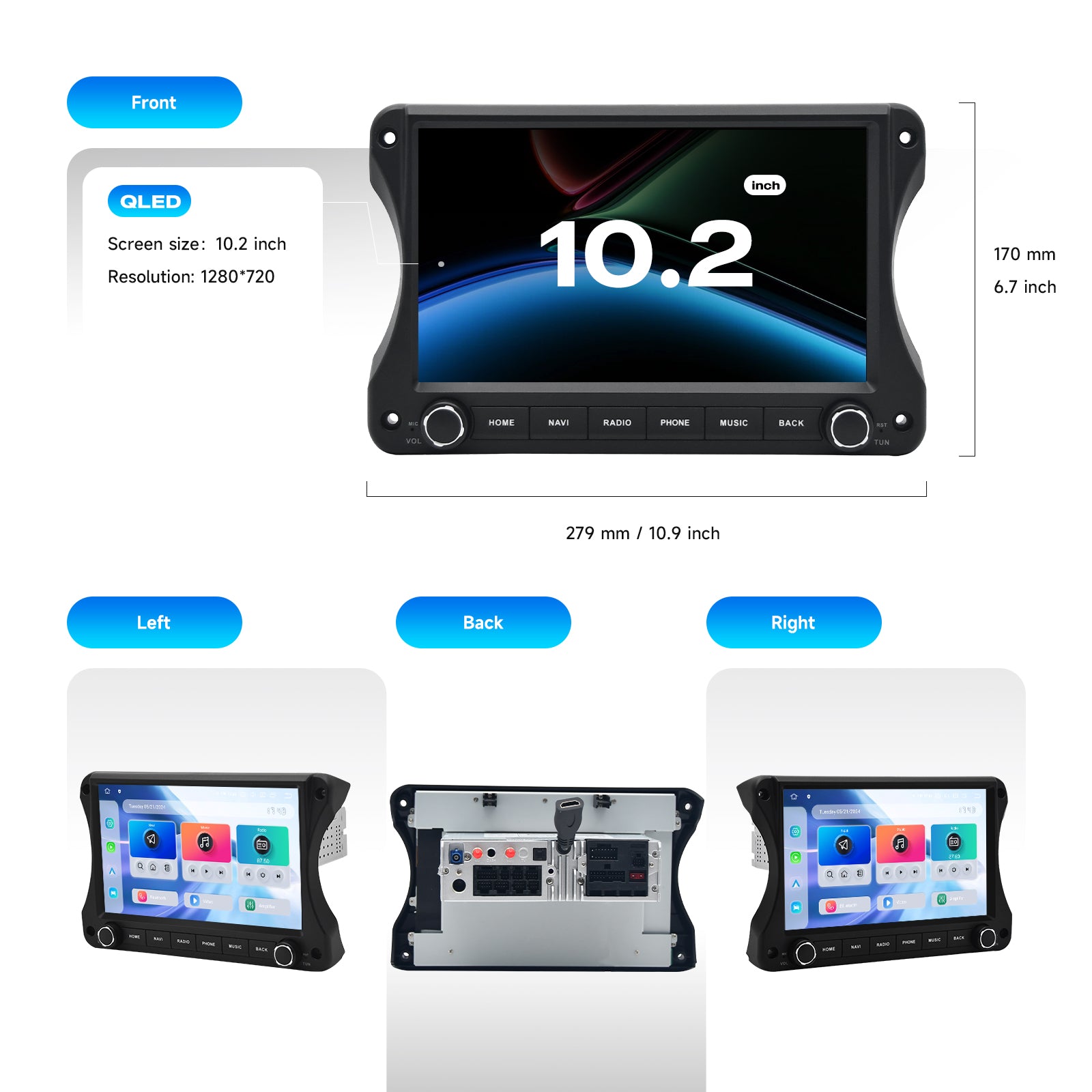
QLED Visual Dominance: A stunning 10.2" Full-Lamination QLED display offers richer colors, deeper blacks, and wide viewing angles. Auto Day/Night mode and adjustable brightness ensure perfect visibility top-on or off.
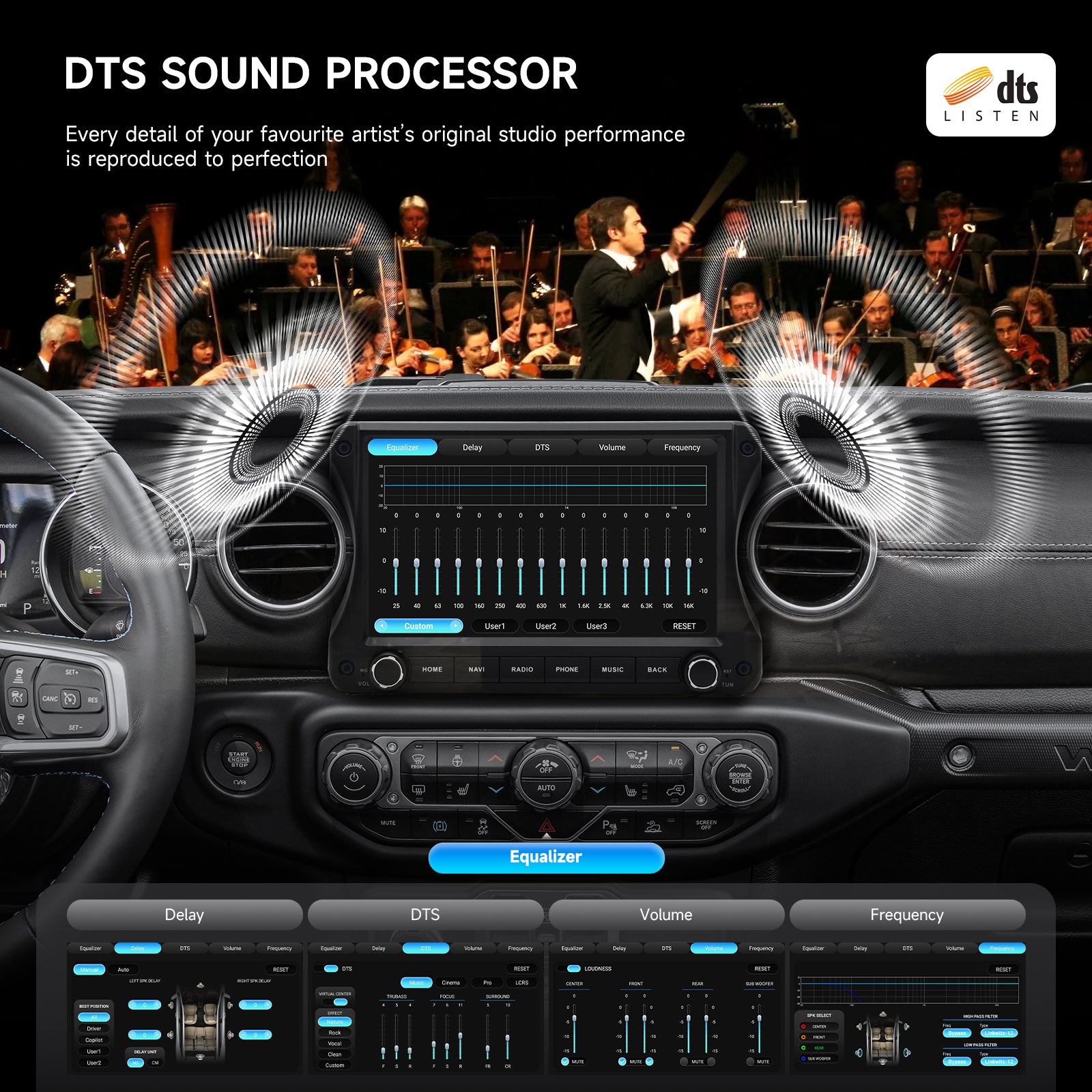
Premium Audio Architecture: Driven by a powerful TDA7808 4x50W amplifier and optical digital audio output for pristine signal clarity. Fine-tune your sound with 15 DTS EQ presets and create a personalized listening experience.


Installation Manual & Tips

Specifications
| Category | Specification |
|---|---|
| CPU / Memory | Qualcomm Snapdragon 665 Octa-Core, 8GB RAM + 256GB ROM |
| Display | 10.2" QLED, 1920x720, Full Lamination, Capacitive Touch |
| Audio | TDA7808 4x50W Amp, TOSLINK Optical Out, 15-Band DTS EQ |
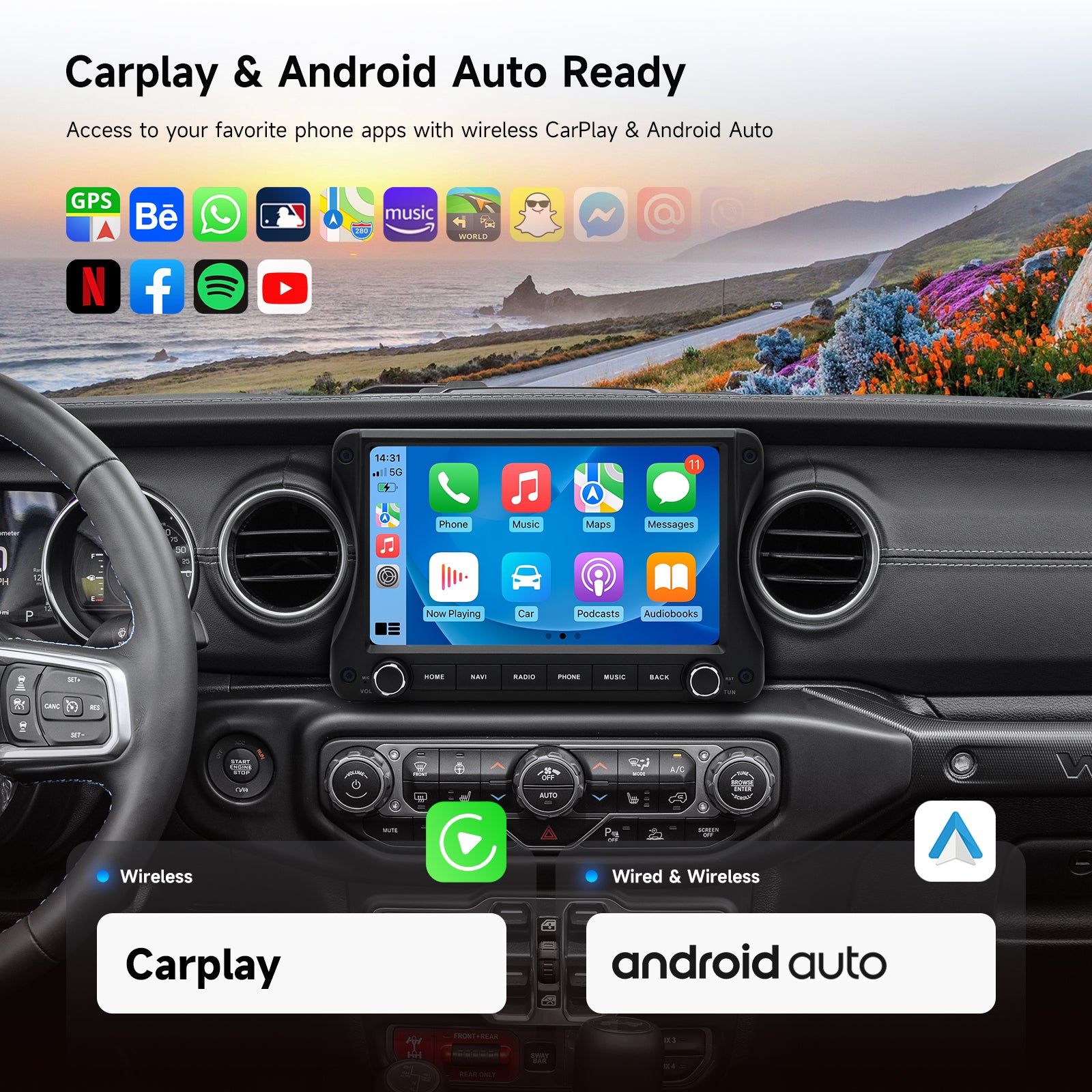
| Connectivity | Dual-Band Wi-Fi, 4G LTE, Bluetooth 5.0, Wireless CarPlay & Android Auto, Screen Mirroring |
| OEM Integration | Retains Steering Controls, OEM Camera, A/C Info, Radar, etc. |
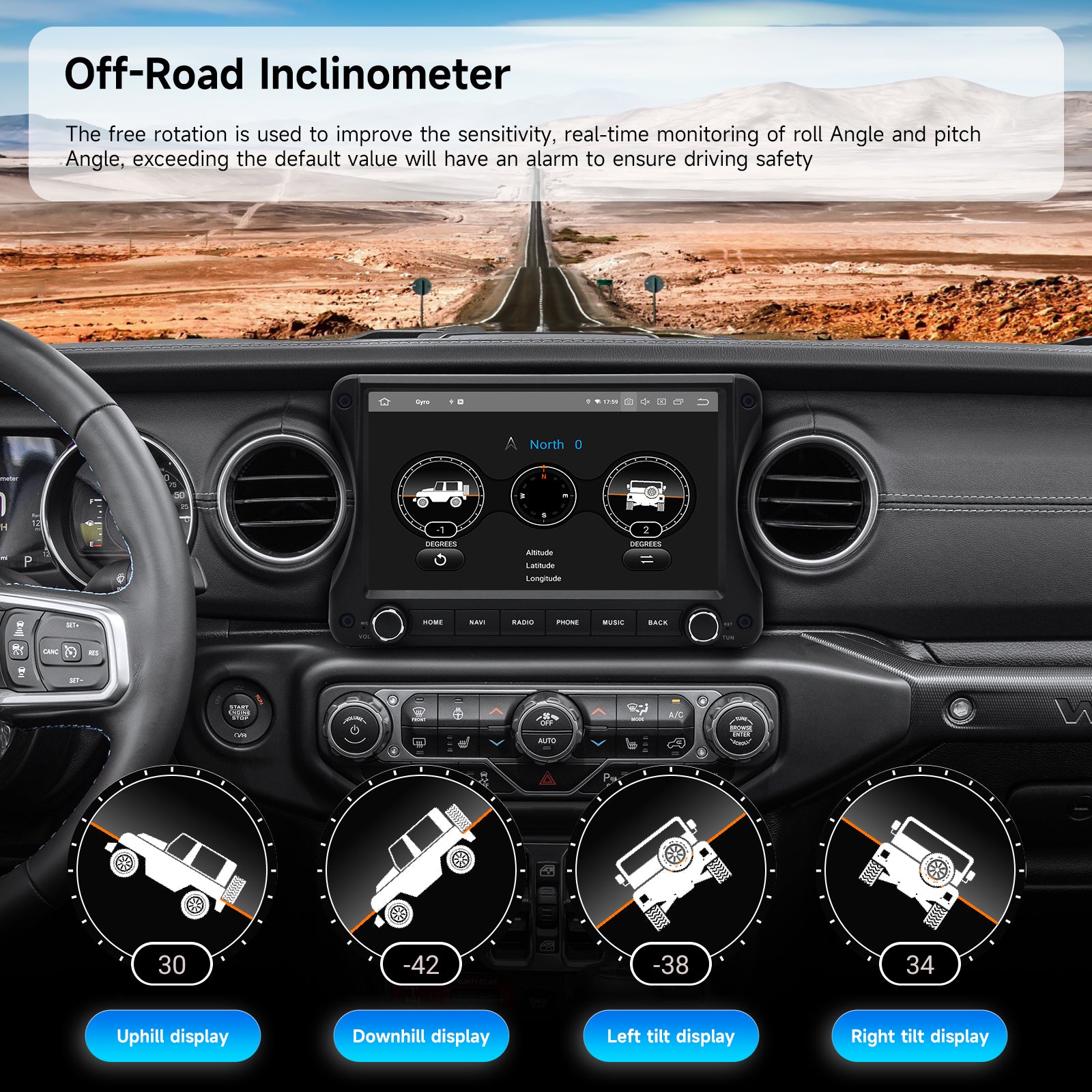
| Off-Road Feature | Built-in Gyro App with Real-Time Pitch & Roll Gauges, Alert Function |
Video
Les plus:
- L'installation a très bien été. J'ai dû aller dans les paramètres du CANBUS pour activer la présence d'un amplificateur pour être compatible avec le SUB d'origine et les hauts parleur Alpine. L'espace est très restreint, Faire entrer tous les petits boitiers et les extensions de fils demande un peu de doigté.
- J'ai collé l'antenne cellulaire et l'antenne GPS sur le dessus du radio avant de l'insérer. La réception est excellente malgré l'emplacement des antennes.
- Toutes le fonctions du véhicule sont accessible via l'interface. J'en ai même gagnées quelques une supplémentaires que je n'avait pas via le radio d'origine.
- L'option Android Auto sans-fil fonctionne bien
- La performance d'ensemble est vraiment très impressionnant. Pas d'attente, pas de délai d'exécution. C'est très réactif à utiliser. Le lien wifi en 5Ghz est très rapide. J'ai synchronisé mes listes de lectures hors ligne en moins de 5 mins (4.5Go de données)
- La présence des boutons est agréable, ma conjointe étant pas la plus grande FAN du tactile, ceux-ci donne accès aux principales fonctions vitales du radio.
Les moins:
- L'impossibilité de reprogrammer le bouton "Music" pour qu'il ouvre mon application de musique style Spotify.
- L'interface est rigide. J'ai contourné ce problème en utilisant un "luncher" alternatif (Agama Car Luncher). Si vous utilisez exclusivement Android Auto ou Carplay, c'est un moindre mal.
- L'option Android Auto sans-fil fonctionne bien. Mais à 2 utilisateurs, il n'y a pas d'option pour choisir qui se branche, un peu comme pour le Bluetooth.
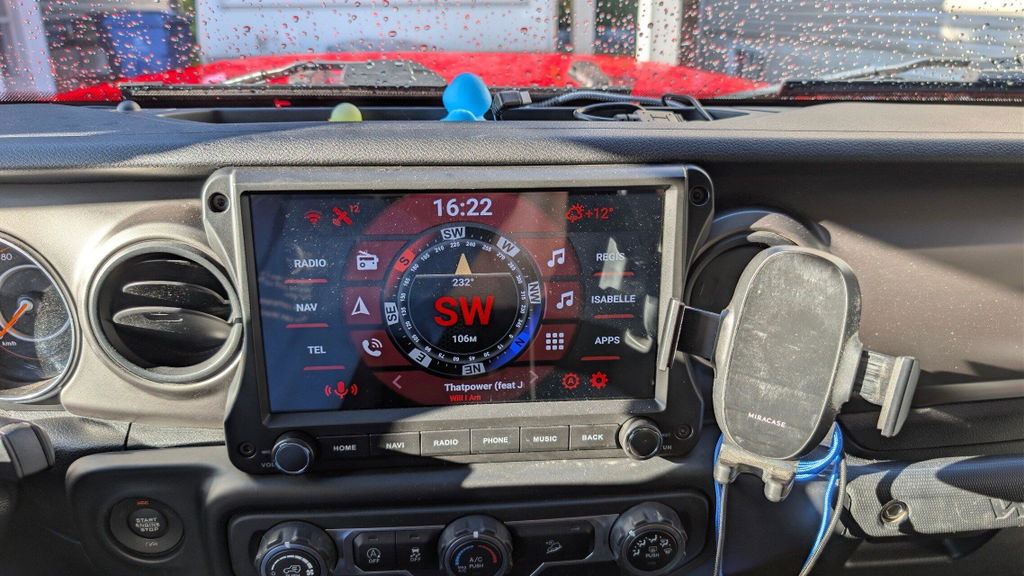
Just installed the Dasaita head unit in my Jeep and I'm seriously impressed. No complaints at all, it's fast, responsive, and the sleek interface completely modernized the interior. I already have an aftermarket sound system, and this head unit took it to a whole new level. The audio quality, control, and overall experience feel premium now.


I've had extensive experience with several Android head units. This one has been the best "out of the box" experience so far.InstallationInstallation in my 2022 JT was very straightforward. All necessary harnesses to retain factory USB ports (dash and console) were included. The retention harness for the factory backup camera worked. The most challenging part of the installation was getting the canbus box, camera retention adapter and all wiring crammed behind the dash. There’s very little room back there on the JL/JT. I stuck the 4G and GPS antenna on top of the head unit itself. This works fine and GPS signal is excellent. I opted not to run the external microphone. The internal mic seems to be of decent enough quality. I’ve been told it sounds similar to the factory UConnect mic.Sound QualityI have the base non-Alpine system in my JT. Sound quality seems a bit better with the Dasaita head unit, but it’s hard for me to judge here due to the limitations of the factory speakers.UsabilityBoot Time - Cold boot up time is just over 30 seconds (see video). After the initial boot up the unit sleeps and only fully powers off if it detects the car battery is low. This cuts down the boot up time to just a second or two. This behavior is customizable. You can set it to shut off immediately, after 1 hour, etc.Launcher/interface – The default interface is okay. The home screen has widgets for Navigation, Music and Radio. If you change the default navigation app the Navi widget takes you to the correct app. The other two (Music/Radio) don’t appear to be customizable. I also don’t think you can remove them from the home screen although I haven’t dug into the settings. Swiping left from the home screen takes you through a list of installed Android apps. The unit comes bundled with some common ones – Netflix, Hulu, Google Maps and more. The latest versions of these apps from the Play Store work fine on this device. GaiaGPS also works. I will probably swap over to Dasaita’s Vivid launcher when it’s available for the G12 or possibly an alternative like Agama or Car Launcher Pro.Vehicle integration – Vehicle settings (at least those that apply to my truck) previously in Uconnect are available in the Car Settings app. There’s a popup with climate information that appears briefly as you use the physical buttons in the stock HVAC controls (see photo). There’s also an “AC” app that will control HVAC, heated steering wheel and heated seats (if equipped). It does have buttons for features your truck may not have. That’s not a big deal to me, but some users may find that annoying. The stock volume and tune knobs in the factory HVAC controls still work. I understand why Dasaita included knobs on the unit. Those replacing the 5” Uconnect radio would not have physical volume/tune knobs available otherwise. The rest of us just end up with two sets of knobs that do the same thing. I do not know if the vehicle integration supports setting options for the factory AUX switches since my truck does not have those. I did not see anything related to them in the options.Android Auto – This works fine. It seems to connect almost immediately 90% of the time. On occasion I’ve noticed it can take ~30 seconds or so to connect wirelessly.Apple Carplay – Not tested.4G LTE Connectivity – Works great with a T-Mobile sim. 4G speeds aren’t great in my area. It works about as well as anything.Bluetooth devices - Phone works, obviously. I have not yet tried any other Bluetooth accessories. I expect the Bluetooth is locked down to only work with a few OBD readers and such. Most of these Android head units don't offer full Bluetooth functionality for accessories. If I'm wrong about this one, I'll provide an update here.Issues- After first installing the unit the backup camera worked, but the image would “glitch” every 10-15 seconds. That issue seems to have fixed itself. Why? I don’t know. I will continue to monitor and update the review if it’s a problem again.- Home screen widget would not display the date when the date format was set to MM/DD/YYYY. Corrected that with a firmware update from Dasaita.Annoyances- Every other Android head unit I’ve owned has had a reboot/restart option in the pull-down menu. This one does not. In the event it does misbehave there’s no easy way to force a reboot other than accessing the factory settings and clicking “apply” to prompt a reboot. That should be easily corrected with a software update.These are very minor complaints considering the power and flexibility an Android head unit gives you.Overall, I feel like Dasaita has a winner with the G12.


I ordered the Dasaita Android 13 for one simple reason. It was on sale in within my budget. I was impressed with what I got for my money. I did watch the installation video. Installation into my 2019 Jeep Wrangler Sport S 2-dr was simple and took about 2-hours. The most difficult part was getting the wiring to fit back into dash in the limited space behind the radio. Overall I am impressed with the performance. GPS response is quick, the built in apps reasonable. CarPlay works as I expected. The screen resolution was excellent. The large screen for use with the backup cam with guidelines was awesome! The built in Jeep screen for off roading was a plus. This radio was out of stock in the US so my order came directly from China. One thing to help mounting the radio back into the dash: Fold the excessive wire into tight bundles and use a couple of small zip ties on each bundle to minimize size. I found that some fit under the overhanging body on the back of the radio and that helps everything fit in. I am giving a four star rating because: The installation could be even easier if the wiring was reduced in length. It is probably left as it is as part of a production process but there is way to much excess. Control boxes for things like the back up cam could be better placed on the wiring harness to facilitate storage. The unit came with outdated firmware that required a cumbersome process of contacting Dasaita in China, following a link to the update,installing Dropbox, downloading the firmware, loading it onto a thumb drive, then installing it onto the radio via a usb dongle. The installation process is designed to erase any previous apps included with the firmware so if Dasaita changes what the include in the upgrade, you loose it. There should be a more explicit warning about this. To Dasaita’s credit, when I contacted them and asked to get an app back that I used, they sent me the link. Finally, and it is pretty common I think, you cannot be using CarPlay from an iPhone and have an Internet connection active on the android side in the background using the iPhone hotspot. That would sure be nice now and then. Overall, great product. I would recommend it.
Watched the install video and took about 1hour to install. Works great does everything and more. Installed on a Jeep 2019 JL wrangler with the small screen.
Jeep 2021 Wrangler Willys, easy install, camera works