Intermittent Zlink Connectivity Issues: Seeking Stability Solutions
-
Intermittent Zlink Connectivity Issues: Seeking Stability Solutions
Here are some troubleshooting steps you can try to resolve the issues with your Zlink:
- If you're having trouble connecting CarPlay or Android Auto, try updating Zlink to the latest version.
- If CarPlay or Android Auto isn't working properly, updating Zlink may help resolve the issue.
- If it takes a long time to connect CarPlay or Android Auto, updating Zlink could improve the connection speed.
You can download the APK for Zlink5 (v5.4.36) and install it using APKInstaller.
-
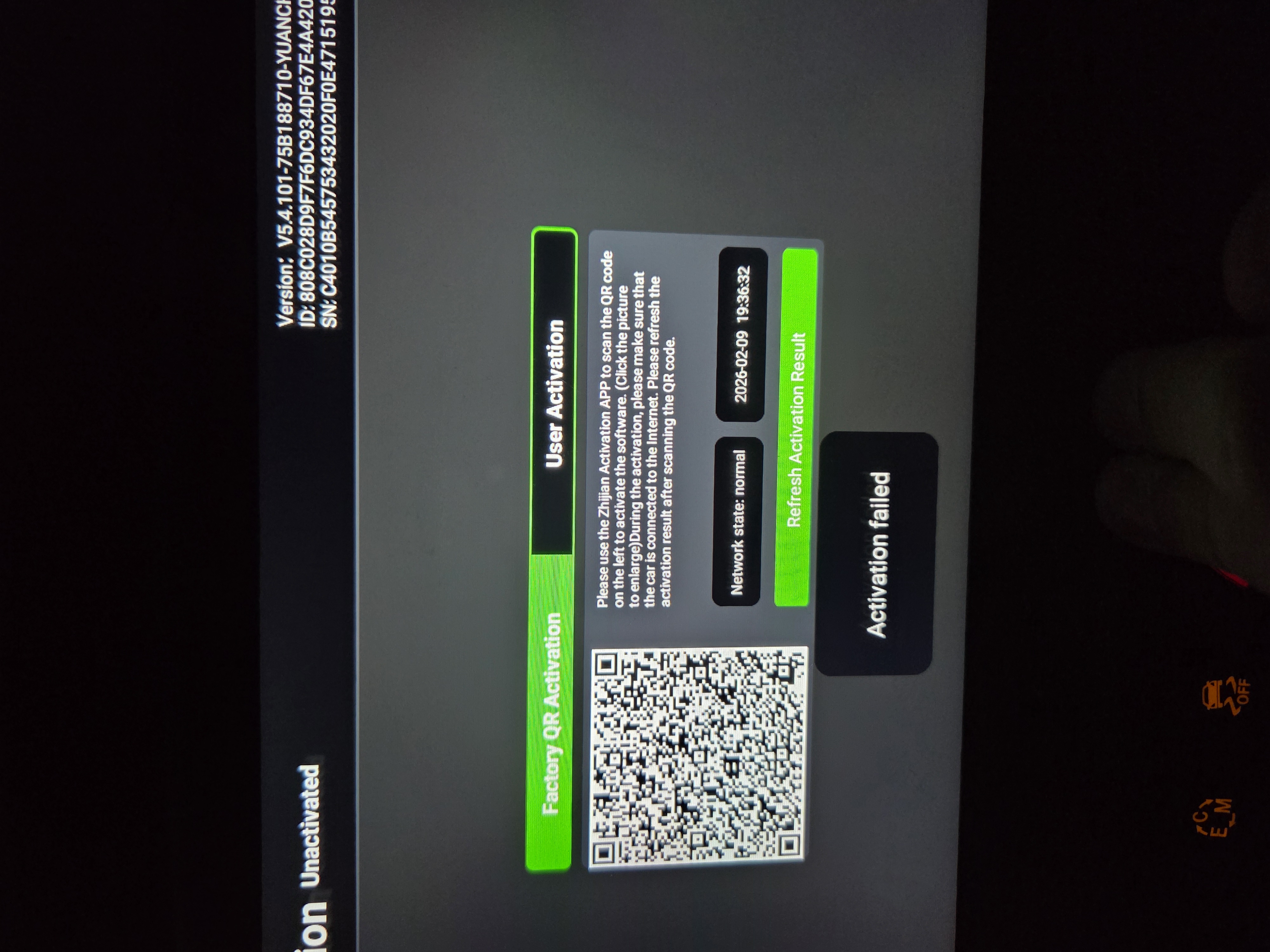
Need your support pls to check Zlink code I'm trying to activate it with no success! , if it's not bought from you how can i bay it from you ? Thanks

-
-
-
-
@Mito
Hello,
Thanks for your contact.
According to this activation code, it is not from Dasaita.
Please try a factory reset if it works,thank you!

-
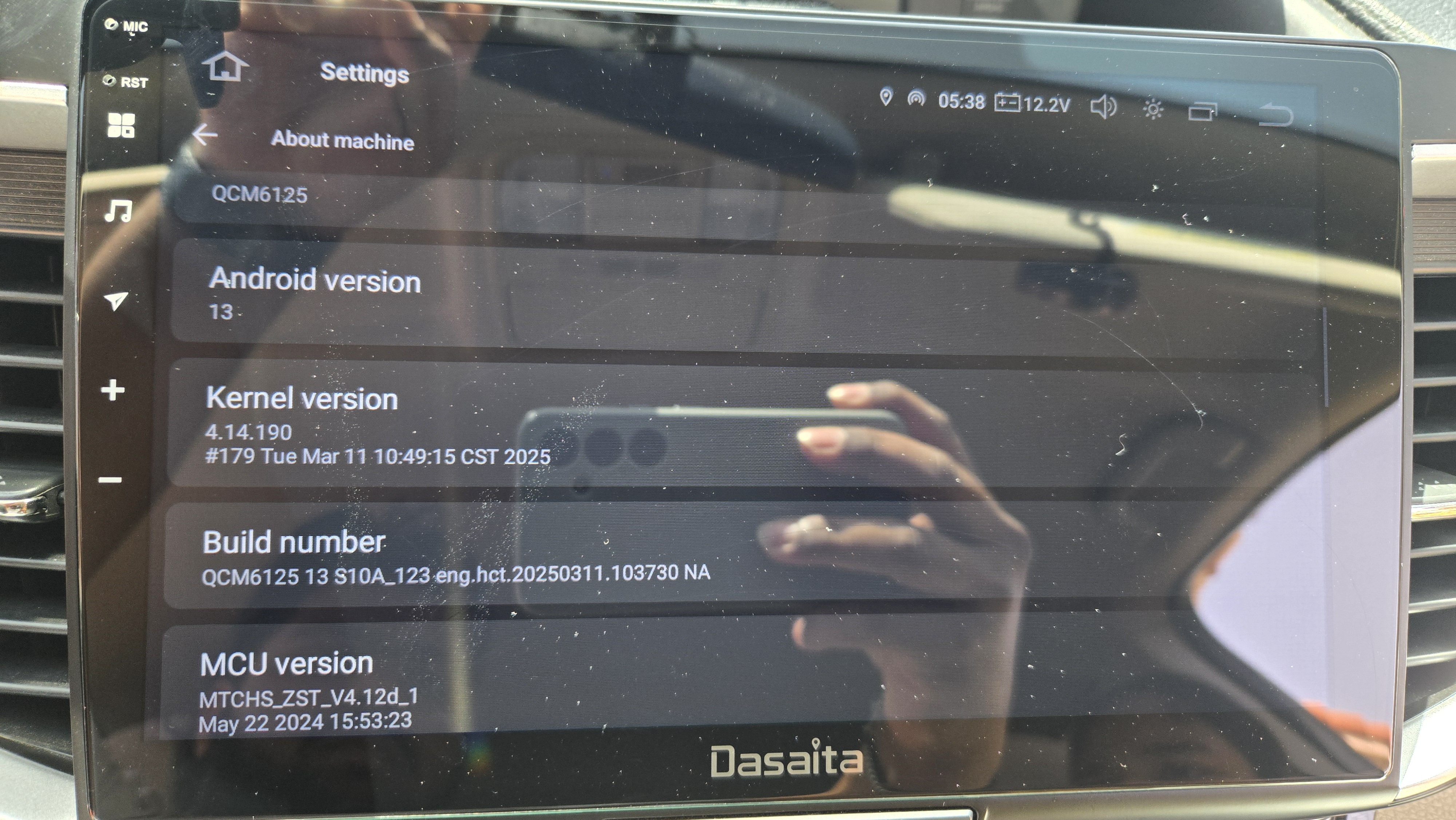
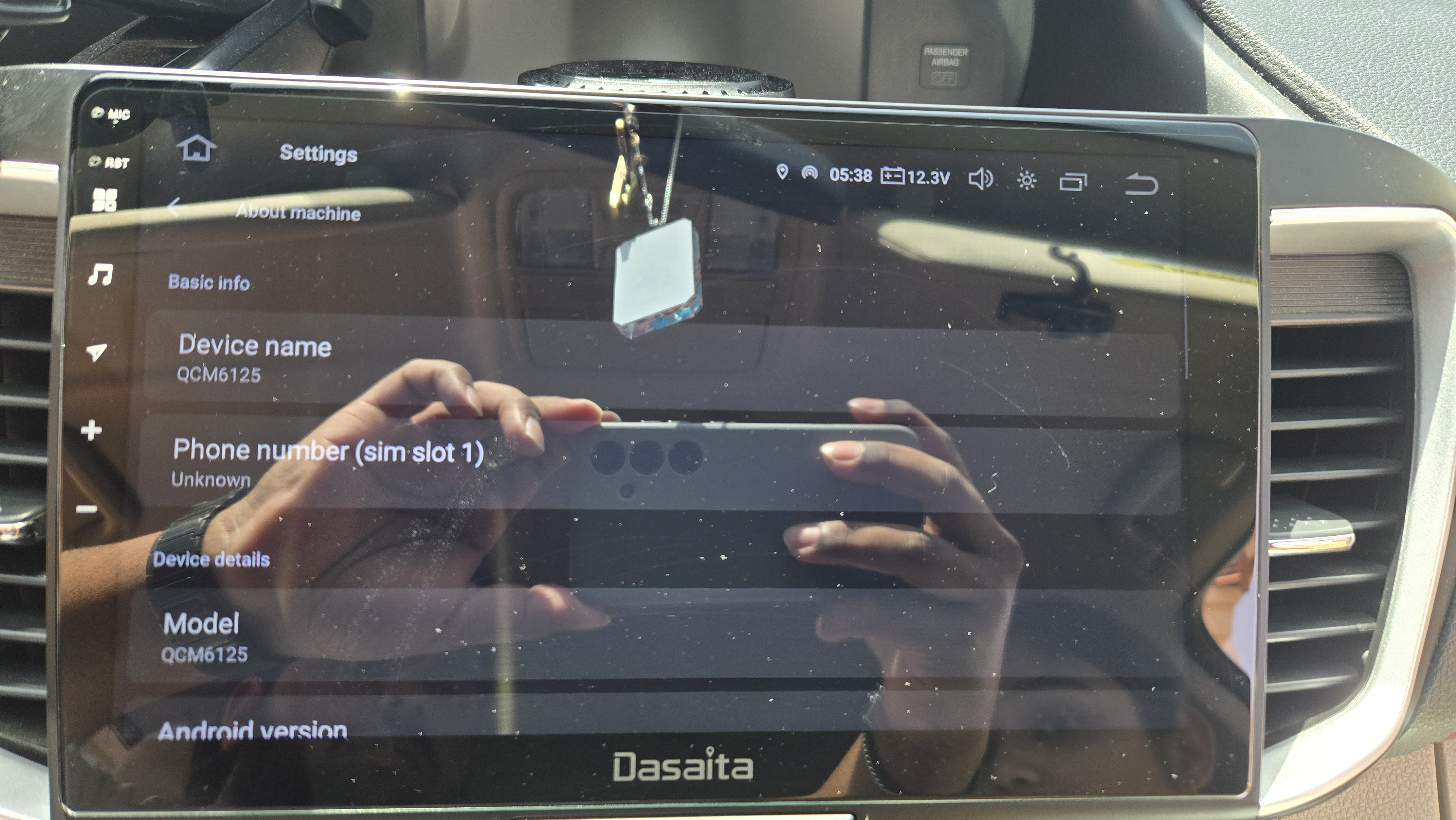
I'm experiencing same things Android auto keeps disconnecting and reconnecting
-
@Support Dasaita
@Dasaita Official
I'm experiencing same things Android auto keeps disconnecting and reconnecting
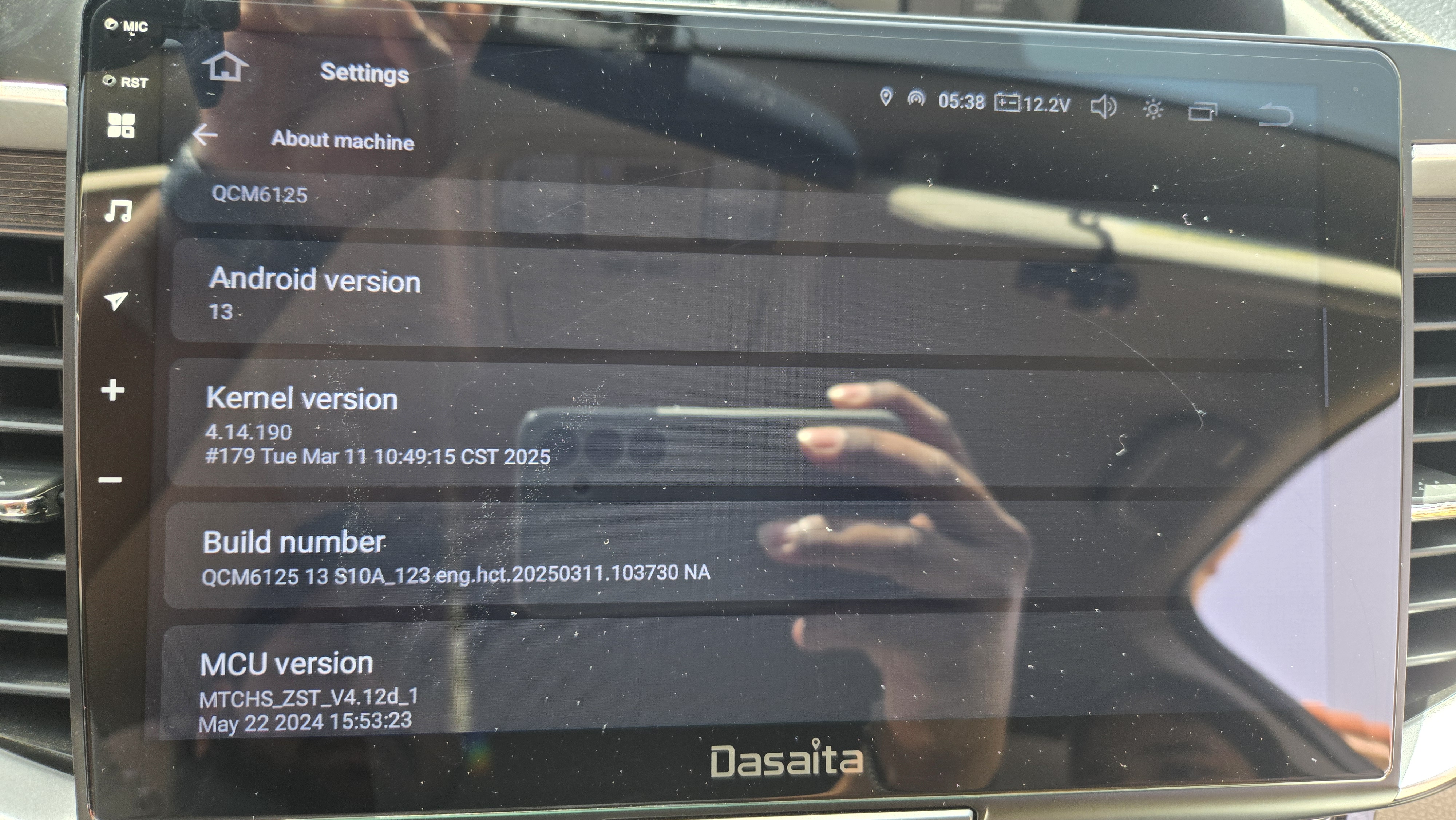
-
@Jinson
Hello.
Please check the update tutorial below then give it a shot.
Update File:
System Firmware-G13-20260409:
https://www.dropbox.com/scl/fi/h1e688co7vr53z30rtdlk/update.zip?rlkey=loanzw1z5hay4q0erpzj05qte&st=lp62ulvd&dl=0
Tips:
1.
Download above update file via your computer/laptop.
2.
Format USB drive to FAT32 Format.
3.
Copy the file “update.zip”&“hmcu.img” to the root directory of USB drive.
4.
Insert USB drive into the unit via USB cable;
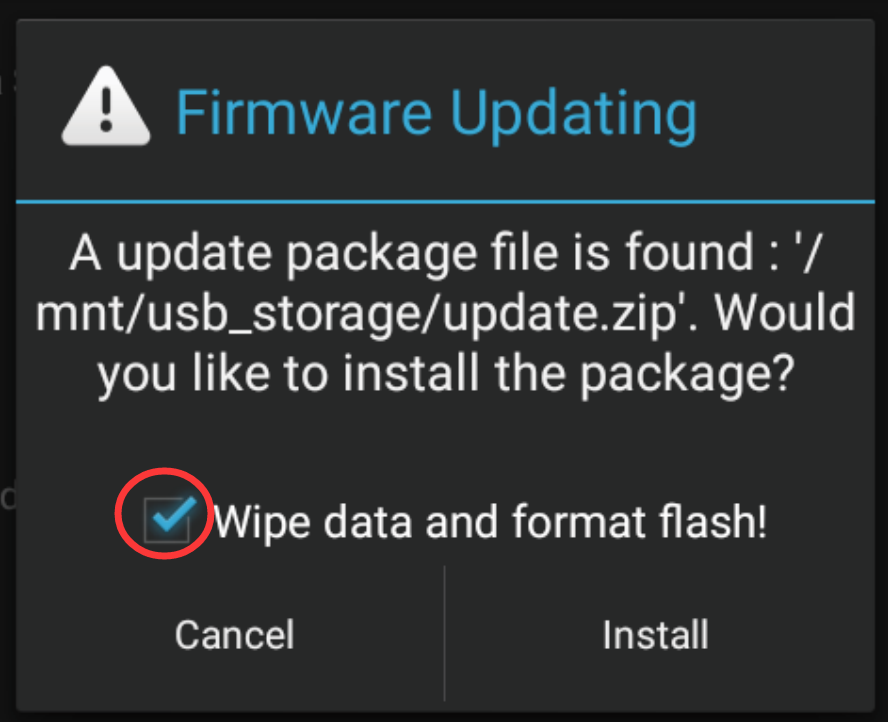
then it will pop up automatically a window of update.
Alternatively, please manually go "Settings > System > System updates/MCU updates" to start the update.
***NOTE:
Please make sure that you have ticked option "Wipe data and format flash!".
Reference Operation Video:
https://www.dropbox.com/scl/fi/7tgvc28sn77ux6g6fmosm/MCU.mp4?rlkey=7p5940e12kb88a42zue6qntft&e=1&dl=0