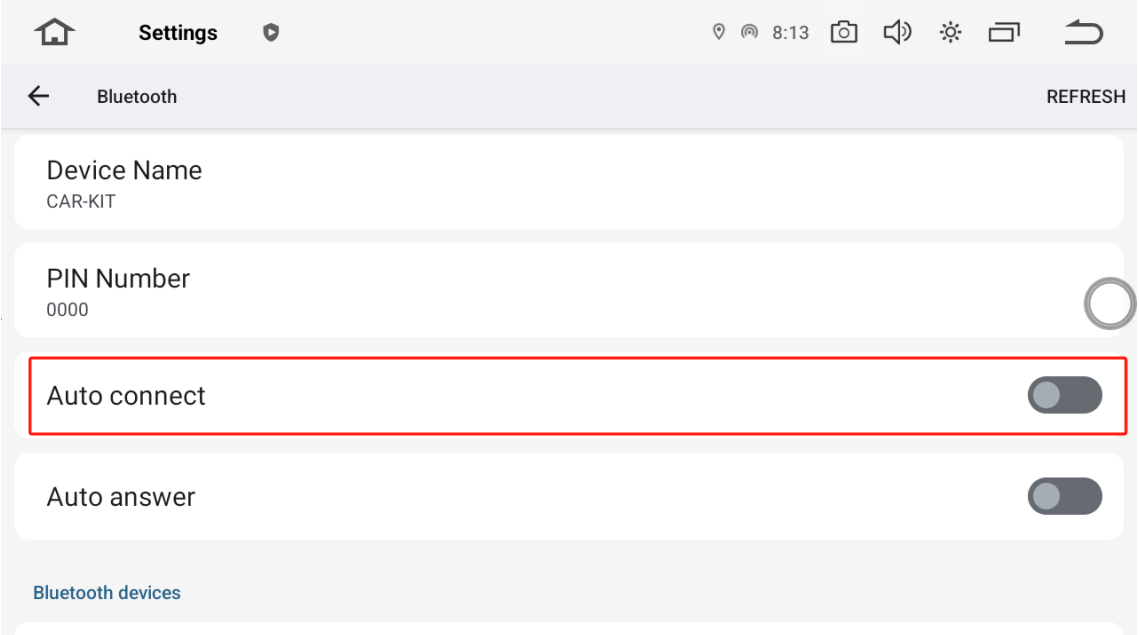
Settings > Connected Devices > Bluetooth > turn on Auto connect
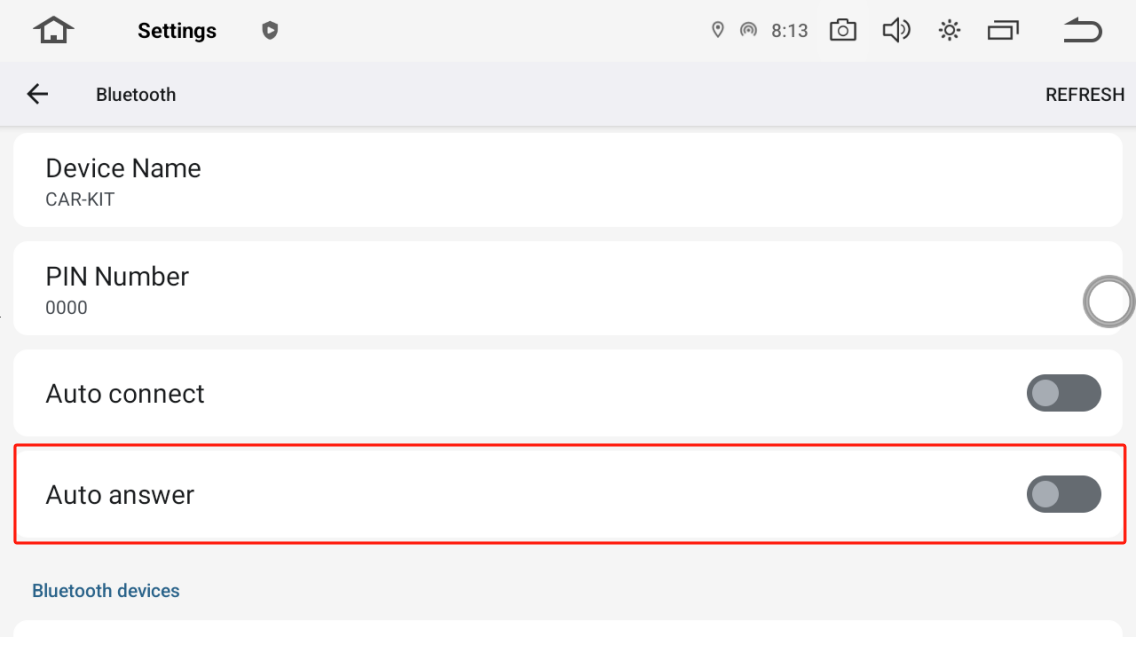
Settings > Connected Devices > Bluetooth > turn on Auto Answer
I have no sound thru car when phone is connected via Bluetooth on phone calls. What's the problem?
@Mittens We found that your bluetooth audio button has been disable, could you please turn it on and see if the problem could be resolved or not.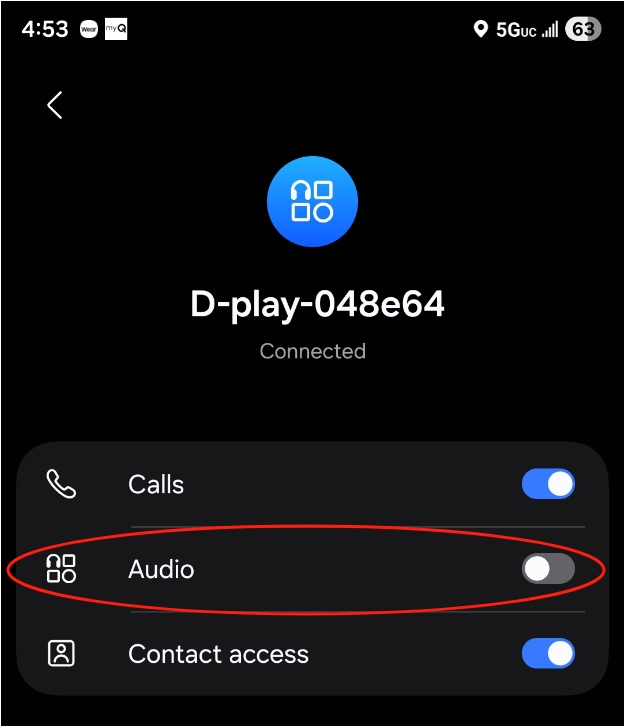
@Support Dasaita it will not allow me to turn audio on. I even unpaired and repaired with same results
@Mittens
Please let us know if you have enabled the Android auto, if so, please disconnect it and it will this audio button could be enable then.
Meanwhile, please check if your phone has set to speaker on the calling page.
If you make sure that the sound call settings has been set correctly but no luck, you could take a video to demonstrate the situation that we could better confirm.
How do I disconnect Android auto? Do I disconnect from unit WiFi? Yes the phone is set to speaker on the calling page.
@Mittens A quick setup, you could go to Setting > Phonelink setting > choose Mirrorlink and it will quit Android auto. You could check if the Bluetooth audio could be enabled or not.
@Support Dasaita . Hi I disconnected the android auto and it let me turn the audio on in blue tooth but still does not allow sound on phone calls. Any other suggestions?
@Mittens We are wondering if you could shot a video of how you connect the phone with the head unit and the initiat a phone call, so that we could better confirm the whole process and then check if there is any error.
Pretty simple..start the car and it connects to the phone via Bluetooth and wifi for android auto to work per your instructions. I have tried all your suggestions..at this point I don't think the unit will allow phone calls and none of your suggestions have worked and a video won't give any more details than what I have provided.
@Mittens Please let us know if both bluetooth and Android auto have no sound, but you could play Bluetooth music? Have you tried another phone and CarPlay to see if same issue occur?
Bluetooth music works great. I dont own a iPhone so I dont know if Carplay works or not. I am not sure about sound on Android auto. I will try the gps function to see if there is sound from android auto.
@Mittens To move this forward more quickly, would you be available for a brief call with our U.S. support team? Real-time conversation is often the fastest way to solve technical issues.
📱: 714-936-5339
@Support Dasaita hi, called your support team and they suggested a firmware update. Can you provide a link? 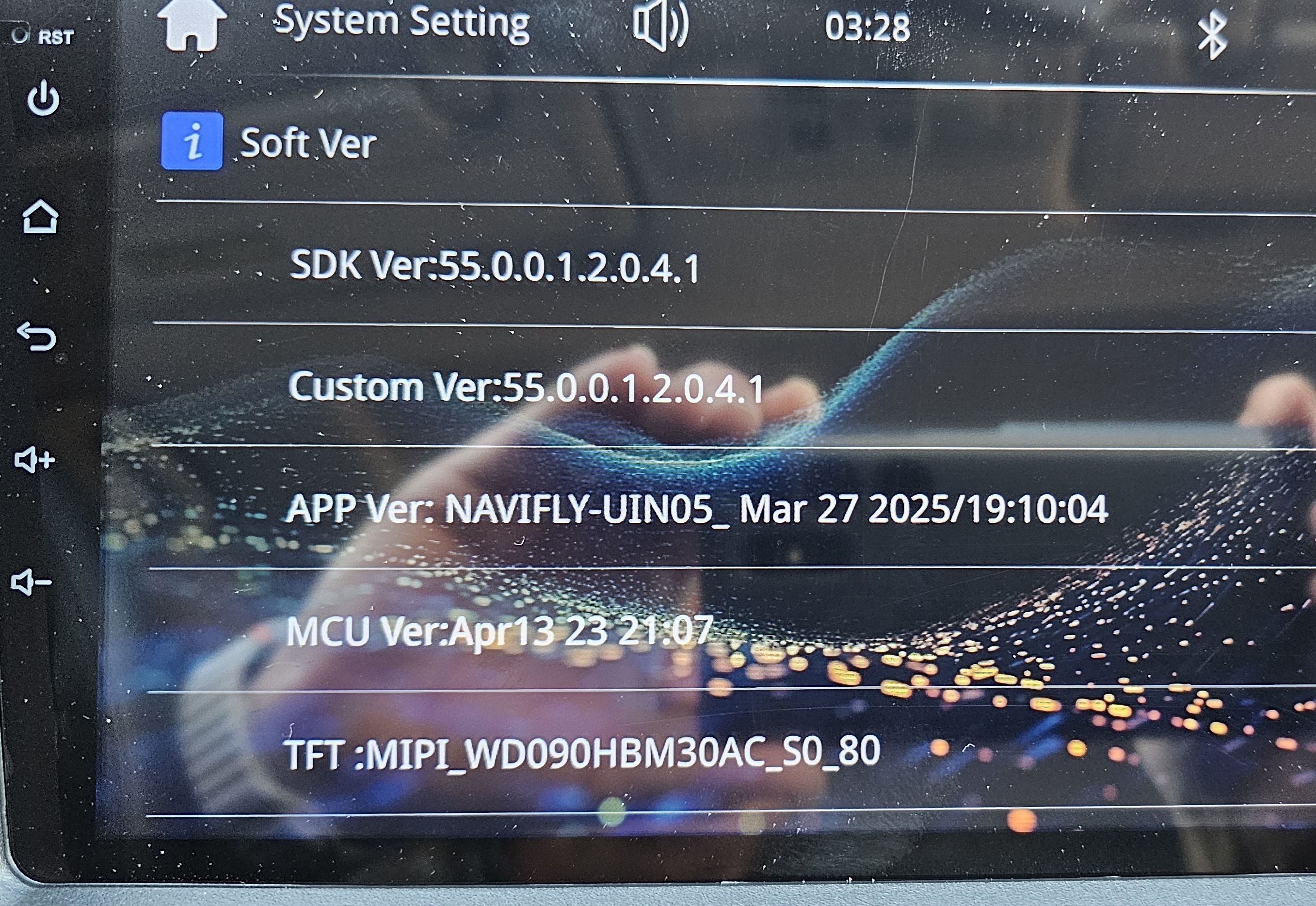
@Mittens
https://www.dropbox.com/scl/fi/q3g8g4qxx9di02k4f3ggm/HS2901-9-UI05-MIPI-WD090HBM30AC_S0_80-YL_01-WiFi-D-play-CP-Dasaita-MIC-2025.7.1.zip?rlkey=5if3v4br00yx1ifi748cty6ji&dl=0
1.Unzip the file and then copy the "ISPBOOOT.BIN" update file onto a USB drive that has been formatted to the FAT32.
2.Insert the USB drive into the head unit, and it will prompt "Update via USB".
3.Click "OK" to proceed with the update.
@Support Dasaita looks like the update was already installed from factory so no difference in firmware. Also didnt resolve the issue
Still no sound during phone calls thru unit.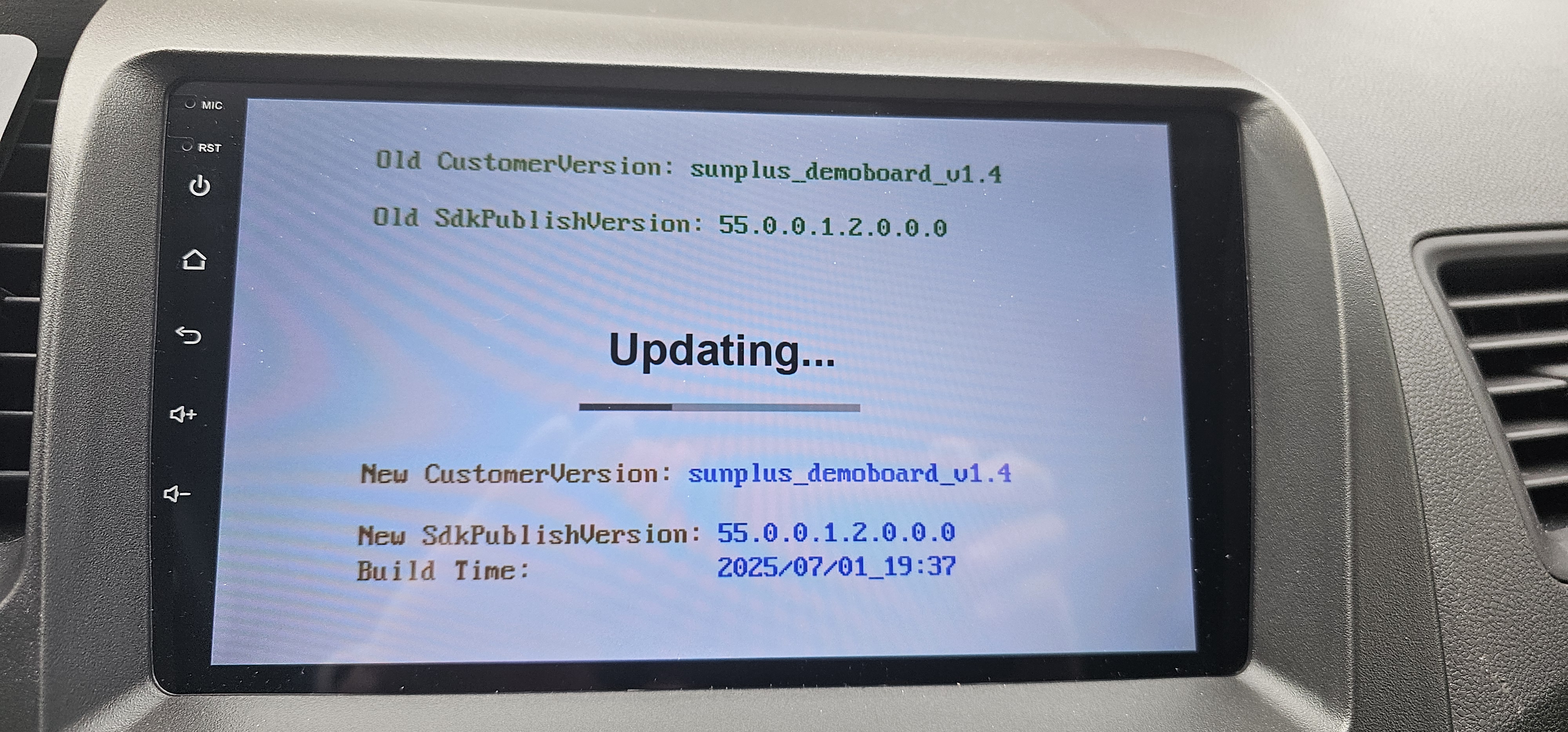
@Mittens We have sent you email, please kindly refer to your account.
