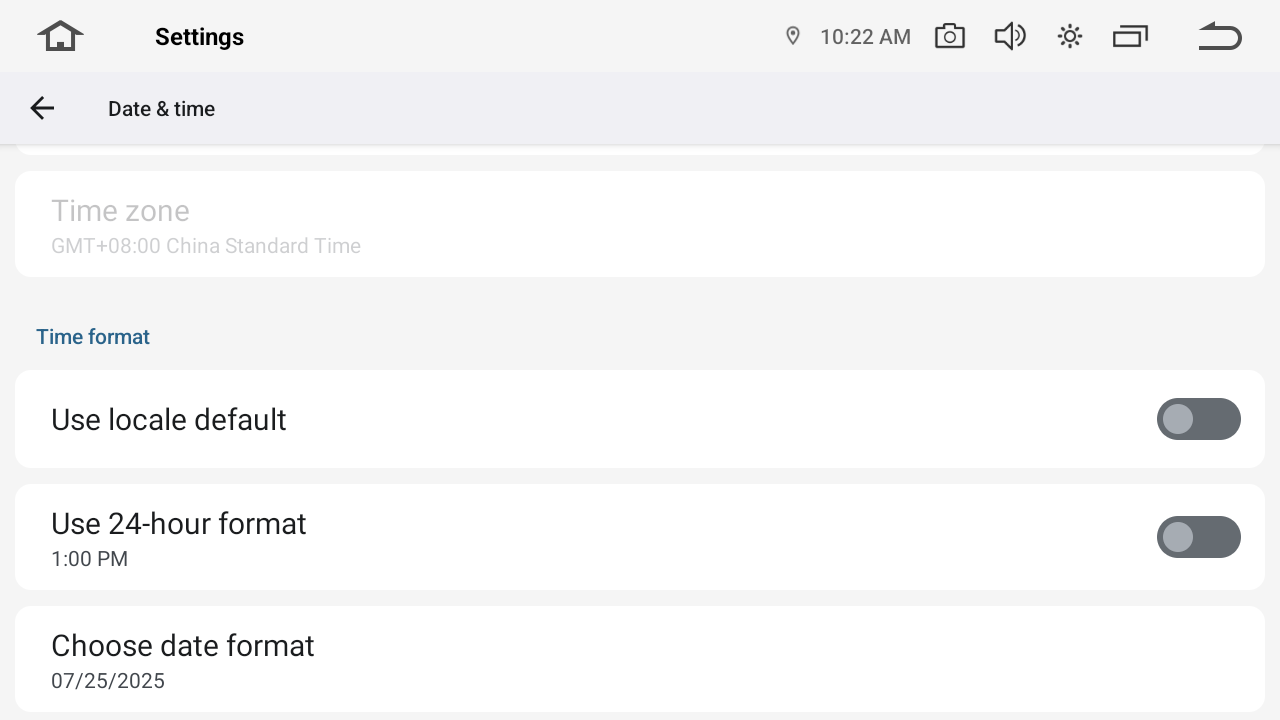
To change the time display format on your device, follow the steps below:
Please go to Settings > System > Date&Time turn on the "Use 24-hour format" to set the time to 24-hour (e.g., 14:30), and off to set the time to 12-hour (e.g., 2:30 PM).