
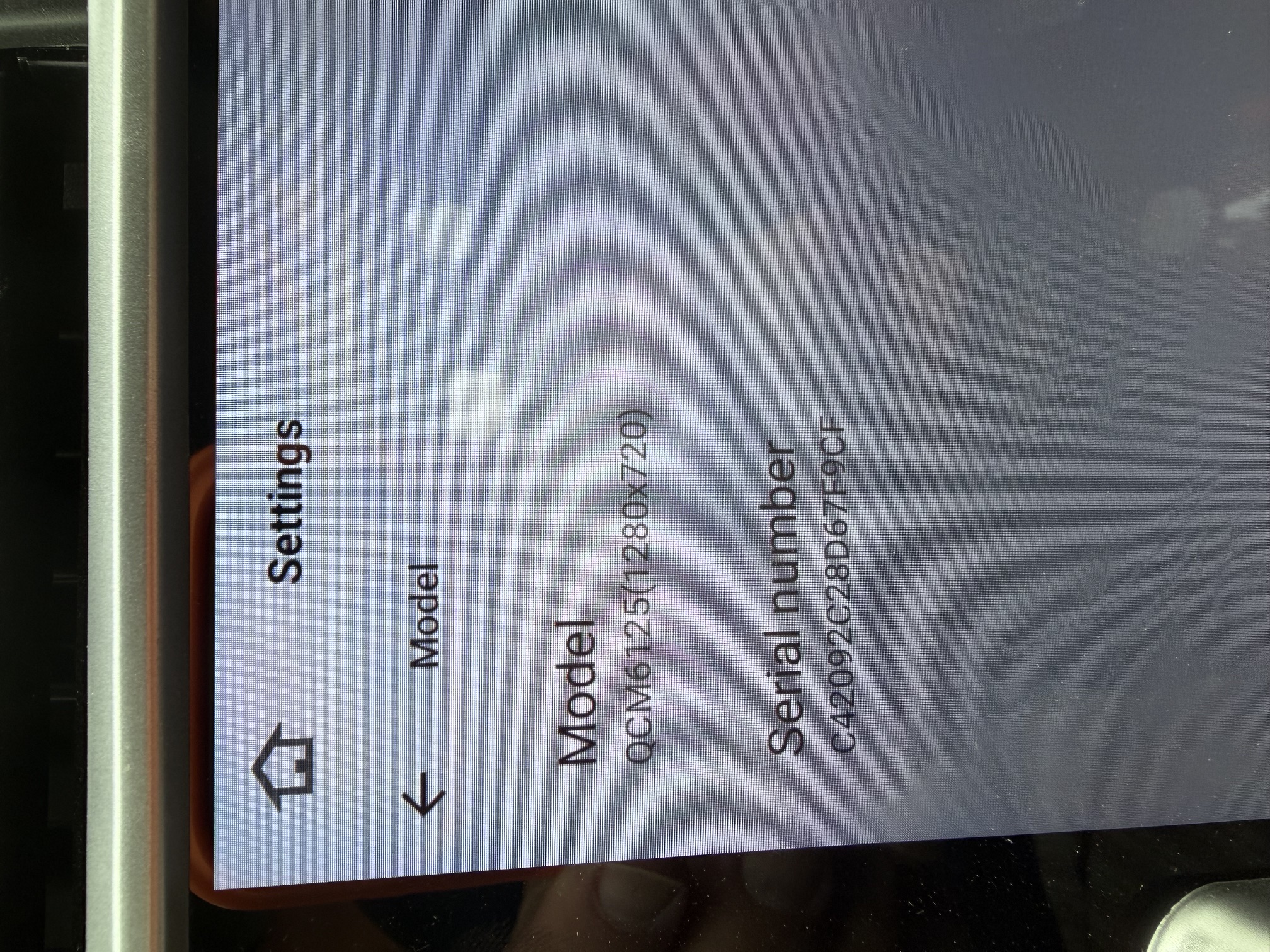
I've had this unit for about a month but the microphone is terrible, the sound quality is bad on the other end of the call. Is there a fix for this? 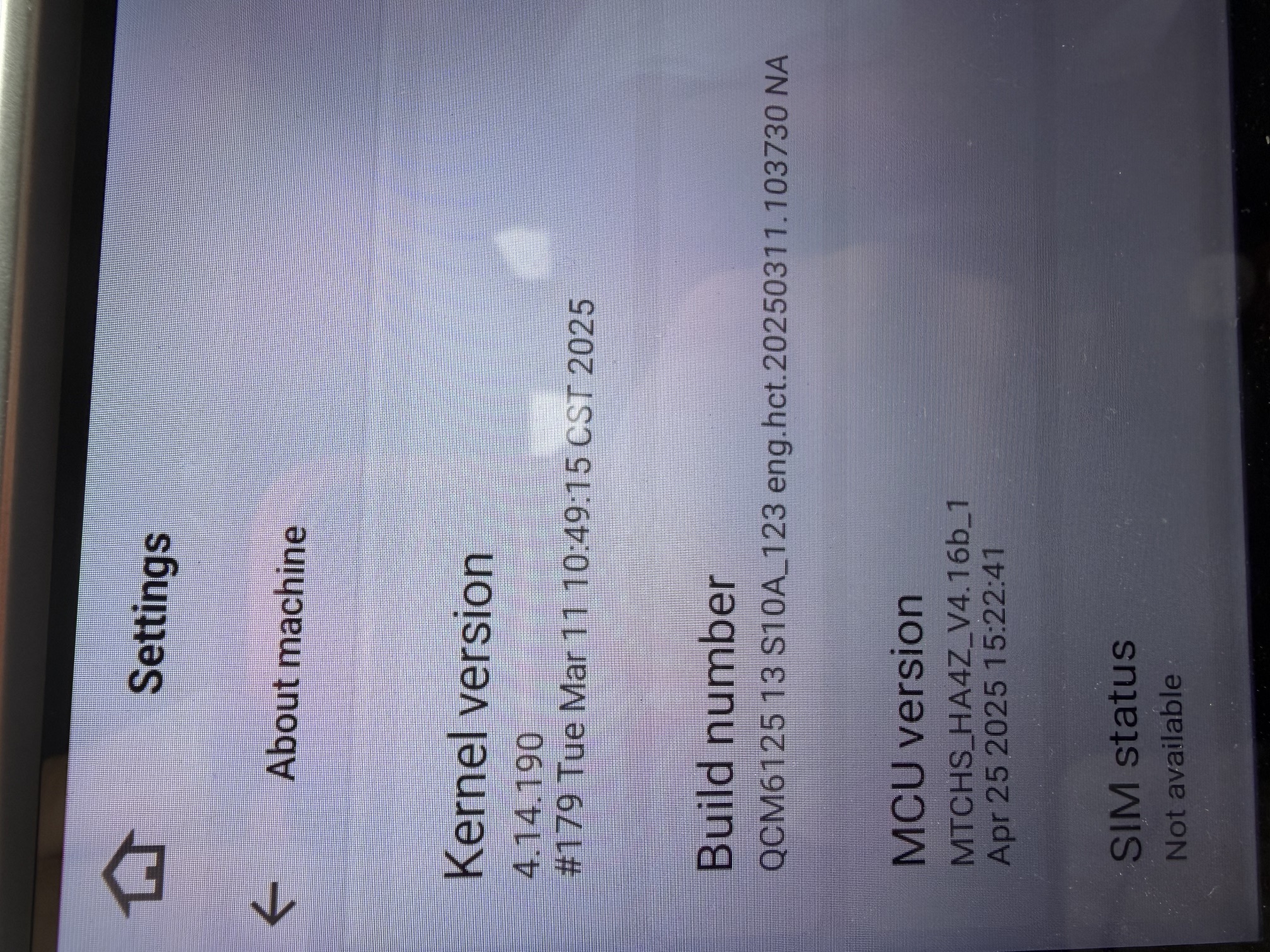
@MICHAEL G
Dear customer,
Please update the Firmware & MCU to the latest version via the link below, here are some tips to help you get it done:
①G13-V1 Version(20251212) :
Make Sure your unit is QCM6125 Android 13
https://www.dropbox.com/scl/fi/8tyv8vwl02ul1764c0amo/update.zip?rlkey=k07yadgzhm9y3nkd0swnwhf2o&dl=0
②MCU(4.17a)
https://www.dropbox.com/scl/fi/6g03cdcsfz2ynsk2wnimm/hmcu.img?rlkey=cqxi7l0uaogy9tc8zdpr82329&dl=0
1.Download the documents ①&② through the link on your computer/laptop.
(Do not rename and Unzip the file)
2.Format the USB drive(FAT32 Format)before copying the Update.zip & hmcu.img file to it, then insert it to the USB cable,and it will pop out the firmware updating tips on the screen.
(Tick the option"Wipe data and format flash")
3.MCU updated GO:Settings>System>MCU updates.

Thank you for your time and cooperation in advance
