2019 Toyota Tacoma
-
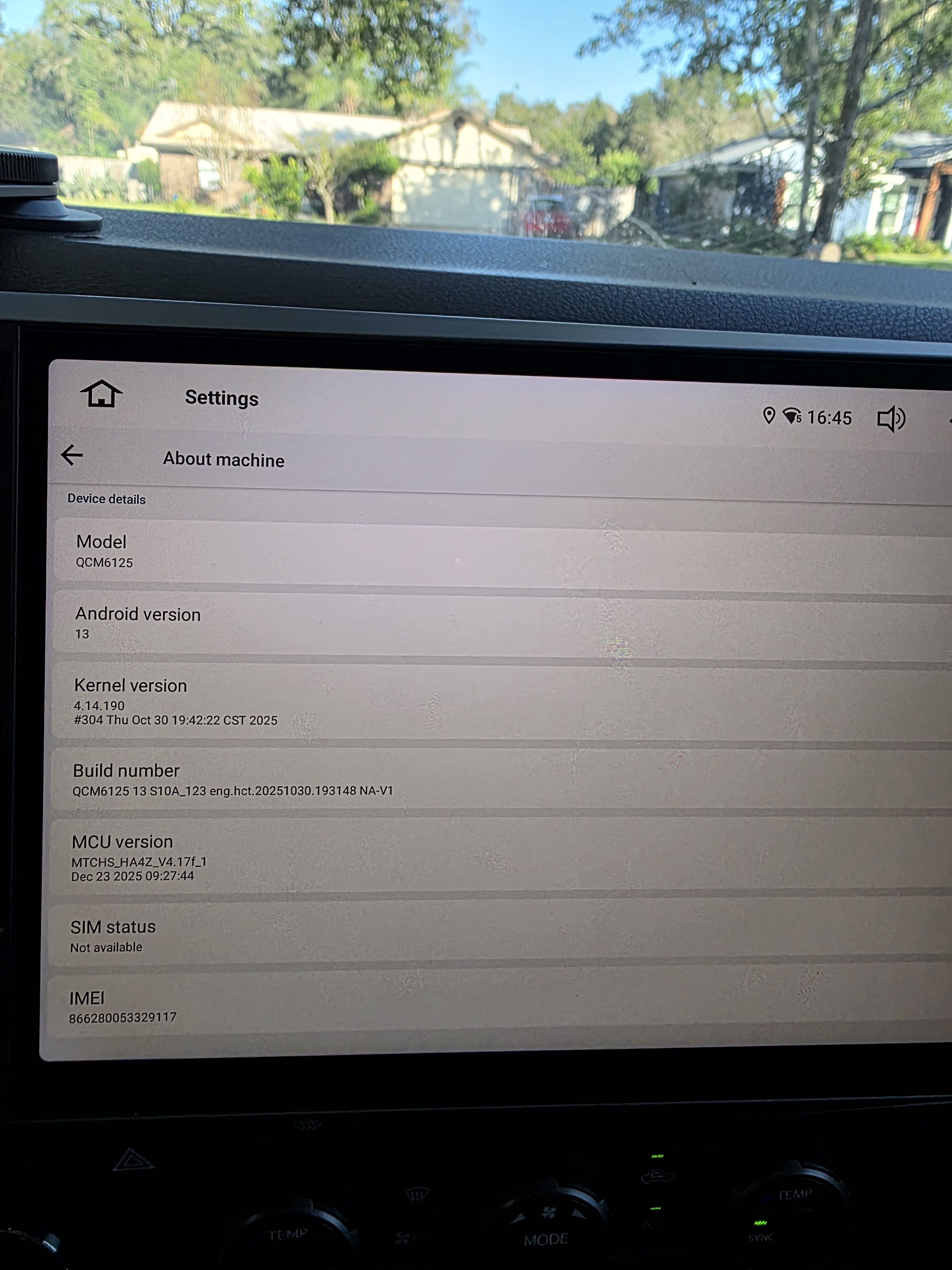
Recently installed a QCM6125 dasaita radio in my 2019 Toyota Tacoma and the audio cuts out after awhile. When reading other troubleshooting steps from other users it seems to be a common issue. Attached are the specs for my radio after installing a firmware update from your website. It seems the CANBUS is getting hot. What should I do next?
-
@shevlisp
Hello.
Please refer to the update tutorial provided below and follow the steps to perform the update.
Thanks in advance.Update File:
System Firmware-G13-V1-20260811:
https://www.dropbox.com/scl/fi/p5ocvu6u9o7x5ubgq765j/update.zip?rlkey=f88uayb0ezmkjn6qzqcz0ki3v&st=mhvj0vvb&dl=0Steps:
1.
Download the above update file on your computer or laptop.
2.
Format the USB drive to FAT32.
3.
Copy both “update.zip”&“hmcu.img” to the root directory of the USB drive.
4.
Plug the USB drive into the unit via USB cable.
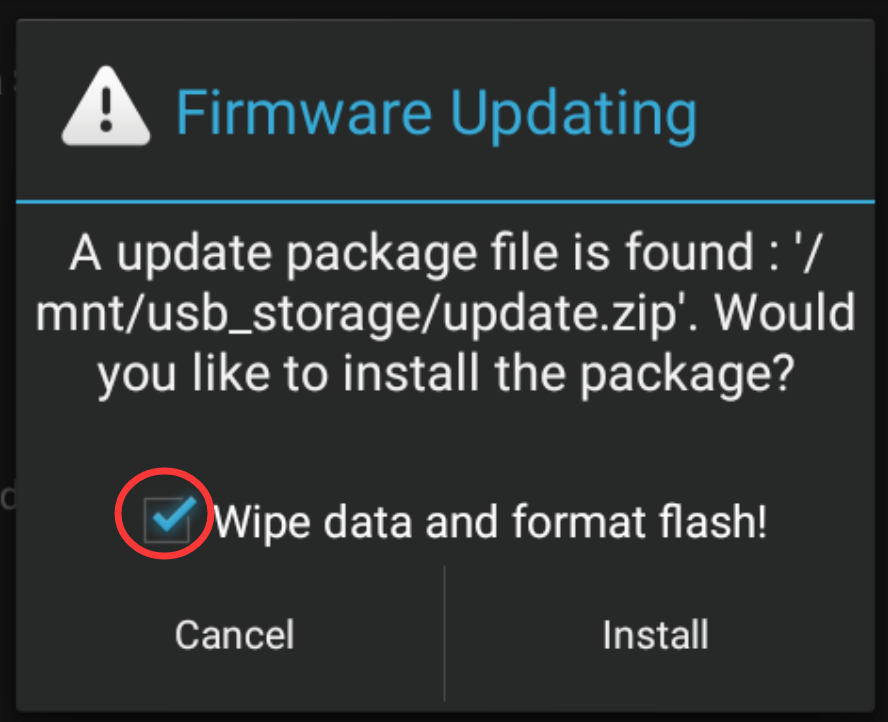
An update pop-up window will appear automatically.
If not, manually go to "Settings > System > System updates / MCU updates" to launch the update.***NOTE:
Ensure the option "Wipe data and format flash!" is checked.Reference‑Operation Video:
https://www.dropbox.com/scl/fi/7tgvc28sn77ux6g6fmosm/MCU.mp4?rlkey=7p5940e12kb88a42zue6qntft&e=1&dl=0