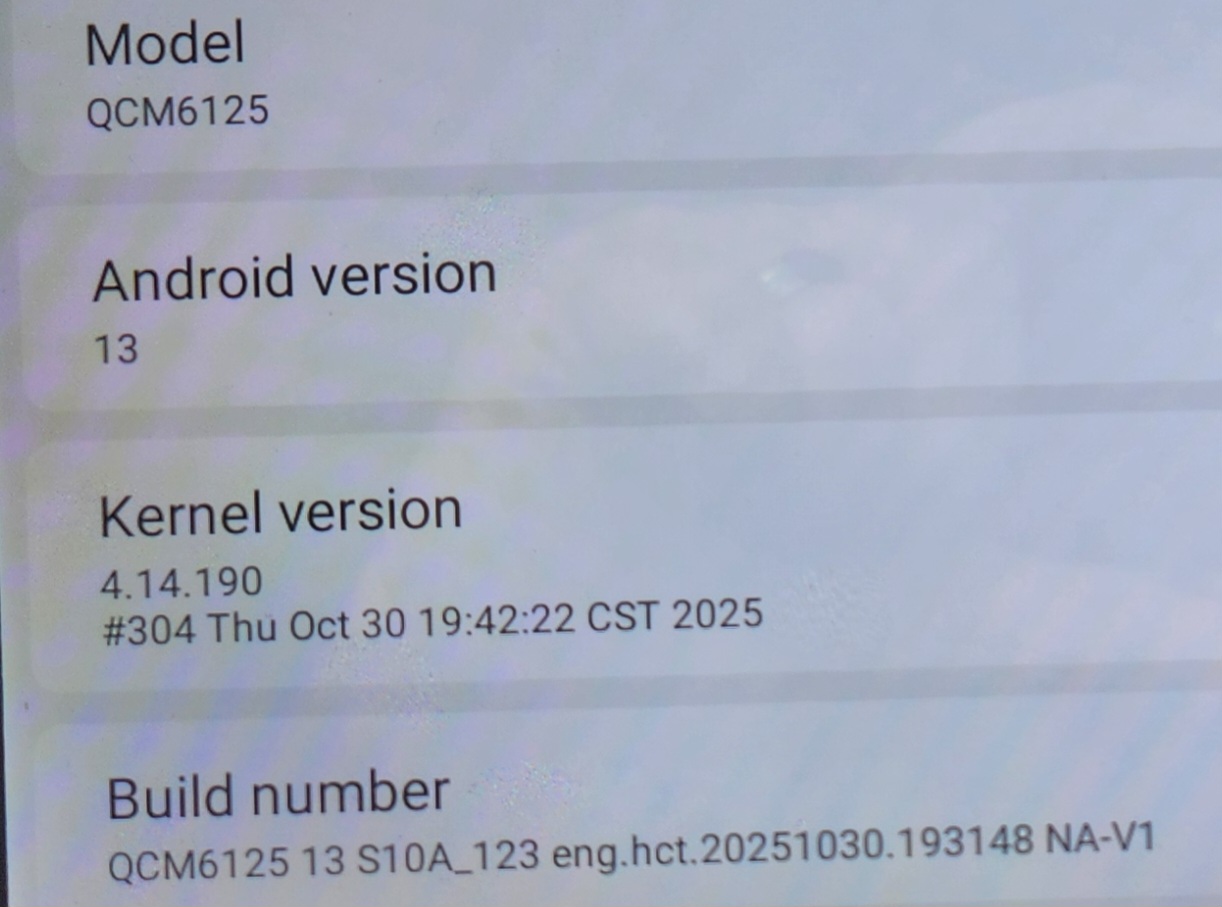
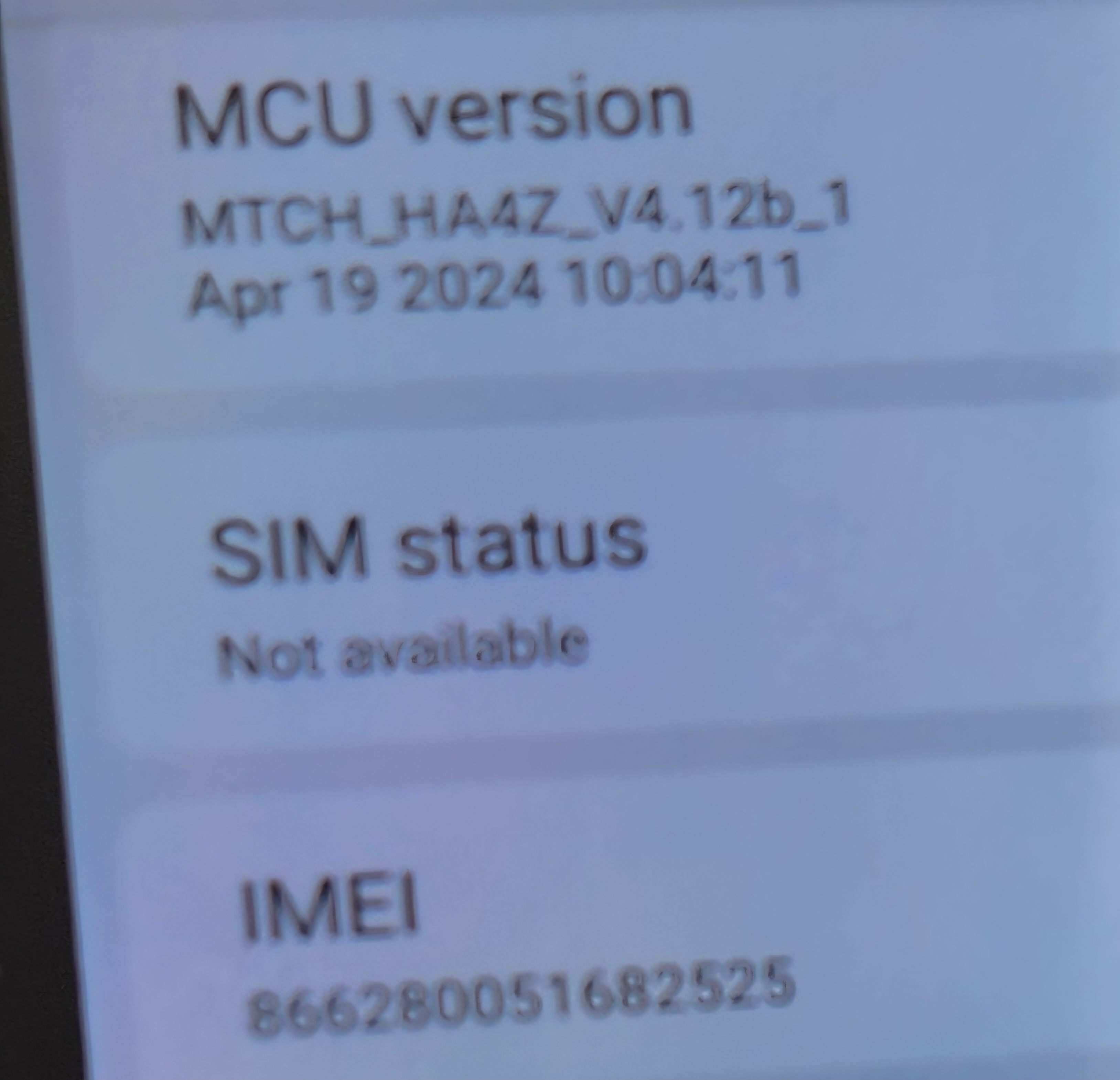
I had been talking to @Quick Yuan through Facebook and it was recommended I install Android 13, see pics. Thankfully, SiriusXM has been working flawlessly with the current version of the app; however, I am having the following new problems:
Split screen functionality doesn't work like it did with my G12 (or Vivid11). Not sure how to get Google Maps on the left/driver's side.
Google Maps does not retain settings and all have to be set nearly every time I use GMaps.
Gmail notifications can no longer be turned off like they could for G12, Vivid11, and Max10.
I've gotten some advice from Quick thru FB to wait until the next update. Not sure when that will be and what other options I have. What are your thoughts if I install Vivid13? Do I need to change the MCU?
Regarding to the Google Maps issue, we are wondering if you have logged in account. You could go to Settings > Notification and see if the Gmail notification has been set Enable or not. Meanwhile, you could check Gmail setting.
Open Gmail on your device.
Tap the menu (☰) in the top-left corner.
Scroll down and select Settings.
Choose your email account (if multiple accounts).
Tap Notifications or Manage notifications.
Here you will see options such as:
Mail notifications → select All, High priority only, or None.