Frozen Display
-
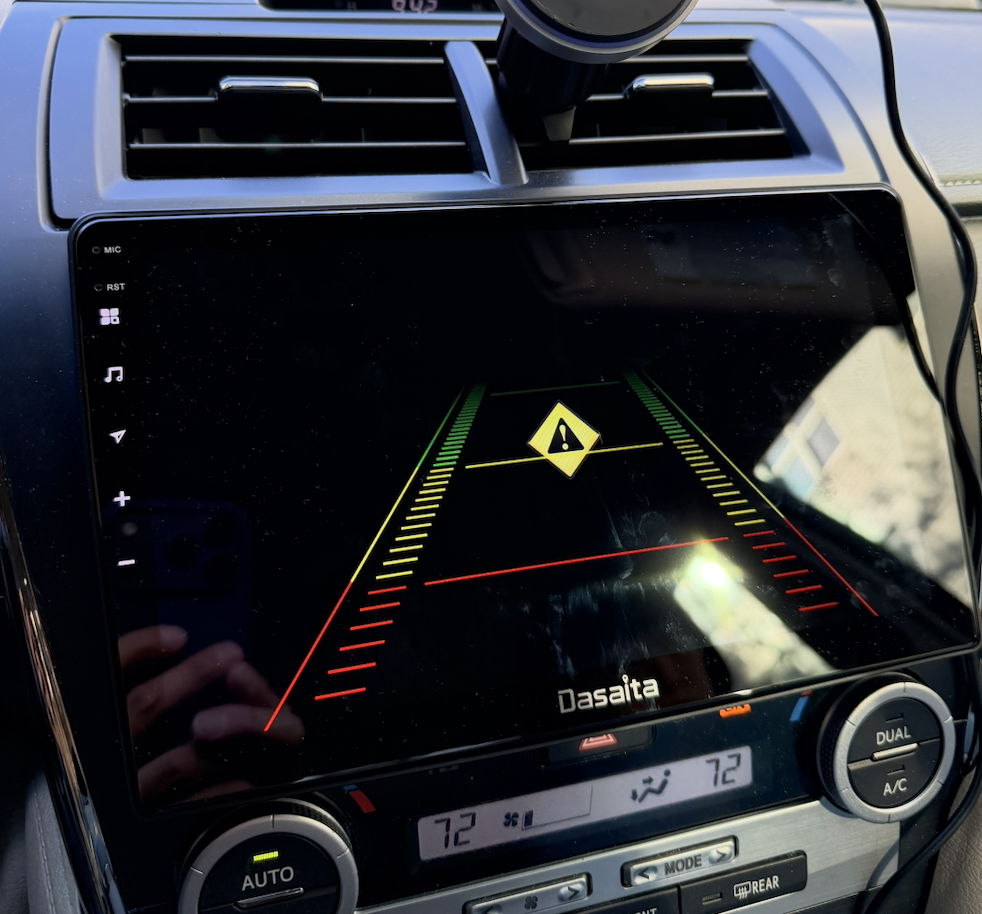
using firmware: zst27_sc138_13_(20250903)
G13 unit for my 2013 Toyota Camry, the unit runs fine for months with Apple CarPlay, but not working today, the touch screen is frozen on this screen!
Car strated and unit works fine at startup, but then it switch to this screen after a few minutes of driving.
Car is in Drive (D) mode, screen switch to this back up camera view (but no reverse image)! has the yellow Warning triangle symbol display as seen on the picture.
Put the car in Reverse (R), the back up camera view works! Put it back to Drive (D) same frozen screen.
It does not respond to any Menu button on the left side, except volume + -
Cannot pull down menu from top of screen, it cannot go to home screen, hold button cannot restart the unit.
I tried with turning car OFF, then ON, same frozen screen. I tried the car's fuse remove and replace to turn power OFF and restart, same issue.What is wrong with it?
-
@Mochi Kiwi
Hello.
Sorry for any inconvenience caused.
In order to help you better, please provide the following information:
1.
Order Number & Purchase Date.
2.
Picture: Settings > About Machine > Build Number; MCU version.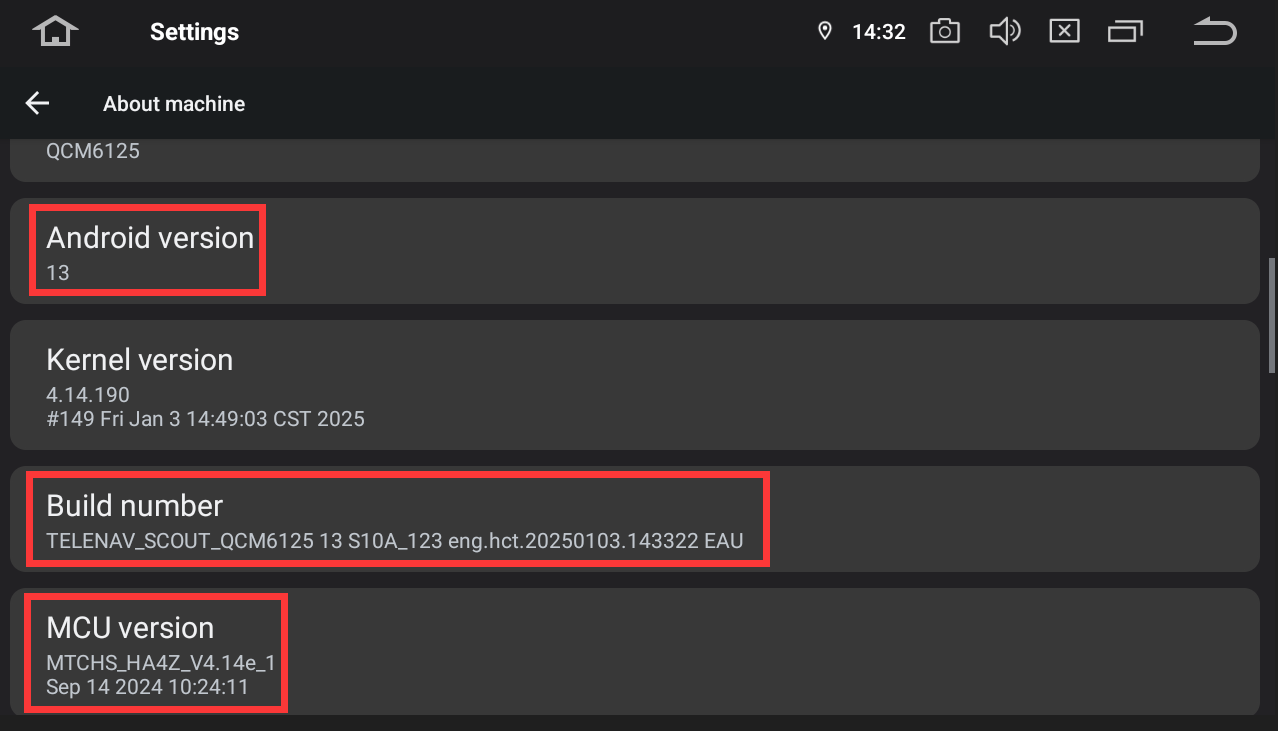
-
-
-
-
I have updated to latest firmware and mcu.
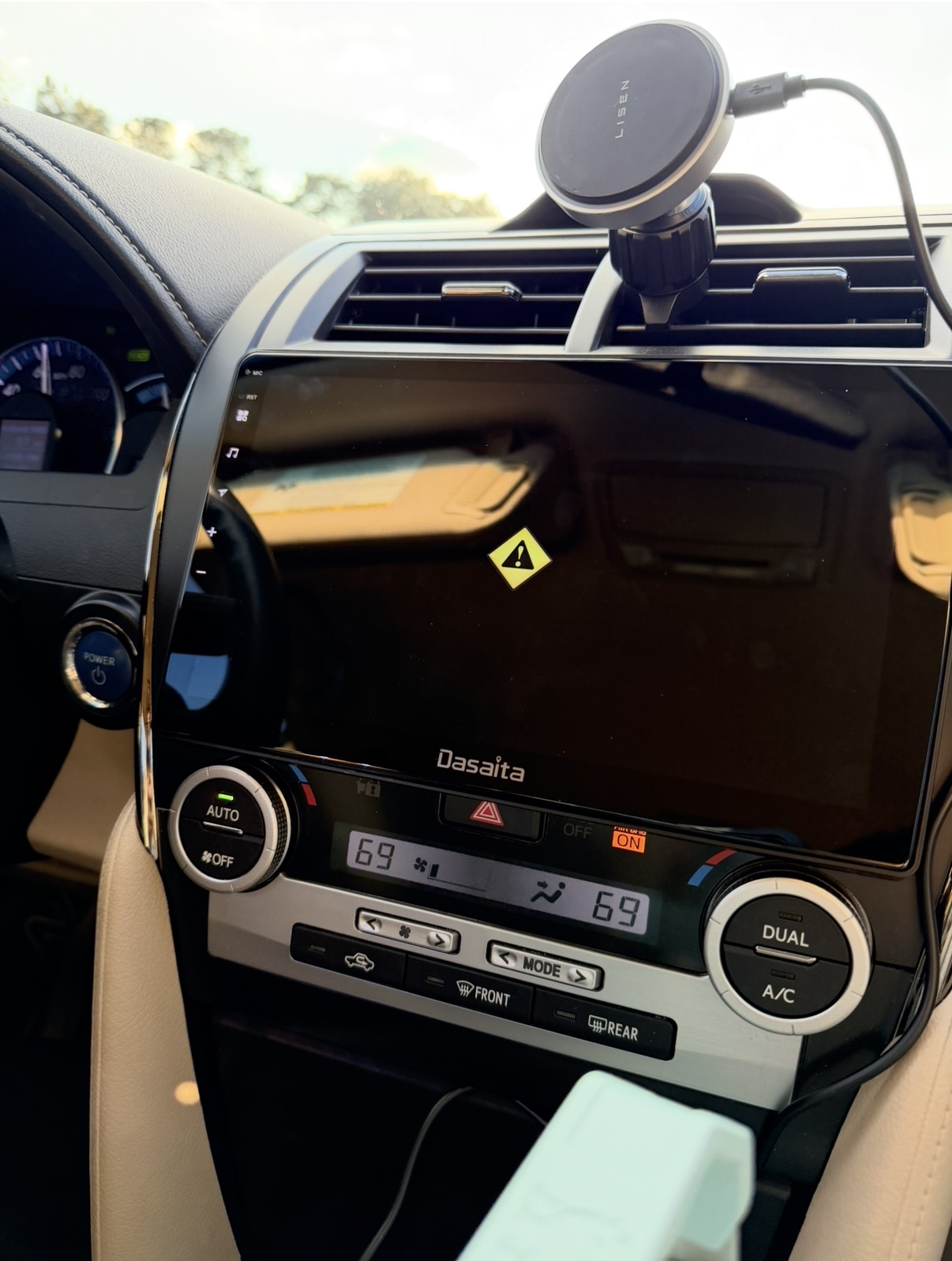
screen still frozen on this page while driving.
Looks like software issue? Why does the screen show that and does not respond to any button press? I am driving long distance and cannot stop the car and restart the car every time, then the problem appears again!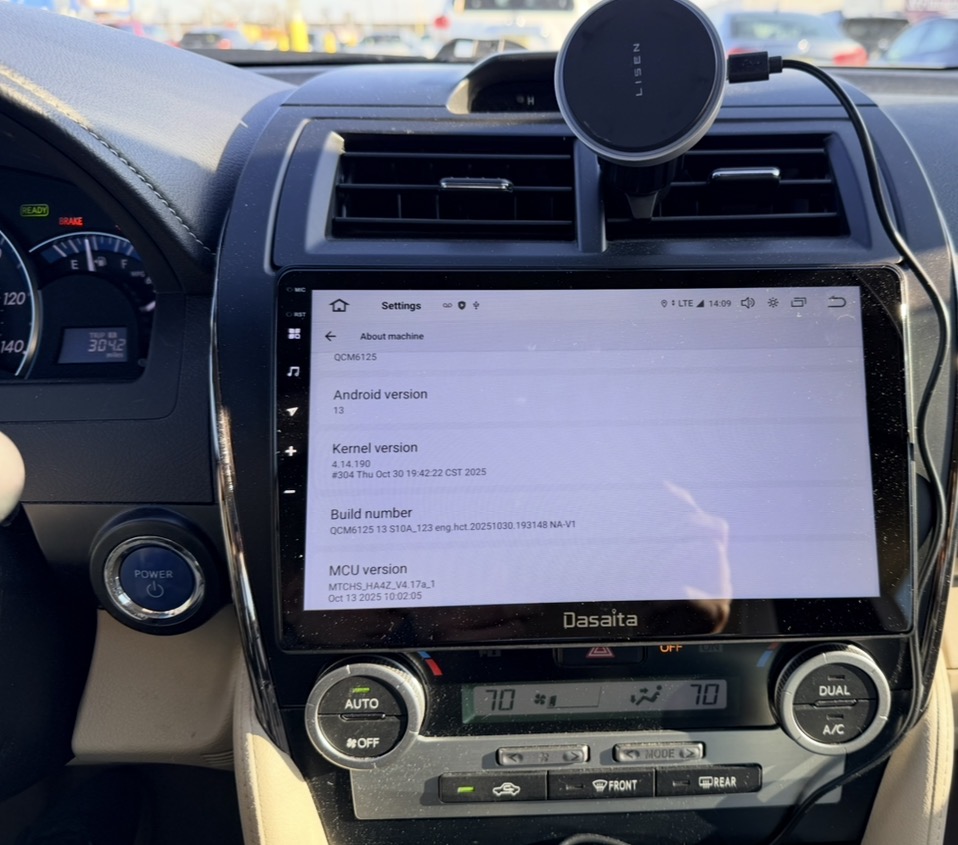
-
-
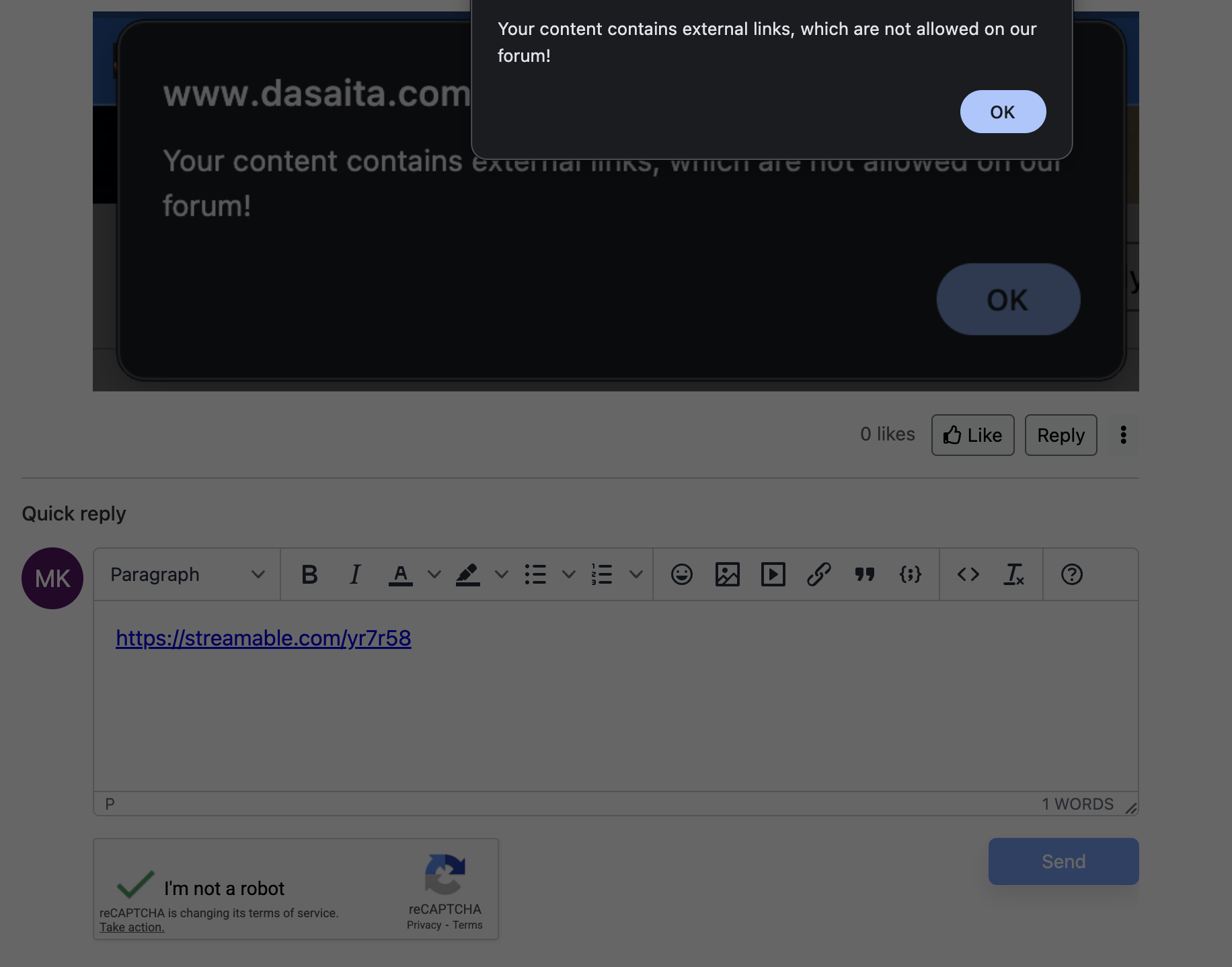
@Support Dasaita How do i post a video if you dont allow it?!

-
-
-
-
Aftermarket rear camera wires connected as instruction picture
screen power plug in from harness, no modification
Order 114-2771075-5590603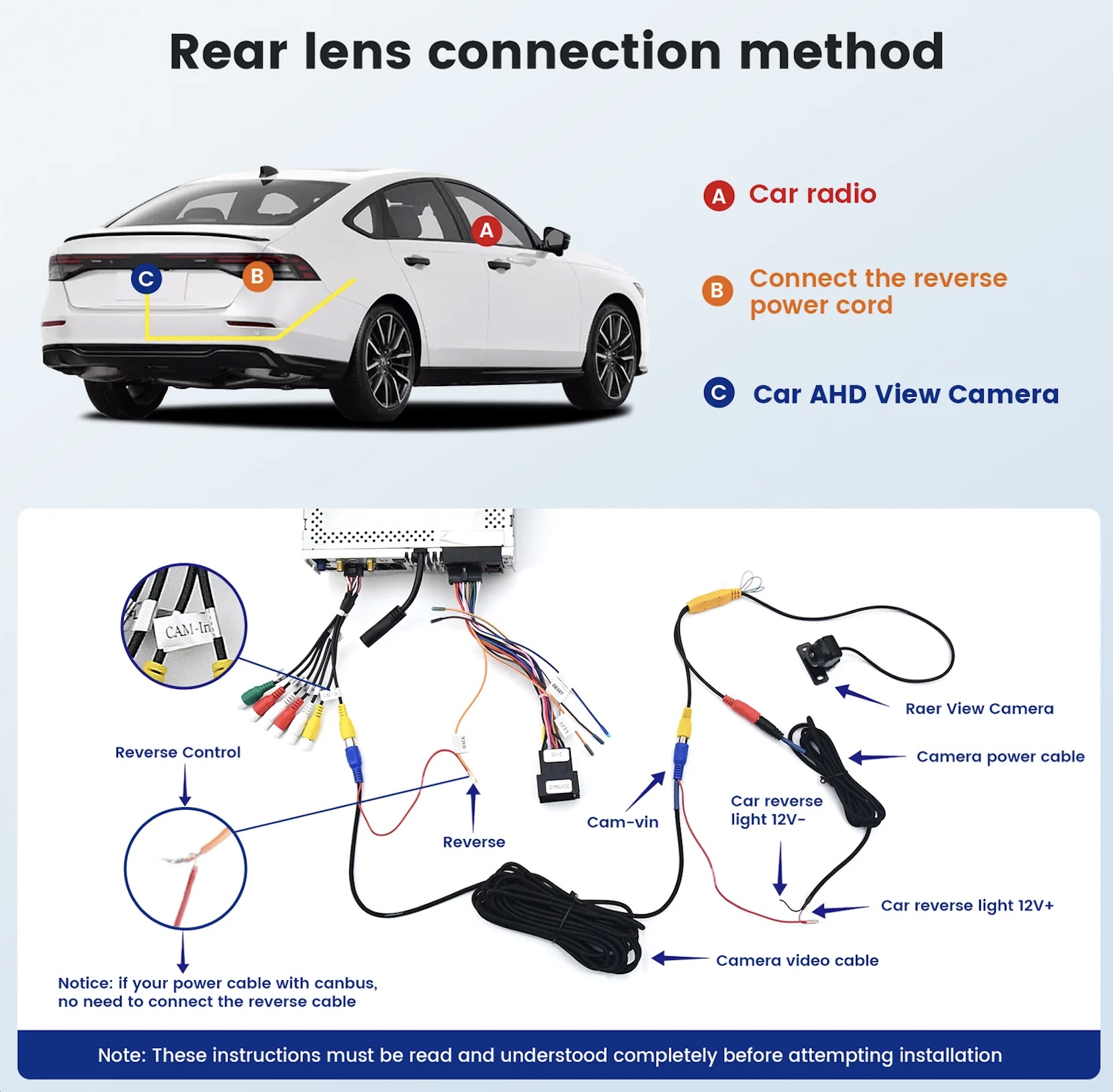
-
-
-
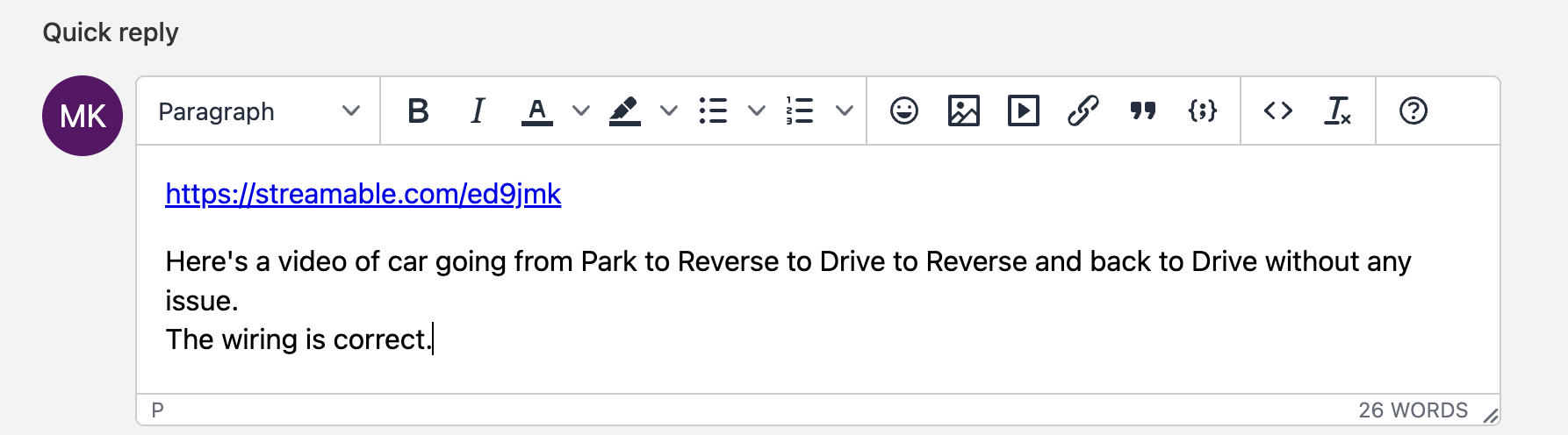
Backup camera is for the correct voltage (12V)
-
-
-
