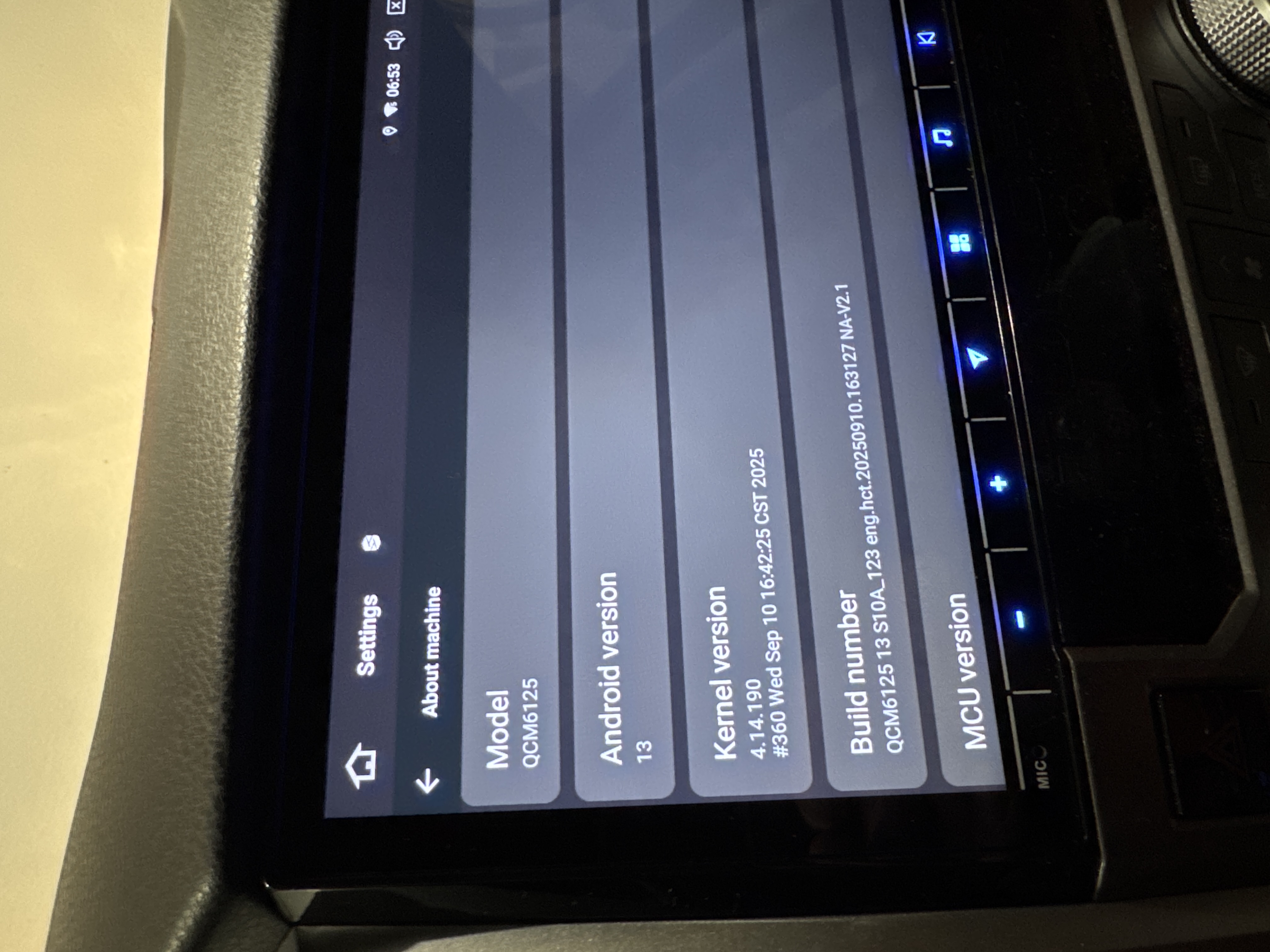
Poor Audio - G13 Toyota Tundra w/ JBL


  • Just installed new Vivid13 in my 2015 Tundra 1794 edition (w/ JBL). Audio sounded great at first (massive improvement over OEM head unit), but then after two days it went quiet. This happened while I was driving; it just suddenly went quiet with poor sound. It currently sounds like the majority of the sound is coming from the driver corner speaker. 

    please send help! 


  • @Tyson Erdman In this case, we want to check if all the audio output is the same, like BT music, USB music, Spotify or ect.

    Have you already tried to factory reset the system to see if the situation will improve or not?

    Settings > System > Reset Options > Erase all date(factory reset)


  • @Support Dasaita that seemed to work, thank you. I have a couple more things:


    - cannot modify the fade/balance of sound between front and rear speakers. 

    - cannot access Netflix, even when on WiFi 


  • @Tyson Erdman 
    We would like to tell you that the head unit does not support the adjustment of the fade/balance in OEM amplifier. It only supports aftermarket. You could kindly adjust the sound output in EQ Settings > Delay Settings.

    As to the second issue, we are wondering if other video application like Youtube could work or not. You could send us a photo of the Display on Netflix.


  • @Support Dasaita hi there, youtube does work. I've attached a photo of the error I get from Netflix 
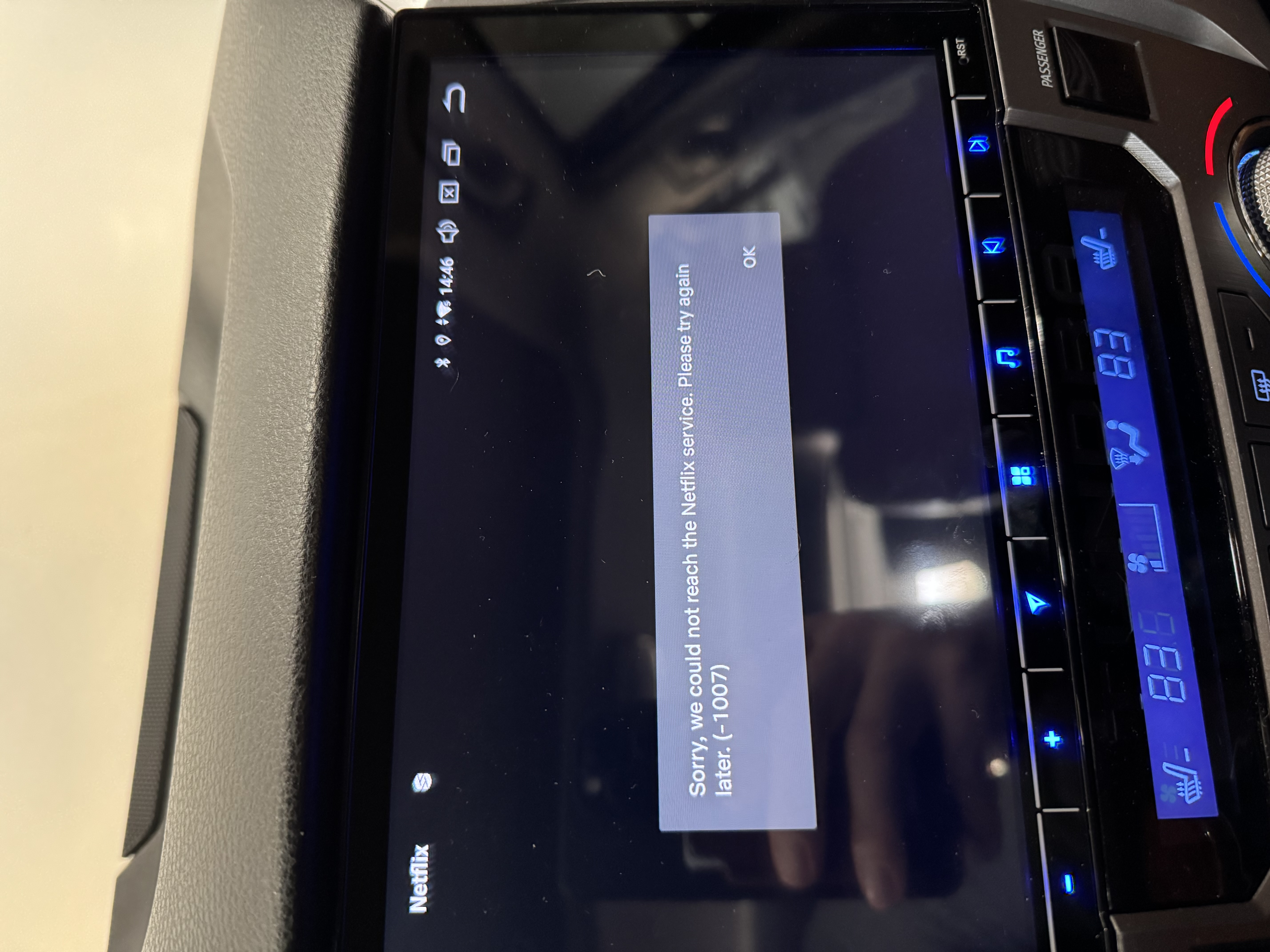

  • @Tyson Erdman Could you please delete the pre-installed NetFlix and then download it from the Google Play store?


Please login to reply this topic!