I have a 2019 Rav4 Hybrid Limited
Looking for the link for the MCU and correct version of firmware. Just installed the unit but AC not displaying on screen.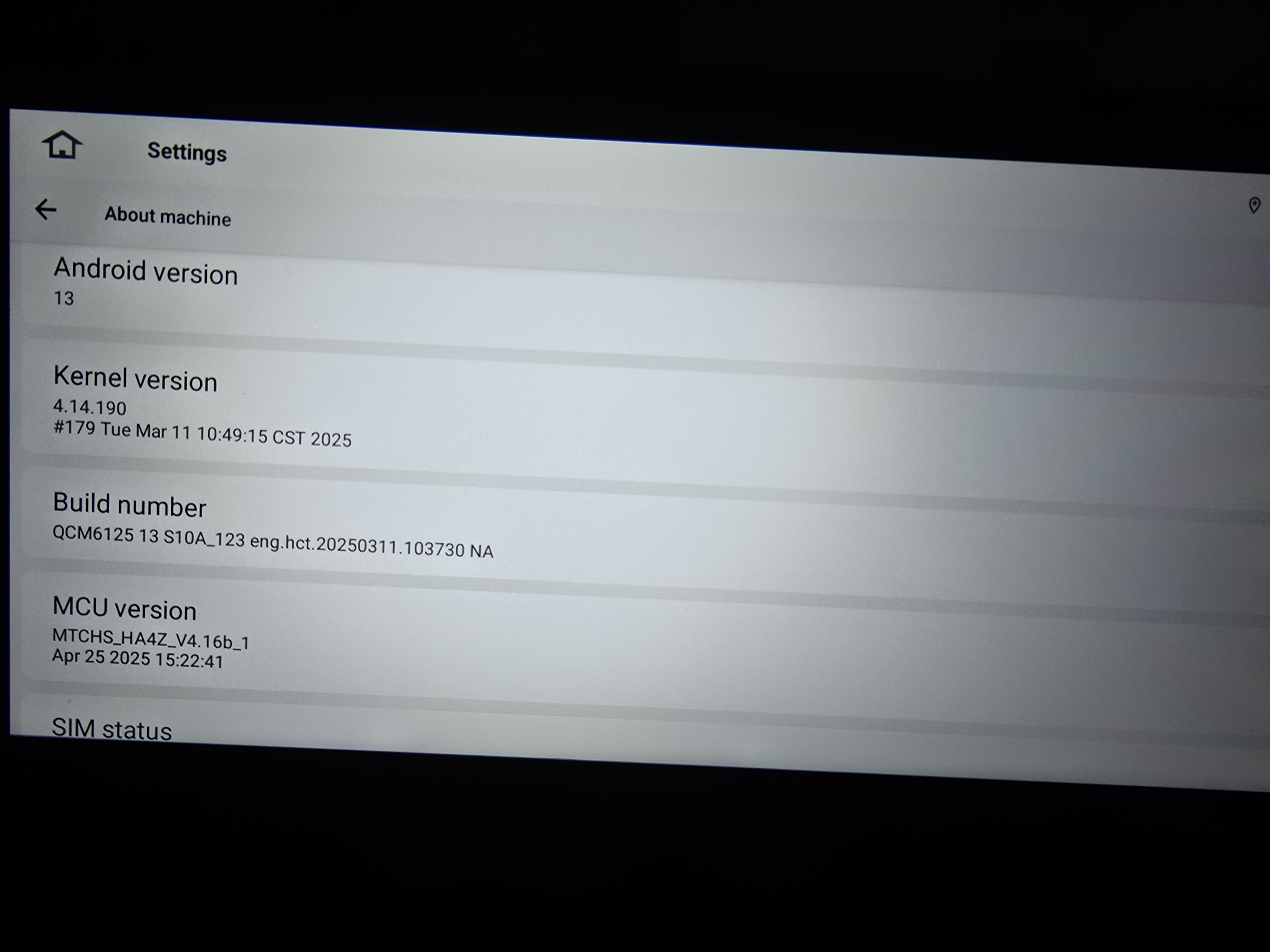
@JRG0001 We are wondering if you could let us know if other Canbus related features like OEM back up camera, door hints could work or not. If none of them work, you could check if the Canbus box has been connected, and you could go to Setting > Car > Factory Settings (126) > Canbus choose No.8.
The backup camera works fine. The door hints also work as intended.
@JRG0001
Please update the Firmware & MCU to the latest version via the link below, here are some tips to help you get it done:
①G13-V1 Version(20251030) :
Make Sure your unit is QCM6125 Android 13
https://www.dropbox.com/scl/fi/z47cujybwxdgj15bokfbz/update.zip?rlkey=cbh8x18aszp1vj9pso77u154e&dl=0
②MCU(4.17a)
https://www.dropbox.com/scl/fi/6g03cdcsfz2ynsk2wnimm/hmcu.img?rlkey=cqxi7l0uaogy9tc8zdpr82329&dl=0
1.Download the documents ①&② through the link on your computer/laptop.
(Do not rename and Unzip the file)
2.Format the USB drive(FAT32 Format)before copying the Update.zip & hmcu.img file to it, then insert it to the USB cable,and it will pop out the firmware updating tips on the screen.
(Tick the option"Wipe data and format flash")
3.MCU updated GO:Settings>System>MCU updates.
Thank you for your time and cooperation in advance.
