I purchased the HA5245H-G13a-CP-HD-4 with the JBL harness CB005-1 and while th unit powers on I have no sound coming out of the speakers other than slight hum.
The antenna is directly connected to the unit bypassing the harness as it had two antennas one likely XM. I can get the radio to tun and pick up the Radio Data System (RDS) data for local stations so I think that's working.
I cannot get sound from car play or th radio to the speakers. I have the AUX-IN RCA jacks connected between the radio and harness. There are some additional RCA jacks labeled with FR-L, FR-R, subwoofer, etc. that are attached to the back of the head unit but not connected to anything as I don't have any RCA jacks coming out of the wiring harness.
What am I missing and how should I troubleshoot this?
Thanks,
-Juan
@Juan Please check if the audio in cable has been connected or not and you could check if the pinout from the speakers' plug(plug No.2) are bent or not.
If possible, please send us a video to demonstrate the situation that you mentioned.
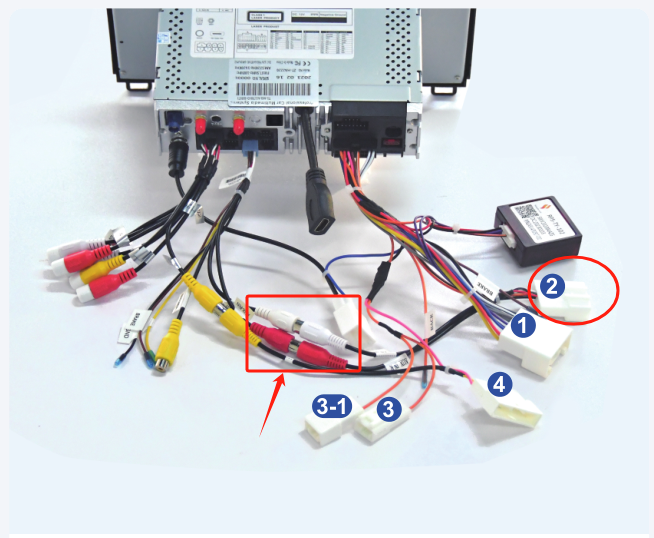
Thanks! I checked the harness and found that the RP5-TY-102 canbus adapter had fallen off when I tucked the cables away and put the head unit into position. After reconnecting the canbus adapter I now get sound but have new problems. Is there a way to get a log of raw events from the canbus adapter? I think that would have made it quite obvious that the adapter was not present and might help with the other issues I'm having.
New problems:
1. No sound from rear speakers even after resetting all of the tabs under the Settings -> CAR -> Amplifier menu. I also tried disconnecting and reconnecting the individual white and red RCA (AUX IN) connectors while playing music over Androdi Auto and found that the front speakers continue working but there is no change in rear speaker sound output.
2. Input microphone (connector "G") has very low volume, I have tested it with the voice recorder and it responds to me tapping on it but I have to get it within an inch or two of my mouth to have it pick up my voice at a level where I can understand what is being said.
3. No TPMS, Door, or Environmental (Air conditioning/heating) data after selecting #8 (Simple Toyota Camry+RAV4) for the Canbus adapter under the factory settings.
P.S. This is the head Unit I am replacing with the Dasaita
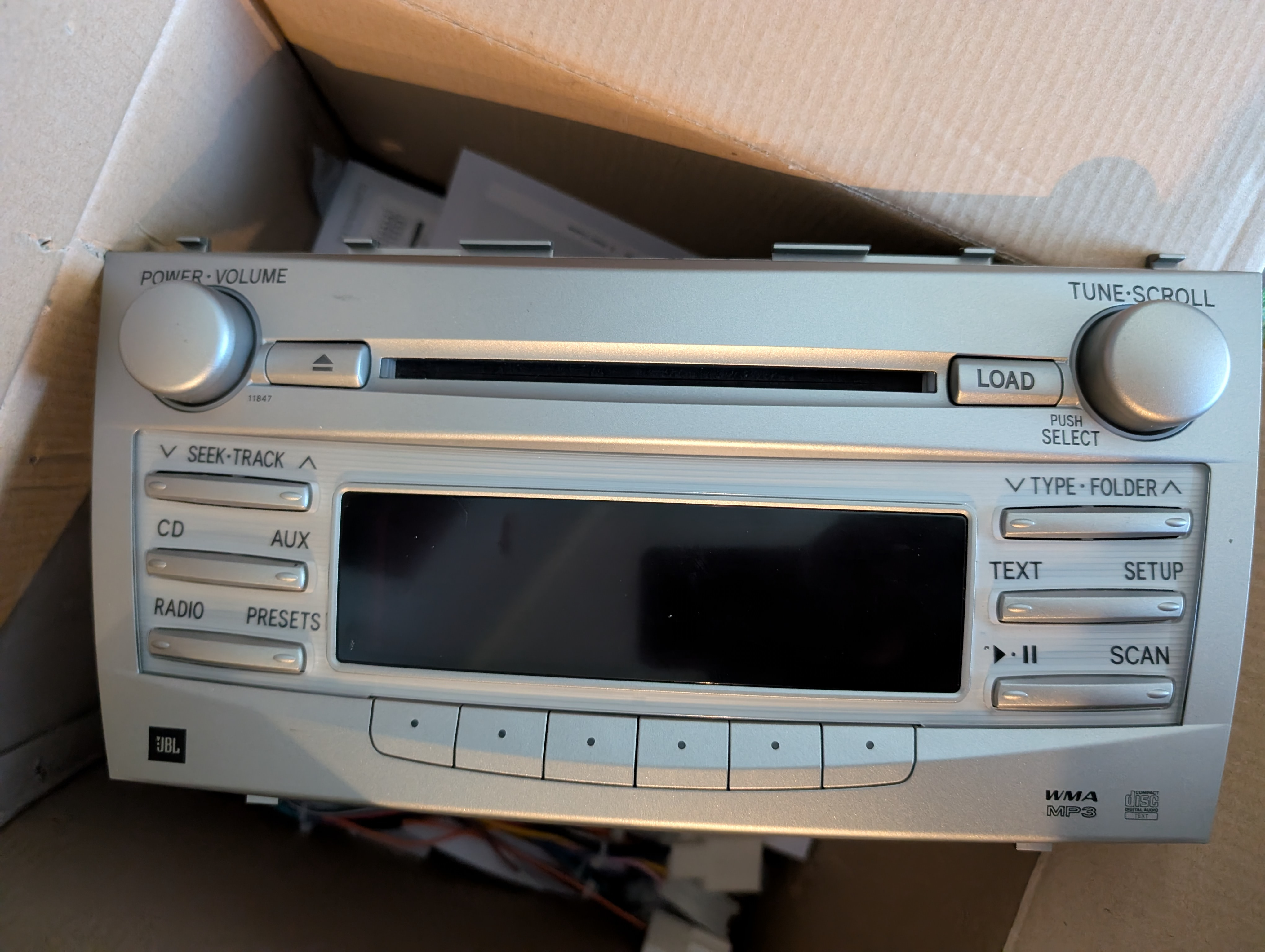
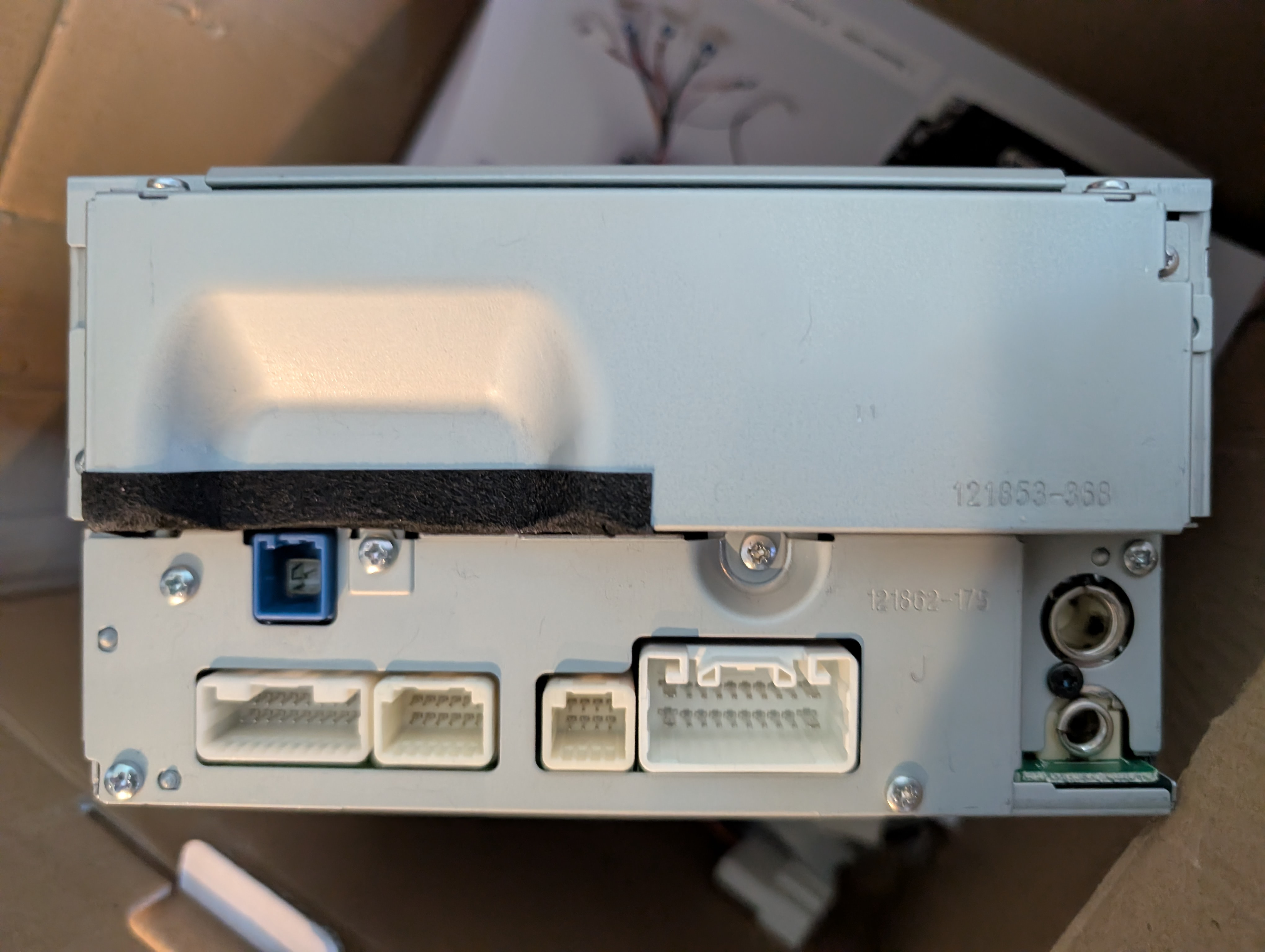
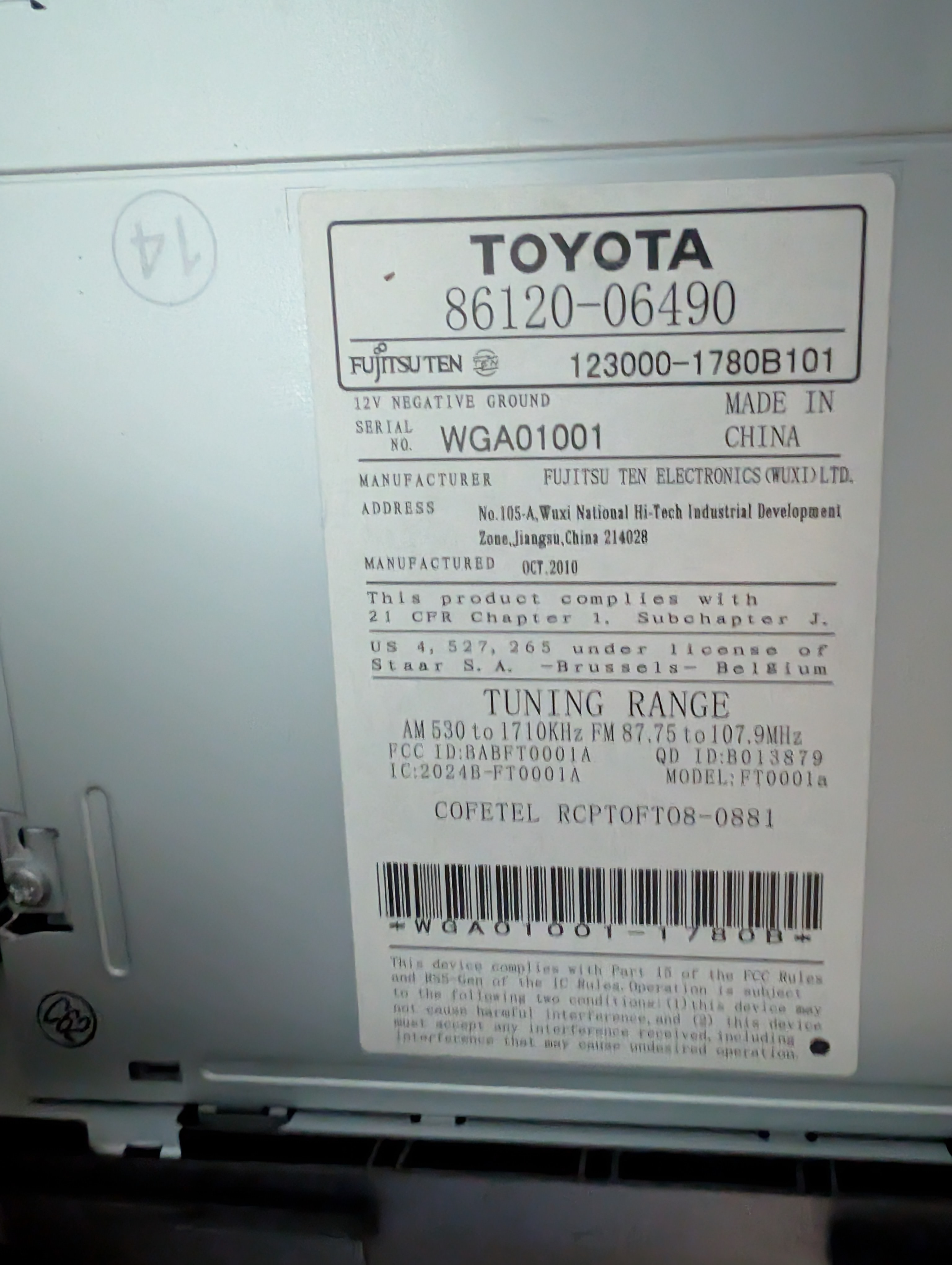
Hi @Juan,
1.The rear speaker issue: we would like to tell you that there is 2 amp plugs on the cable CB005-1, please kindly switch it to see if the rear speakers have sound or not.
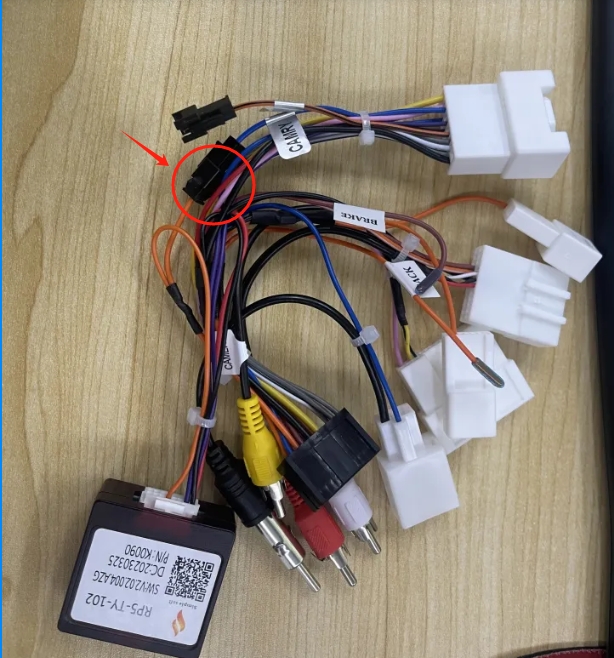
2.Based on your vehicle, please don't choose any Canbus option, and it will not display TPMS, Door, or Environmental (Air conditioning/heating) data, note that your OEM radio does not show these features on the OEM radio. Your understanding will be appreciated.
1. Sorry for the confusion but I actually have harness CB005-1X and the harness does not have amp connections like on the CB005-1
2. I understand that canbus data like tpms, doors, and AC won't display because they were not previously available. That's fine now that I understand that limitation.
Do I have the right harness for a 2011 Camry with JBL and if so then what might cuse the rear speakers not to work with this harness?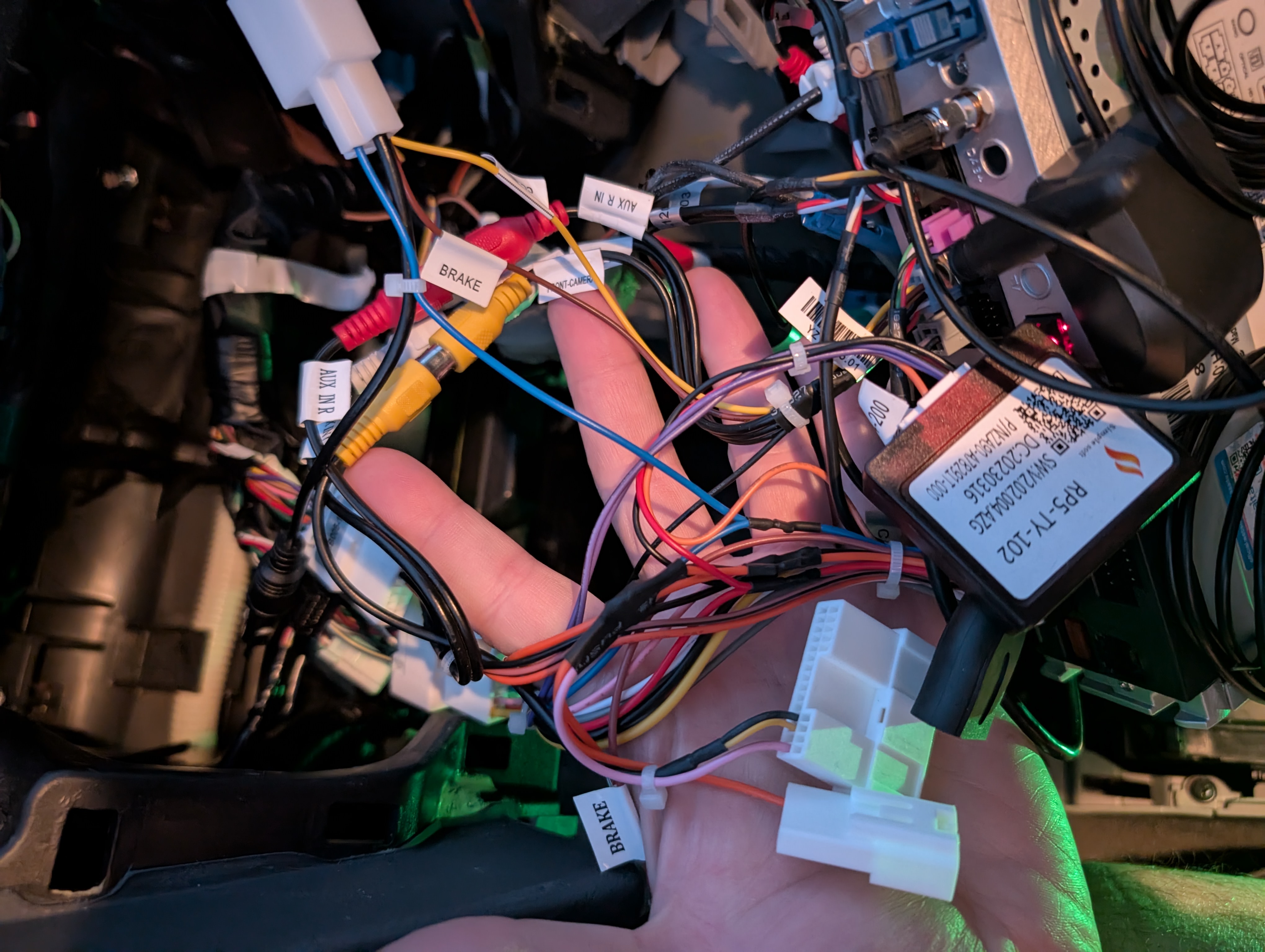
@Juan Could you send us your order number so that we could documetn your issue and take photos of all the OEM plugs so that we could better confirm if the CB005-2 could fix your problem or not. Here is an example.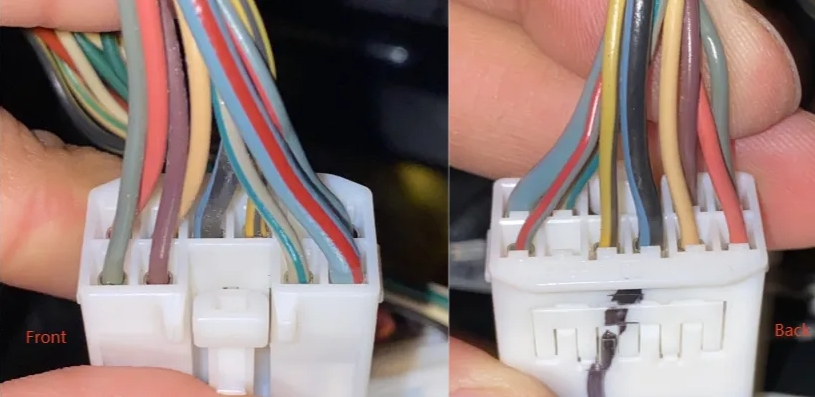
Order number SP-DA9193
Note: there is also a blue GPS plug but I did not take a picture as the Dasaita head unit has its own GPS antenna.
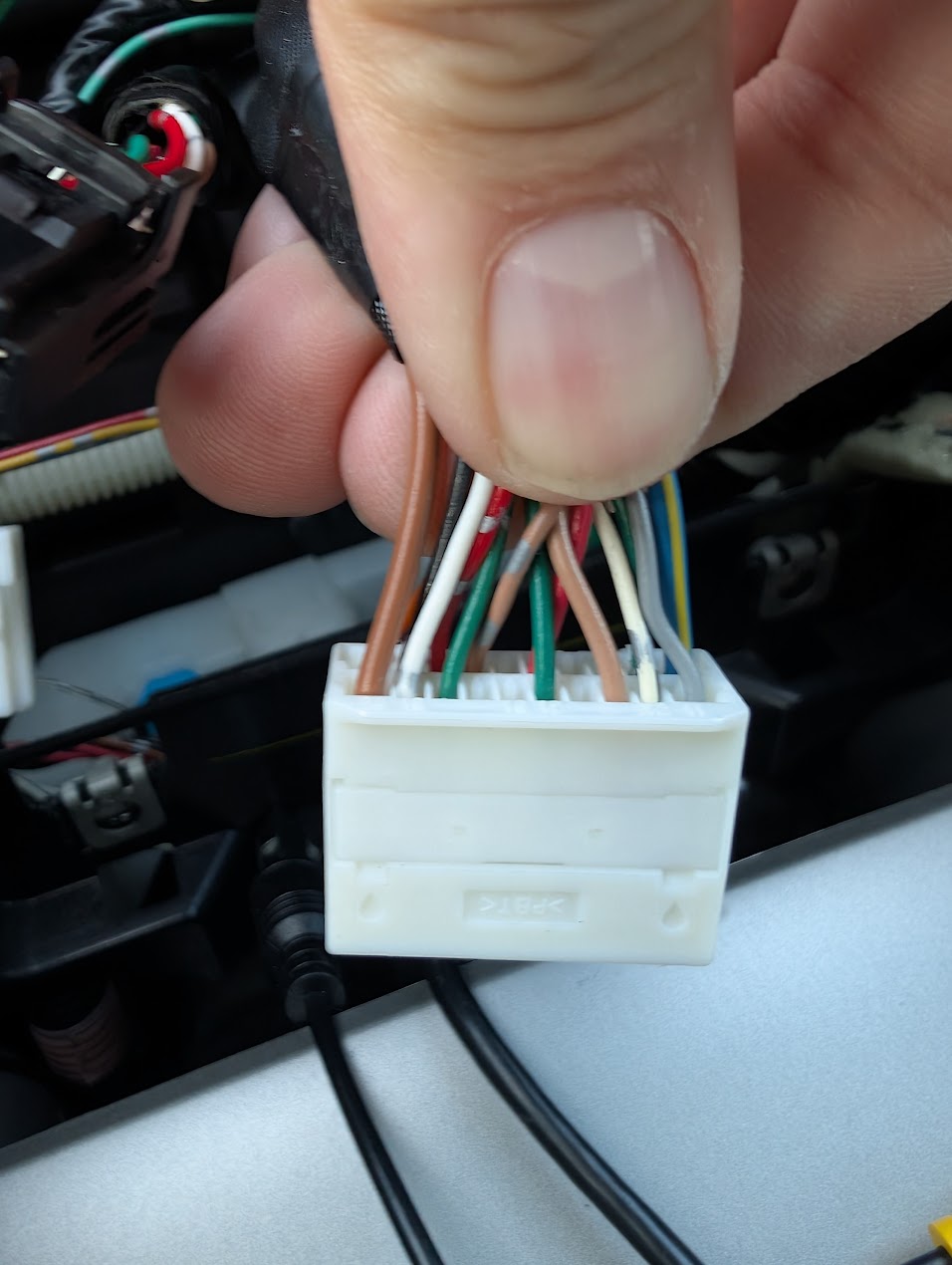
2011 Camry Harness Connector 1
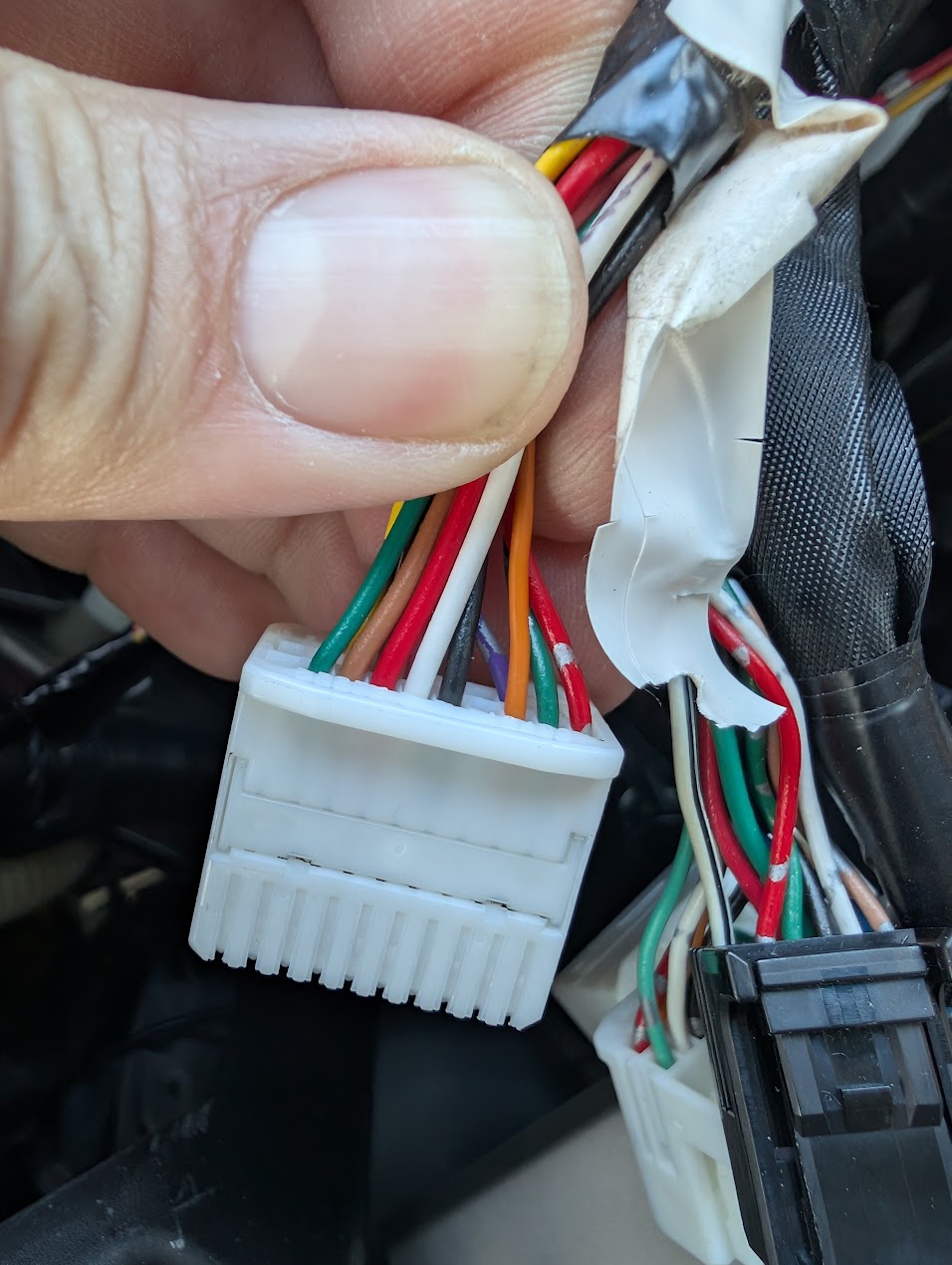
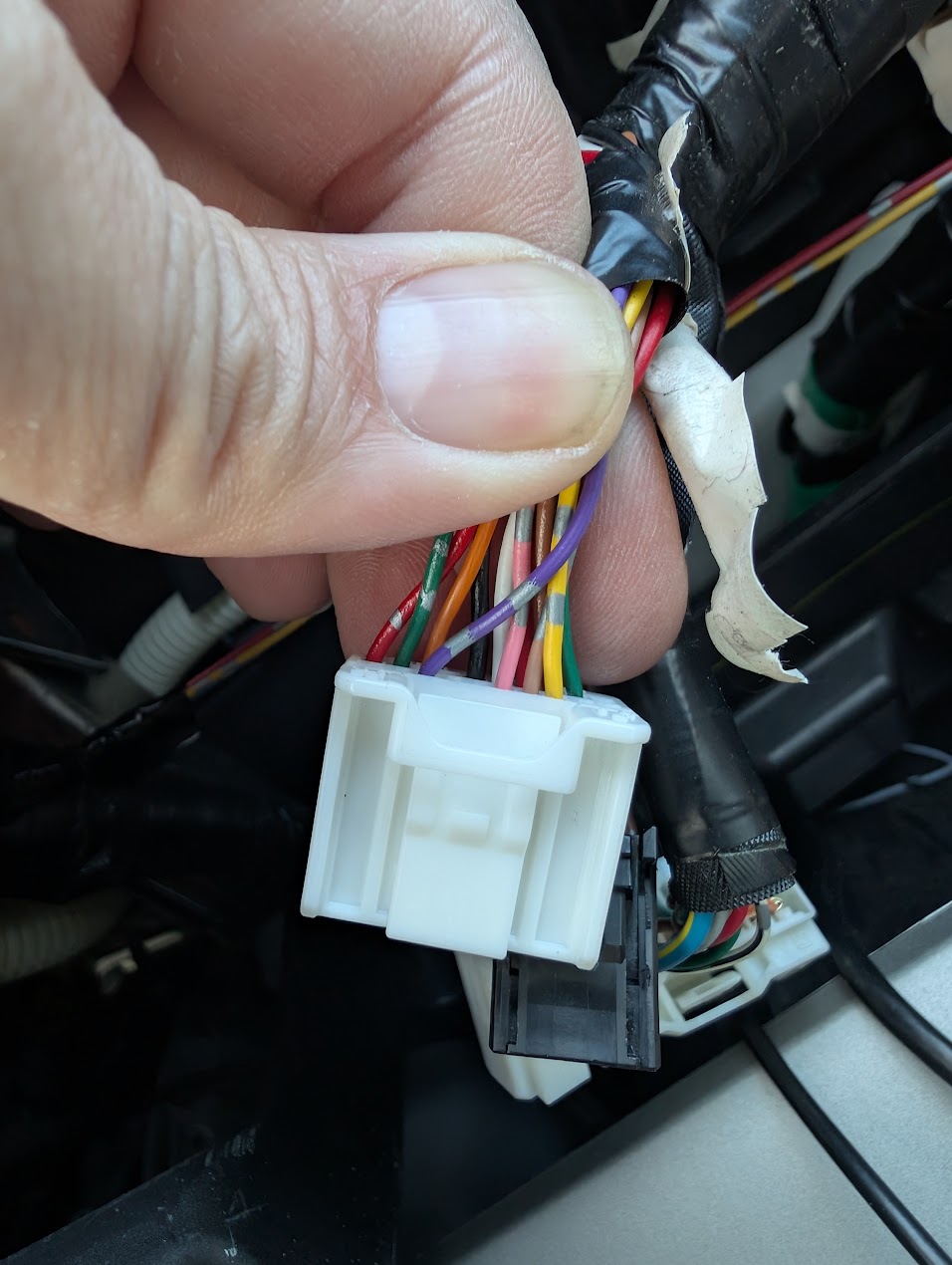
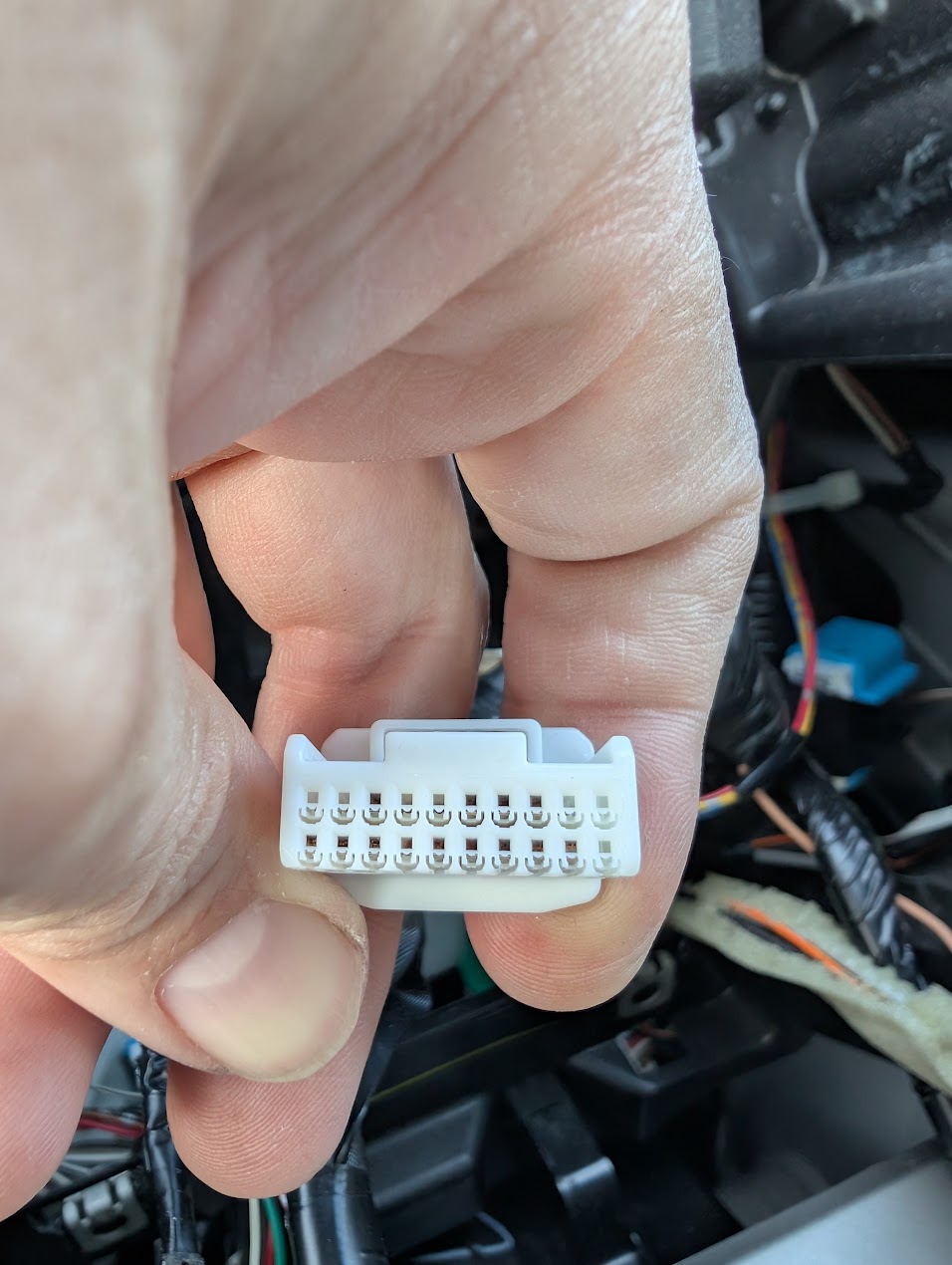
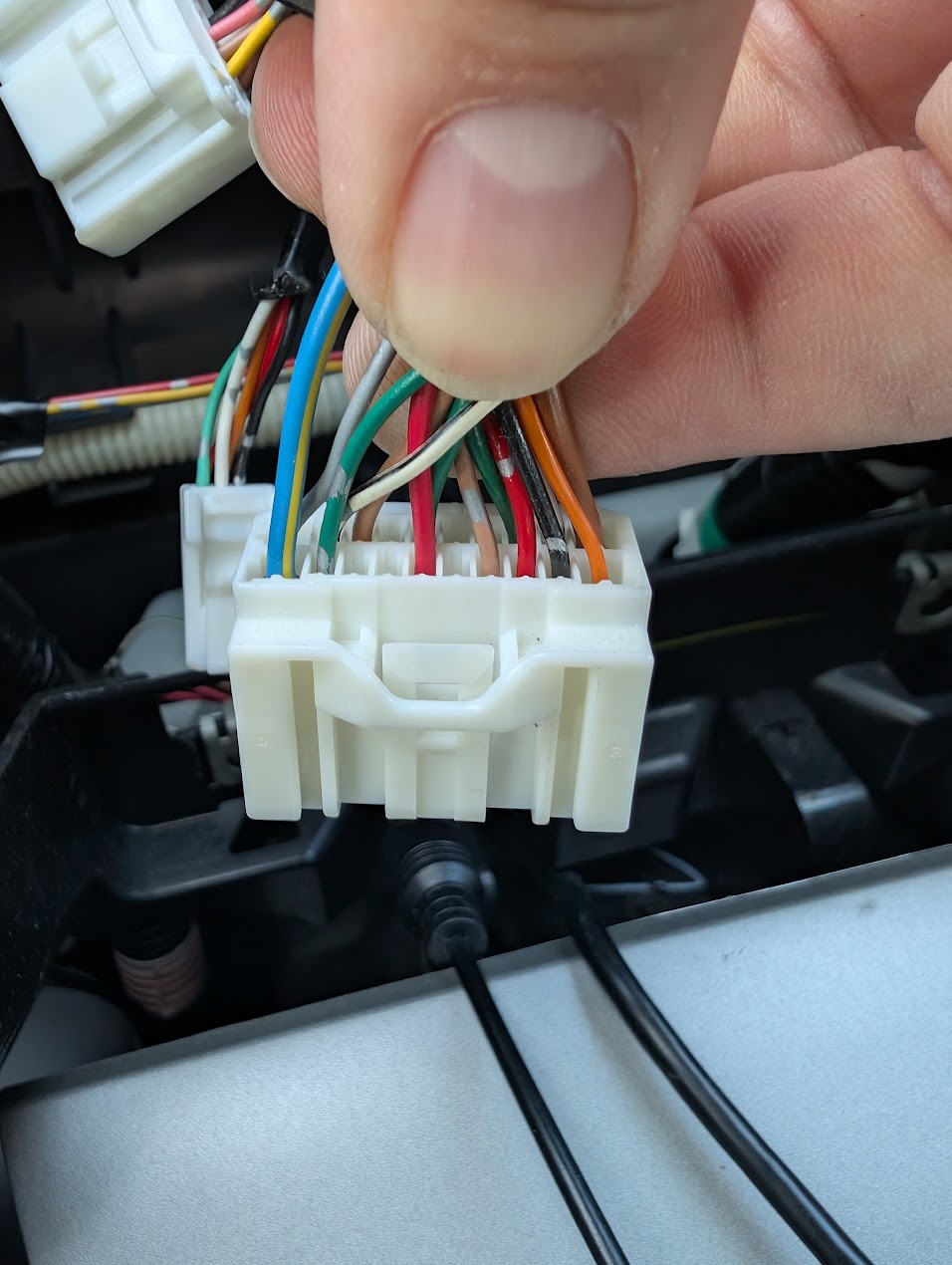
2011 Camry Harness Connector 2
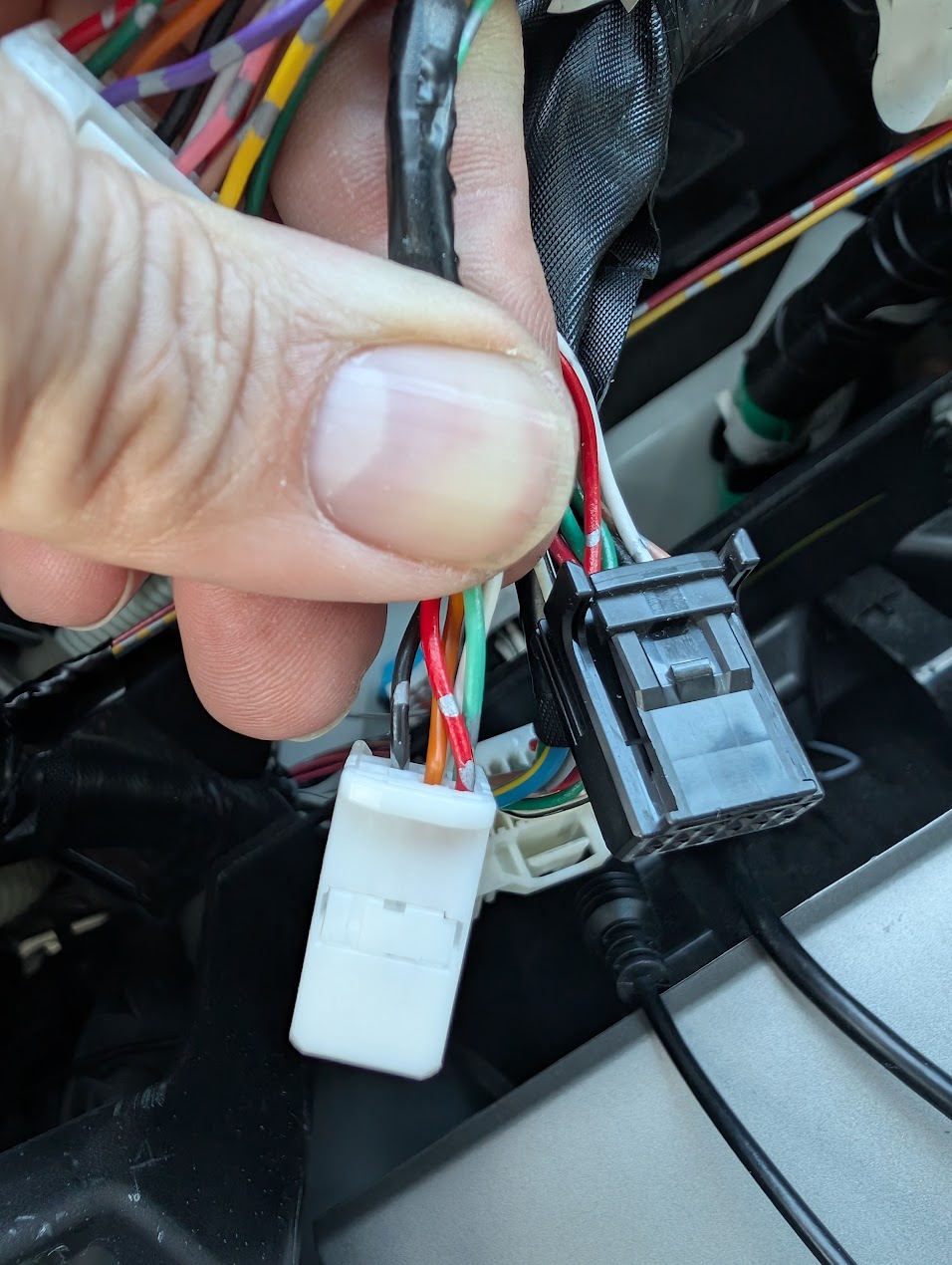
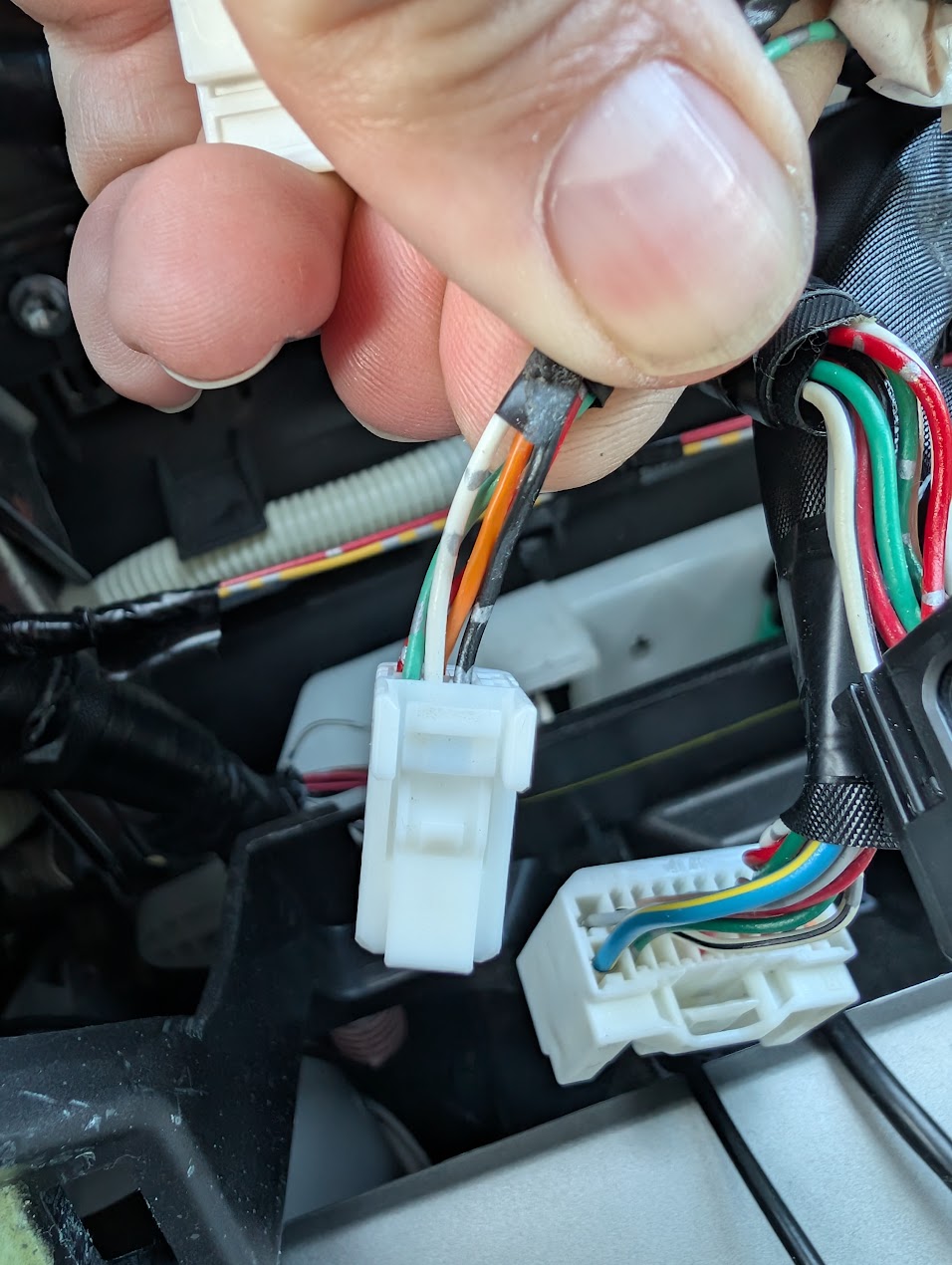
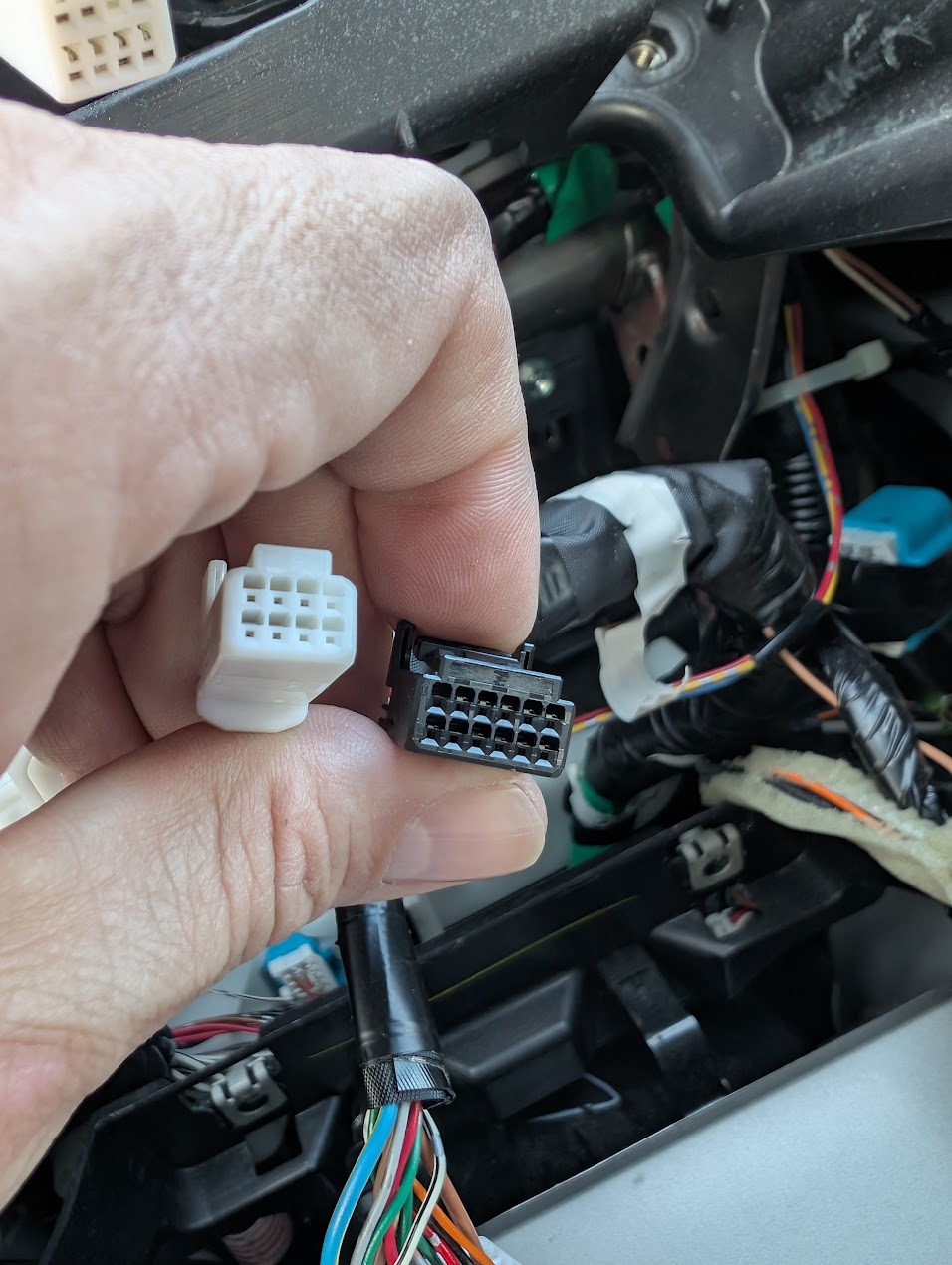
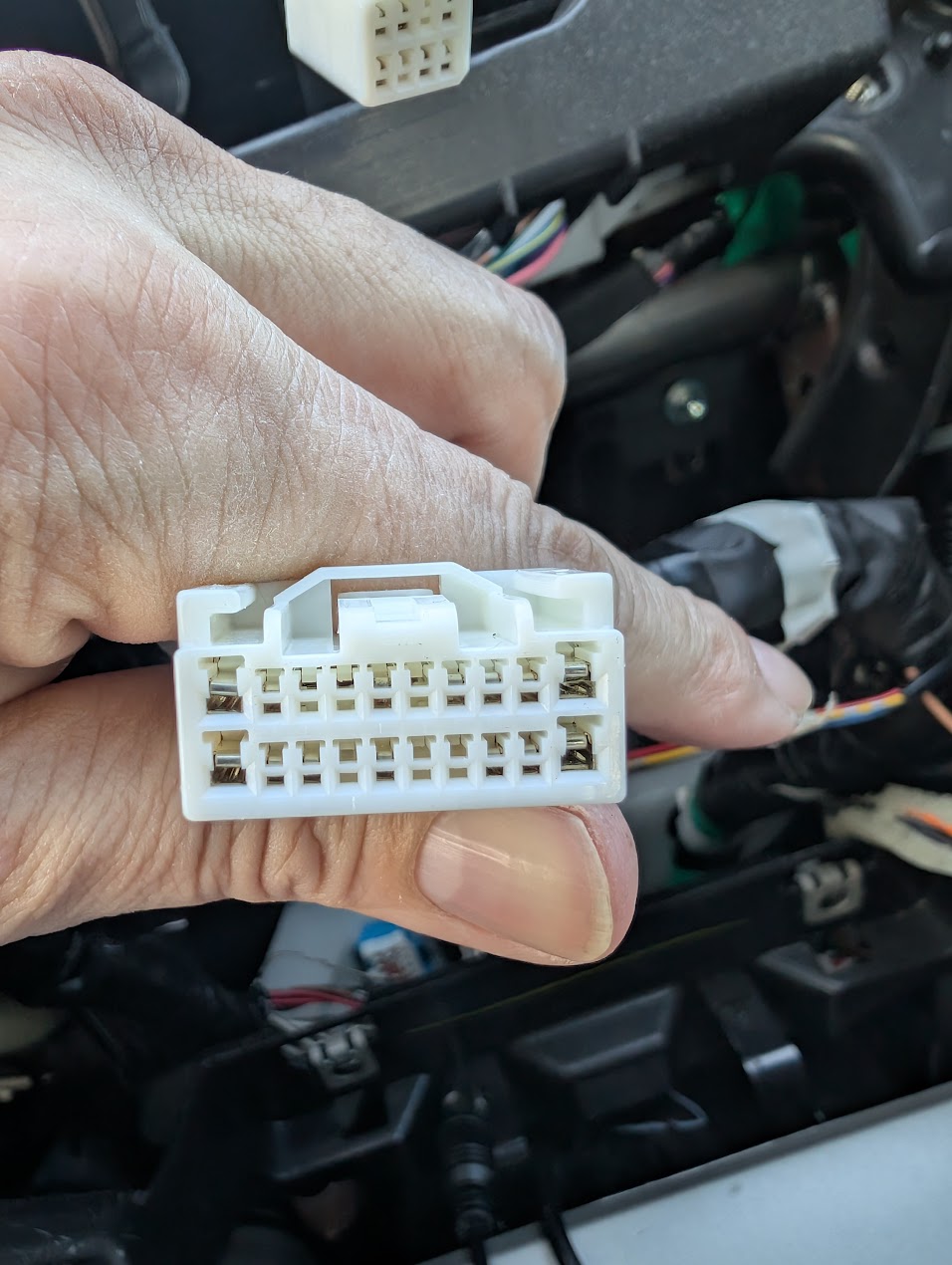
2011 Camry Harness Connector 3
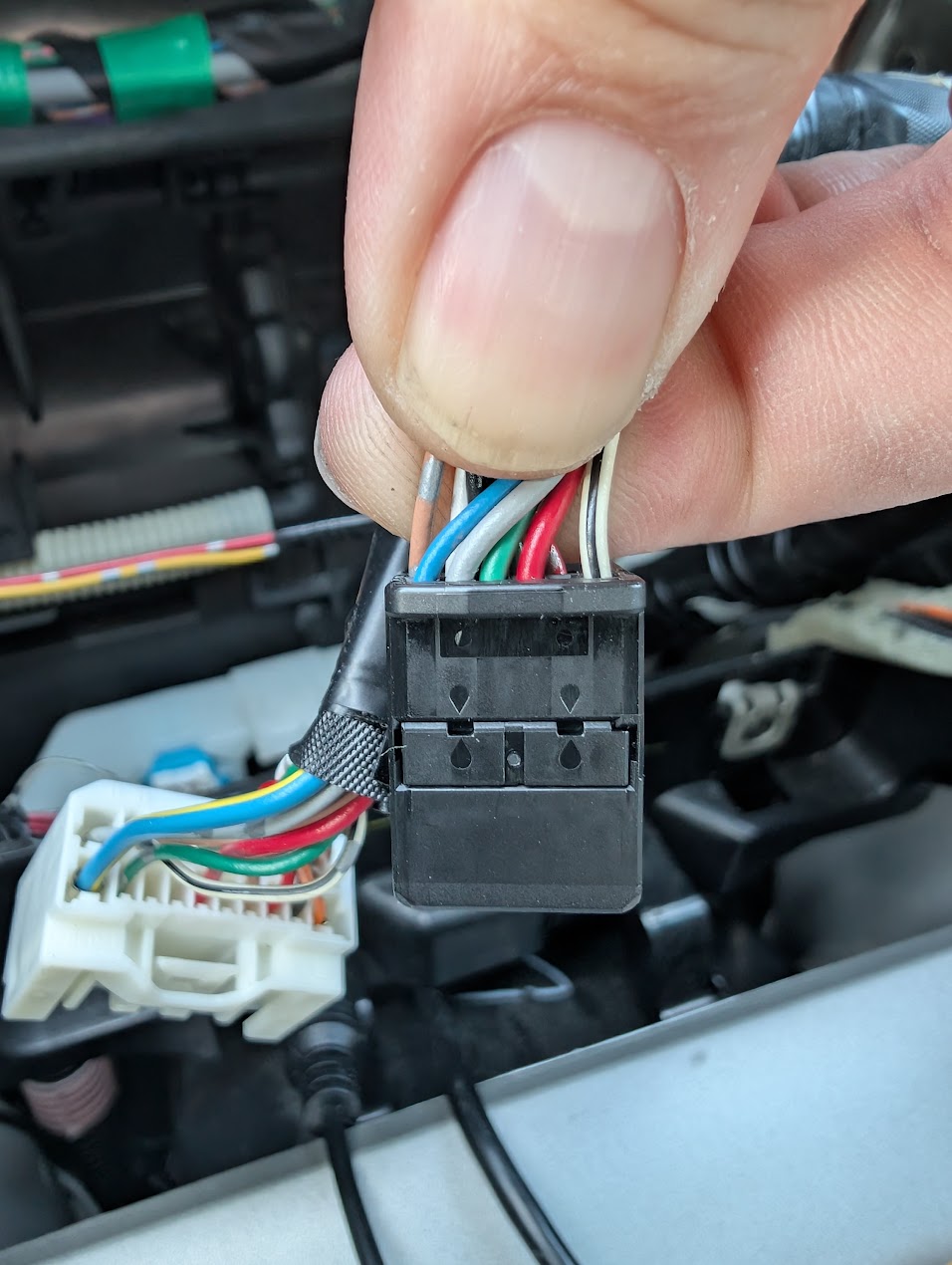
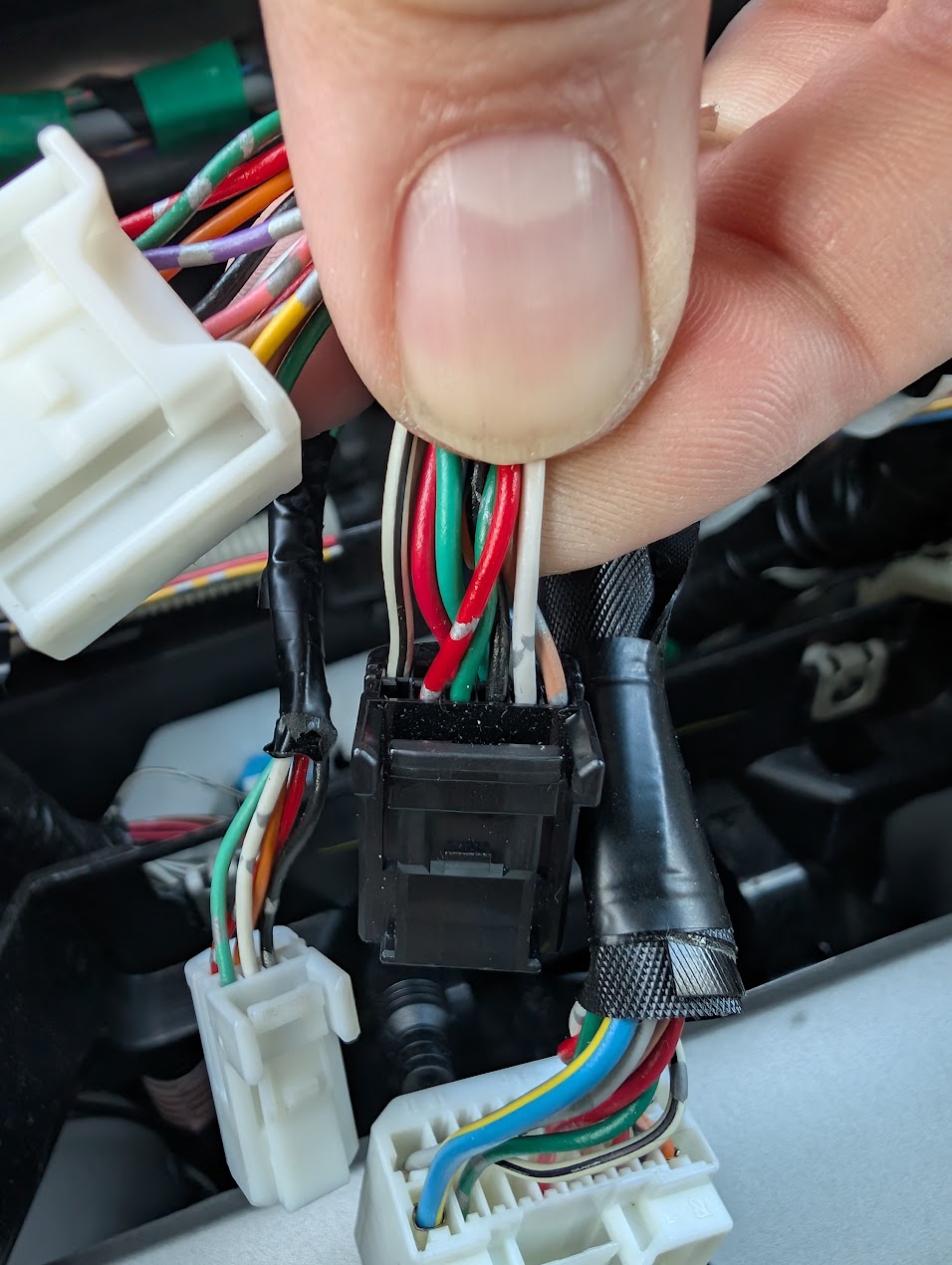
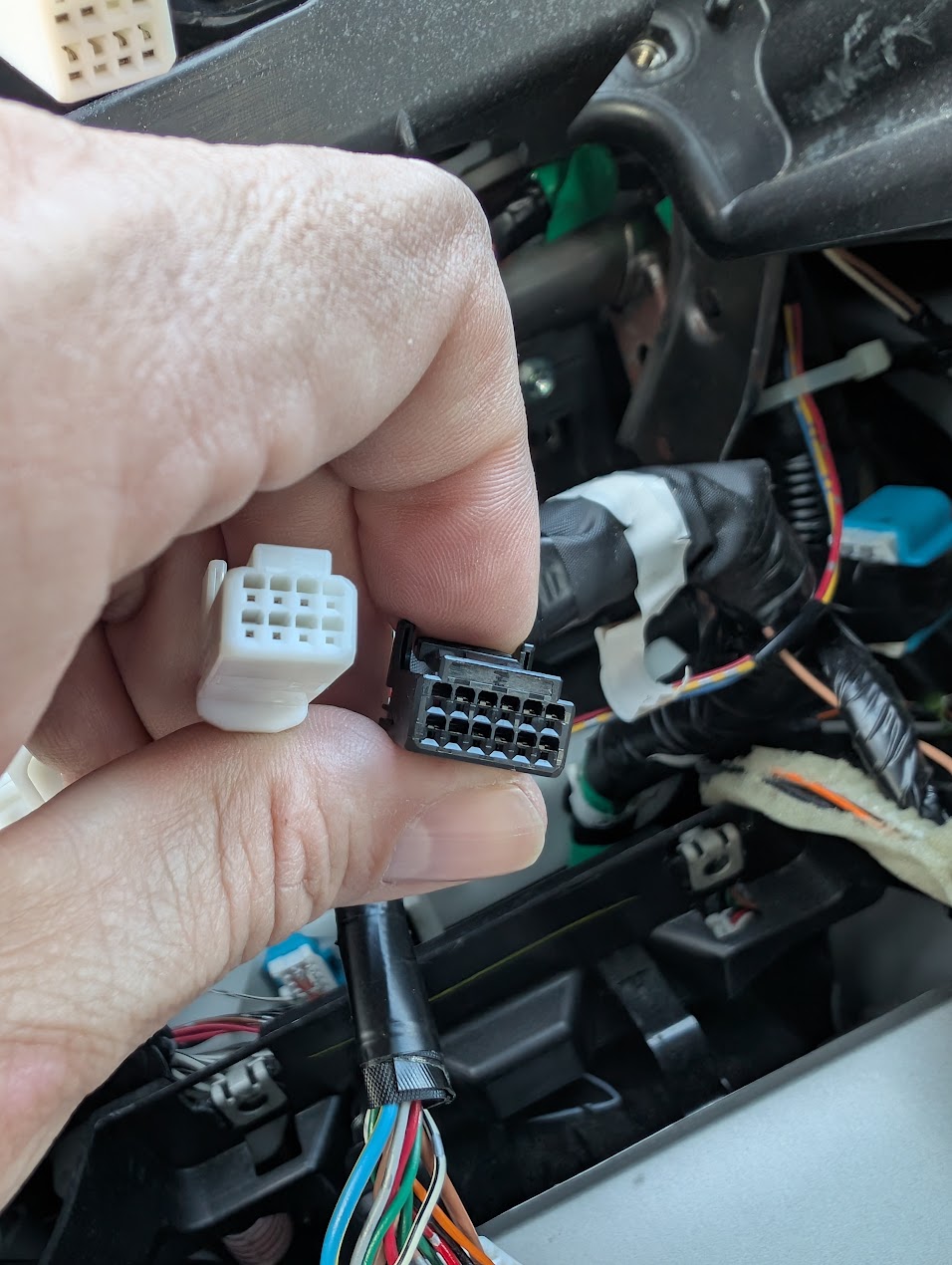
2011 Camry Harness Connector 4