
To customize your wallpaper on Vivid11 or Vivid13 radio, please follow these steps:
1.Please go to Vivid Settings.
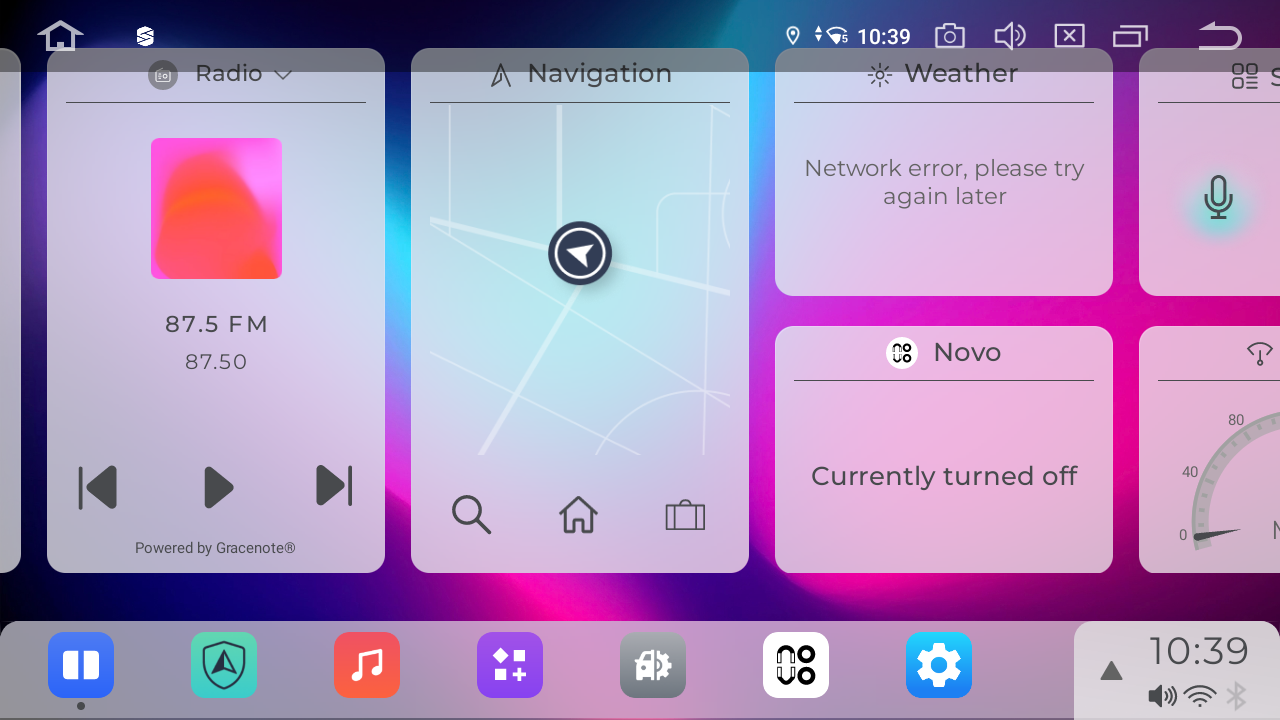
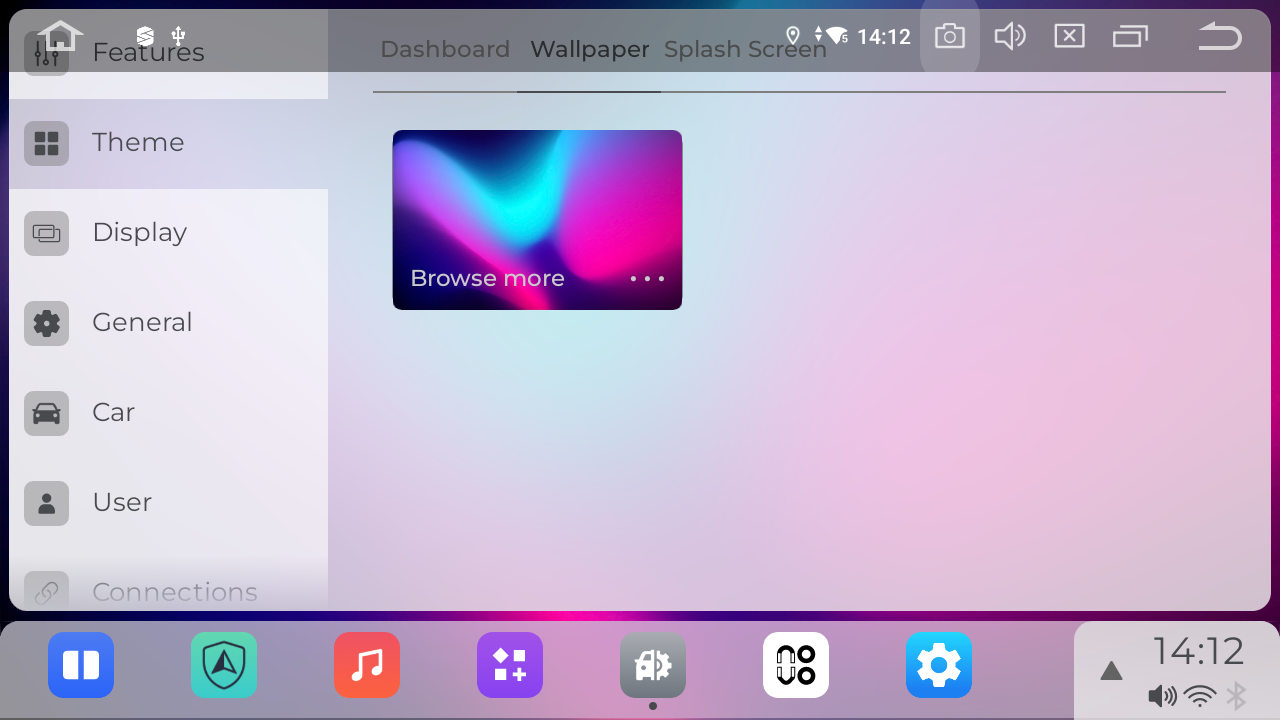
2. Navigate to Theme > Wallpaper.
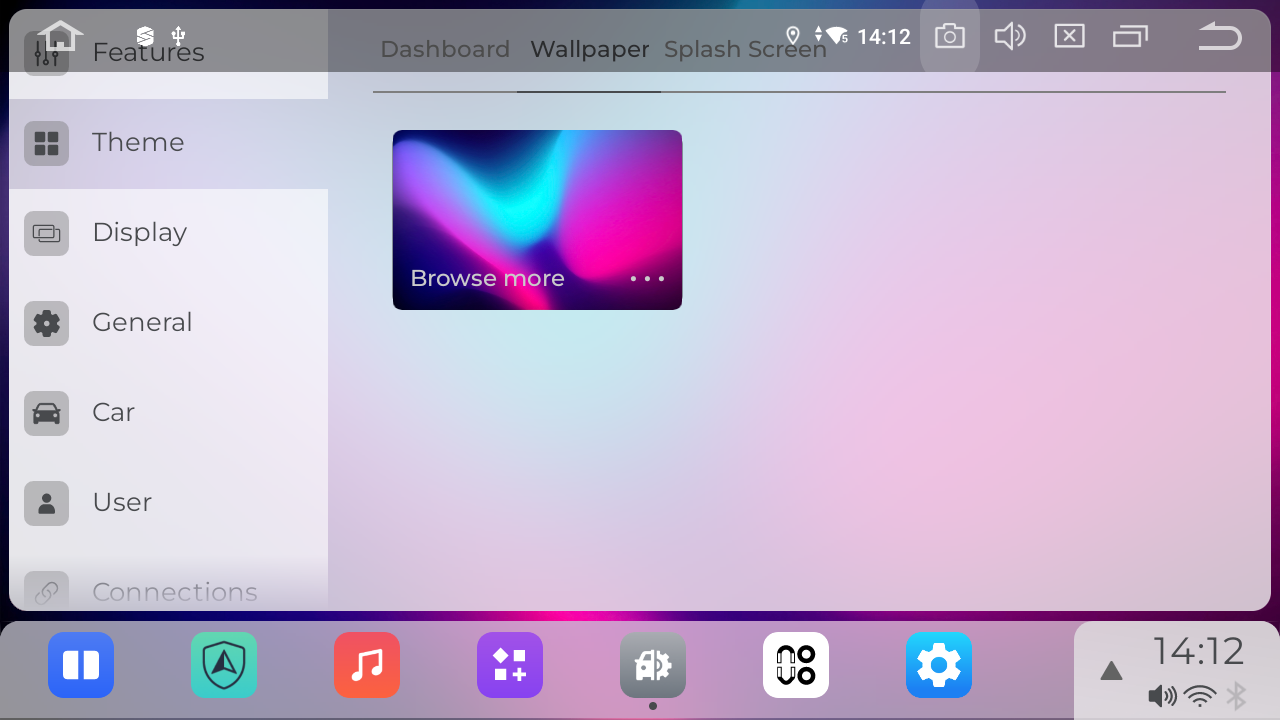
3.Tap "Browse more" to view additional wallpaper options.
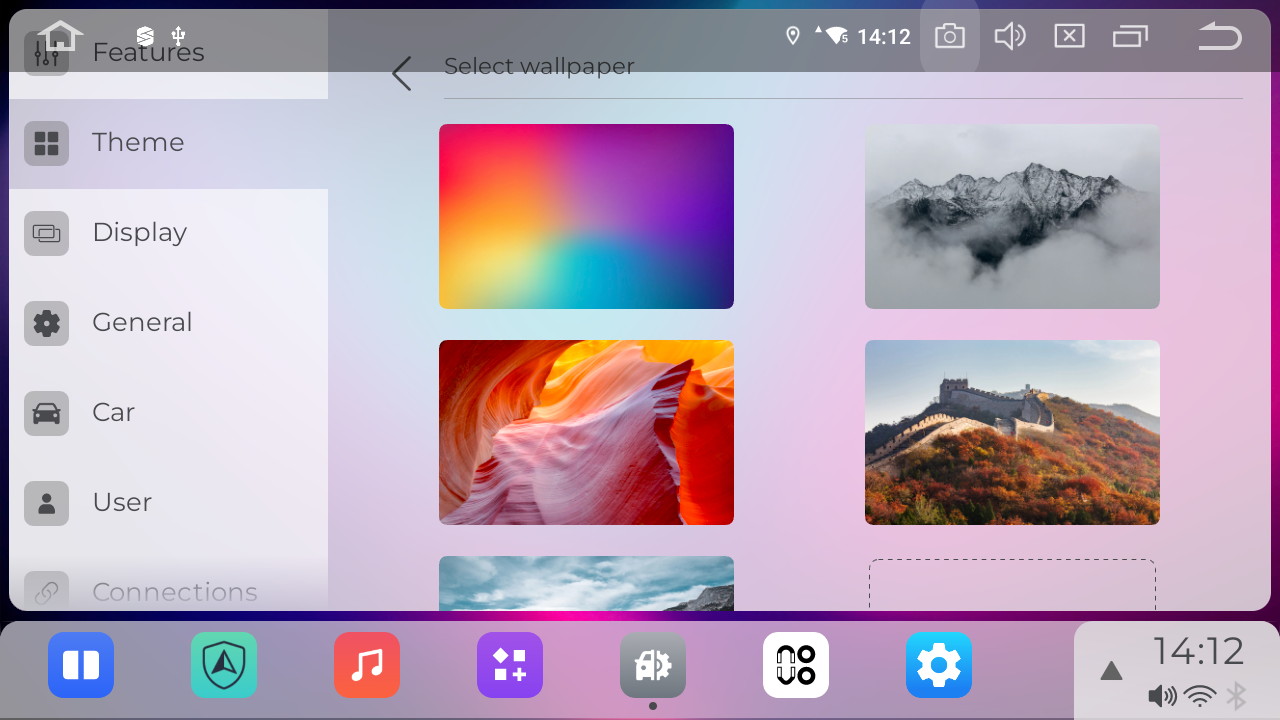
4.Choose your preferred wallpaper, tap to select it, then press "Set wallpaper" to apply.
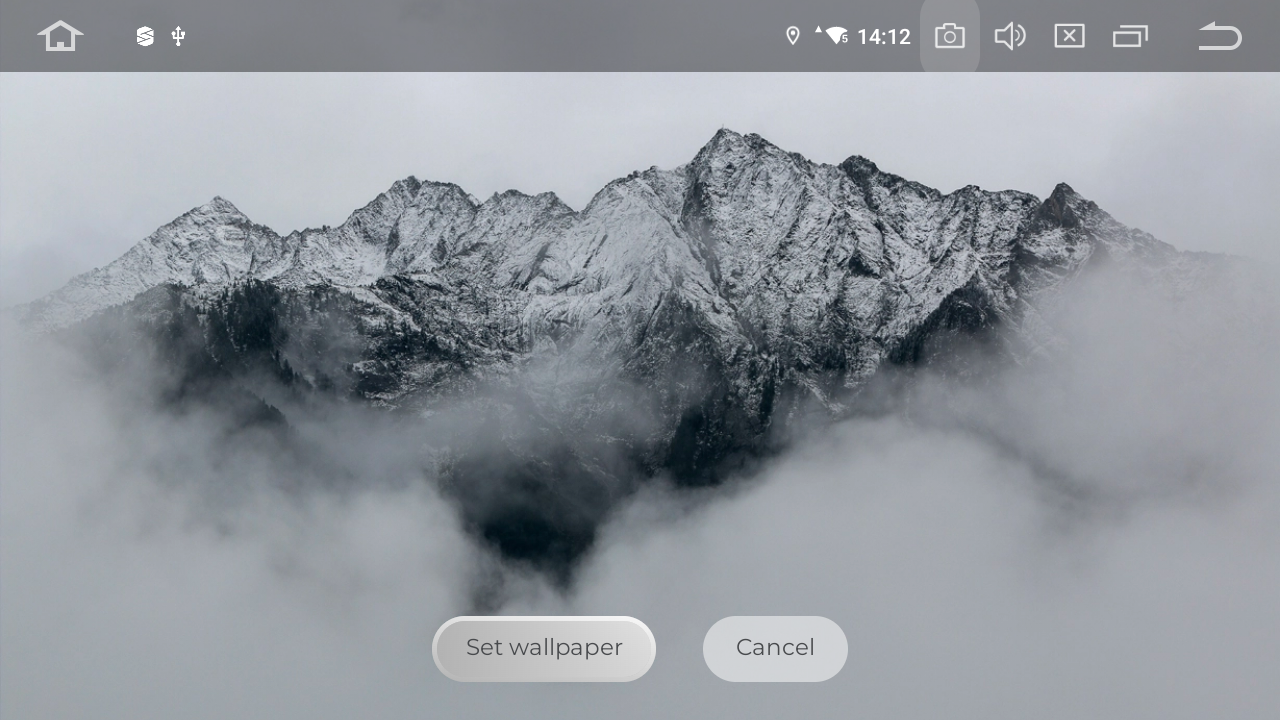
Enjoy your new look!
