
New. Working great for past week. Suddenly started rebooting every few minutes. Tried network reset. No change. App reset, no change. Factory reset doesn't complete. Gets Wait/Cancel screen then reboots without anything further. Amazon purchase 113-7083820-7835409 on 2/11. If I need to reinstall please specify both OS and MCU versions as I might as well update both. Build photo below: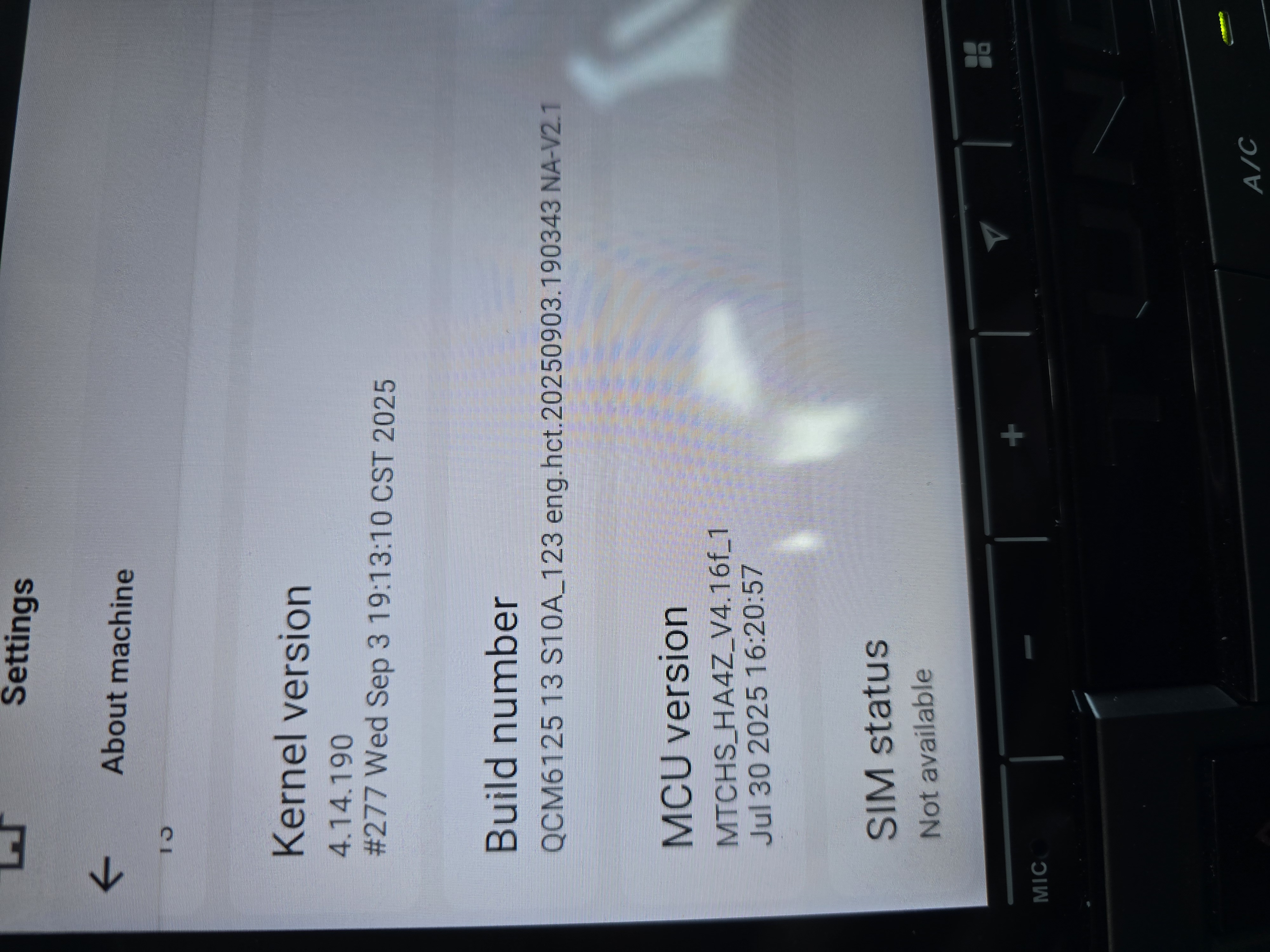
@Craig
Dear customer,
Please update the Firmware & MCU to the latest version via the link below,here are some tips to help you get it done:
①G13-V2 Version(20260225) :
Make Sure your unit is QCM6125 Andorid 13
②MCU(4.17a)
https://www.dropbox.com/scl/fi/6g03cdcsfz2ynsk2wnimm/hmcu.img?rlkey=cqxi7l0uaogy9tc8zdpr82329&dl=0
1.Download the documents ①&② through the link on your computer/laptop.
(Do not rename and Unzip the file)
2.Format the USB drive(FAT32 Format)before copying the Update.zip & hmcu.img file to it, then insert it to the USB cable,and it will pop out the firmware updating tips on the screen.
(Tick the option"Wipe data and format flash")
3.MCU updated GO:Settings>System>MCU updates.

Thank you for your time and cooperation in advance.
@Support Dasaita I installed the updates but it hasn't fixed the external mic issue. It still seems to be using the internal microphone and there's no setting to change that.
I attached system info below.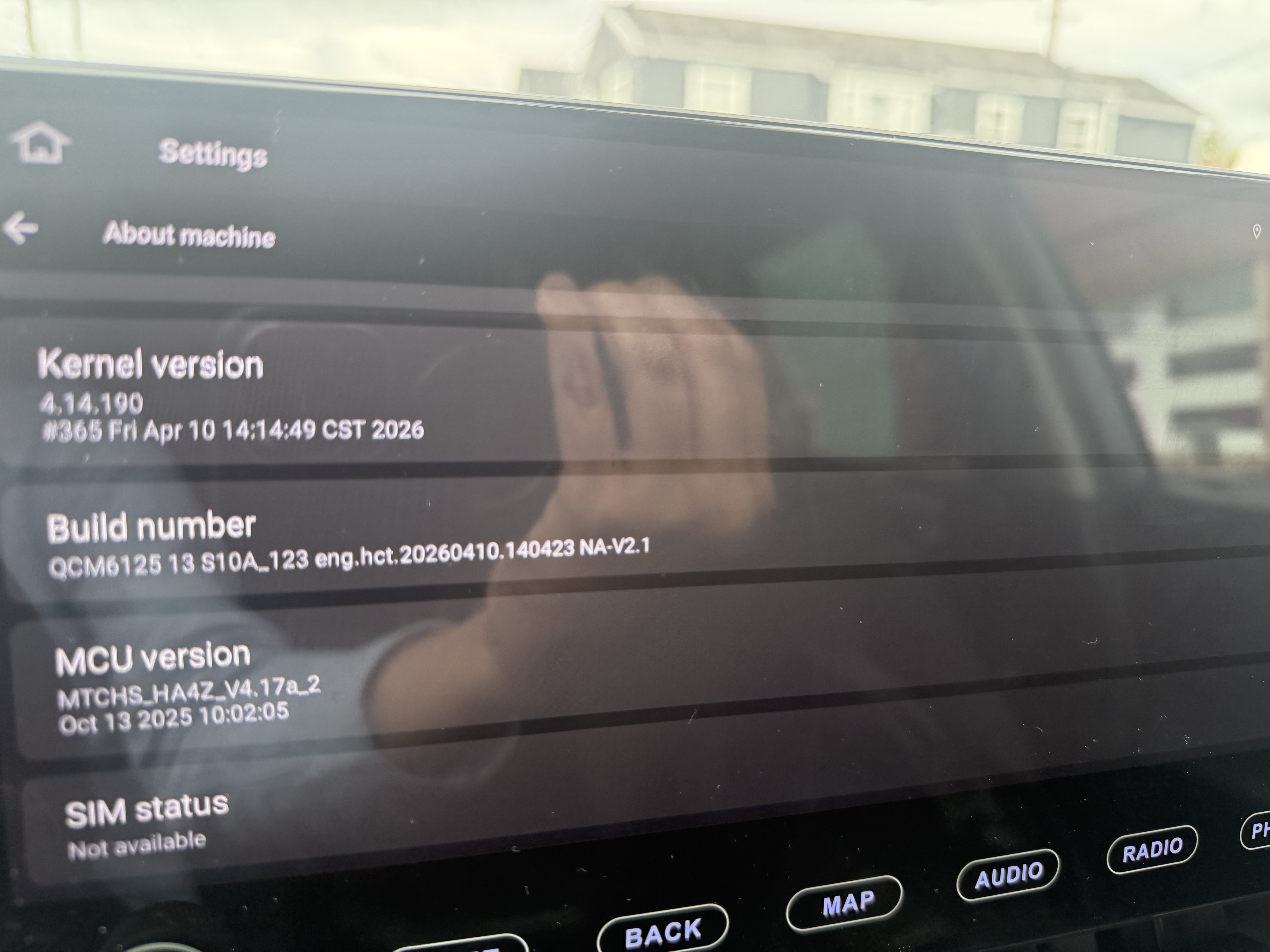
@Heber
There is no separate setting to switch between the internal and external microphone on the system. Sorry for the inconvenience.
Could you let me know if the other party still cannot hear you clearly or the volume is too low? Please put your external microphone to here. If possible,please check if the internal mic goes well, we are also afraid that the external mic is broken

