I recently installed a VIVID G13 HU into my 2016 JBL toyota tundra. I have tried using every setting in the amplifier app to make the sound better. Nothing sounds great and I have settled on turning DTS off and making adjustment to the equalizer to get the sound to be tolerable but not great. The subwoofer does not work when DTS is turned off. With DTS on the sound is hollow and tinny but there is good bass from the sub. I just ordered the RCA bypass. Will that help? My front door speaker only play lower frequencys an no vocals. Vocals only come out of the dash speakers and sound thin and tinny. Do you have any suggestions to make the system sound rich, full and warm with good bass?
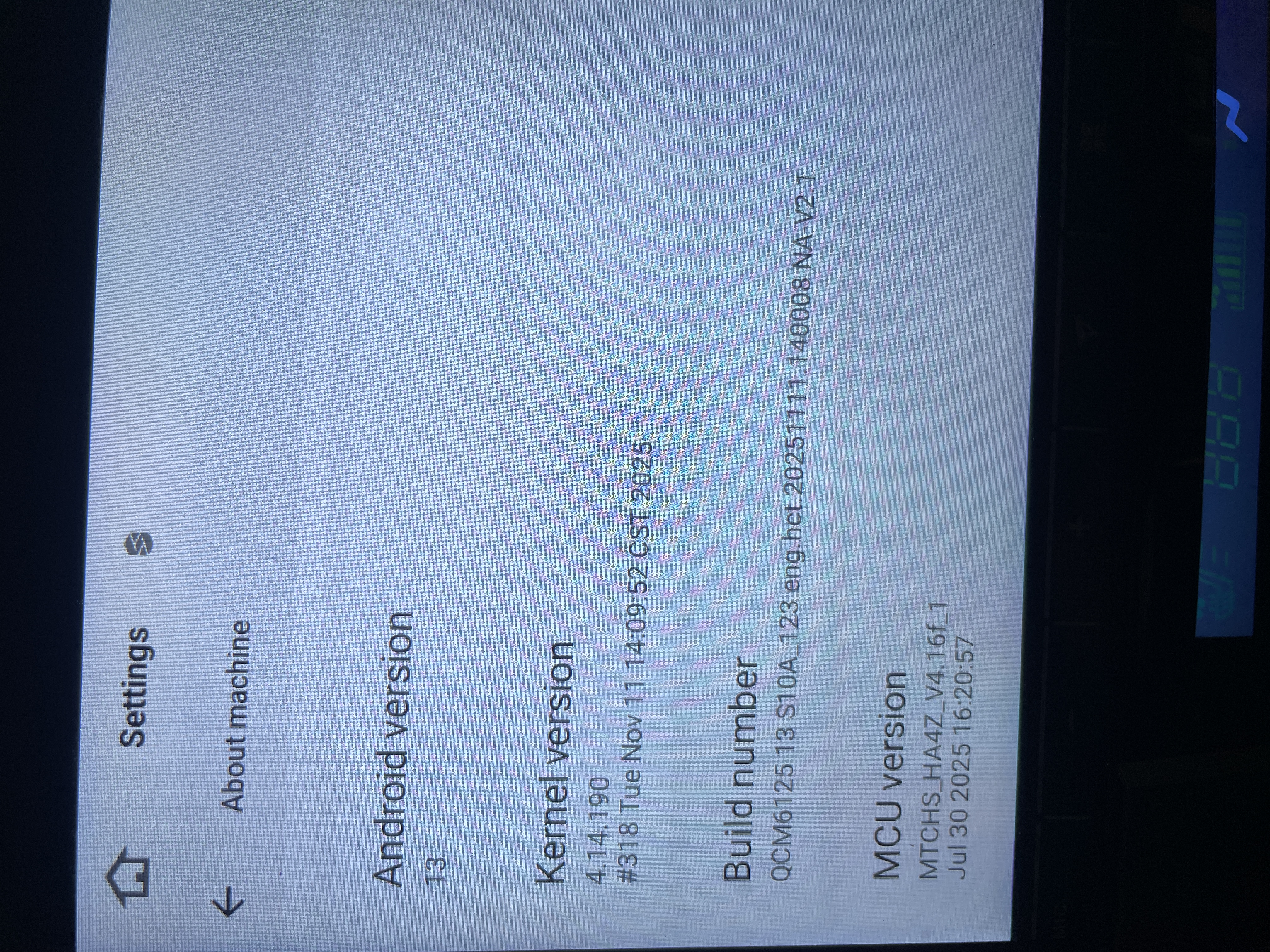
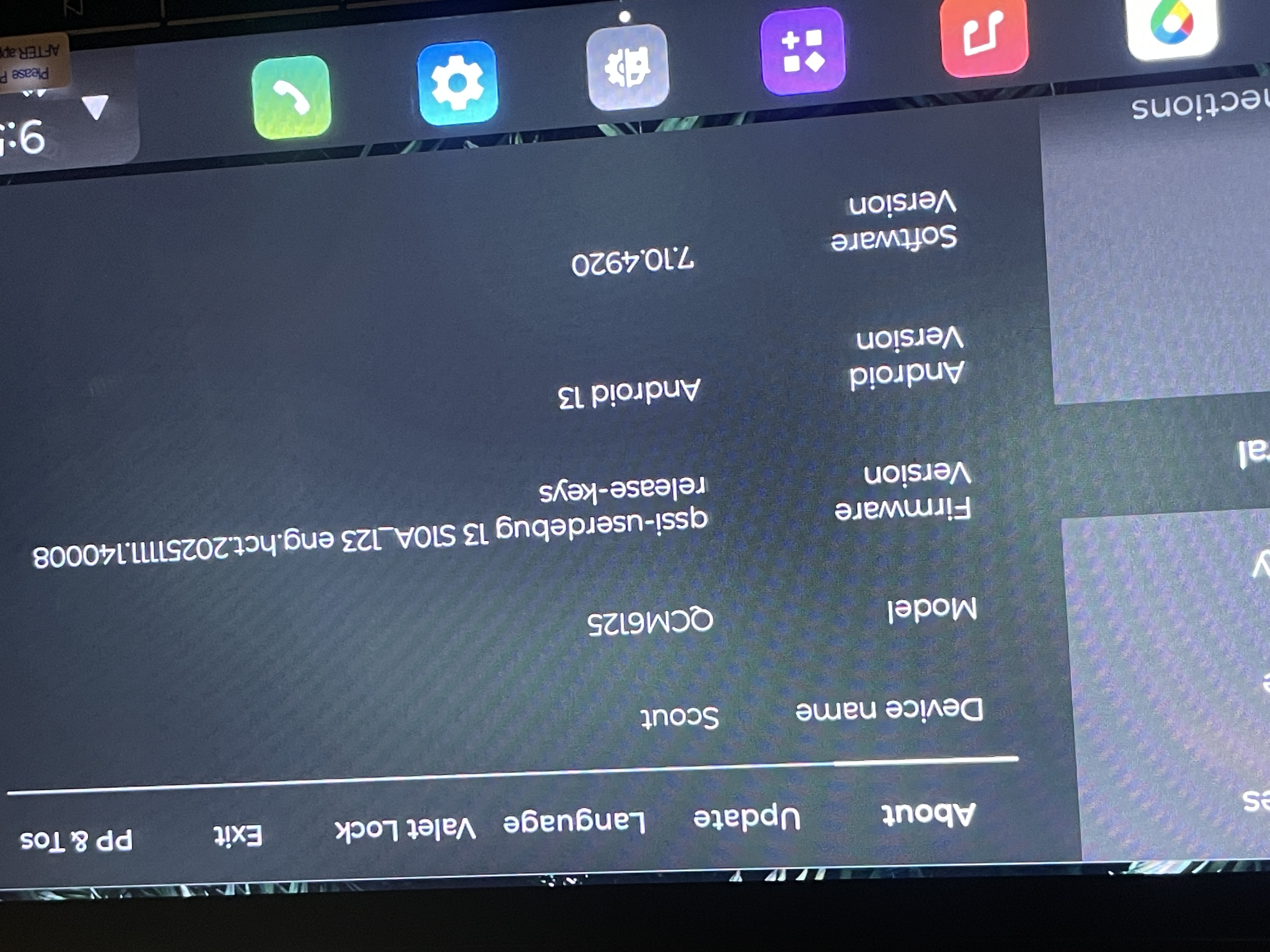
@Jon Schneider
Hello.
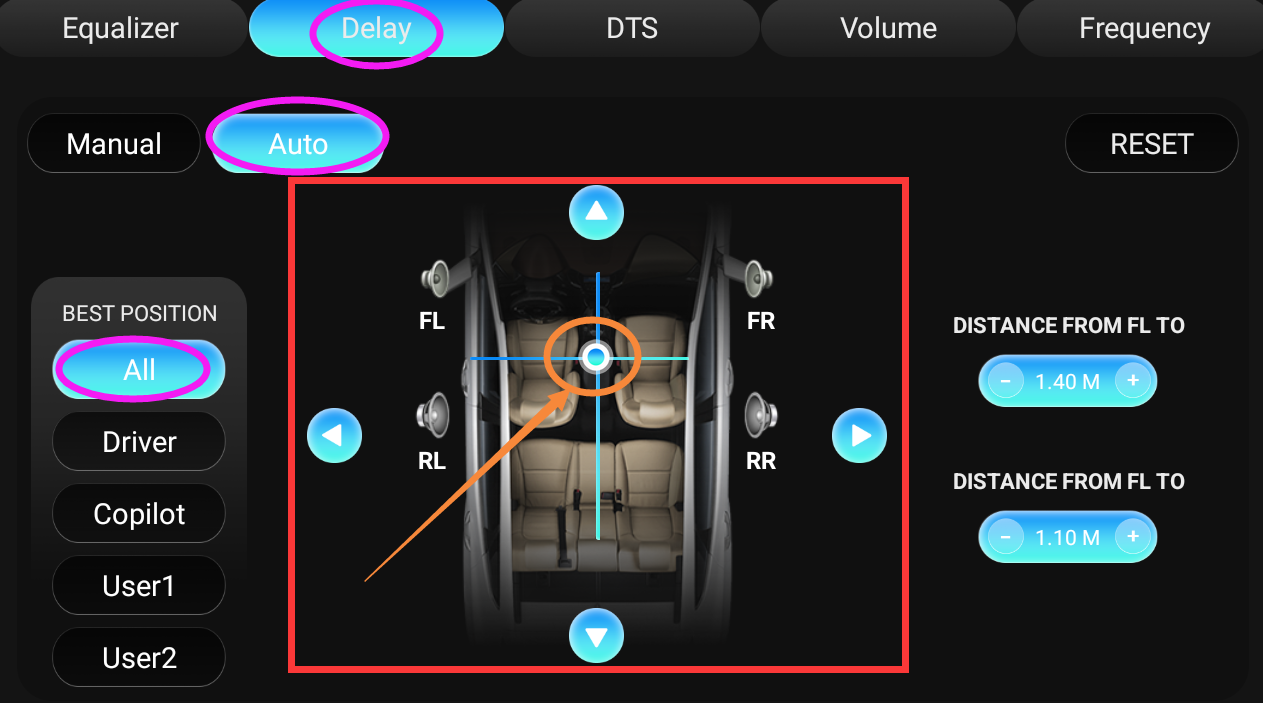
Regarding to car with JBL, please try to go "Amplifier App > Delay > Auto > All" to move the crosshair to the center to check if all speakers have sound normally.
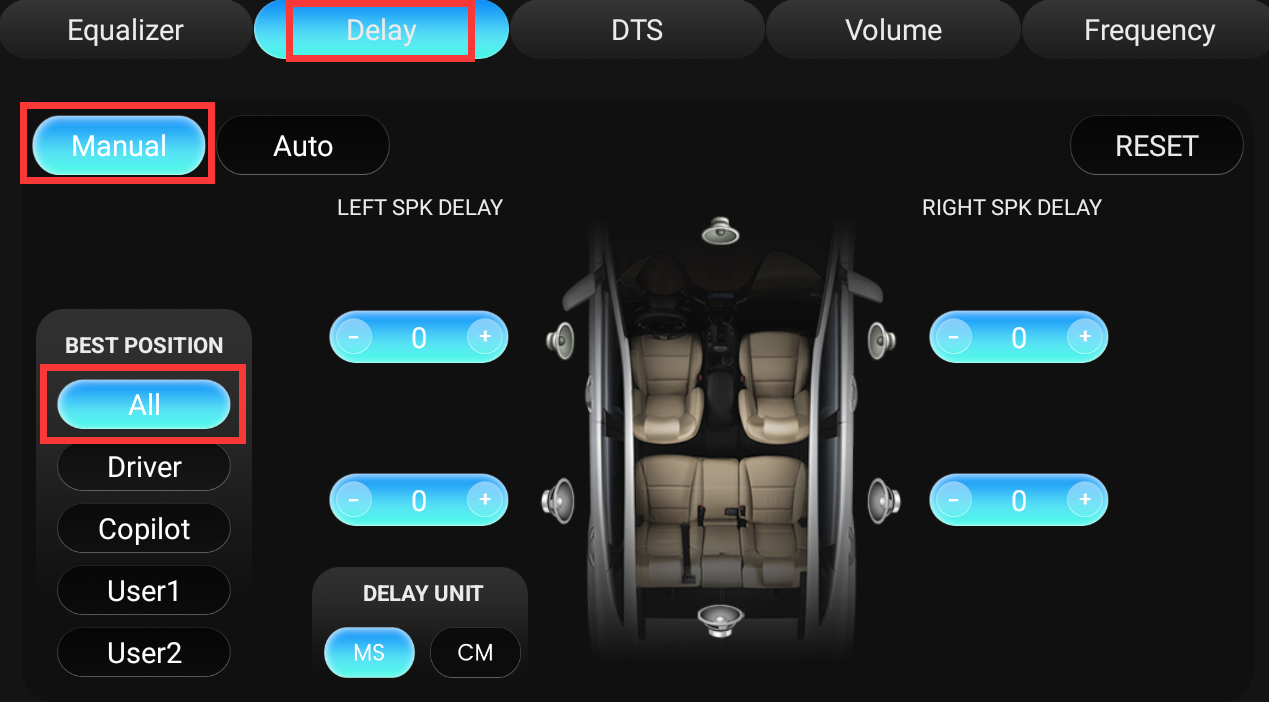
If no luck, then please switch to "Manual > All" to see how it goes.
Should I have DTS on or off? Right now it sounds better with it off but I don't get great bass (no subwoofer). With DTS on I get better bass but everything else sounds tinny and thin, not warm and full. Will the RCA bypass harness help with this?
I tried your suggestions that you replied and still the speakers sound tinny and thin especailly with DTS on. They should sound full. Any other suggestions?
@Jon Schneider
Hello.
Please check the update tutorial below then give it a shot.
Update File:
System Firmware-Vivid13-V2-20260625:
https://www.dropbox.com/scl/fi/6uc15n3ovl2x60xahdc79/update.zip?rlkey=80rz30bp0njkwui4nfo7qsyyn&st=a351xeuc&dl=0
MCU-4.17f:
https://www.dropbox.com/scl/fi/9t1gp2mkk3ertqyybpf5j/hmcu.img?rlkey=rs1abdmvfbk53331a024bps8j&st=dzwvztlg&dl=0
Tips:
1.
Download above update file via your computer/laptop.
2.
Format USB drive to FAT32 Format.
3.
Copy the file “update.zip”&“hmcu.img” to the root directory of USB drive.
4.
Insert USB drive into the unit via USB cable;
then it will pop up automatically a window of update.
Alternatively, please manually go "Settings > System > System updates/MCU updates" to start the update.
***NOTE:
Please make sure that you have ticked option "Wipe data and format flash!".
Reference Operation Video:
https://www.dropbox.com/scl/fi/7tgvc28sn77ux6g6fmosm/MCU.mp4?rlkey=7p5940e12kb88a42zue6qntft&e=1&dl=0
