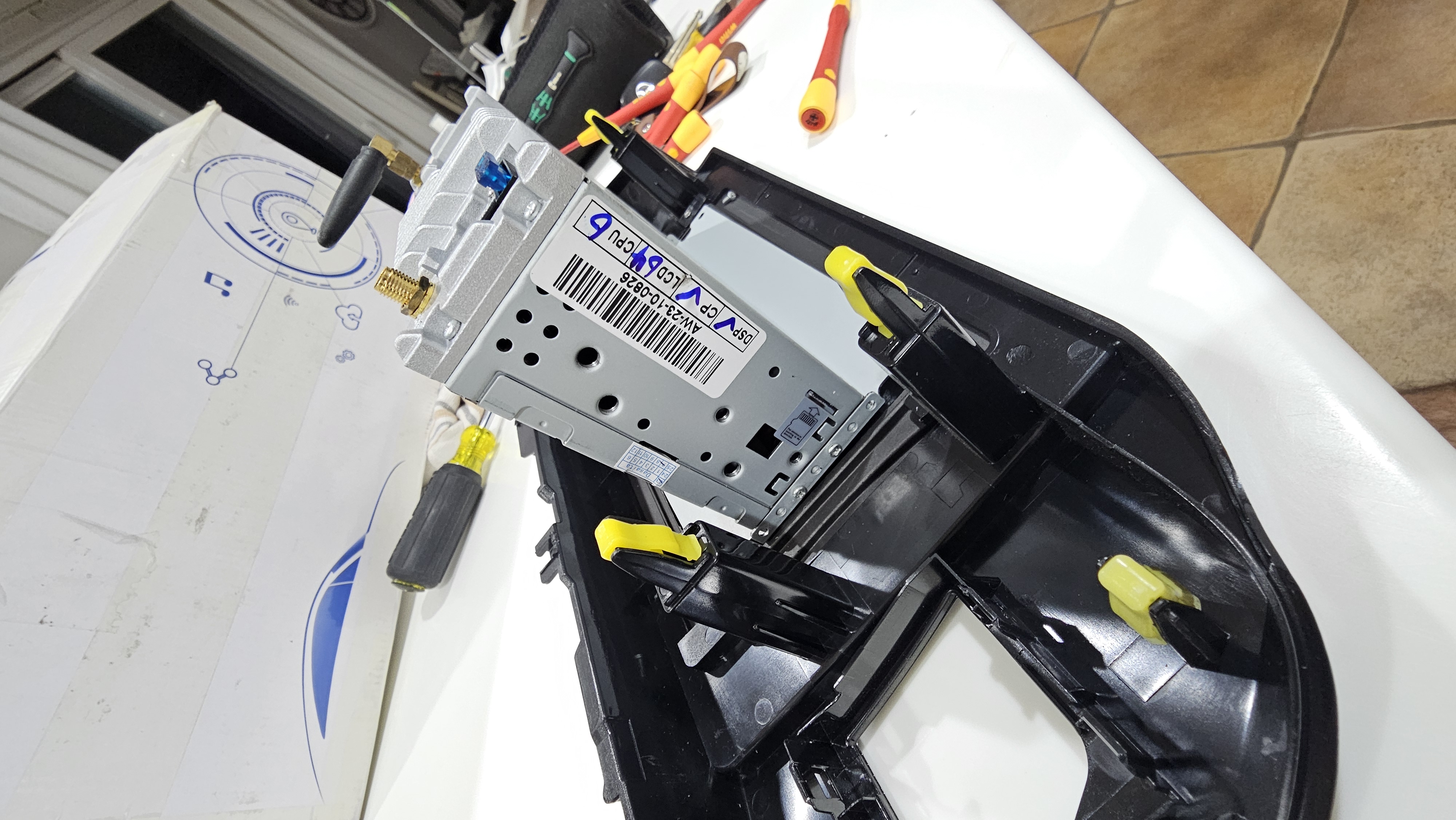
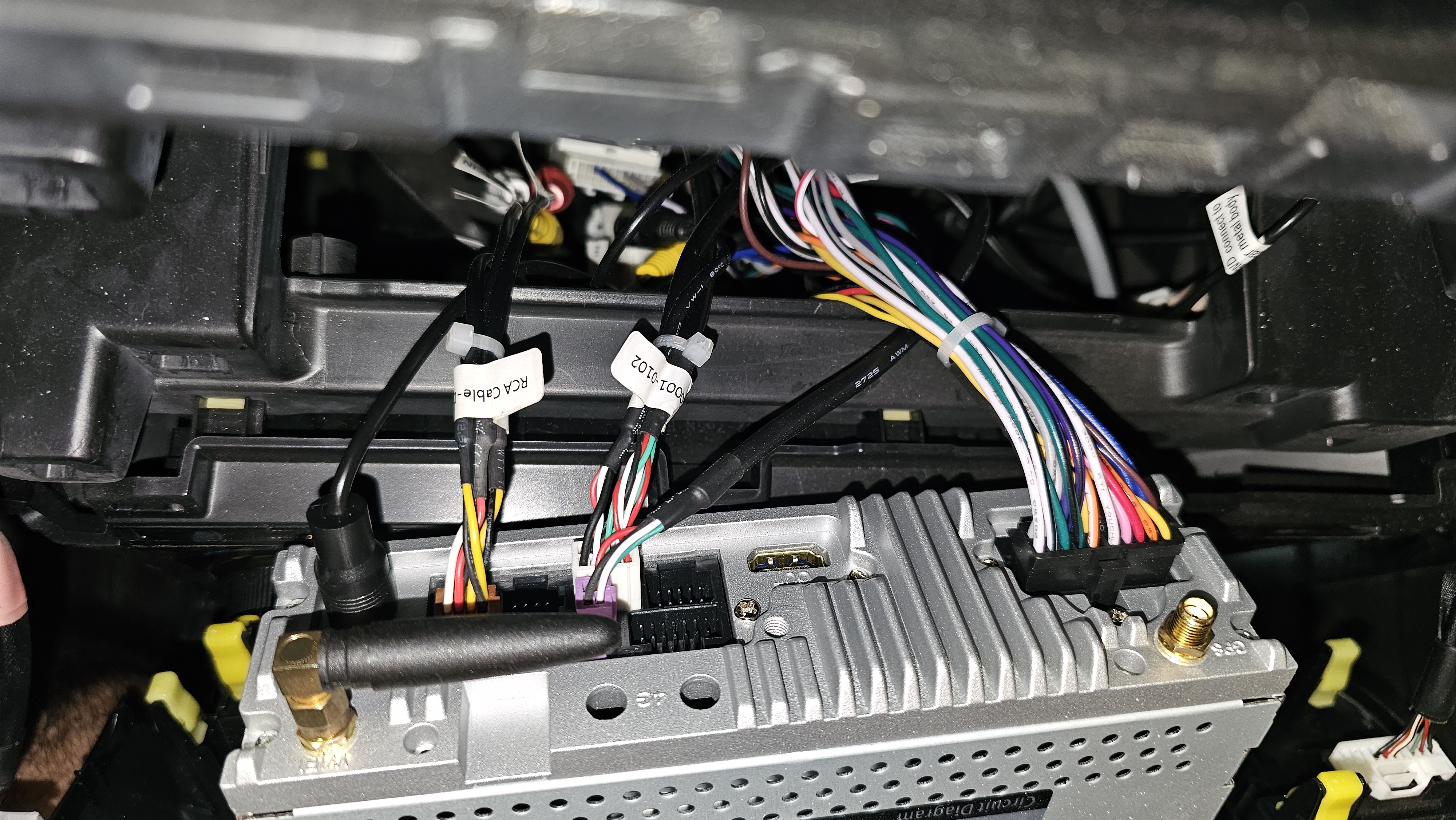
Vivid 10 px6 android 10 stuck on boot startup/logo/loop. Quick run down I tried updating the firmware and mcu due to issues I was having prior. Now my headunit is stuck in a bootloop, everytime it boots up it had the intial android 10 screen then it goes to second string being the dasaita logo or android bot or whichever. I find it odd. That during this whole HU the lights light up and with bootloop but after maybe 5-10 mins the unit will shut off and restart its self and try to bootagain. After the second boot was taken off some kids tool the swords. My dasaita will boot to recovery and from the recovery menu I can navigate and/or upload for you if youd like.
@Cy Rosenbalm i don't understand. Did you finally be able to restore system from the recovery menu....it is just to put an ota update.zip on a USB drive and select the update system from.usb option
Was there ever a fix to this? I just got a max 10 today and everything worked perfect until I tried to change the firmware to vivid 10. Now it's on an infinite boot loop and when I try the RST button it just turns it off and it won't come back on until I unplug the power and re plug it. Please can anyone help me
@Iker Gomez it's impossible for me to get into recovery mode. No matter how many times I try it. I hold RST down and the buttons flash then it just restarts the boot loop. If I hold it longer after the buttons flash then it just makes my unit not turn back on until I unplug power and re plug. Then it just goes right back to boot loop
What @Jorden Peacock did for solving it (he couldn't access to the recovery menu, whatever combination of reset button) was the following:
Get a microsd card and format it as FAT32.
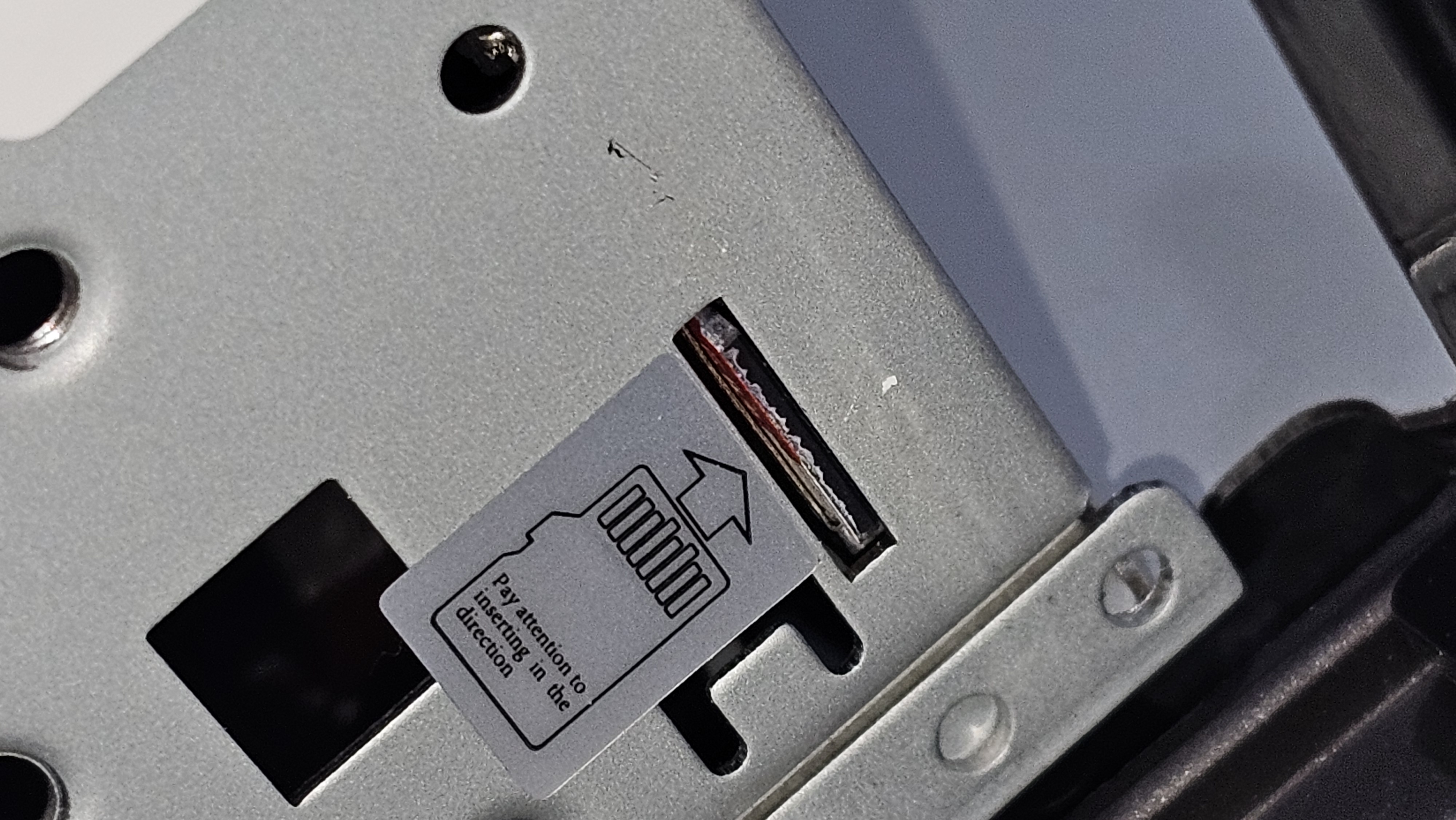
Copy the VIVID 10 OTA update on it and insert it on the SDCard slot (it is on the lateral of the unit - you must remove the unit from the car to access it)
Reboot your unit (remove the fuse of the car for about 30secs) and switch on the unit. If the unit during boot does not go directly to the Recovery menu (with the sdcard inserted) , then try again the reset method for the recovery menu (with the sdcard inserted as well). finally you could access it and tyou could update your system again .
i having the same issue i went to update the unite n the honda logo stay on but it will not go to the home menu so i try the recovery mode and i get a black screen so i disconect the power from the radio i connect back again it does the same thing all over again n i still get the black screen my question is how long it takes to get to the home menu after u do the upgrade n how can i fix to the recovery mode if u need vids i will post what it does but iam fustrated cuz i spend 600
I have a similar issue where I tried an update from Android 10 to 11 on px6 and on keeping on trying not able to get the recovery screen...any help is appreciated please...
I was able to get back into recovery after removing the fuse from my px6, starting the car without the fuse, turning it back off, replacing the fuse, then rst reset for ~30 seconds. That's the only thing that worked for me. I tried so many other methods that didn't work. I hope this helps. Good luck.
@Steven Silva that method is the one I suggested....just when booting the unit (from fuse removal) and it does not shown the android 10 logo (black screen) immediately press the reset and keep it for 20-30secs until recovery menu appeared
@Steven Silva hey there. I just tried this myself and can't get it to work. Do you mind elaborating a bit? After you replace the fuse, do you restart the unit with the pin pressed, or do you wait a certain amount of time before pressing/holding?
I'm so over this. I've tried every sequence I can think of x100 and can't get it to boot into recovery. I've never had this happen before.
I tried uploading the vivid 10 FW but got an error :
"Package is for source build 29 but expected 30" Error
If you are trying to update your Dasaita Android head unit and get stuck in the blue Android Recovery screen with the error message "Package is for source build (29) but expected (30)", it means you downloaded an Android 10 update package, but your stereo is already running an Android 11 base system. The system halts the installation to prevent a mismatch brick.
Here is the exact step-by-step process to fix the error and successfully upgrade to Vivid 11 (Android 11) directly from the recovery screen.
Step 1: Download the Correct Full Firmware File
Go to the official Dasaita Firmware Download Forum.
Skip the Vivid 10 (Android 10 / Build 29) links. You must download the Vivid 11 (Android 11 / Build 30/ PX6) version matching your core hardware (e.g., PX6 or MAX10).
Ensure you are downloading a OTA update patch.
Step 2: Prepare Your micro SD or USB,
Insert a USB flash drive into your computer.
Format the drive completely to the FAT32 file system.
Copy the downloaded update.zip file directly to the root (home) directory of the USB drive. Do NOT unzip or extract it.
Step 3: Flash the Firmware from the Recovery Menu,
Plug the USB drive into one of your stereo's trailing USB cables (glovebox or center console) or if you use a micreo SD card you will nee to pull your stereo out (i did the micro SD). And then reconnect the stereo to your car.
Using the recovery menu options at the top of the blue screen, navigate to and select Wipe data/factory reset. This clears out conflicting broken code or system cache.
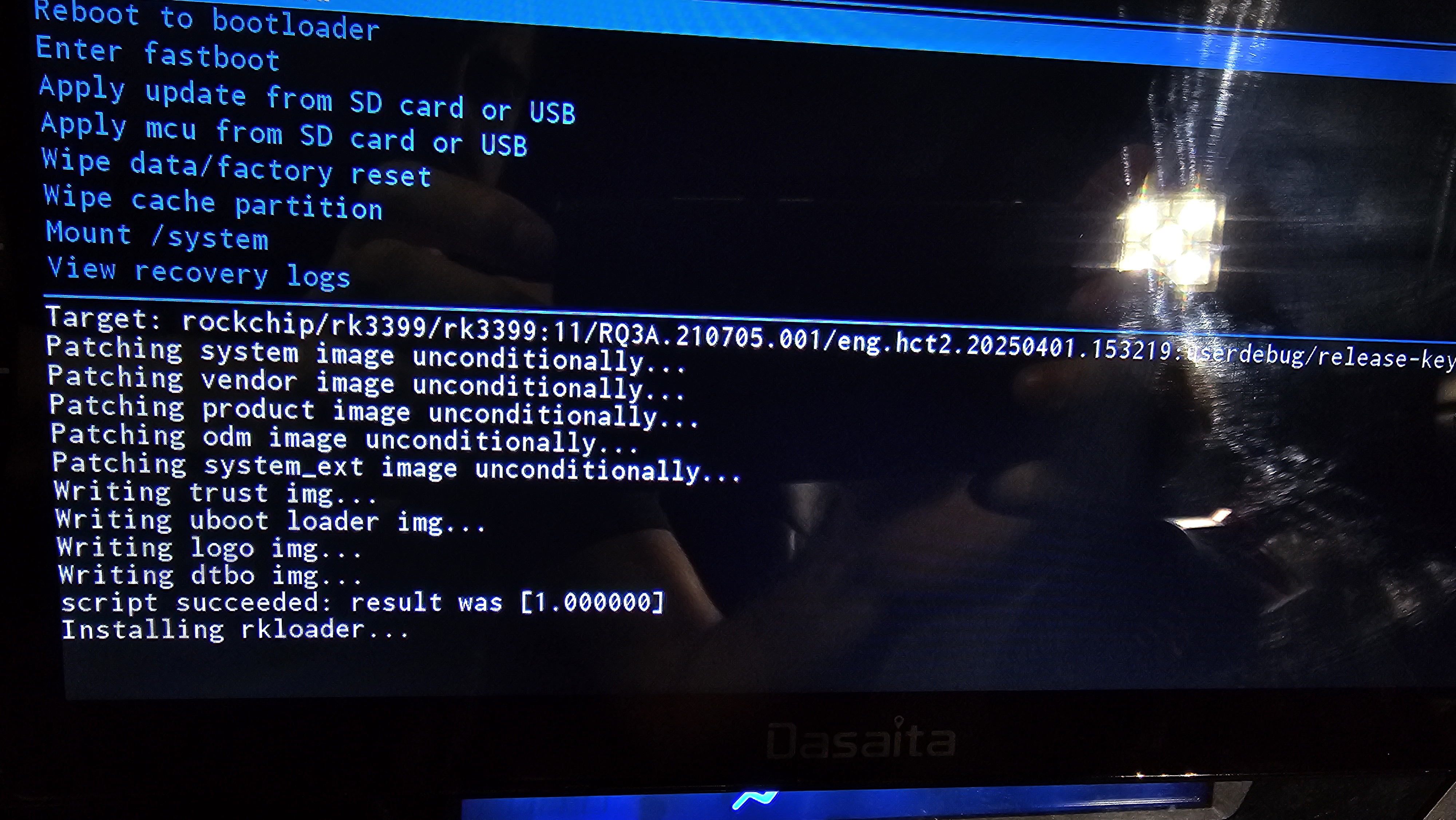
Next, navigate to and select Apply update from SD card or USB
Step 4: Complete the Install & Initial Boot
The installation log text will scroll at the bottom of the screen.
The log will eventually stop at Installing rkloader... and the blue selection menu at the top will light back up. On Rockchip units, this indicates the update is fully complete.
CRITICAL: Unplug your USB flash drive from the car's cable before rebooting. If left plugged in, the system may loop right back into recovery.
Select Reboot system now from the recovery menu.
Be Patient: The very first boot into Vivid 11 can take 5 to 10 minutes as Android rebuilds its system files. Keep your car running and do not cycle the ignition.
Once booted, you will be greeted by the language selection and terms screen, meaning your upgrade to Android 11 was successful!