-
Pair your phone's bluetooth.
-
Enable the CarPlay.
-
On your phone, turn on Wifi and search for the head unit's hotspot(e.g., "Android-***").
-
Return to the CarPlay interface. The connection should complete automatically.
Model for Toyota 4Runner 2014-2019
-
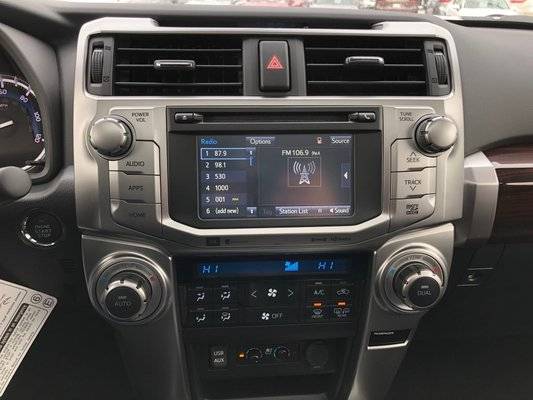
VEHICLE COMPATIBILITY: Toyota 4Runner 2014 2015 2016 2017 2018 2019Model: HA2179B HA2179SDefault harness: CB004Link: https://www.dasaita.com/products/dasaita-vivid10-toyota-4runner-2014-2015-2016-2017-2018-car-stereo-10-25-inch-carplay-android-auto-px6-4g-64g-android10-1280-480-dsp-ahd-radioBefore installation:


 After installation:


-
@Support Dasaita I had this radio before and I have updated with the G13/vivid13, but my subwoofer JBL is not working any more, is there an update available ? because the radio says that JBL is supported! I'm using CB004 arneses for 4runner limited 2019.
-
-
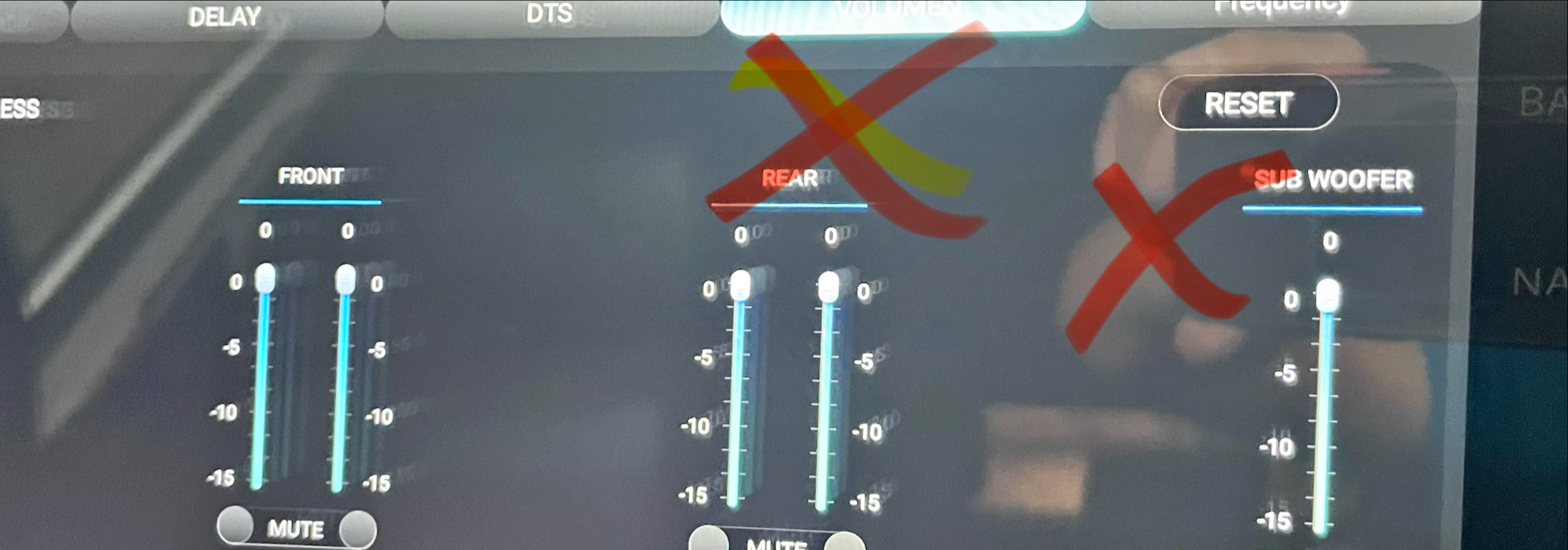
Hello @Support Dasaita,I tried adjusting the subwoofer volume, but it didn't work. In fact, I noticed the rear volume wasn't working either. I also tried the wireless connection, but it's not working; it tries to connect, but it never does.
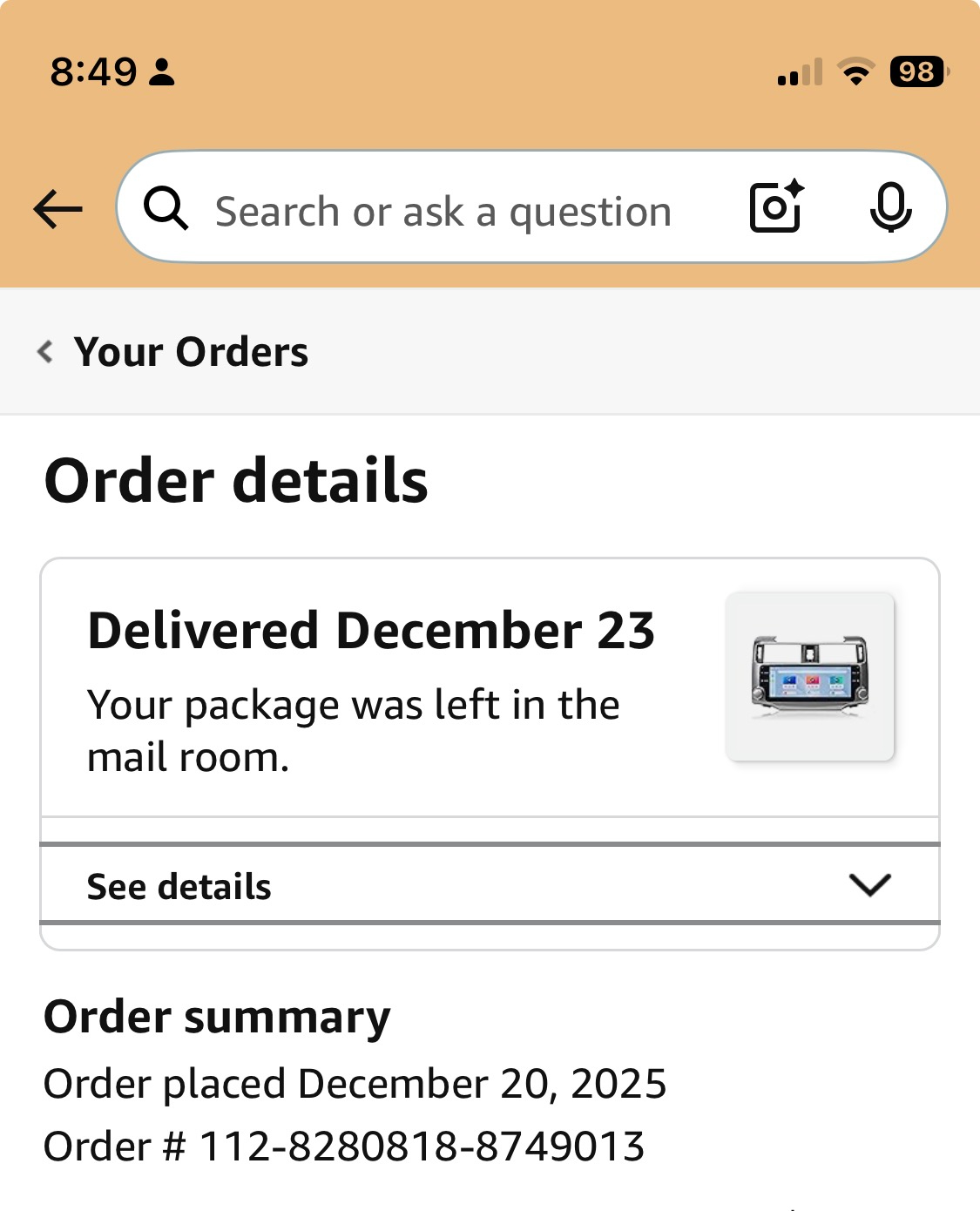
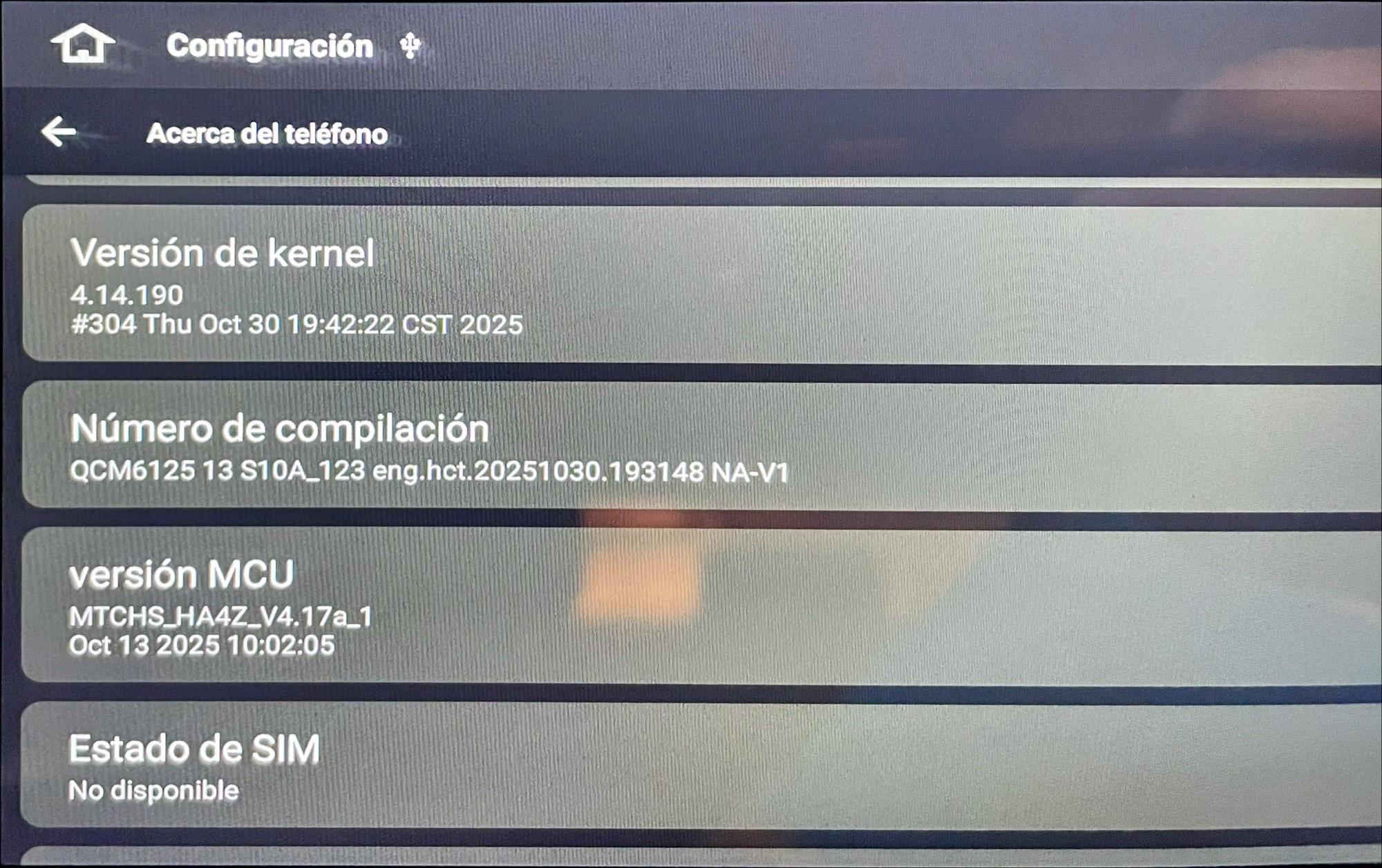
Please find attached the Order Number, Build Number and MSU version.
and volume adjust (not working)
-
-
-
-
-
@Harry Rojas Sanchez Please go to CarPlay or Zlink and turn off the Background connection to see if the issue will be fixed or not.
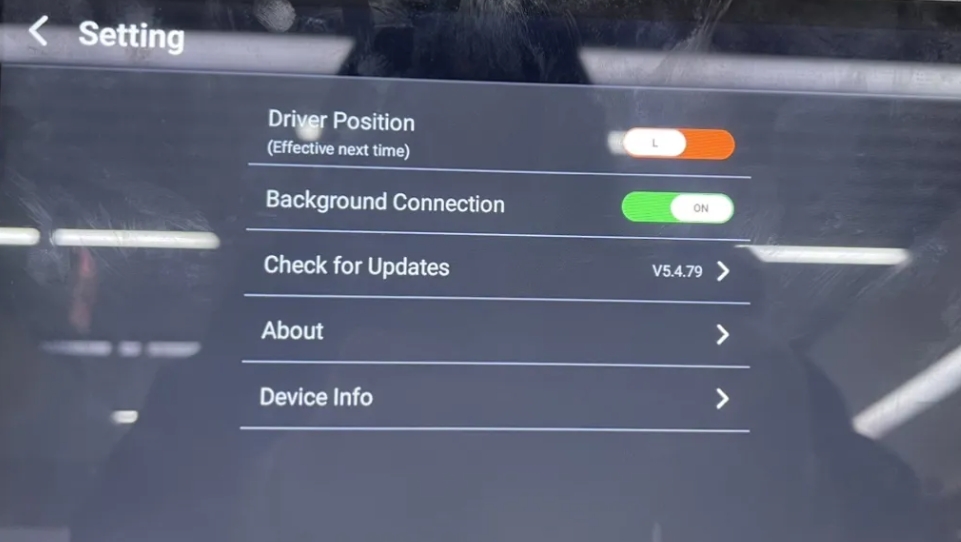
-
-
-
-
-
-
-
Yes, take a look:
please search by subjet "New Cable Needed"
-
@Harry Rojas Sanchez
Hello,
Thank you for your time and efforts in this matter.
It is a shame that we couldn't locate your email. Please confrim again.

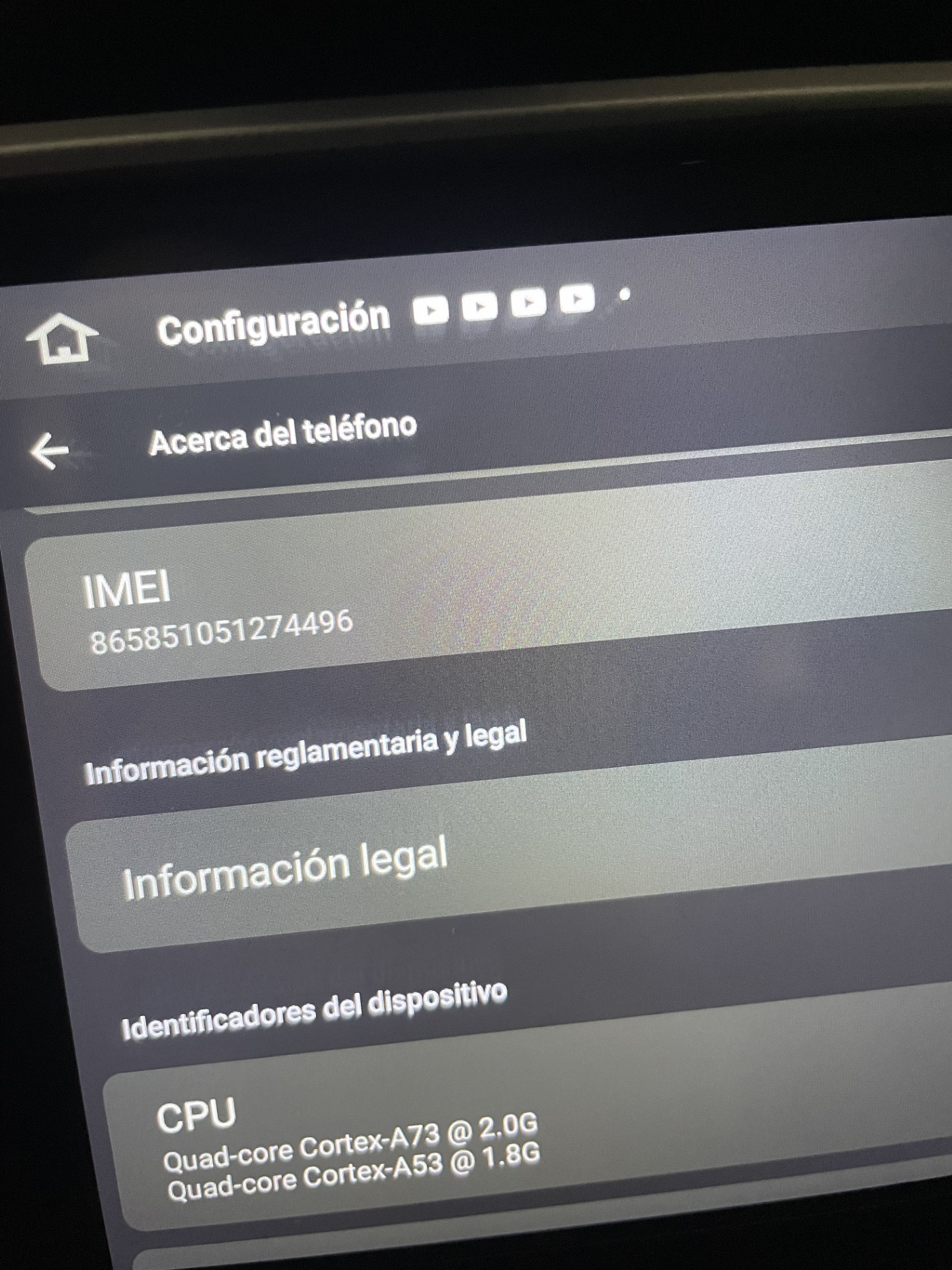
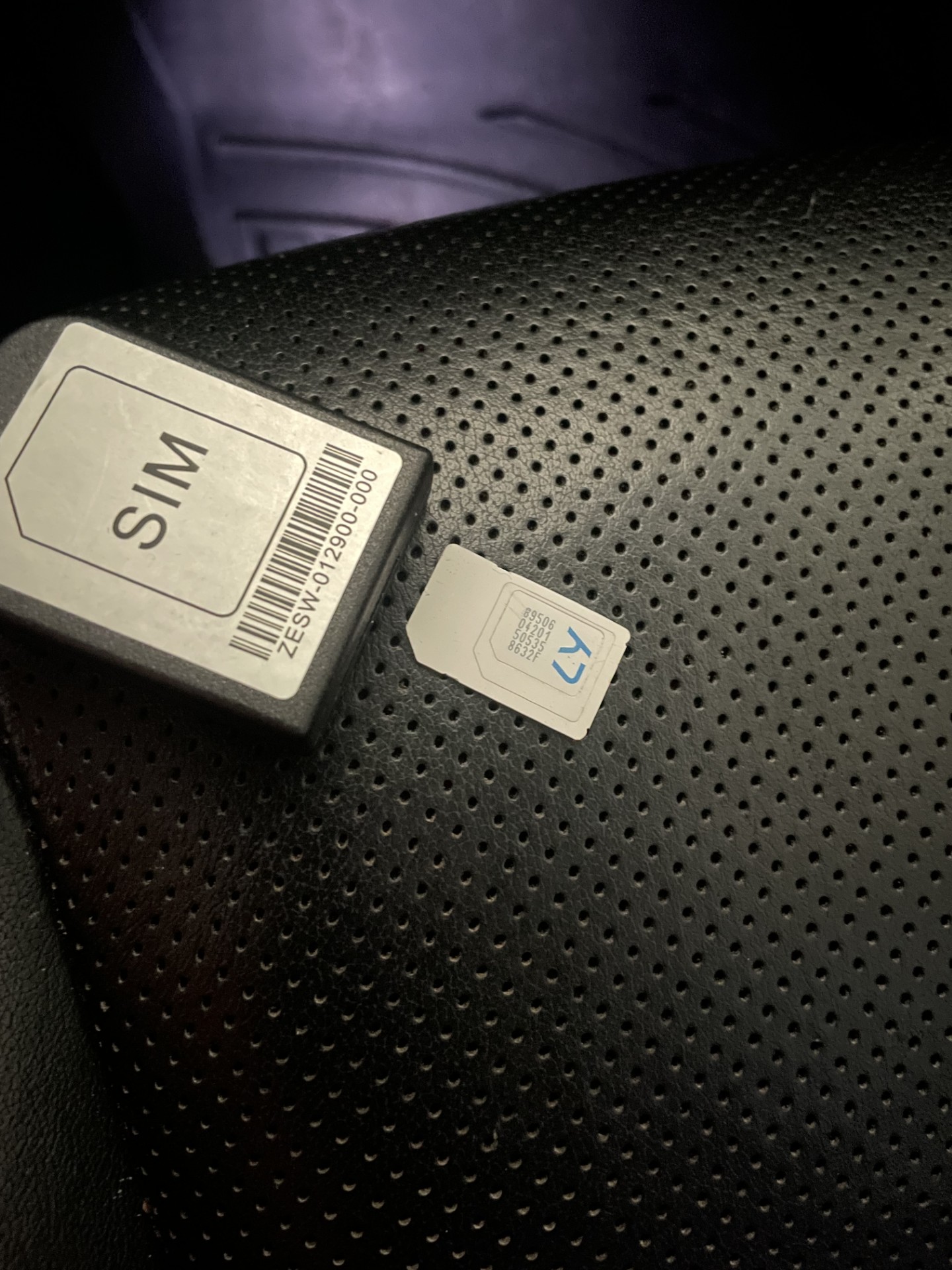
Please take a picture of showing the SIM Card Status on your head unit.
Here are the trouble shootings:
1.Please must power off the vehicle before inserting the SIM card .
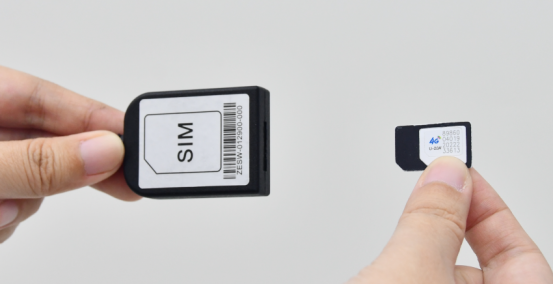
2.Please make sure the IMEI of SIM card Setting is 15 series .Go Settings>About machine >IMEI .
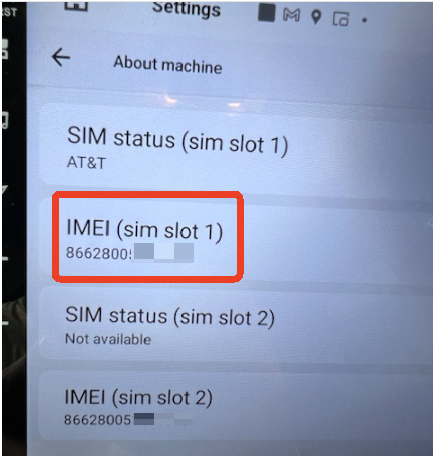
-
Hello @support@dasaita.comI already checked what you mentioned before and it's still not working as we discussed a few days ago (Internally, it sounds somewhat broken). You also told me you would send the cable, so I'm attaching the address information below:
 Please find below my data.sent by email already ... thanks.pease let me know your comments/received.Thanks,regards,HRS
-
Please login to reply to this topic!
