Model for Toyota 4Runner 2014-2019


  • VEHICLE COMPATIBILITY: Toyota 4Runner 2014 2015 2016 2017 2018 2019
     
    Model: HA2179B HA2179S
     
    Default harness: CB004
     
    Link: https://www.dasaita.com/products/dasaita-vivid10-toyota-4runner-2014-2015-2016-2017-2018-car-stereo-10-25-inch-carplay-android-auto-px6-4g-64g-android10-1280-480-dsp-ahd-radio
     
    Before installation: 
     
    After installation:


  • @Support Dasaita I had this radio before and I have updated with the G13/vivid13, but my subwoofer JBL is not working any more, is there an update available ? because the radio says that JBL is supported!   I'm using CB004 arneses for 4runner limited 2019.
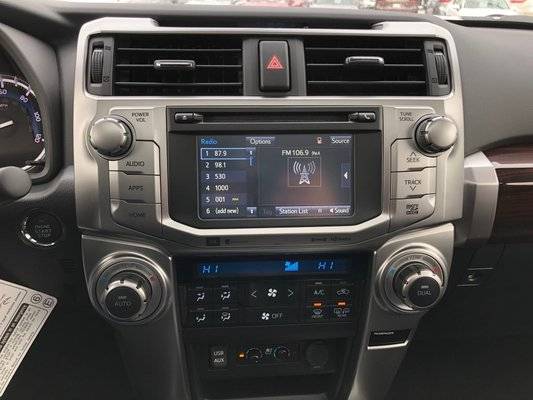
    Actual radio of my 4runner limited 2019


  • @Harry Rojas Sanchez Please send us your order number so that we could document your issue.
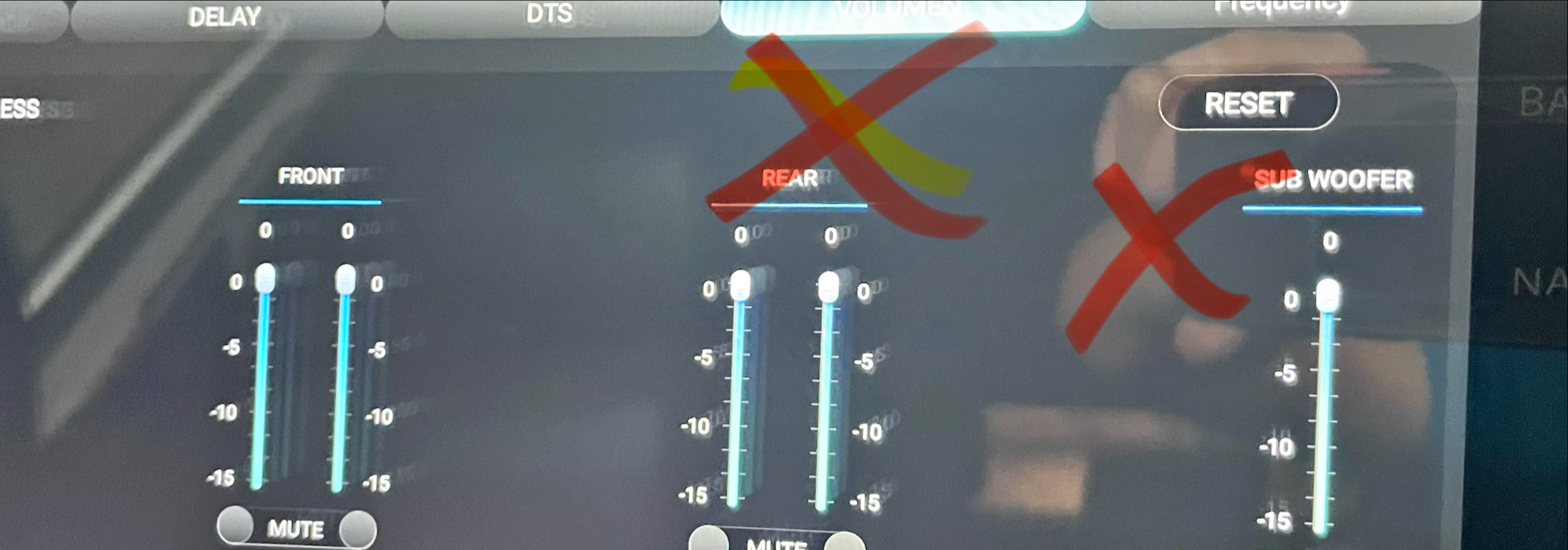
    You could go to EQ Settings > Volume and raise the Subwoofer volume.
    If you did but it will still not work, you could go to Settings > About Machine and send the current Build number and MCU version.


  • Hello @Support Dasaita,I tried adjusting the subwoofer volume, but it didn't work. In fact, I noticed the rear volume wasn't working either. I also tried the wireless connection, but it's not working; it tries to connect, but it never does.
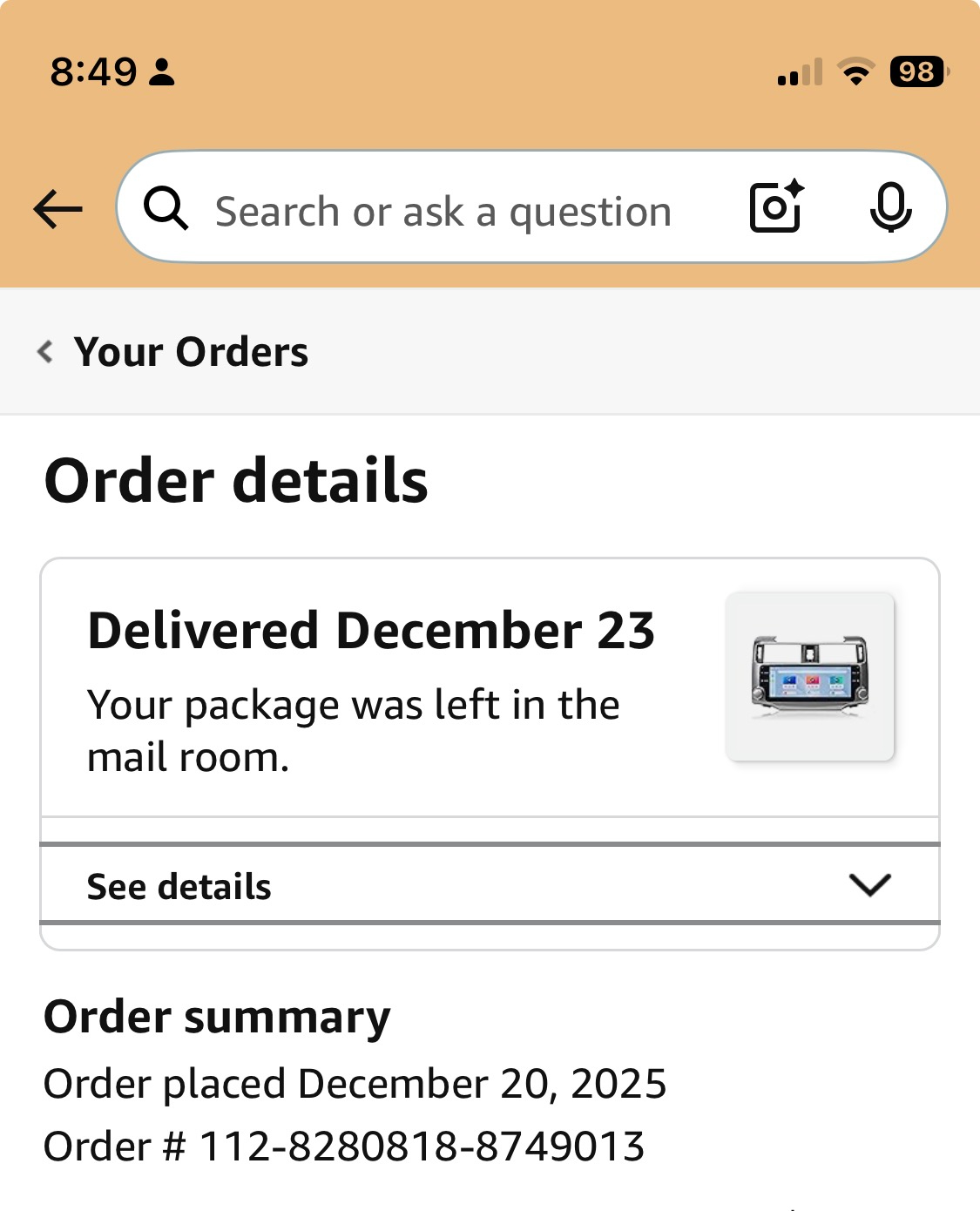
    order number

    Please find attached the Order Number, Build Number and MSU version. 
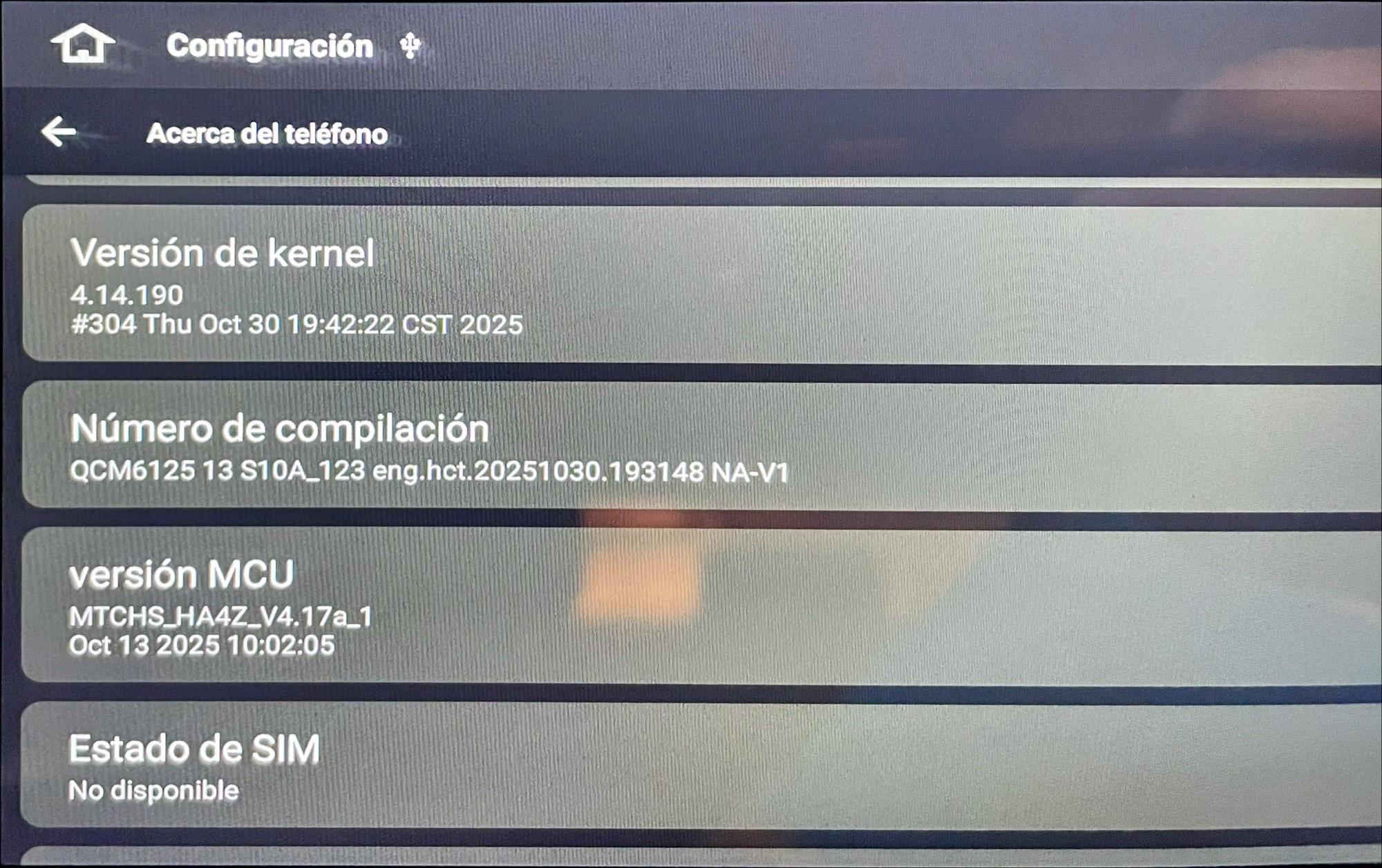
    MSU

    and volume adjust (not working)

    volume


  • @Harry Rojas Sanchez Please let us know if there is none subwoofer output or the output is too low to be heard.

    As to the rear speakers volume, it could not be adjusted by OEM amplifier, you could just adjust JBL through Delay Settings.


  • Hello @Support Dasaita I just noticed that the output is too low to be heard. Where I can adjust this?

    And regarding the wireless connection, what could be, this was working before applies the V1 update (I got this V1 from here).


  • @Harry Rojas Sanchez If it's too low to be heard, we suggest you to purchase the subwoofer booster, please contact with support team for help, here is the mail: support@dasaita.com.

    As to the wireless connection, we are wondering if you mean CarPlay, if so, here are the troubleshootings:

    1. Pair your phone's bluetooth.
    2. Enable the CarPlay.
    3. On your phone, turn on Wifi and search for the head unit's hotspot(e.g., "Android-***").
    4. Return to the CarPlay interface. The connection should complete automatically.

  • Hello @Support Dasaita No, I'm referring to the wireless internet connection, for example, to connect to my home router and download apps. Before the update, it worked, but now it won't connect. What can be done in that case? Is there an update available?


    Regards,

    HarryR


  • @Harry Rojas Sanchez Please go to CarPlay or Zlink and turn off the Background connection to see if the issue will be fixed or not.
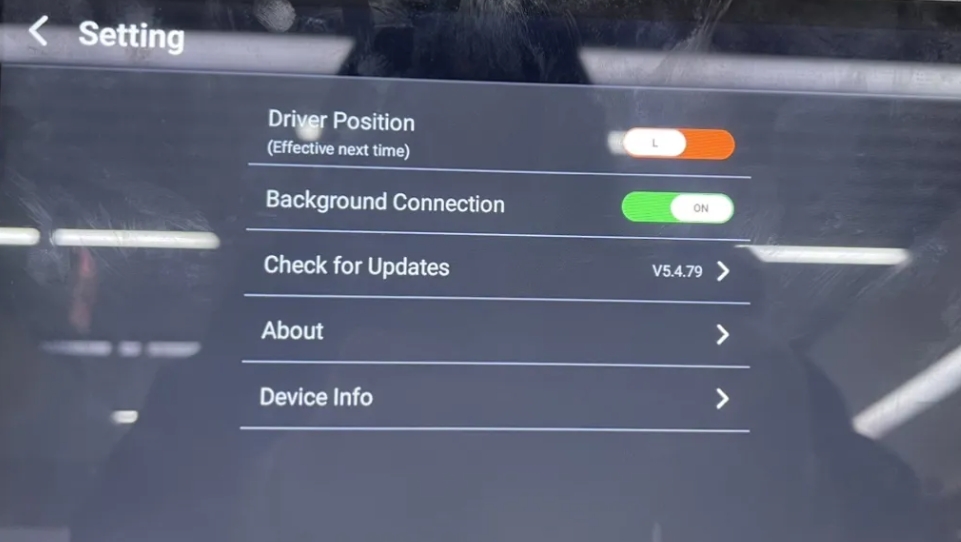

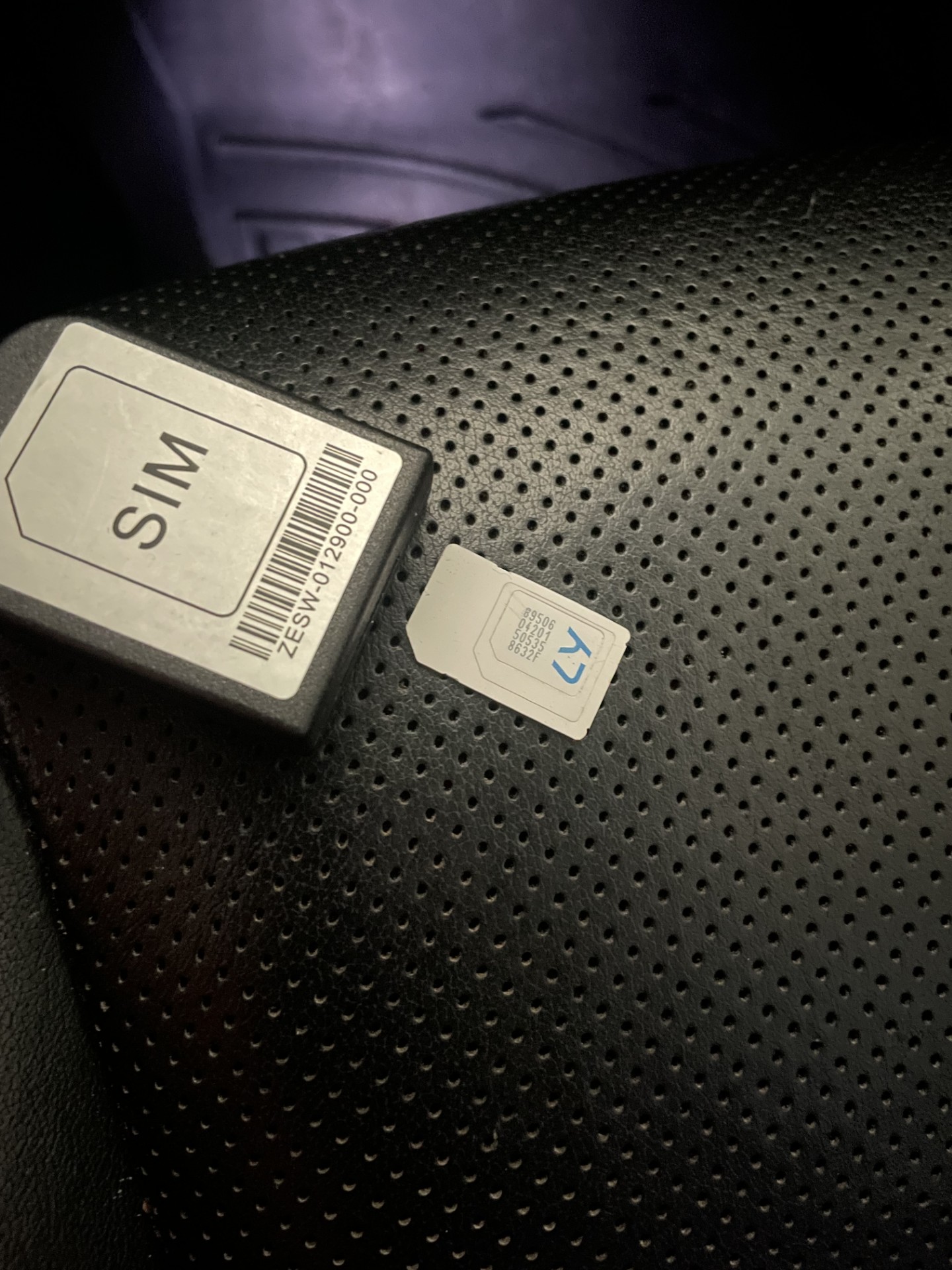
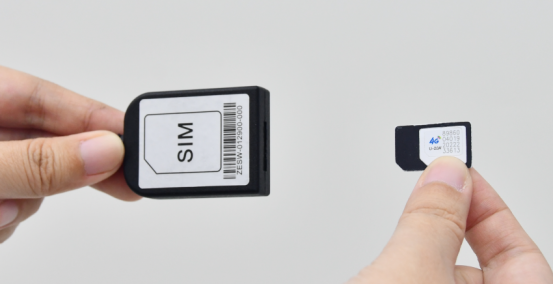
  • hi @Support Dasaita It's working now thanks. On the other hand, I'm having a problem with the SIM cable; it doesn't seem to be working properly. It's like it can't find the SIM card. Is there any way to buy one?


  • @Harry Rojas Sanchez Please let us know if you mean that when inserted the SIM card, it could neither access Internet nor initiate a phone call.


  • @Support Dasaita

    What I mean is that when I insert the SIM, the radio does not identify it, but when I move the cable in the sim part, inside it sounds like there is something broken!


  • @Harry Rojas Sanchez You could send us your address and telephone number to support@dasaita.com, so that they could send you a new cable. (Note to markdown the order number.)

    Thank you.


  • Hi @Support Dasaita 

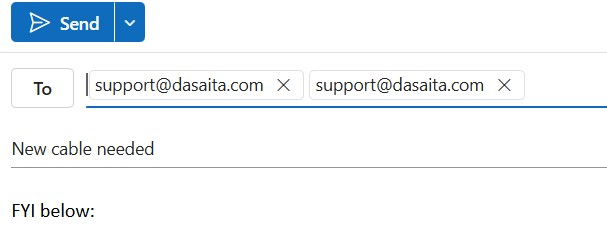
    email sent, from my personal email Harry..@hotmail.com


    Thanks,

    regards,

    Harry


  • @Harry Rojas Sanchez We have not received your mail, could you please confirm if you have sent to support@dasaita.com?


  • Yes, take a look:

    please search by subjet "New Cable Needed"


  • @Harry Rojas Sanchez 

    Hello,

    Thank you for your time and efforts in this matter.

    It is a shame that we couldn't locate your email. Please confrim again.

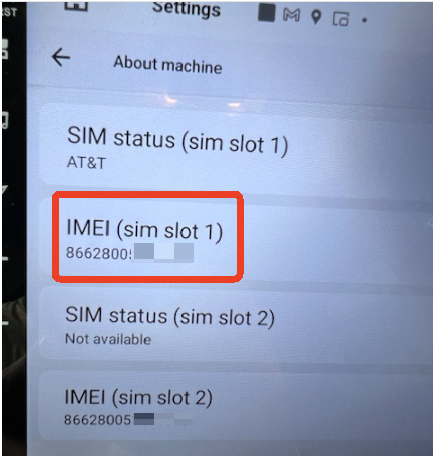
    Please take a picture of showing the SIM Card Status on your head unit.

    Here are the trouble shootings:

    1.Please must power off the vehicle before inserting the SIM card .
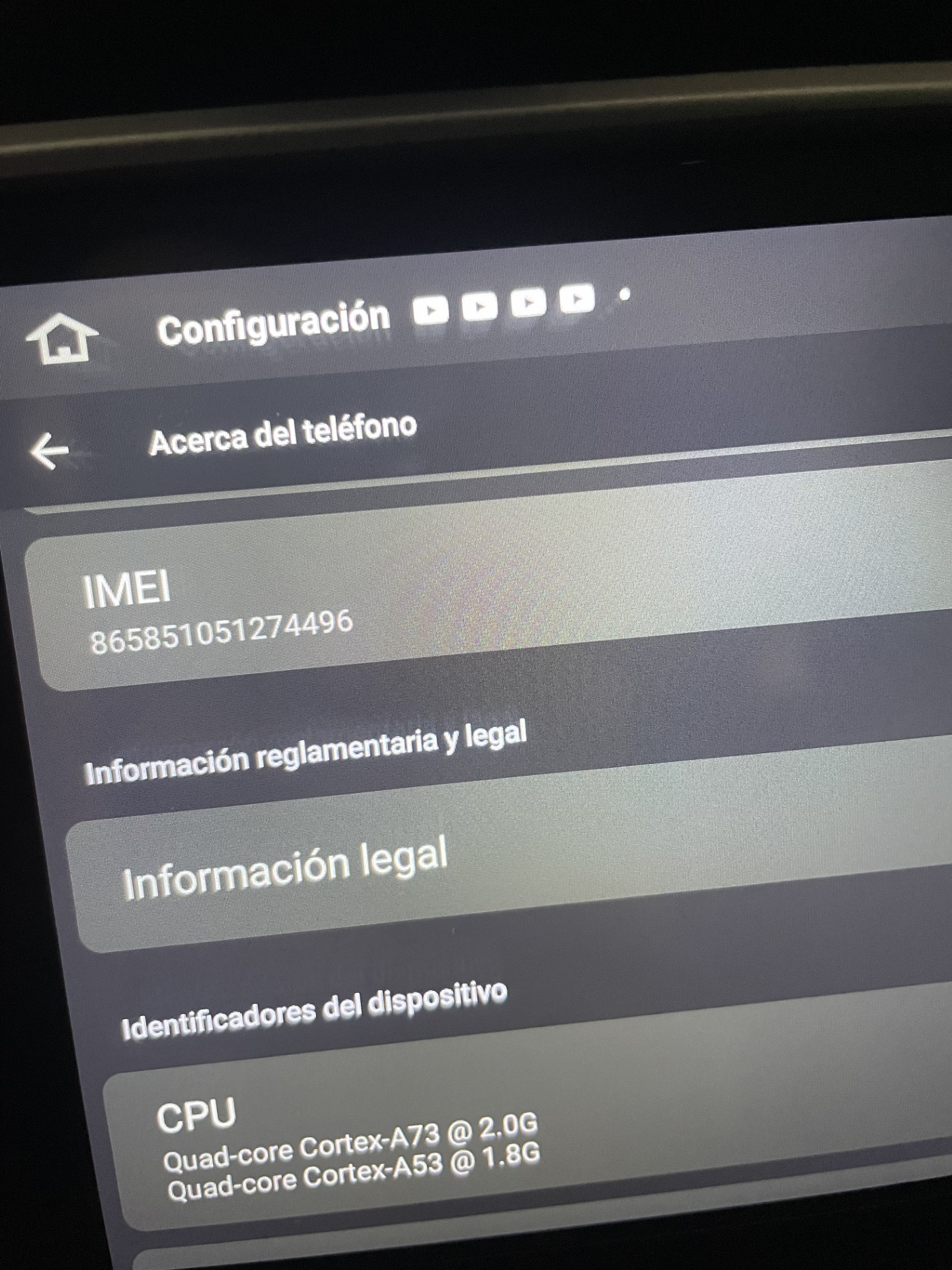
    2.Please make sure the IMEI of SIM card Setting is 15 series .Go Settings>About machine >IMEI .

  • Hello @support@dasaita.com
     
    I already checked what you mentioned before and it's still not working as we discussed a few days ago. You also told me you would send the cable again, so I'm attaching the address information below:
     
    Please find below my data.
     
    • 10171 NW 58TH ST UNIT 10
    • DORAL, FL 33178-2733
    • United States
    • Phone number: ‪(305)298-4073‬
     
     
    pease let me know your comments/received.
     
    Thanks,
     
    regards,
    HRS

Please login to reply this topic!