We've had some inquiries about how to add a subwoofer to your car navigation system. Here's a step-by-step guide to help you through the process:
1.Audio Line Connection:
1)For connecting the audio lines of your subwoofer, you only need to use two out of the following: RR (Rear Right), RL (Rear Left), FR (Front Right), and FL (Front Left).
2)Do not connect the subwoofer line directly.
2.AMP Line Connection:
1)Locate the amp line and carefully strip a small section of the insulation.

2)Connect this stripped portion to the command line of your amplifier to ensure proper signal transmission.
By following these steps, you should be able to integrate your subwoofer seamlessly with your car navigation system. If you have any further questions or run into any issues, feel free to reach out for more assistance.
Happy driving and enjoy the enhanced sound experience!
*****Please note that different types of subwoofers may have different wiring methods. You can consult the seller to confirm how to connect the wires properly
The Amp pin 6 on my harness is blank. Dasaita G13 Jeep Gladiator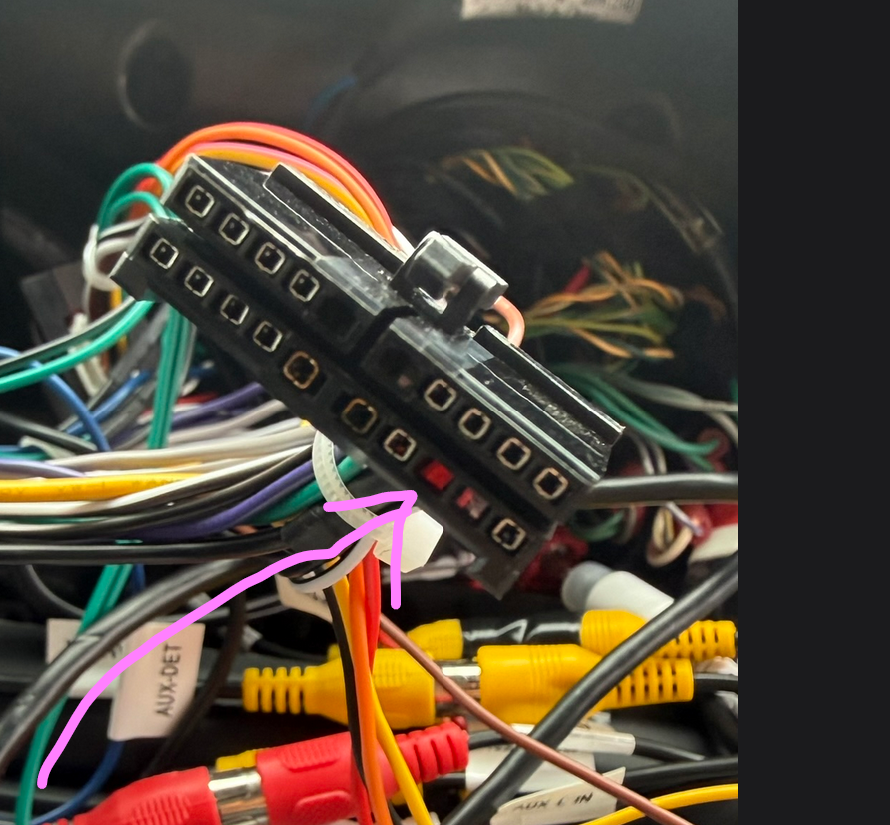
@Charles Selrach Hi, thanks for your contact.
For this integrated cable for the Jeep Gladiator, it is blank.
Please connect the ANT as the remote wire, it is also 12 V.

Orden SP-DA11010
Confirmado el 1 de julio de la orden #D71540
He he hecho la conexión. En el Toyota chr con dasaita g13 y no logro hacer que funcione. El subwoofer pioneer TS-WX130EA trae 3 cables .
1 Amarillo: 12v continuo , directo a la bateria .
2. Cable Azul: Remote, conectado al pin 6 llamado AMP
3 Cable Negro conectado a masa.
Conectado por RCA a las 2 salidas de la radio RCA FR y FL .
Esta es mi conexión y no funciona, el subwoofer se enciende el led pero no suena .
Que puedo hacer ?? AYUDA ! 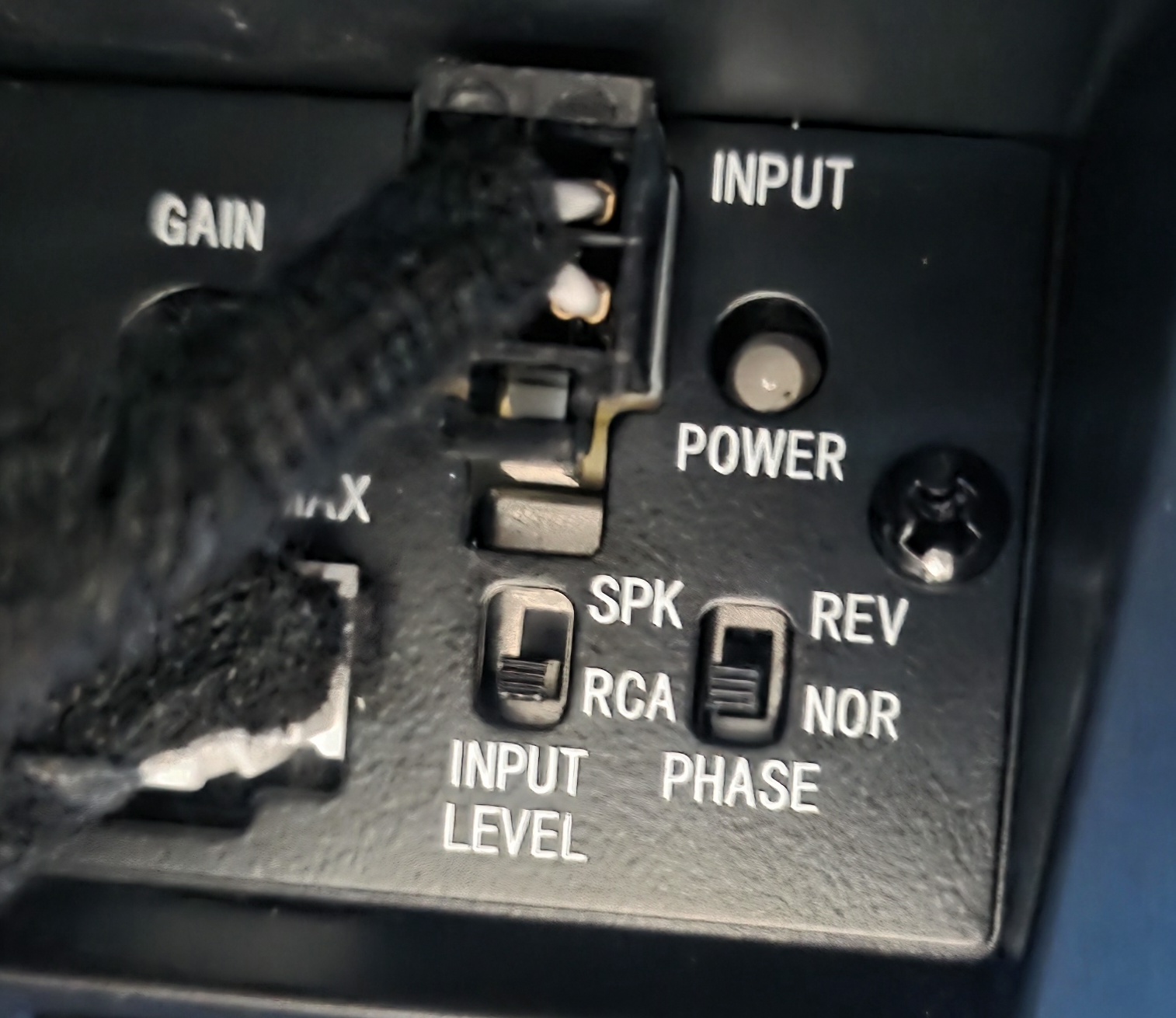
Dear Alexander,
Could you please go to the setting to increase the SUB to see how it work?
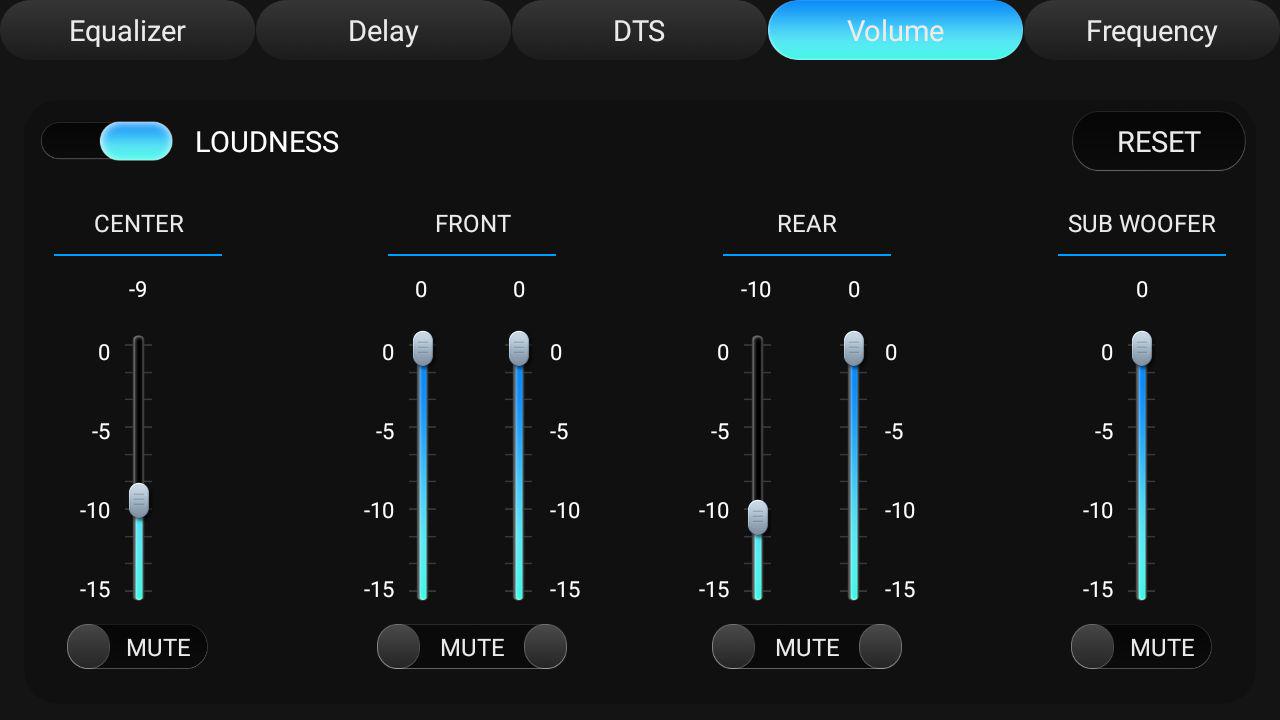
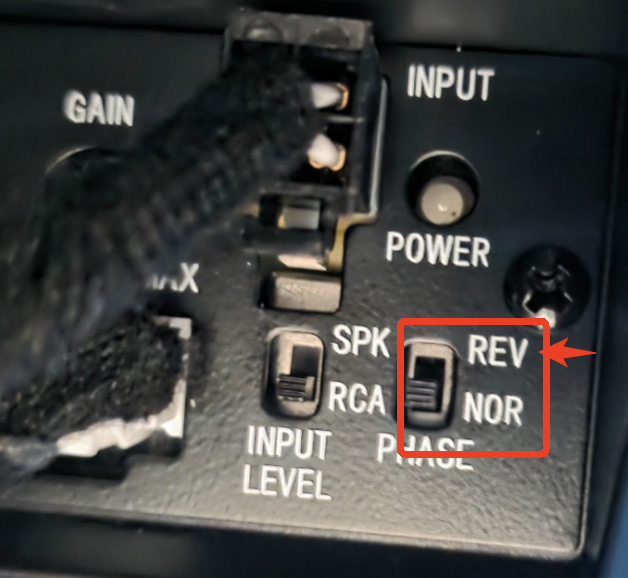
@Alexander Tovar Alterna el ajuste de fase entre NOR y REV y escucha la diferencia.