1.Access Android Auto Settings Go to Settings > Android Auto.
2.Enable Developer Options
Tap the version number area approximately 10 times.
A prompt will appear asking: "Allow development settings?"
Tap OK to enable Developer Options.
3. Access Developer Settings
Tap the three-dot menu (⋮) in the top right corner.
Select Developer settings.
Tap Video Resolution, select your preferred resolution from the list, recommended resolutions include 1080p or 720p, depending on your device and display.
Hello. Recently, our forum system is under maintenance and optimizing further. Therefore, photos may not be updated timely. Please try to refresh it later. Thanks for your understanding and patience in advance.
I have literally tried everything on all of these forums 100 times and the headunit refuses to search for the phone for the wireless connection to Android Auto. If you plug in the usb, it connects immediately. But if the usb is not connected, zlink does nothing. I connected to my home wifi, updated every app associated and still nothing. Reset to phones settings, and it just sits there until i plug in the usb, then immediately finds and connects, but the wireless aspect has not worked for over 2 years now and just refuses to work! It says wireless connection to headunit available, but will not connect to it. This is getting incredibly frustrating!!! I need a step by step procedure to troubleshoot and solve this issue. It went through a set up for that when I first got it and worked for about a week, then quit connecting wirelessly ever since. Went through every repair procedure, and nothing has worked. Scout PX6
If possible, could you please use other phones to test how it goes?
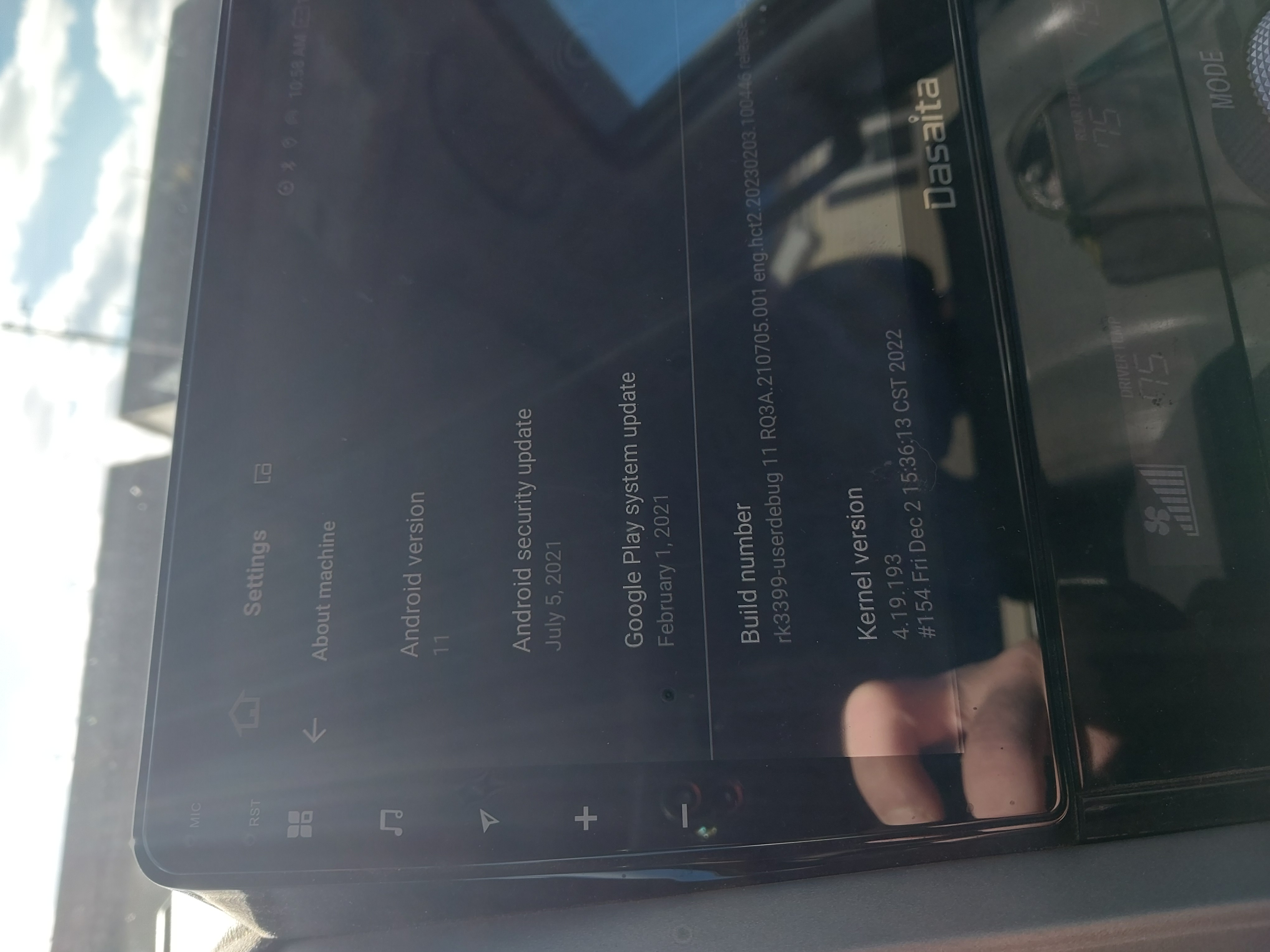
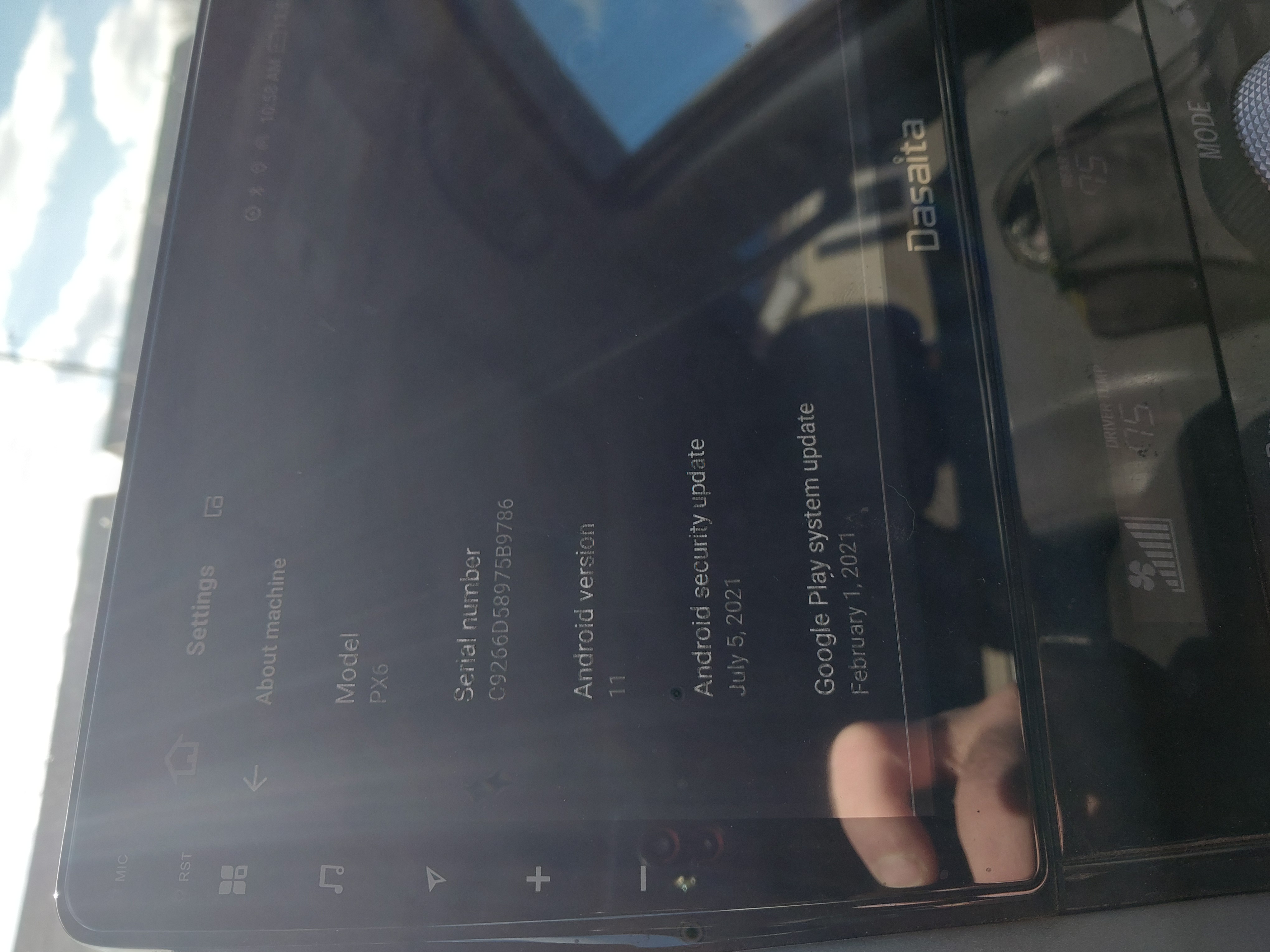
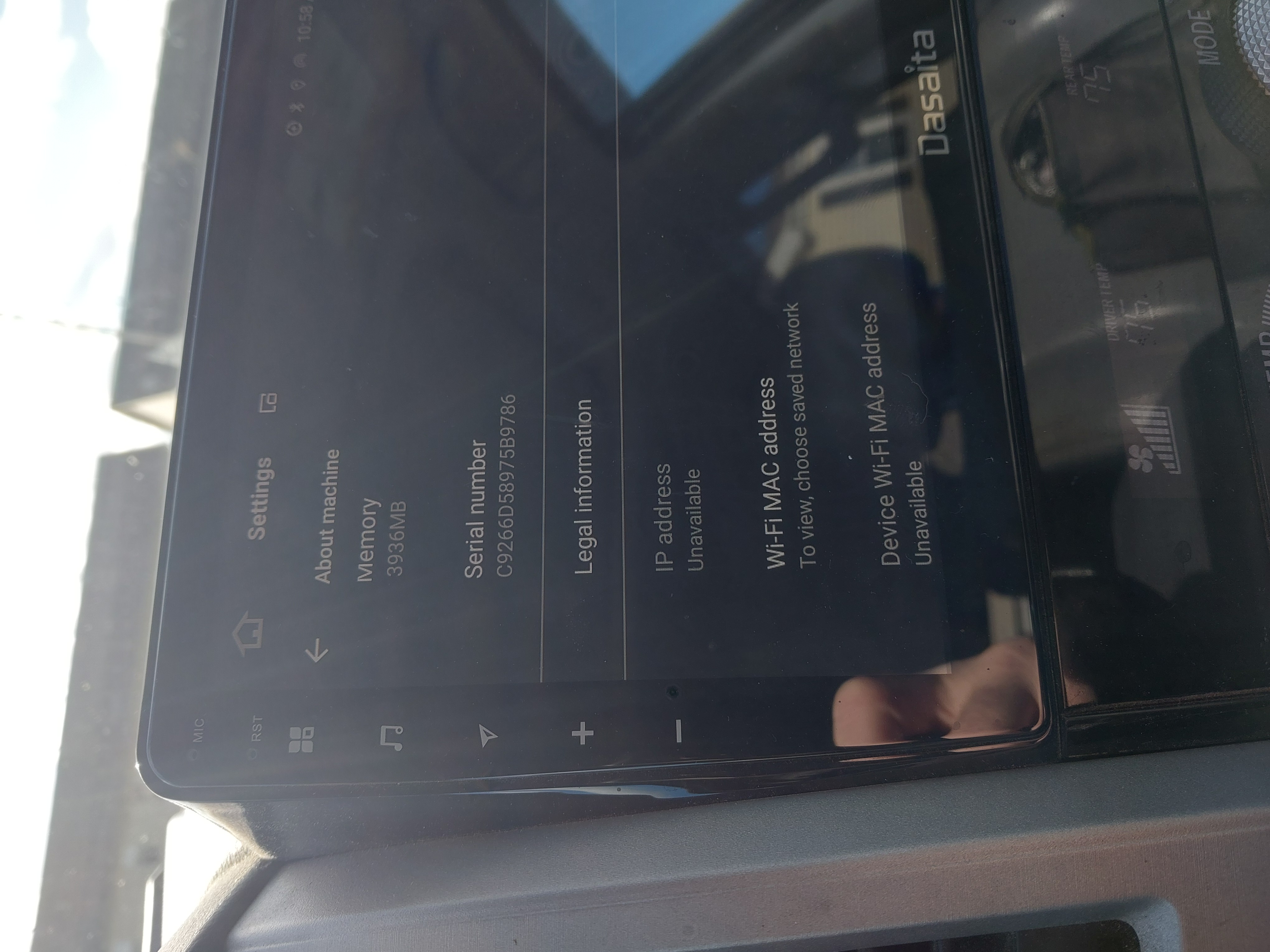
For better help, please provide the following information: 1. Order Number & Purchase Date. 2. Go Settings > About Machine, the send below pictures: Model; Android Version; Build Number; MCU version.
Does it have to be a usb drive? I can just plug my computer directly into the car if that is an option. And what data are you refering too? All the apps, everything??