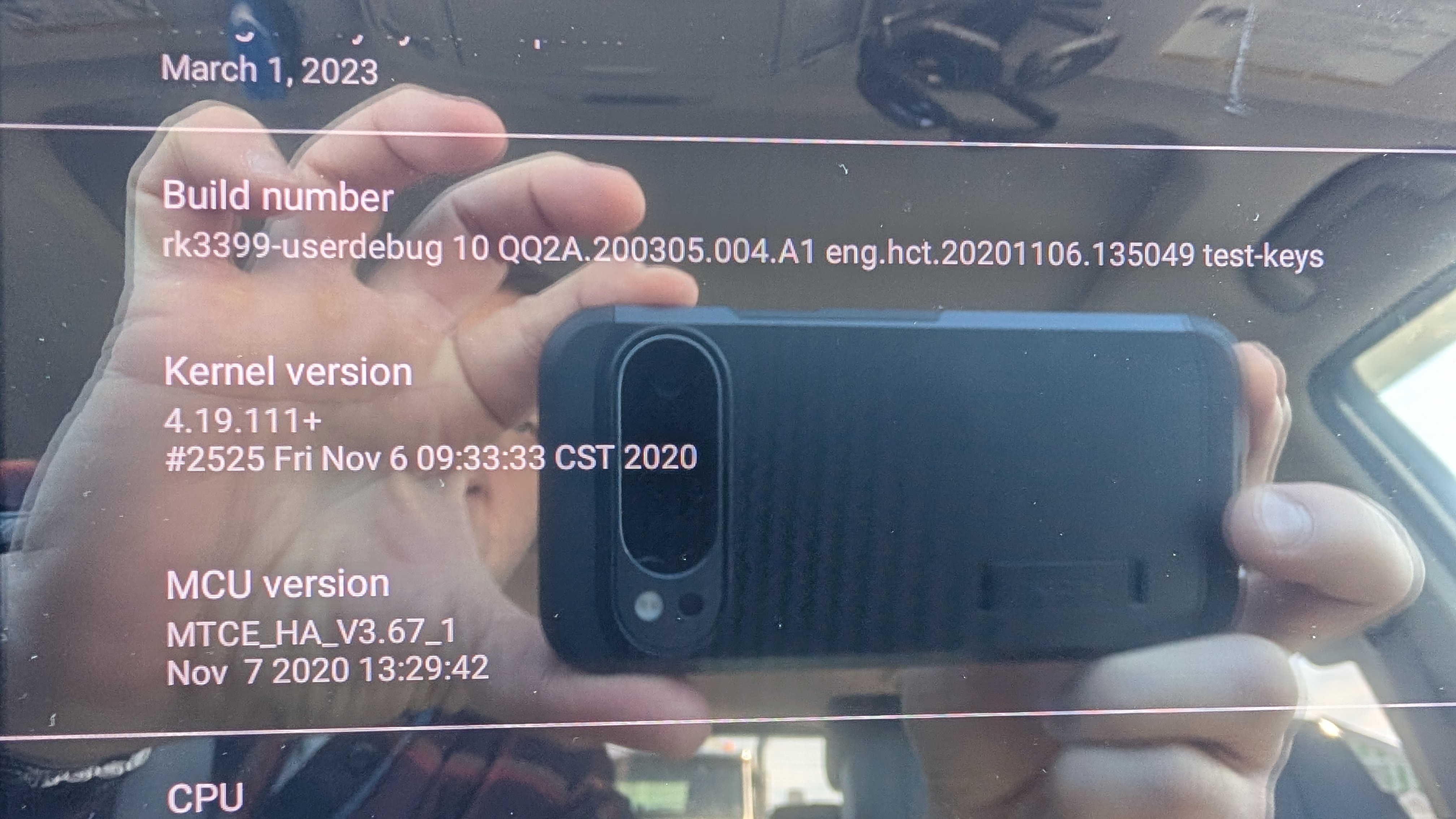
When I purchased my head unit. Your company told me that it would work Wireless with Android auto. It does not, can I update anything to make it work? Here is a picture of my system.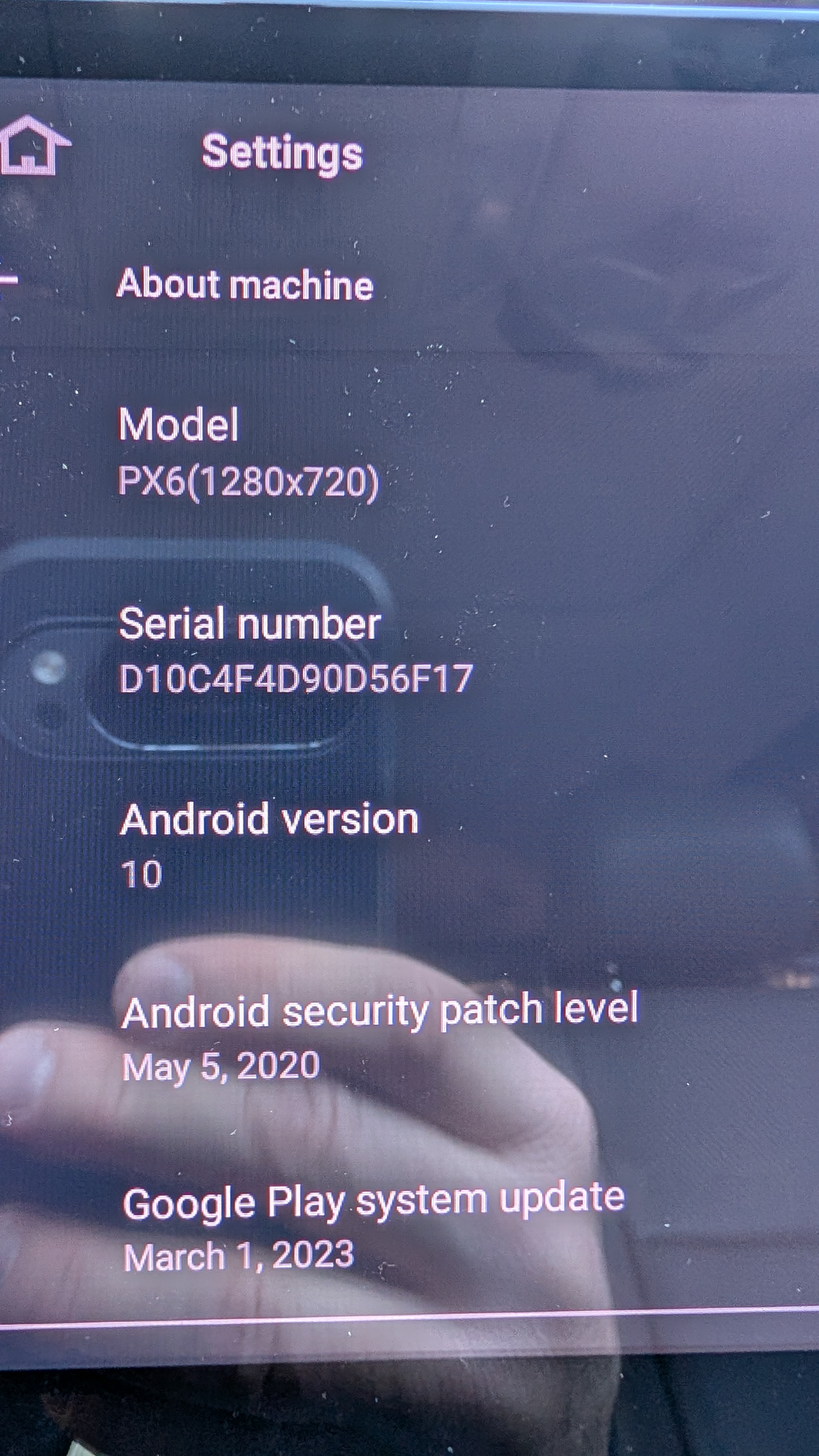
@Trey Simmons Hi there, you could go to Settings > About Machine and send us the current Build Number and MCU Version so that we could better confirm.
@Support Dasaita Thank you!
@Support Dasaita unfortunately that didn't help anything and actually made my unit useless. It now throws a "system ui isn't responding" error and then restarts. I followed the update directions perfectly. 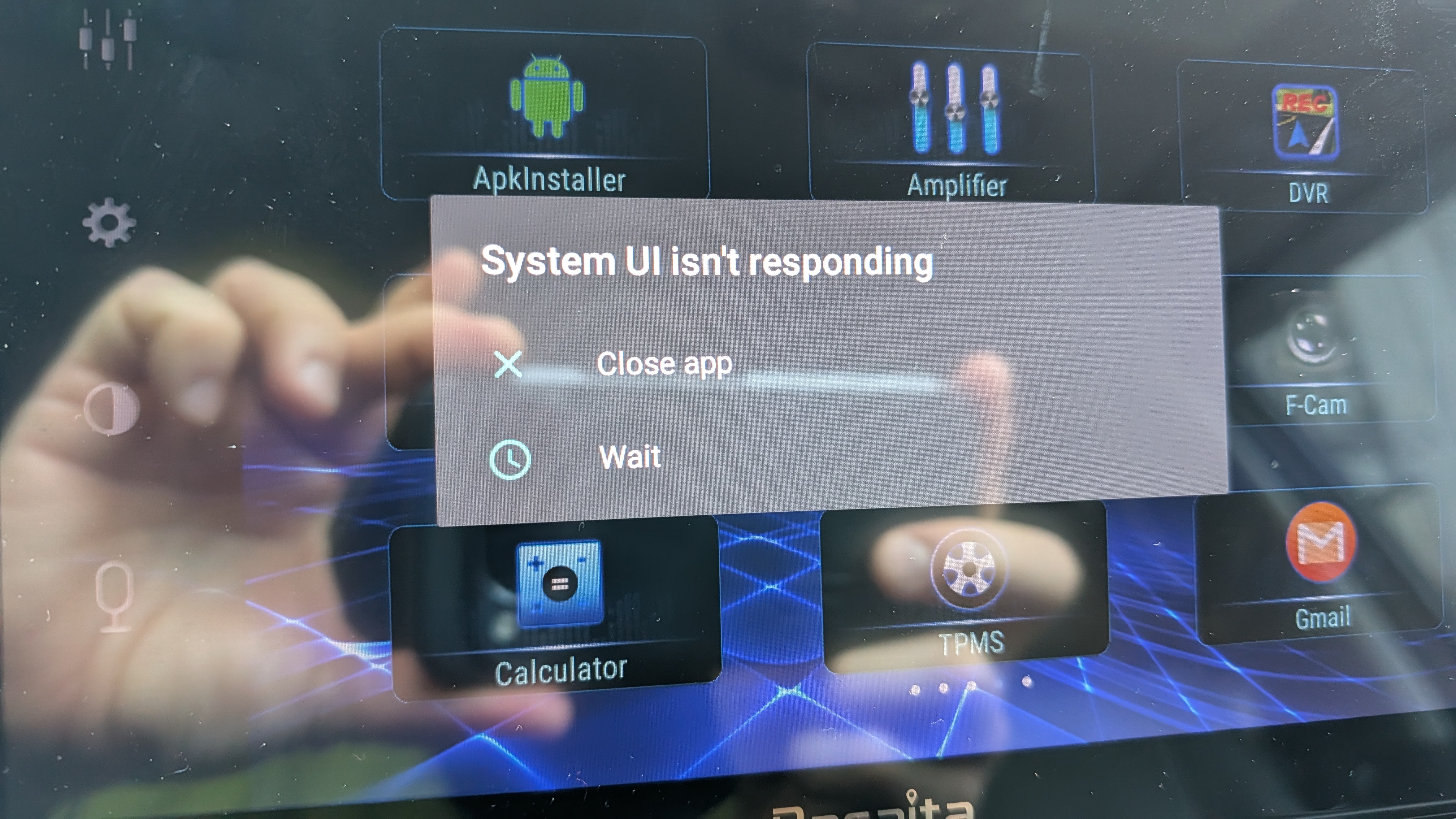
@Support Dasaita I am able to quickly navigate to here before it freezes.
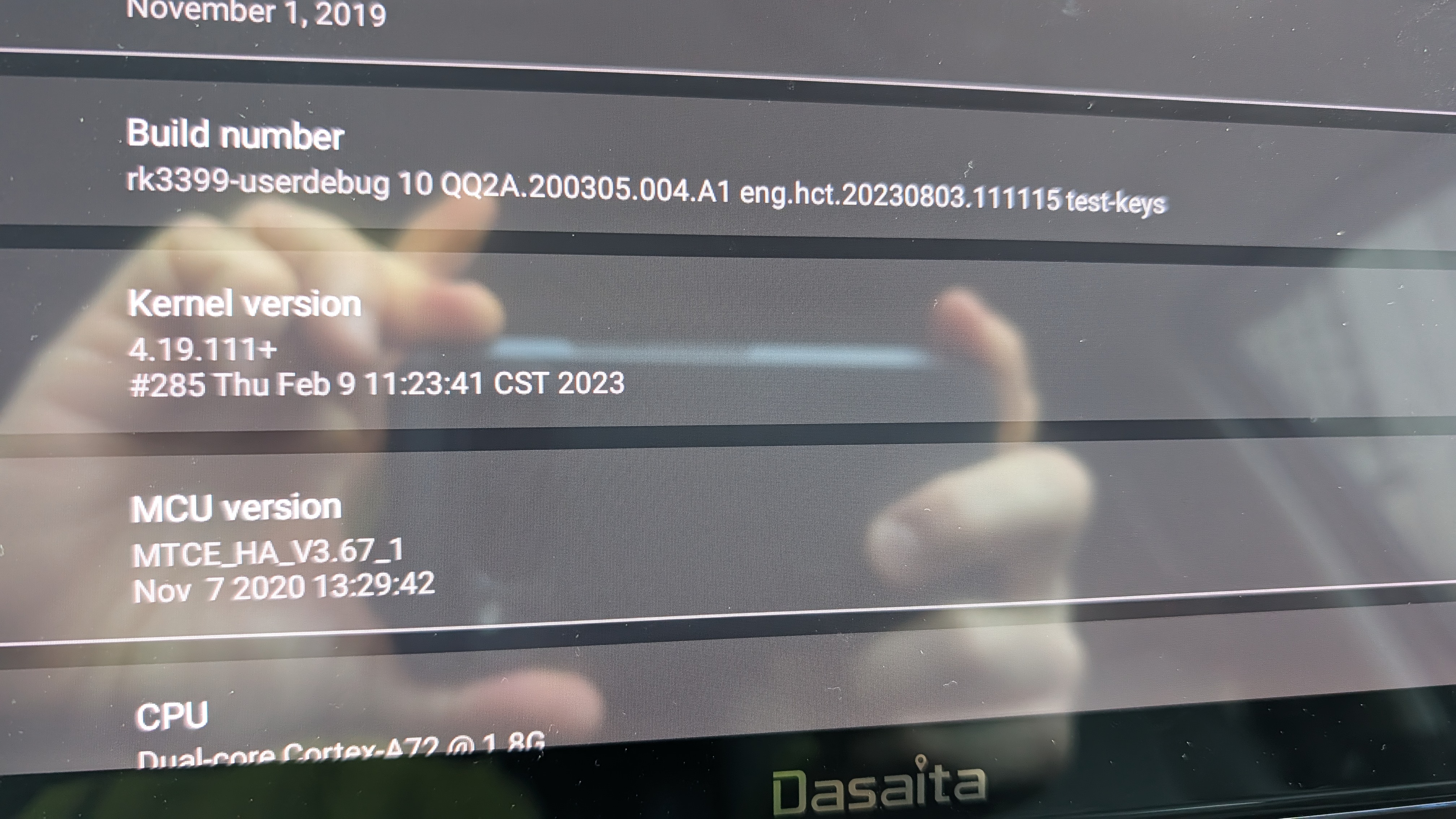
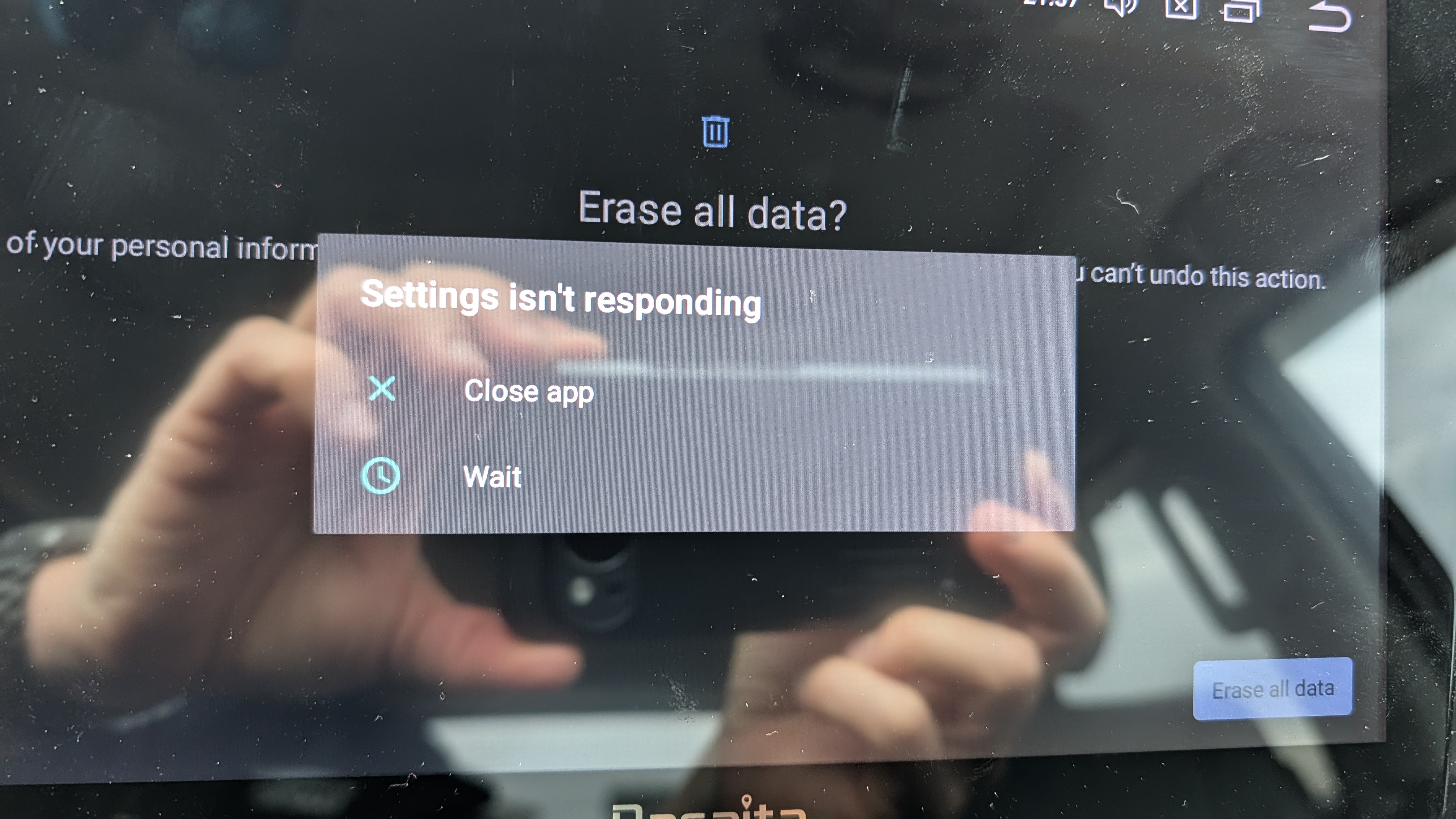
@Support Dasaita I am able to get to the factory reset screen but it locks up before the reset happens. I have done it 5 times. 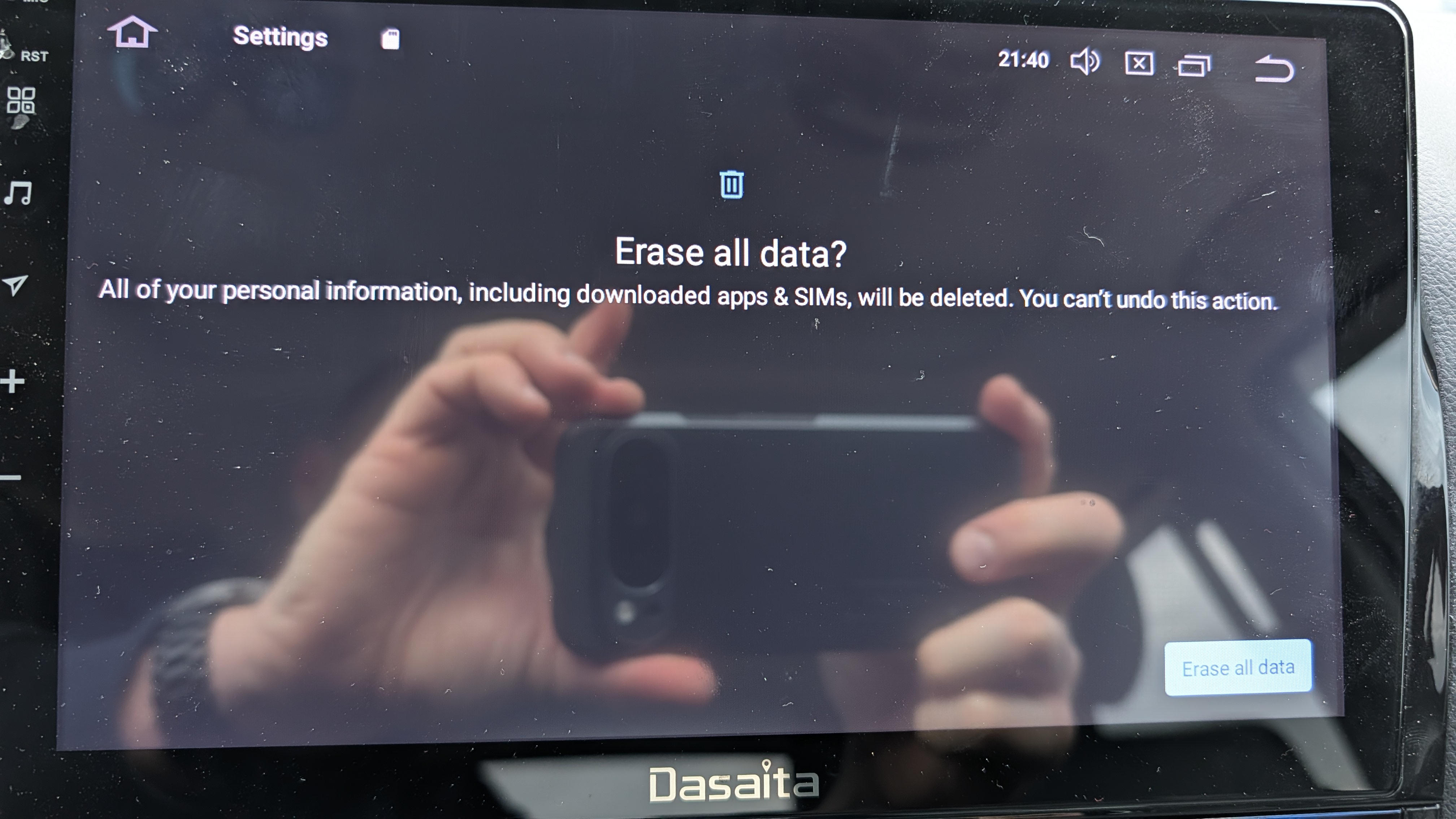
Dear @Trey Simmons,
As the firmware update did not resolve the issue, the problem appears to be with the core board. Therefore, we would recommend upgrading to the new G13 series.
We sincerely apologize for the inconvenience this has caused and are ready to assist with your order.
@Support Dasaita it is unfortunate. The unit worked before trying this firmware upgrade. It just didn't have android wireless. Since your recommendation is what bricked my unit, will you consider replacing it? Or at the least, discounting a replacement? You may DM me if that is better.
@Support Dasaita And for anyone who finds this thread. I want to make one thing clear. The head unit booted and functioned properly asside from not having a wireless option for Android Auto. After performing the steps directed by Dasaita support, it got stuck in a bootloop that made the head unit continuously reset. The company offered me 10% off a replacement. For a 500 dollar head unit, this doesn't seem like good support. I will be taking my business elsewhere.
@Trey Simmons
Hello,
We sincerely apologize. Hearing that your head unit entered a continuous bootloop after following Dasaita’s official support instructions is deeply concerning, and we fully acknowledge how frustrating and unacceptable this is. This outcome should never happen, and it falls short of the reliability and care we commit to our customers.
May we have a picture of showing the issue for your Andriod 10 unit ? Please try to find a pin, press and hold the RST button for 15 seconds to see if you can enter the factory setup page, if you can, select factory reset and reboot the unit;
NOTE: Make sure you press the RST button vertically and firmly, you should feel a slight press, or even hear a faint click.
Thanks for your time and cooperation.
The above picture@Support Dasaita . I already posted a picture of what is happening. I can't get far enough into the reset process to do a factory reset before the system locks up and stops responding. I have tried to reset using the button with the same results.
@Support Dasaita How is it not clear? I can't get to an update setting, I can't get to the factory reset. The system locks up before I can. I have made that clear in previous posts. The unit worked ok before, it just didn't have andriod auto wireless. I inquired about getting that capability with an update and when I tried the update provided by your support, the radio started locking up after the update. It only functions for a matter of seconds before it locks up.
@Trey Simmons
Hello,
Thanks for your reply.
Yes, we could see the pictures you received.
We suggest to update the system.
MAX10(20220824): https://www.dropbox.com/scl/fi/4w63w107r3ts73xhbd2sk/ha3_rk3399_10.0_ota-20220824-Mic.zip?rlkey=c4d2gdsvxn4w386ekfxdsr58z&dl=0
1.Download the document via your computer/laptop.Make sure to format the USB drive(FAT32 Format) before copying the update file to it.
2.Please ONLY put Update.zip file in the root directory of the USB drive(Do not rename the file),then insert the USB drive into the USB cable.
3. Find a pin, press and hold the RST button for 15 seconds to see if you can enter the factory setup page, if you can, select system updated ;
Video Tutorial:
https://www.dropbox.com/s/ywhp6ysgm4ios17/2%3B%E4%BD%BF%E7%94%A8RST%E9%94%AE%E5%8D%87%E7%BA%A7%E7%B3%BB%E7%BB%9F%E6%96%B9%E5%BC%8F.mp4?dl=0
Thanks for your time and cooperation.