Initally the GPS was ok...not great but ok. it would take about 15 mins to get a stable lock on a few satelites (at least 1-2 green & a few yellow under the GPS monitor)
however after the latest update, I never get any green connections & lucky if I get 1 yellow, mostly they stay gray
I am in the usa, it shows 11, but never connects. The GPS reciever sits right on my dash up against the glass so should be able to get a great signal
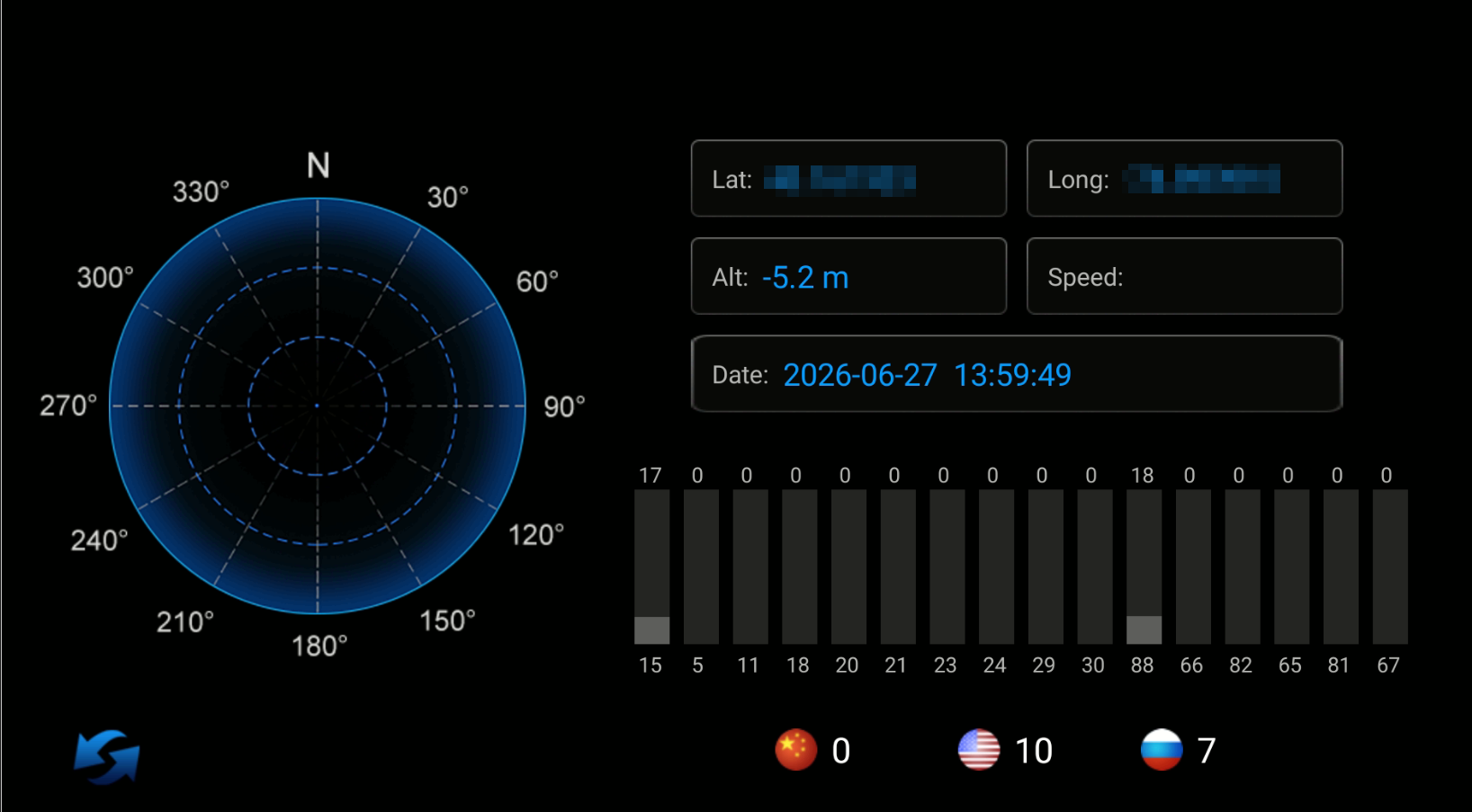
I have tried the other GPS settings via the car > factory settings & despite trying all 3 options, I get the same results
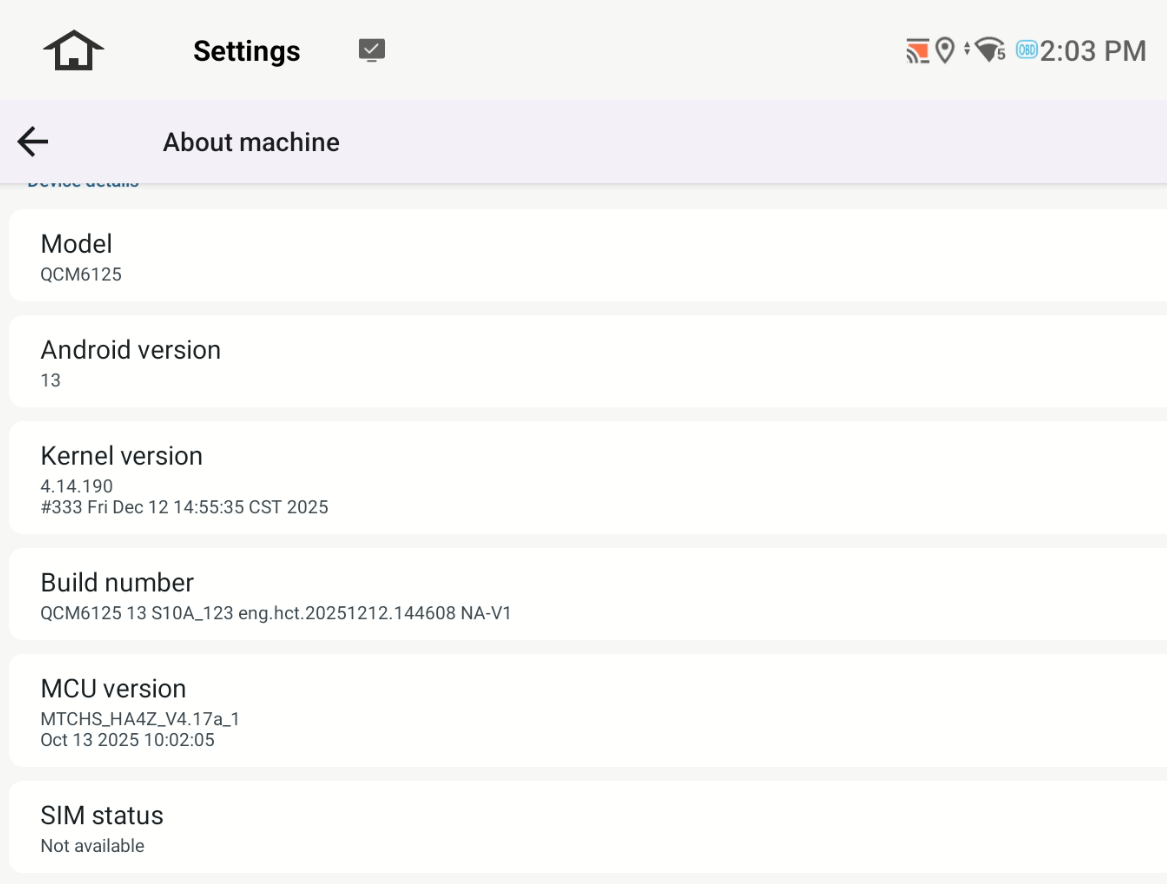
@Support Dasaita anything?
@Injineer
Hello.
Please check the update tutorial below then give it a shot.
Update File:
System Firmware-G13-20260409:
https://www.dropbox.com/scl/fi/h1e688co7vr53z30rtdlk/update.zip?rlkey=loanzw1z5hay4q0erpzj05qte&st=lp62ulvd&dl=0
MCU-4.17f:
https://www.dropbox.com/scl/fi/9t1gp2mkk3ertqyybpf5j/hmcu.img?rlkey=rs1abdmvfbk53331a024bps8j&st=dzwvztlg&dl=0
Tips:
1.
Download above update file via your computer/laptop.
2.
Format USB drive to FAT32 Format.
3.
Copy the file “update.zip”&“hmcu.img” to the root directory of USB drive.
4.
Insert USB drive into the unit via USB cable;
then it will pop up automatically a window of update.
Alternatively, please manually go "Settings > System > System updates/MCU updates" to start the update.
***NOTE:
Please make sure that you have ticked option "Wipe data and format flash!".
Reference Operation Video:
https://www.dropbox.com/scl/fi/7tgvc28sn77ux6g6fmosm/MCU.mp4?rlkey=7p5940e12kb88a42zue6qntft&e=1&dl=0
If you need further help, please simply contact our team via email.
📩Email: team@dasaita.com

