Having some strange issues where the touch screen with do all kinds of things by itself, the only way to get it to go away are to turn off car for 30 seconds. This is on a 2019 toyota tacoma limited with JBL system. Any update or help is appreciated thanks again for your time.
@Support Dasaita @Dasaita Official
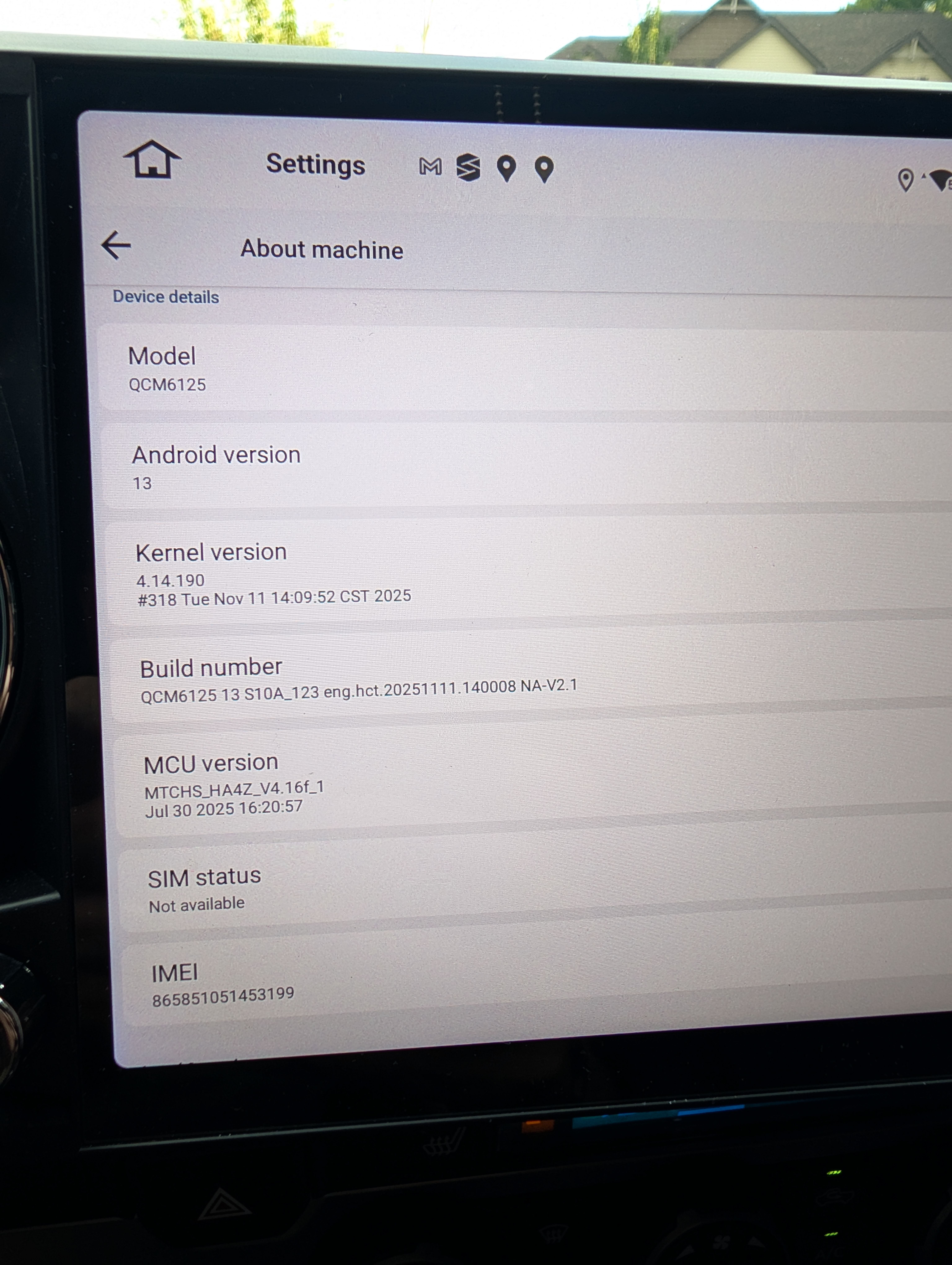
@Nate T.
Hello.
Please check the update tutorial below then give it a shot.
Update File:
System Firmware-Vivid13-V2-20260625:
https://www.dropbox.com/scl/fi/6uc15n3ovl2x60xahdc79/update.zip?rlkey=80rz30bp0njkwui4nfo7qsyyn&st=a351xeuc&dl=0
MCU-4.17f:
https://www.dropbox.com/scl/fi/9t1gp2mkk3ertqyybpf5j/hmcu.img?rlkey=rs1abdmvfbk53331a024bps8j&st=dzwvztlg&dl=0
Tips:
1.
Download above update file via your computer/laptop.
2.
Format USB drive to FAT32 Format.
3.
Copy the file “update.zip”&“hmcu.img” to the root directory of USB drive.
4.
Insert USB drive into the unit via USB cable;
then it will pop up automatically a window of update.
Alternatively, please manually go "Settings > System > System updates/MCU updates" to start the update.
***NOTE:
Please make sure that you have ticked option "Wipe data and format flash!".
Reference Operation Video:
https://www.dropbox.com/scl/fi/7tgvc28sn77ux6g6fmosm/MCU.mp4?rlkey=7p5940e12kb88a42zue6qntft&e=1&dl=0
