Hello,
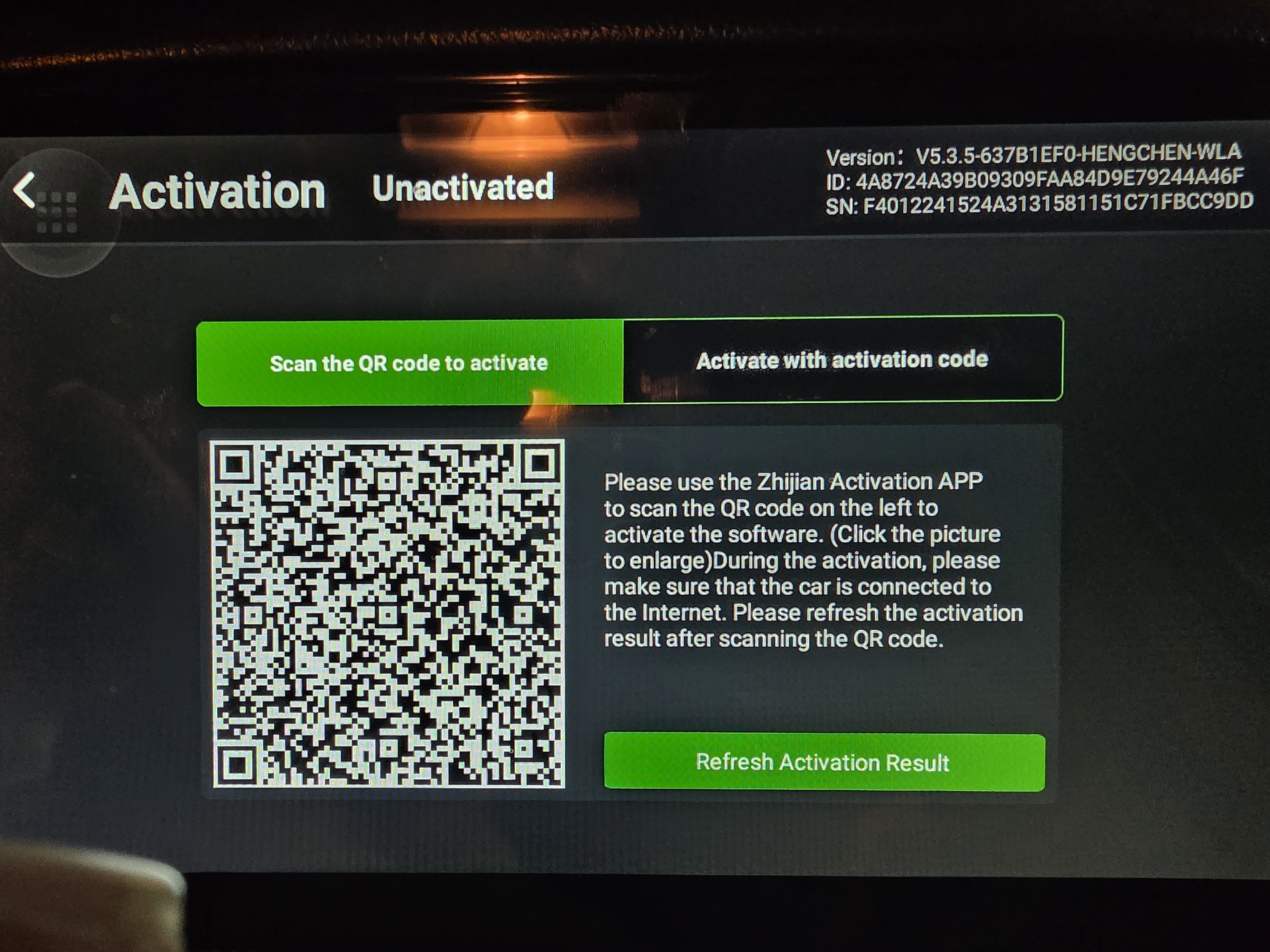
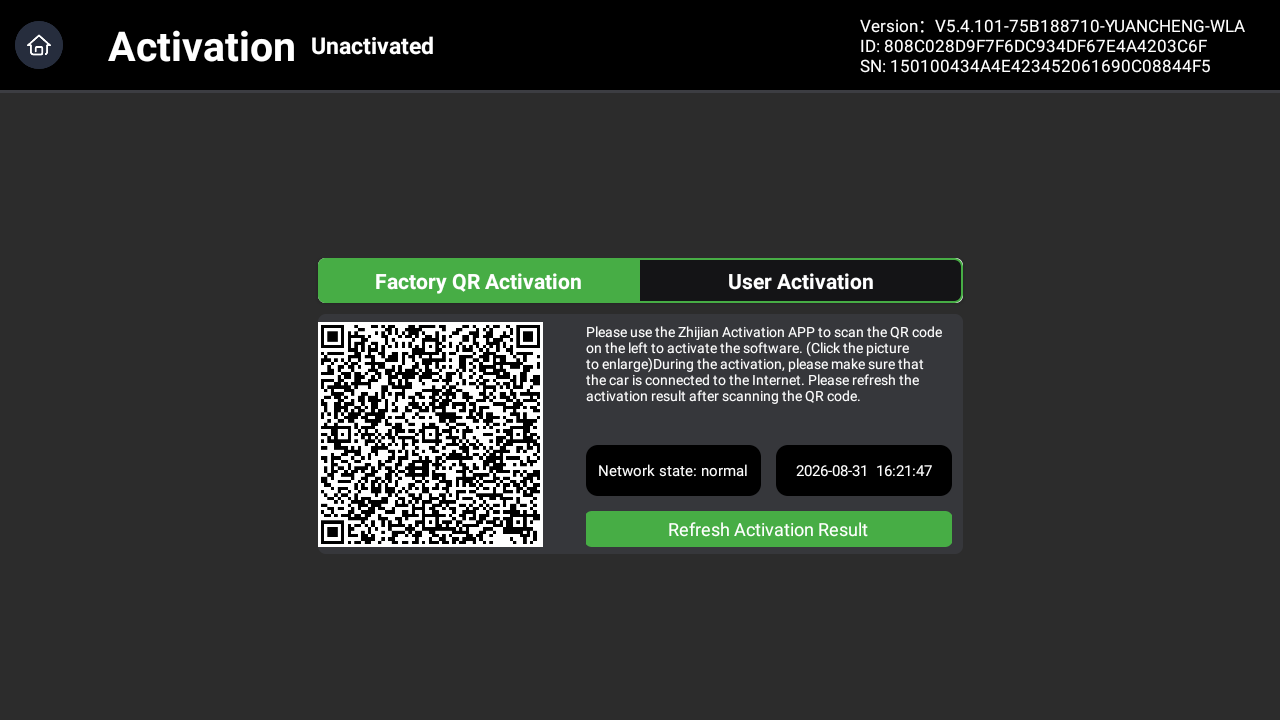
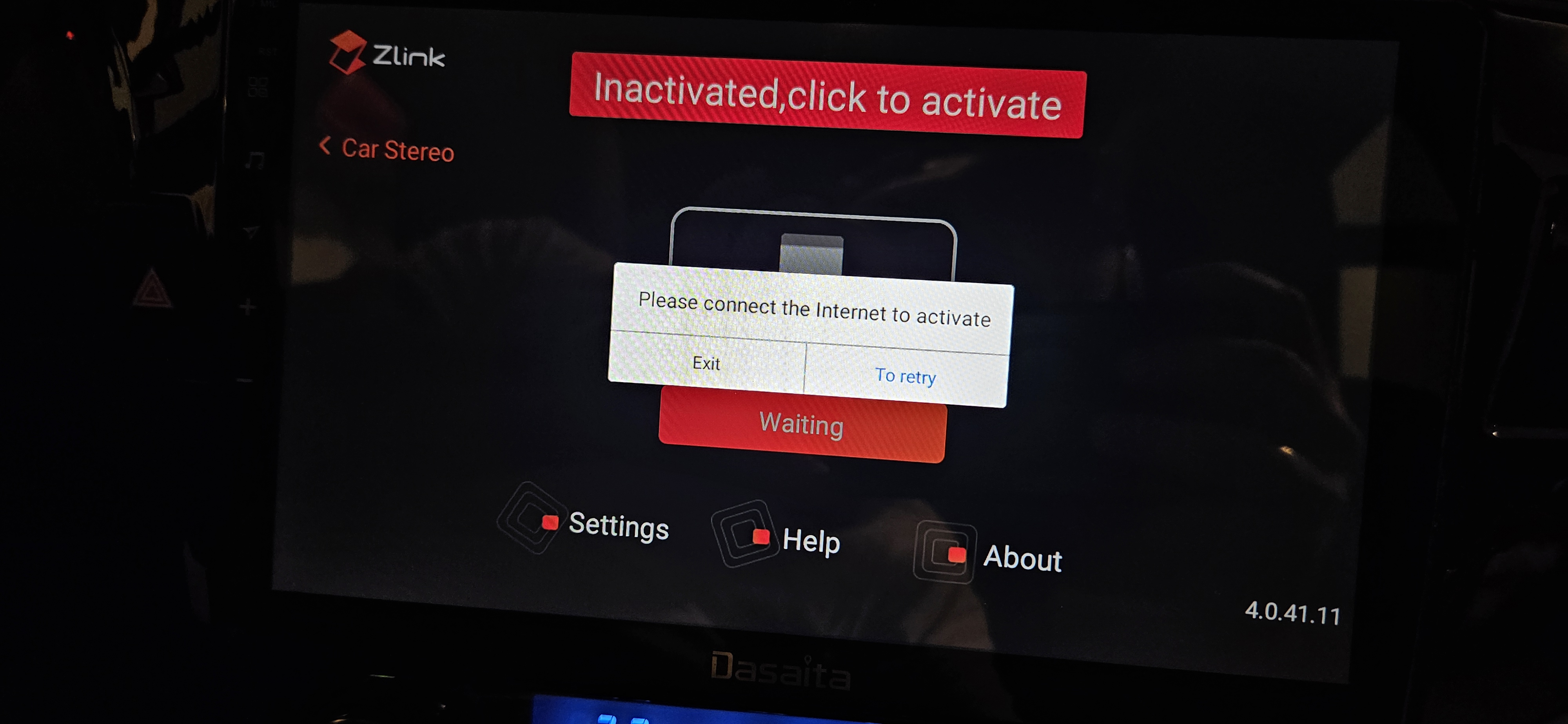
I was having some disconnection issues with android auto so I cleared data and cashe in zlink app. Now zlink app is deactivated. It is asking me to connect to internet, though I am connected. I tried different networks, rebooted the unit but nothing worked.
Please advise.
@Srdjan Maksimovic
Hello.
Please try to do the factory reset:
Settings > System > Reset Options > Erase all date(factory reset).
Alternatively, please use a Pin/Paperclip to press and hold the RST Button for 15 seconds to enter the recovery interface to do the factory reset.
(Tap "Wipe data/factory reset" > "Factory data reset" > "Reboot the system now".)
Here enclosed the operation video for your reference:
https://www.dropbox.com/scl/fi/i2wdsge29nrzuv9z9m26k/RST-HM.mp4?rlkey=7r773raqwkhr67dbppppl8z0c&dl=0
Mine needs activating. Tried home and hotspot but no change. All time zones and time is correct.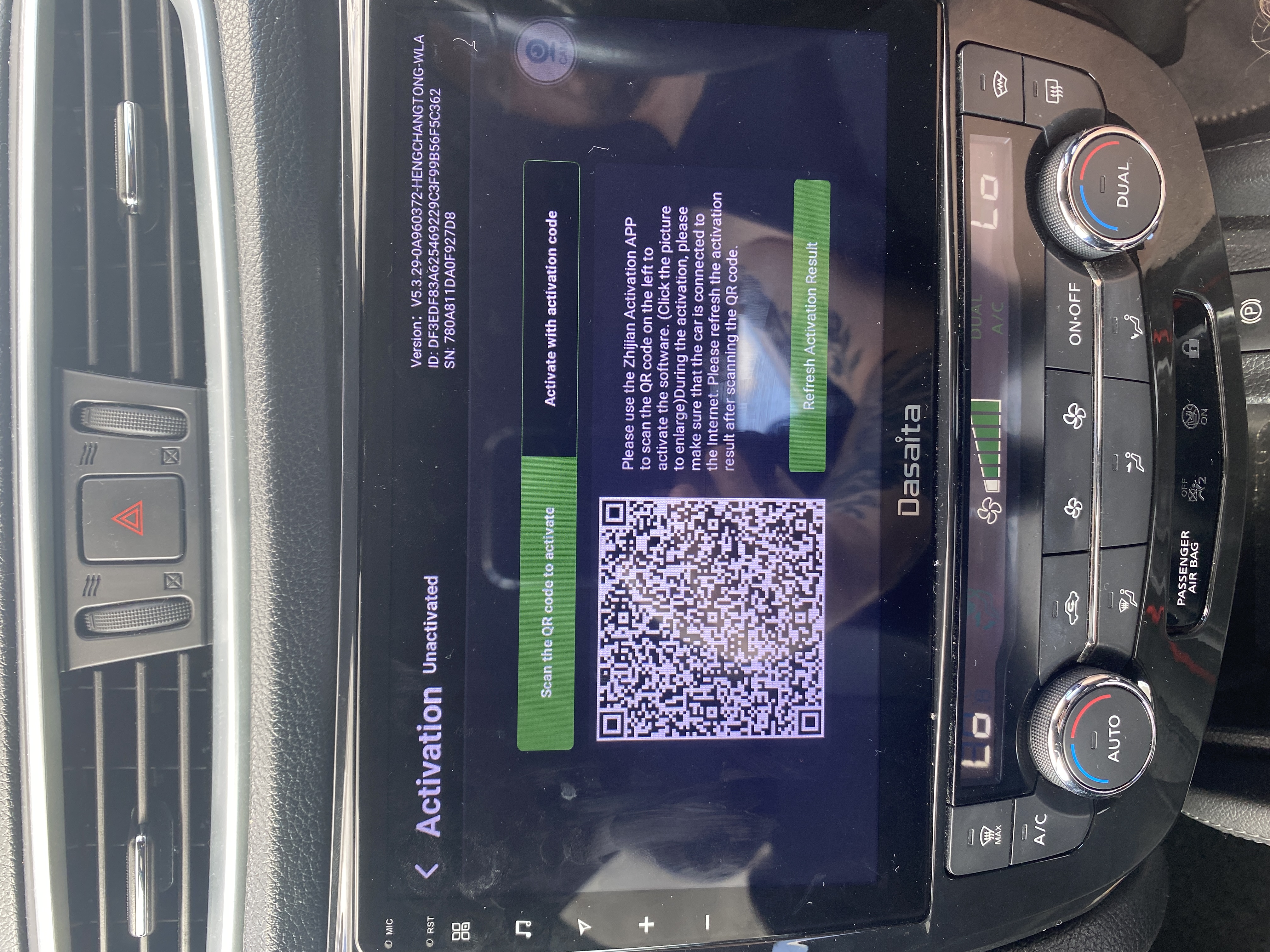
@craigy123 Did you try to share the internet to the head unit to active the zlink?
If you try but no luck,please kindly get back to us.
Hello, my Zlink/CarPlay was deactivated after I performed a factory reset by accident. Here is my device info:
Build Number: AJ_2023.02.03.17_3_1214
MCU Version: CVD1810-WJ_22.10.24_399
Theme: xt235
Unfortunately I don't have the original order number/invoice, as the unit was purchased through an intermediary. Is there any way to reactivate Zlink using the device info above? Thank you.
Hello, my Zlink/CarPlay was deactivated after I performed a factory reset by accident. Here is my device info:
Build Number: AJ_2023.02.03.17_3_1214
MCU Version: CVD1810-WJ_22.10.24_399
Theme: xt235
Unfortunately I don't have the original order number/invoice, as the unit was purchased through an intermediary. Is there any way to reactivate Zlink using the device info above? Thank you.
@Support Dasaita Hello, after an accidental factory reset, the Zlink/CarPlay app was completely removed from my unit - it is no longer installed, not just deactivated. Could you please provide the official Zlink installer (APK) for my device and reactivate the license? My device info: Build Number: AJ_2023.02.03.17_3_1214 / MCU Version: CVD1810-WJ_22.10.24_399 / Theme: xt235. I unfortunately don't have the original order number/invoice, as the unit was purchased through an indirect seller. Thank you.
@Support Dasaita To add to my previous message: I saw that a similar case (Matthew Brundage - "Firmware update / ZLink update for Dasaita PX6 Android 10") was solved by you providing the correct system firmware for that specific unit, and it restored ZLink/Android Auto. Since the ZLink app was completely removed from my unit after the factory reset, could you please confirm and provide the correct firmware/ZLink package for MY exact model so I can restore it? To help identify my unit, my info is: Build Number: AJ_2023.02.03.17_3_1214 / MCU Version: CVD1810-WJ_22.10.24_399 / Theme: xt235. Please let me know the exact update file and the correct procedure. Thank you very much!
@Support Dasaita Additional device details from About Machine: System platform: MT8163, Android version: 12, RAM: 1GB, Storage: 32GB, CAN info: 2:BENZ_R09 (Mercedes-Benz), CAN version: 1.0.1.20221206, Build number: AJ_2023.02.03.17_3_1214, MCU version: CVD1810-WJ_22.10.24_399, Screen: 1024x600. The ZLink app was completely removed after an accidental factory reset. Please provide the correct firmware/ZLink package for this exact MT8163 Mercedes unit, and the correct installation procedure. Thank you!
@xyclayman Please try to share the phone's internet to active the zlink.
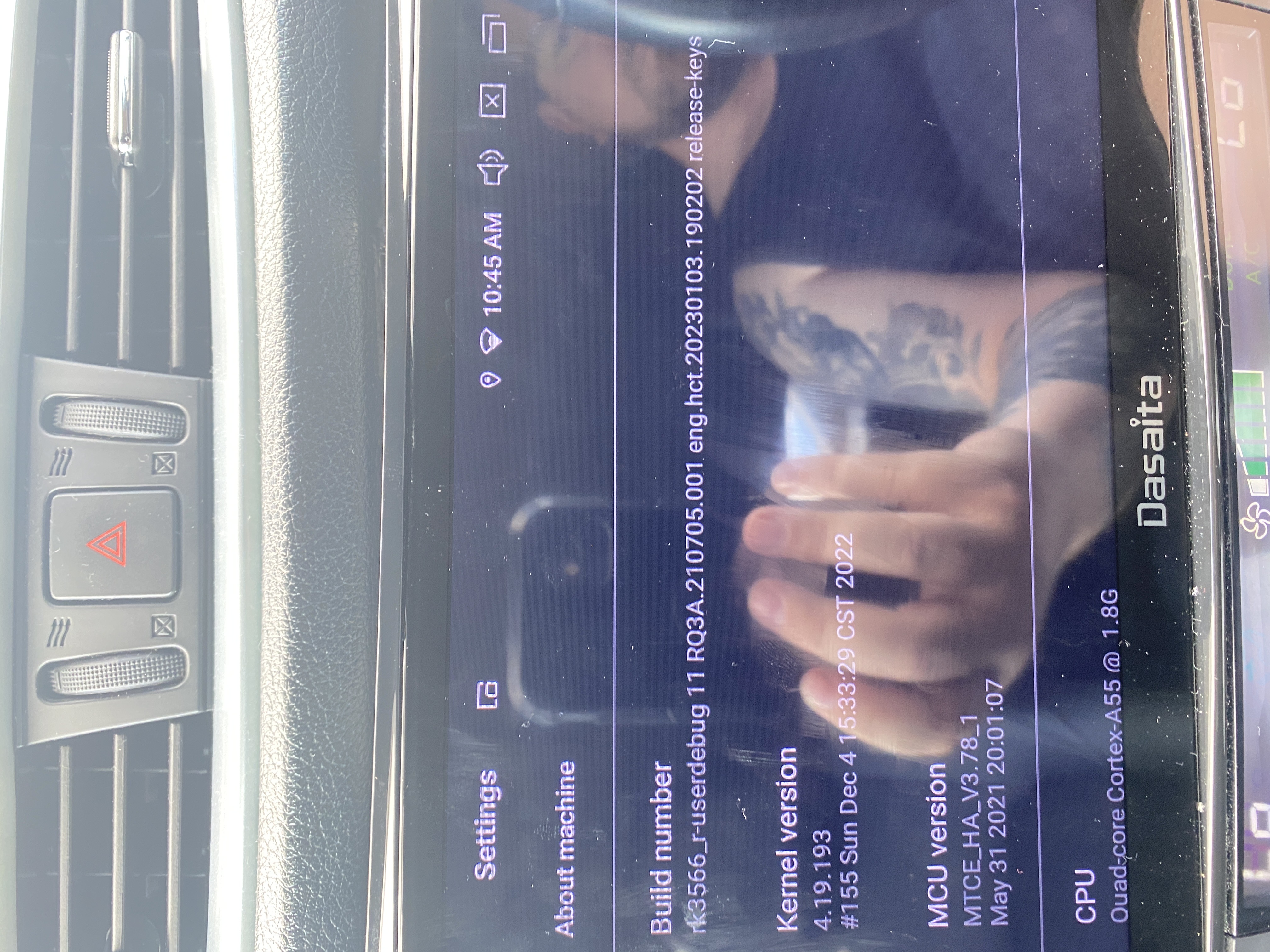
If nothing helps,please go to Settings > About machine and send us a screenshot about the current Build Number and MCU version.
@Support Dasaita hello I have the same problem I need a activation code can you help me 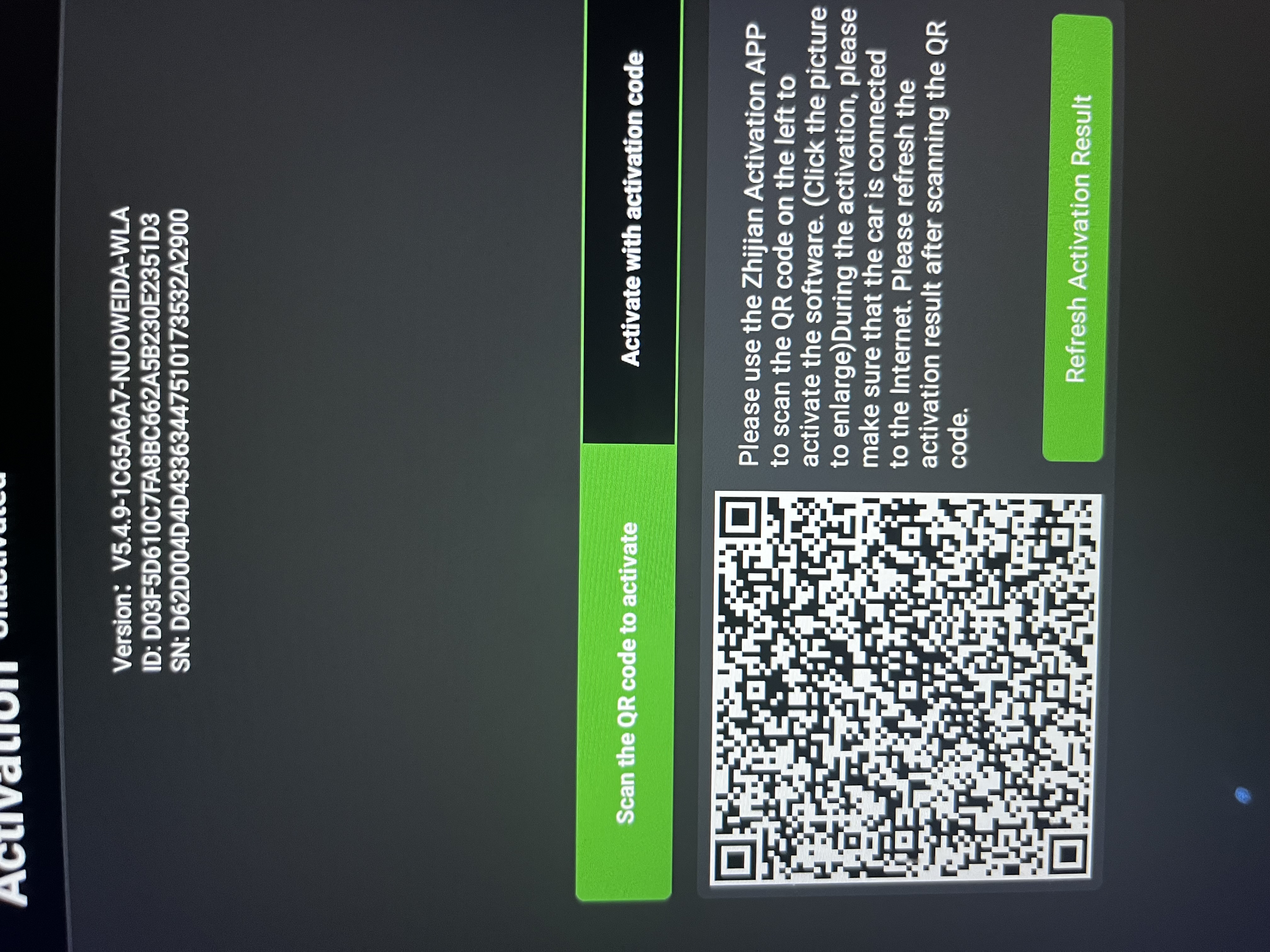
@Support Dasaita can you help me with the activation code I accidentally deleted it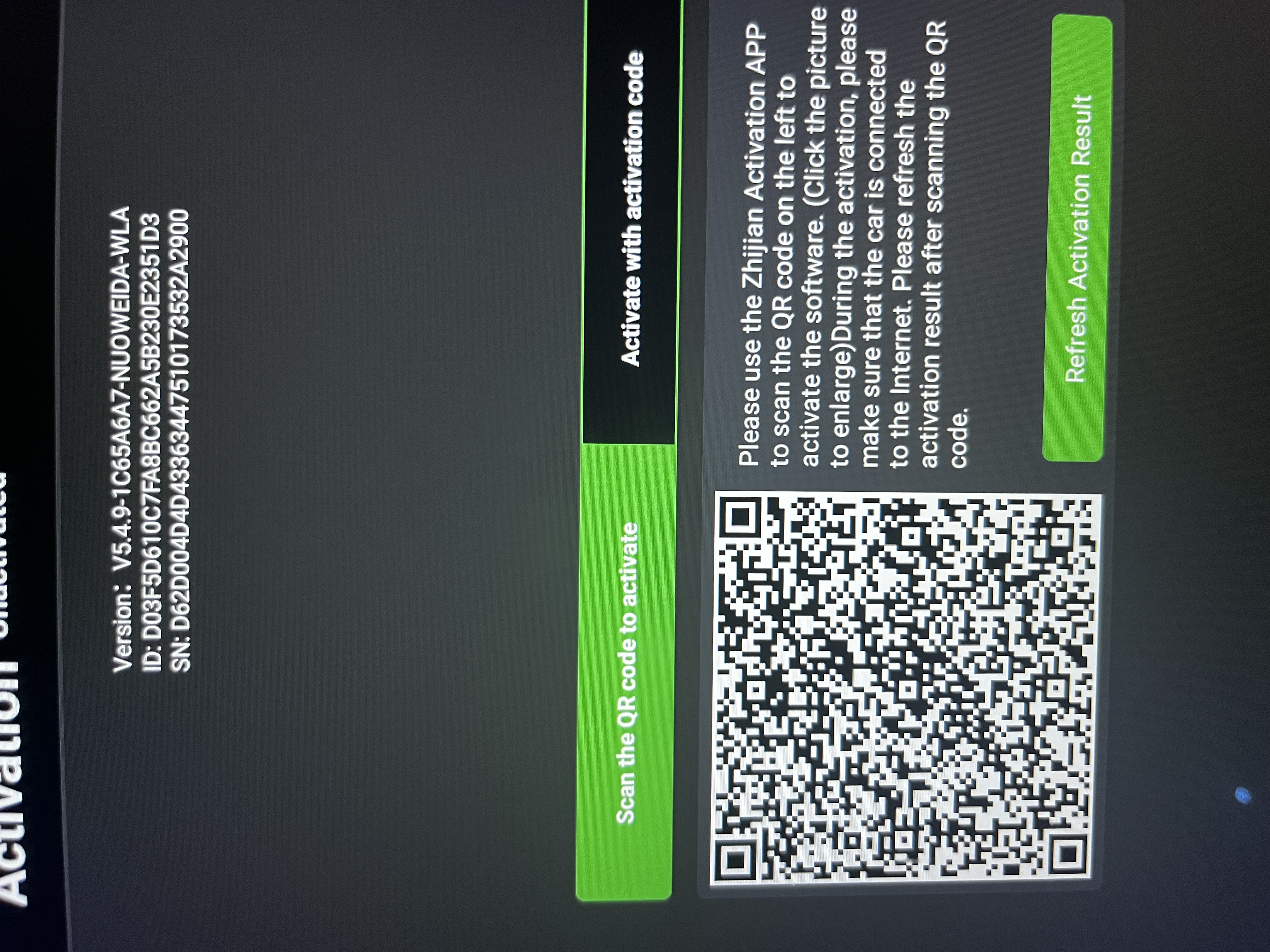
please could you activate my device
@xyclayman @Terrell Stephens @kyawkhaing1313 Please send the order ID to our support email to activate the device.
support@dasaita.com
Preciso ativar esse e não.consigo
@lucasgtrdiacono
Please send the order ID to our support email to activate the device.
support@dasaita.com