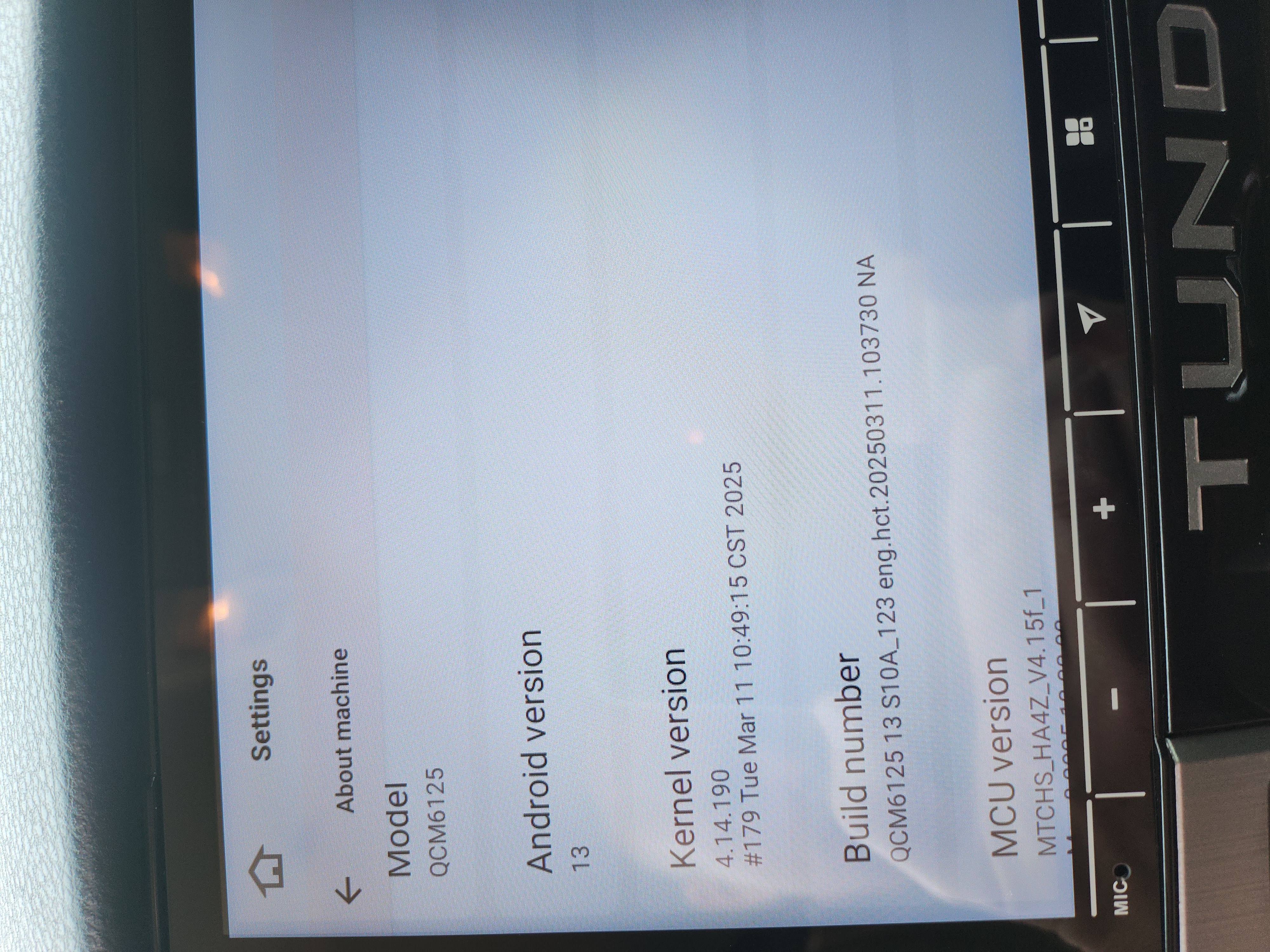
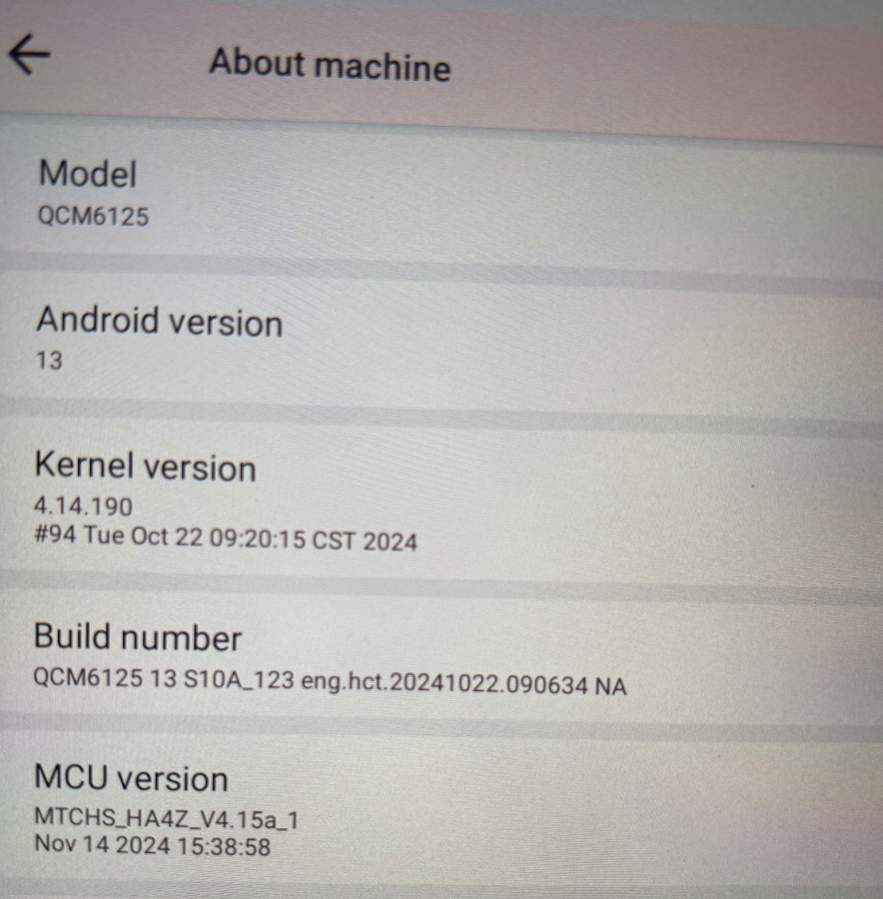
Hello. For your information, different versions(G13/Vivid13) have different launcher. If you want the Vivid launcher, it needs you to reflash to Vivid13 from G13. However, we don't recommend to do this operation cause it involves the potential risks. If you prefer to Vivid13, please provide the following picture: Settings > About Machine > Android Version; Build Number; MCU version. So that we can check the corresponding update file.
Hola. Me uno a la consulta del compañero, para pasar de G13 a Vivid 13. El launcher G13 es absolutamente simple, me veo obligado a usar Android auto o otro launcher como por ejemplo Agama.
Otras cosas son que con G13 no he recibido nunca una actualización OTA, antes con Vivid eran habituales y mi OBD MX+ de Obdlink no funciona.
A few days ago, I received and installed a G13 unit in my Toyota RAV4 without any problems.
I just learned that it doesn't receive updates and that there's another version called "Vivid" that does and has a more modern launcher with more options (specifically, it can lock the device with a PIN to protect sensitive data if it's stolen. If I had known, I would have bought it).
Is it possible to update my G13 to the "Vivid" version?
Hello. In order to help you better, please provide the following information: 1. Order Number & Purchase Date. 2. Picture: Settings > About Machine > Build Number; MCU version.
Tips: 1. Download above update file via your computer/laptop. 2. Format USB drive to FAT32 Format. 3. Copy the file “update.zip” to the root directory of USB drive. 4. Insert USB drive into the unit via USB cable; then it will pop up automatically a window of update. Alternatively, please manually go "Settings > System > System updates" to start the update. ***NOTE: Please make sure that you have ticked option "Wipe data and format flash!".
@Support Dasaita I would also like to update my unit to Vivid13 if you can please send me the files. I also wanted to ask, if I update to the new firmware will all my apps and settings be reset?