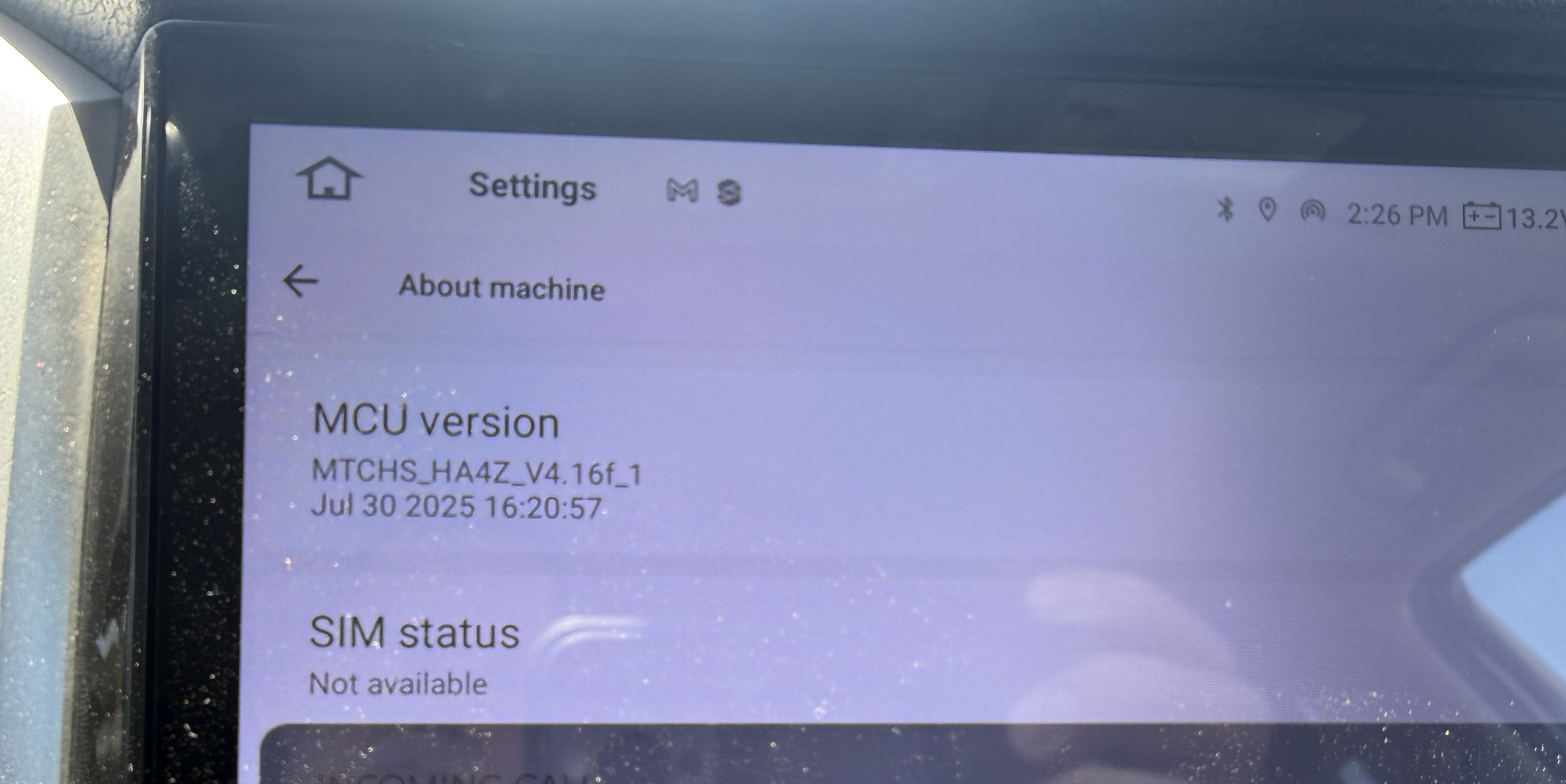
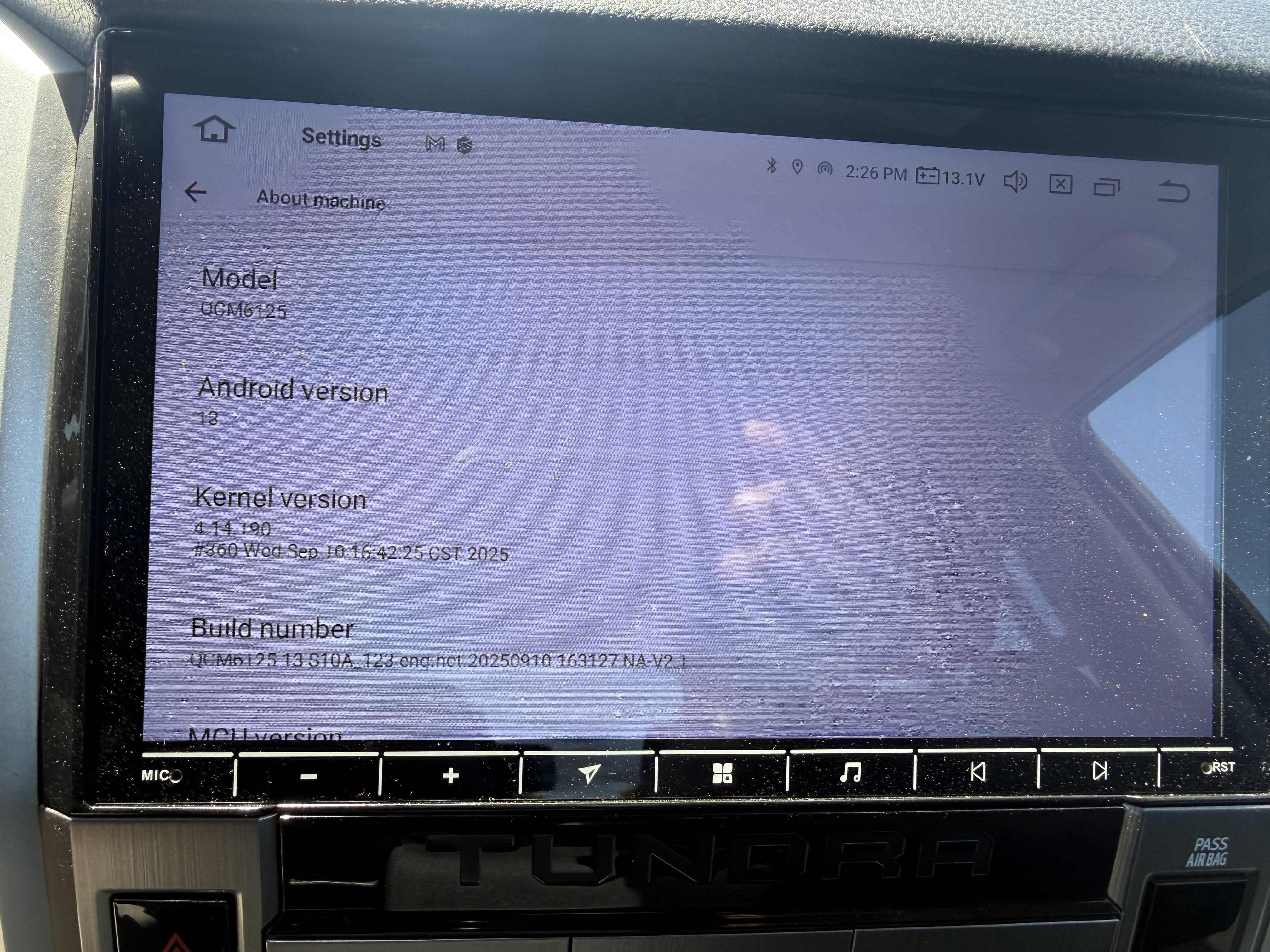
Just installed G13 running Android 13. People can’t hear me on the microphone. I hooked up the extrnal mic that came with the unit but it seems like only the little pinhole mic is operating. Checked permissions on ZLINK and it's all greyed out saying no permissions and won't let me grant permissions to the microphone. Can’t find any other settings to enable the external mic.
Never posted here before. Do I need to tag@Support Dasaita ?
Order placed June 29, 2026
Order # 114-1308637-0051411
@Mark Fabela
Hello.
Please check the update tutorial below then give it a shot.
Update File:
System Firmware-Vivid13-V2-20251111:
https://www.dropbox.com/scl/fi/bjhdbxqexg3oudpb3dkjv/update.zip?rlkey=780zrl6k7dr97gl0y8j5j5rl9&dl=0
MCU-4.17f:
https://www.dropbox.com/scl/fi/9t1gp2mkk3ertqyybpf5j/hmcu.img?rlkey=rs1abdmvfbk53331a024bps8j&st=dzwvztlg&dl=0
Tips:
1.
Download above update file via your computer/laptop.
2.
Format USB drive to FAT32 Format.
3.
Copy the file “update.zip”&“hmcu.img” to the root directory of USB drive.
4.
Insert USB drive into the unit via USB cable;
then it will pop up automatically a window of update.
Alternatively, please manually go "Settings > System > System updates/MCU updates" to start the update.
***NOTE:
Please make sure that you have ticked option "Wipe data and format flash!".
Reference Operation Video:
https://www.dropbox.com/scl/fi/7tgvc28sn77ux6g6fmosm/MCU.mp4?rlkey=7p5940e12kb88a42zue6qntft&e=1&dl=0
If you need further help, please simply contact our team via email.
📩Email: team@dasaita.com
@Support Dasaita hello, im having the same issue. Should I apply the same update. Here are my screenshots....
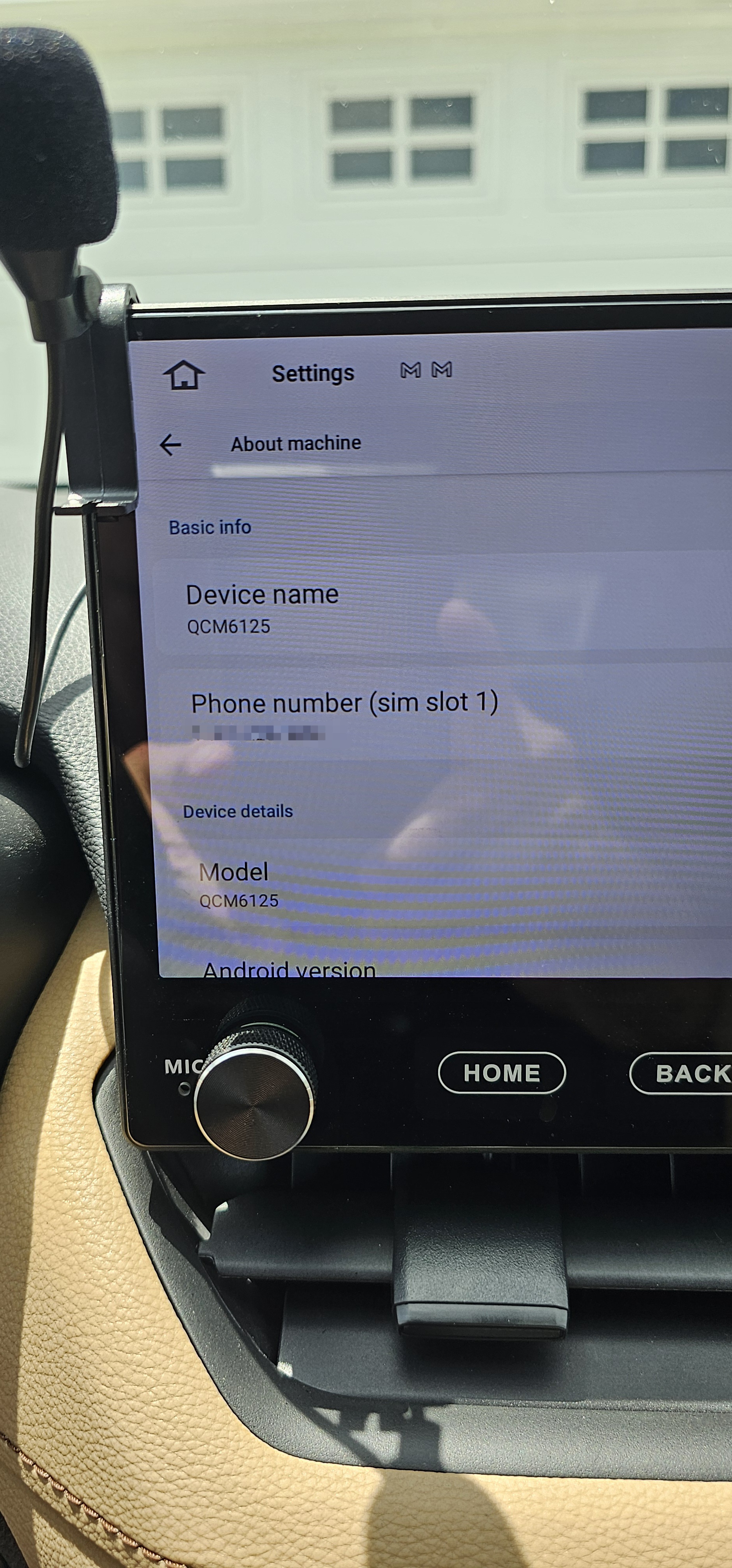
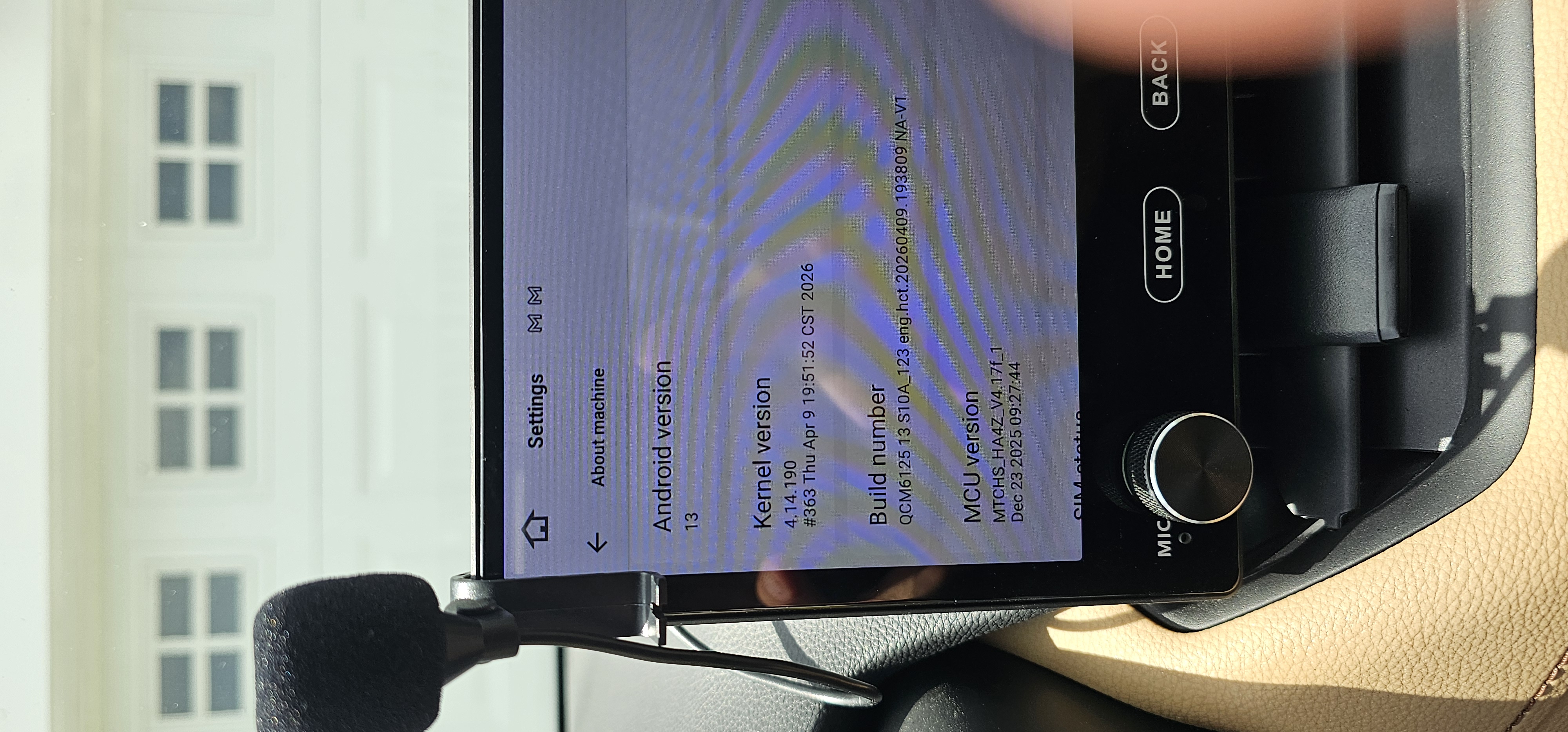
@Support Dasaita I tried the update and got this message: 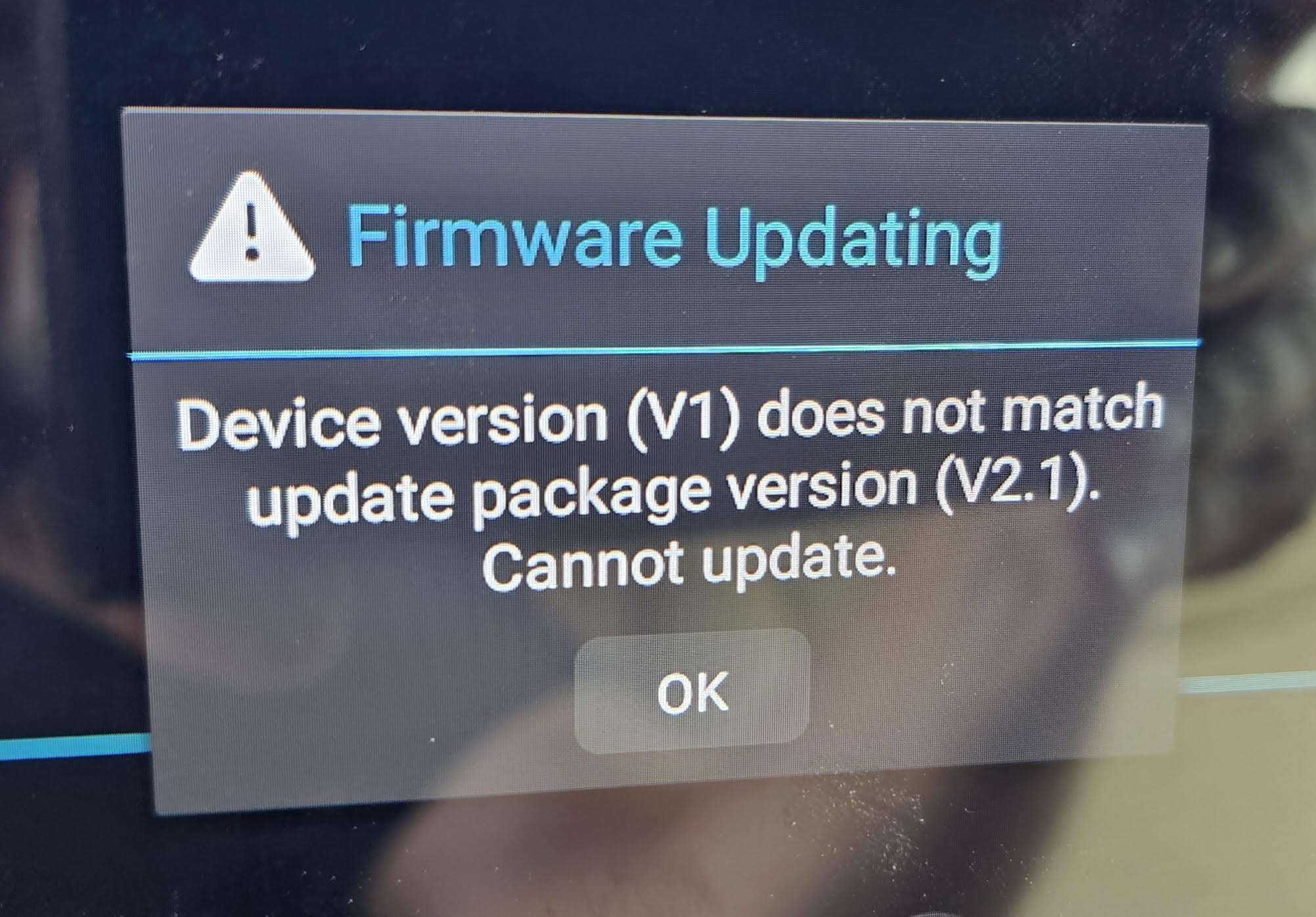
@Richard Oliver
Hello.
If possible, could you please try to disconnect the external microphone and then test if the built-in mic can work well?
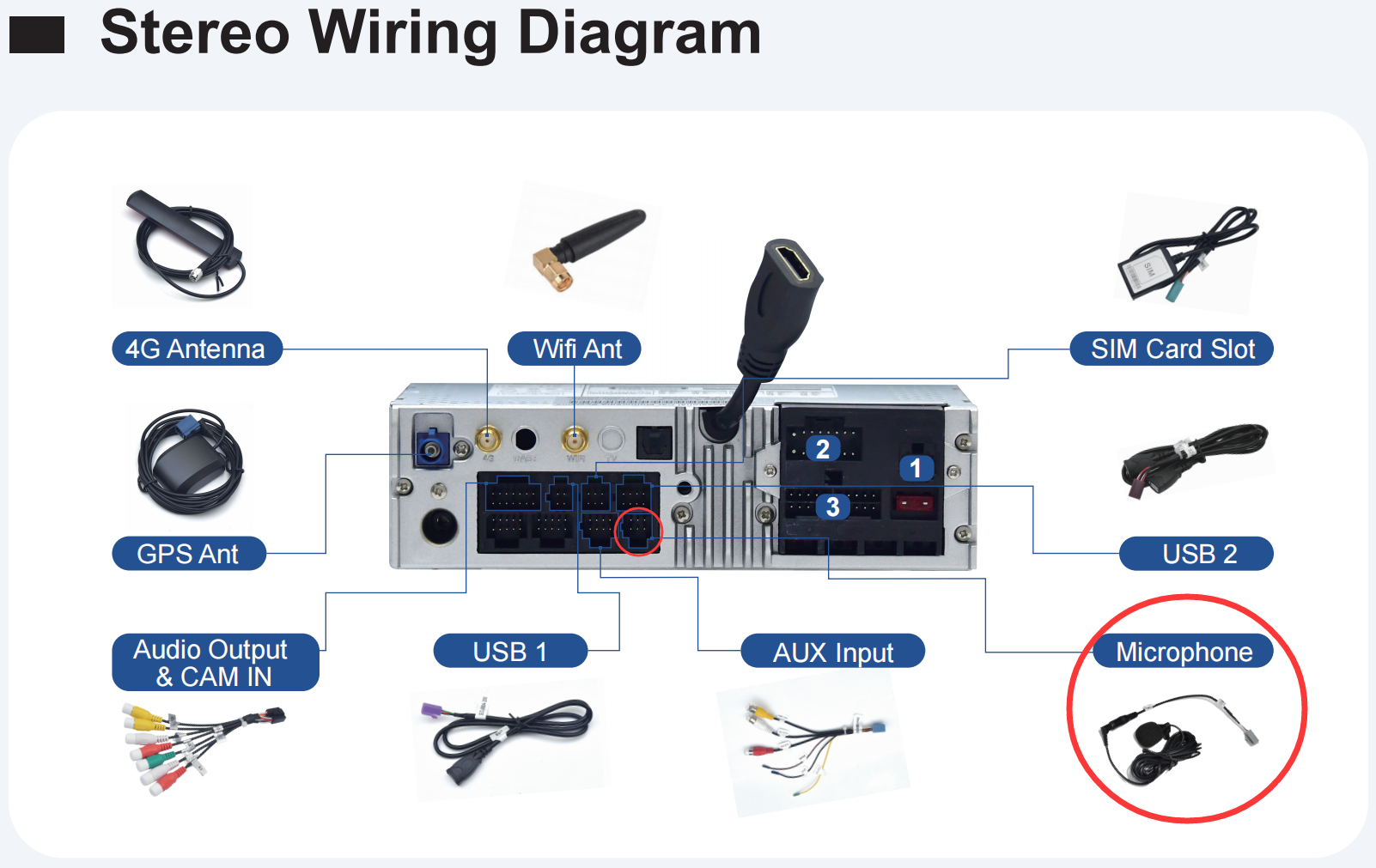
If no luck, please write a mail regarding to your issue details and indicate your Order ID# in email subject.
So that we can forward it to senior engineers for further advice.
Thanks in advance.
Email: support@dasaita.com
@Richard Oliver
Please do not update.
The file is incompatible with your version.
@Support Dasaita hello, I unplugged the mic and it worked, and then plugged the mic back in and it worked but there was no difference between the quality and there is a good deal of background noise. Is the external supposed to provide clearer sound and/or less background noise?
@Richard Oliver
Hello.
We will forward your situation to our technician.
Once we released a new software to improve, we will let you know.
For more help, please simply contact our team via email.
Thanks in advance.
Email: support@dasaita.com