G-13 ON A 2020 Toyota Corolla LE. None of the buttons work when I press them. Is there a setting I don't know about to correct this? Thank you.
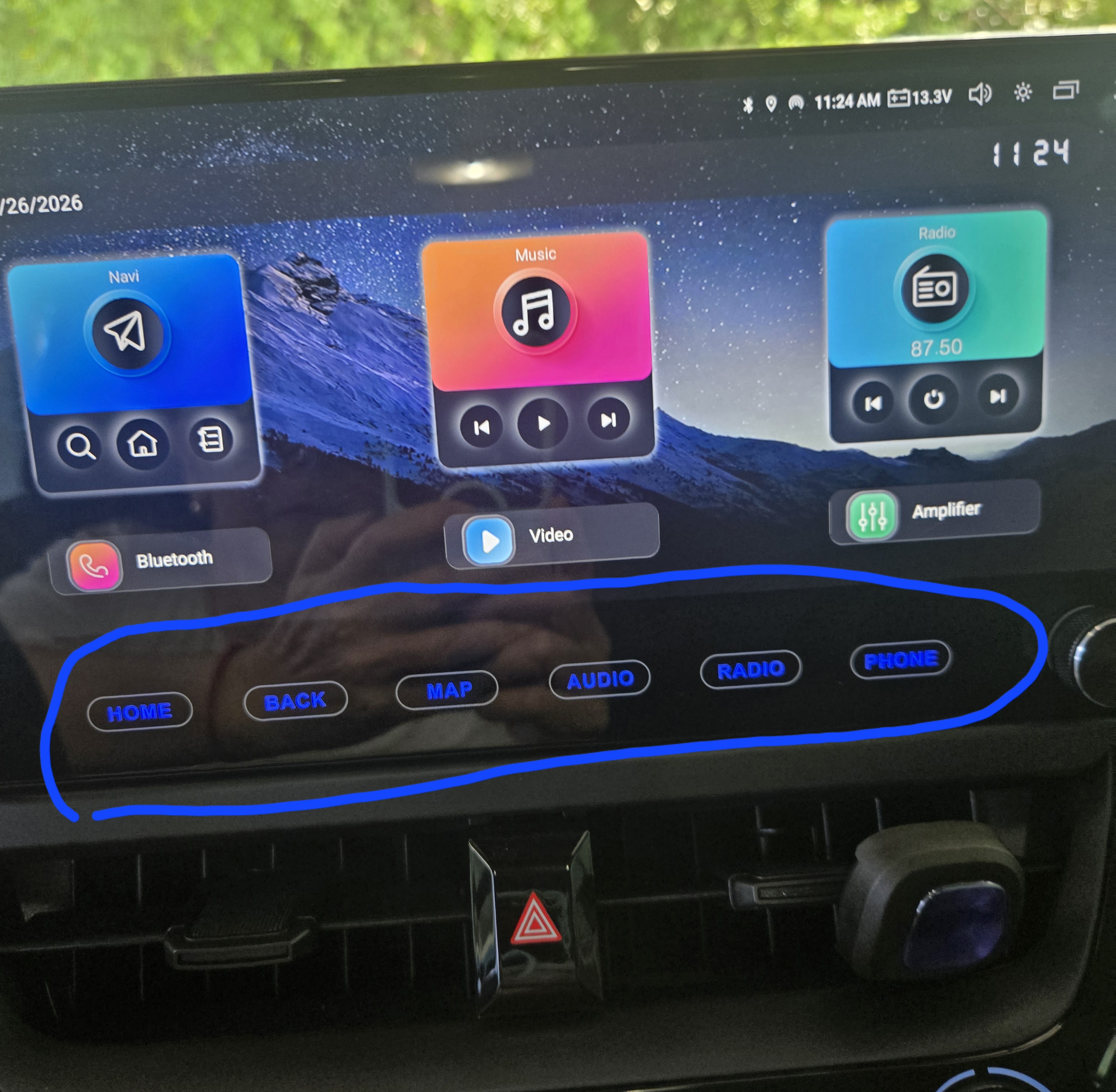
@Aidy
Hello.
Please try to do as follows:
1. Go to Settings > Car > Factory Settings > enter 126.
2. Click on Key Study > Touch key study to enter the learning interface.
3. Click on +1+2 to calibrate the screen first, then tap the button to assign the desired features, finally click on "SAVE EXIT".
Video tutorial:
https://youtu.be/Is1yyN3BegI?si=AXaLcKqrWHY8IoJ6
