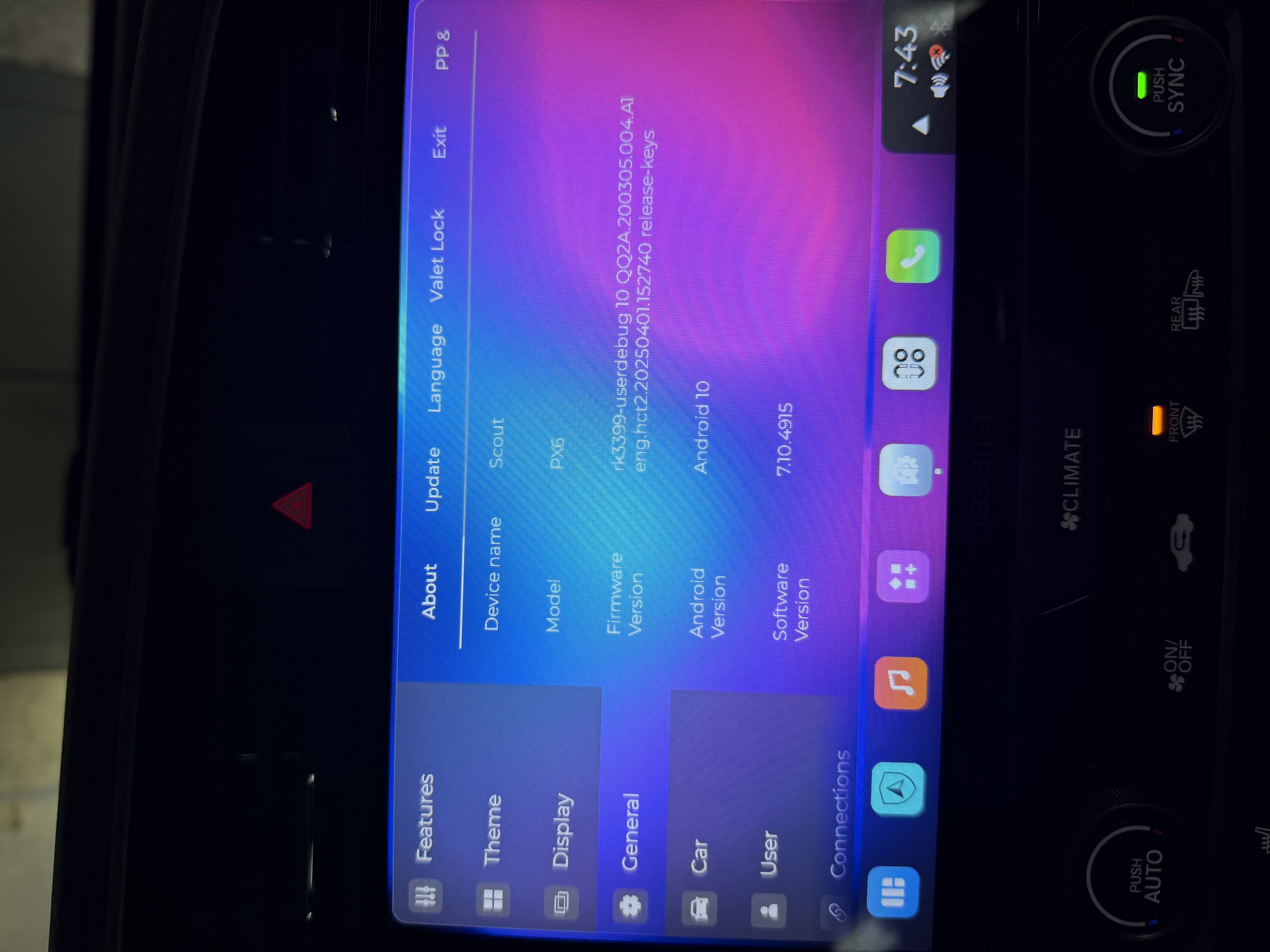
I was running an original PX6 u10 build and started having regular crashing as of ios26. I updated to the newest Max10 build today and regular crash/reconnect continues.
Running Carplay/Zlink 5.3.49 and have been told 5.5.36 is the version to be running, but cannot find it anywhere.
It that likely the problem, or would you have other suggestions? If it is the problem, can you provide that apk?
Dave and I have a similar problem. When I upgraded my phone to the iphone 17 pro max and is now on ios 26, I had total disconnection with Zlink. So, I decided to upgrade my Desaita head unit running on PX6 Android 10 to the Max10 firmware. It was ok at first until it started to disconnect itself and this keeps on repeating. Is this a Zlink issue? Coz in my old firmware whenever I am using zlink my remedy is to just keep my connection through USB cable and not bluetooth. Now, both avenues are problematic with the disconnection issue.
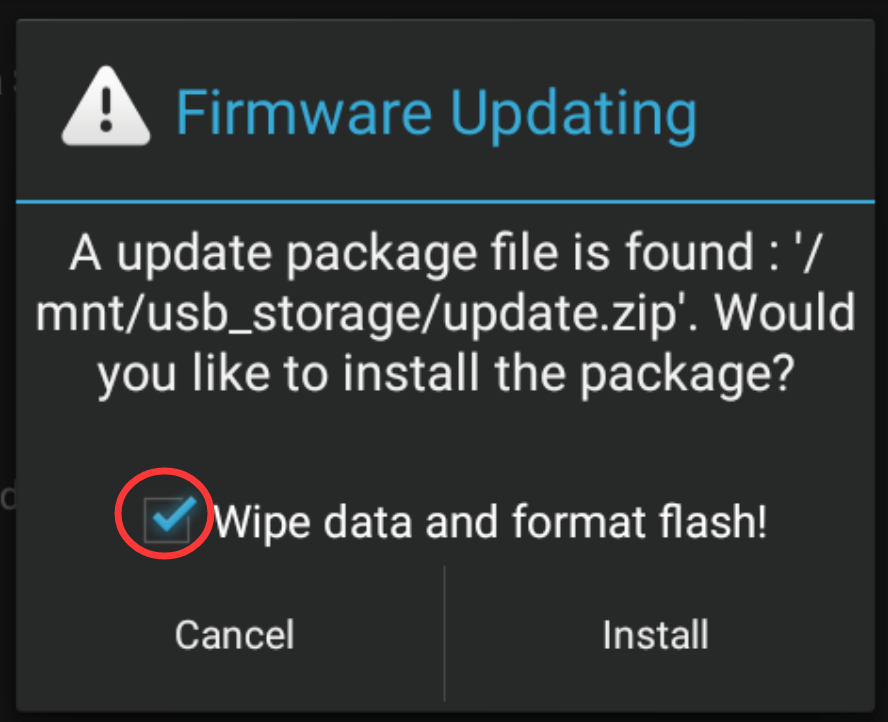
Tips: 1. Download above update file via your computer/laptop. 2. Format USB drive to FAT32 Format. 3. Copy the file “update.zip” to the root directory of USB drive. 4. Insert USB drive into the unit via USB cable; then it will pop up automatically a window of update. Alternatively, please manually go "Settings > System > System updates" to start the update. ***NOTE: Please make sure that you have ticked option "Wipe data and format flash!".
It's even worse now! Zlink could not even stay linked for 10 seconds. The Zlink version that came with the Max 10 is V5.3.38 just for your information.
Also, I tried connecting to wi-fi and that won't even stay on for some reason and it keeps shutting off. Why is the tethering defaulted to ON when this thing is not even capable of sending out signal on it's own? This software is flawed. My android unit is basically useless coz I'm so dependent using it with my phone connected to carplay all the time. I'm so frustrated right now.
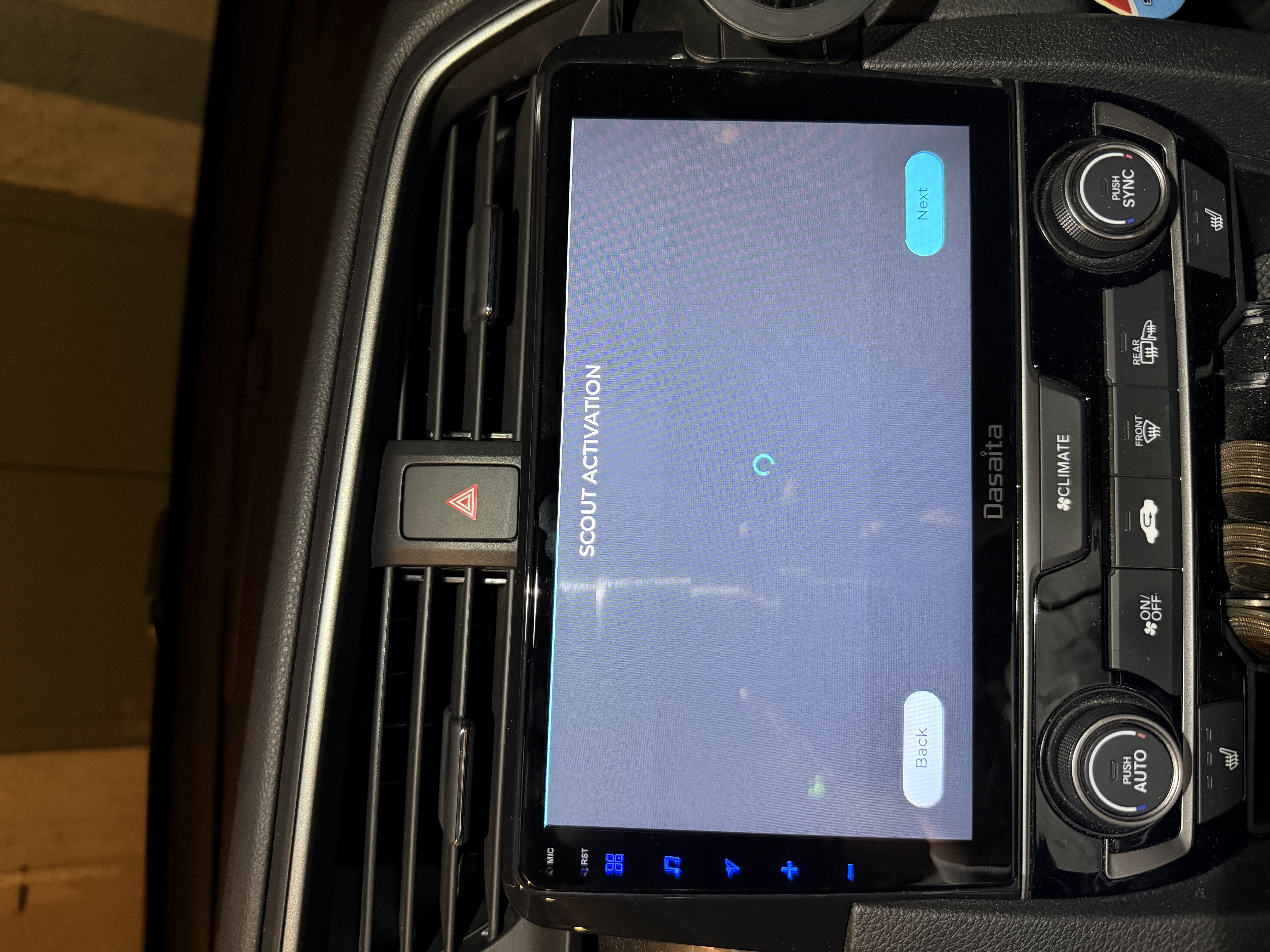
I think I'm totally screwed now! So I installed that firmware you sent above, started on the install process for SCOUT, I clicked the User Agreement, connected to my wi-fi as instructed, now I'm stuck on this screen for almost an hour now as I send this message and it's not going anywhere!!! What now???
@Support Dasaita so i've had a similar issue. i used to be on zlink version; 3.5.57. i have a px6 that came with max10 software when it shipped to me a few years back. the issue more recently is that i got a new phone and on the old version of zlink the headunits wifi would connect to my iphone and it would trick my iphone into using the headunits wifi which didn't work because it's not connected to a network.
so basically i was told by dasiata support to upgrade to vivid10.
this was a major mistake. i have the iphone air and before the extend of teh issue was that wifi issue and i could usually fix it.
but this new version is so unstable neither wired nor wireless carplay work properly.
we need access to all of the max10 and vivid10 software 'updates' so that we can test them out and see which ones are more stable.
if anyone has a stable px6 software that consistently works with both wired and wireless carplay please send, we need your help!
and dasiata support, please send us older version of the max10 and vivid10 software.
OR give us the option to update only Zlink to the most stable version so we don't continue to have issues.
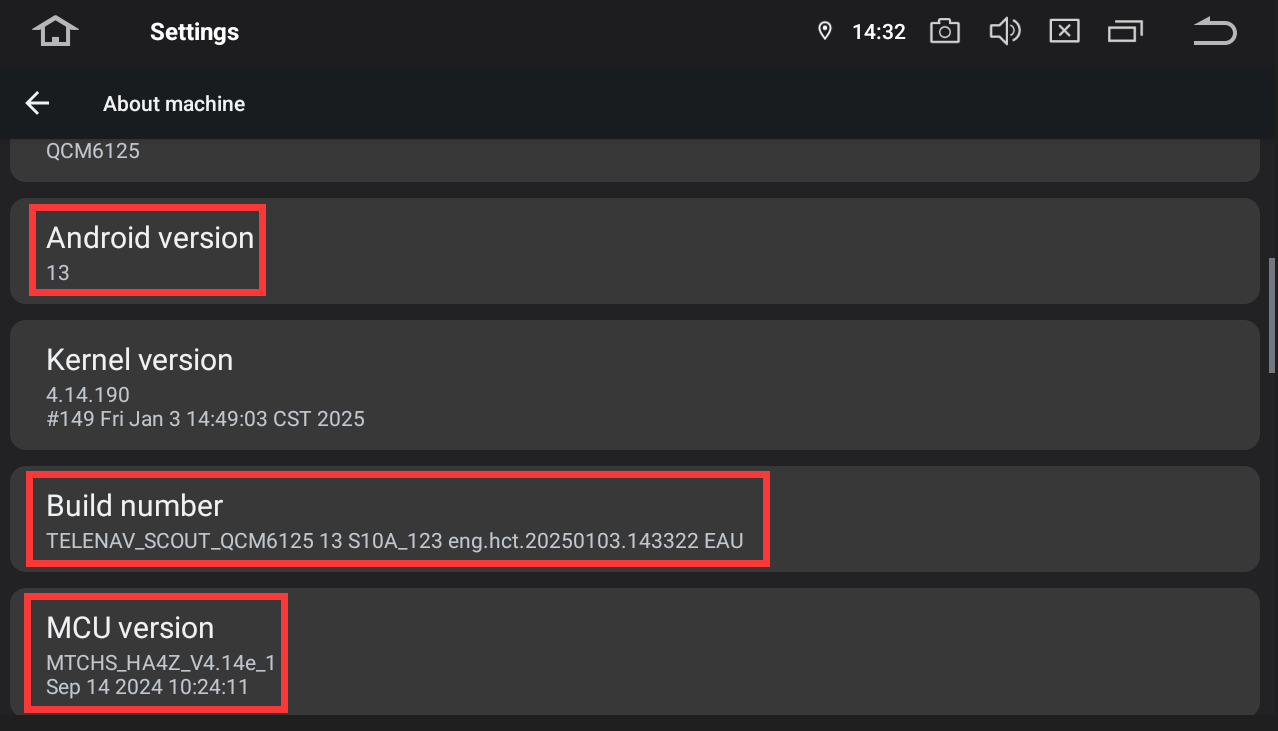
Hello. In order to help you better, please provide the following information: 1. Order Number & Purchase Date. 2. Go Settings > About Machine, the send below pictures: Build Number.
This is after installation of the Vivid10. The ZLink connection is unstable again with frequent disconnections. The head unit is now rendered useless as I am so dependent on carplay.
Hello. Please try to do as follows to see how it goes. 1. Re-pair your phone's Bluetooth with the head unit. 2. Enable CarPlay on your head unit. 3. On your phone, turn on Wi-Fi and search for your head unit's hotspot (e.g., "Android-***") to connect. 4. Go back to the CarPlay interface, it should connect automatically.
All of your instructions were followed to the dot. Carplay does connect automatically but it also "automatically" disconnects! It's so frustrating! I am so upset at this point that I am forced to have to buy another head unit. Guess what, Desaita won't be my next choice.
Hello. We deeply regret the inconvenience and frustration this has caused. Your situation has been shared with our product and engineering teams to analyze and prevent similar issues in the future. Also, we appreciate the time and effort you have invested in communicating with us.
@Support Dasaita Hi, I'm having the same issue. I started having these issues after getting the iPhone 17 when everything was fine before with iPhone 16. It randomly disconnects so I can't use it.
Any news on the fix? I also have the VIVID and most updated version.
@Support Dasaita I'm having the same issue on my iphone 17 max. Please fix this issue. It's incredibly frustrating and a very poor user experience. I'm literally in the process of evaluting a headunit for my other vehicle. This issue alone makes me not want to get another dasaita.