Hello @Support Dasaita , can you tell me what the latest firmware for the Vivid13 is?
I am currently have issues with Zlink/CarPlay. 99% of the time when a song starts, there will be sound for a couple seconds then no sound for a couple seconds then sound again. Recently and randomly there will be no sound but the time on the track continues.
This is my current system info, I was given my current firmware by Dasaita in August.
Build Number:
QCM6125 13 S10A_123 eng.hct.20250401.164157 NA
MCU Version:
MTCHS_HA4Z_V4.16g_1
@Israel Garcia Vivid13(20250910)-V1 is compatible with your head unit: https://www.dropbox.com/scl/fi/efd89nrzoln8f5j8gxq9n/update.zip?rlkey=s43rwe1fq334yrmhw1crnmvaj&dl=0
Please kindly update the firmware and see if the issue will improve or not.
Been a month with no response from here or emails, not sure why you guys are avoiding answering my question.
What number is "unity" gain located? As in the position where the sub out audio signal's level is neither boosted nor reduced. No way is it with the fader all the way down to 0, the sub is barely audible at that level. And what voltage is the sub out? 1 2, 3 or 4v? Please respond@Support Dasaita@Quick Yuan
@tone T We would like to tell you that it's around 1V.
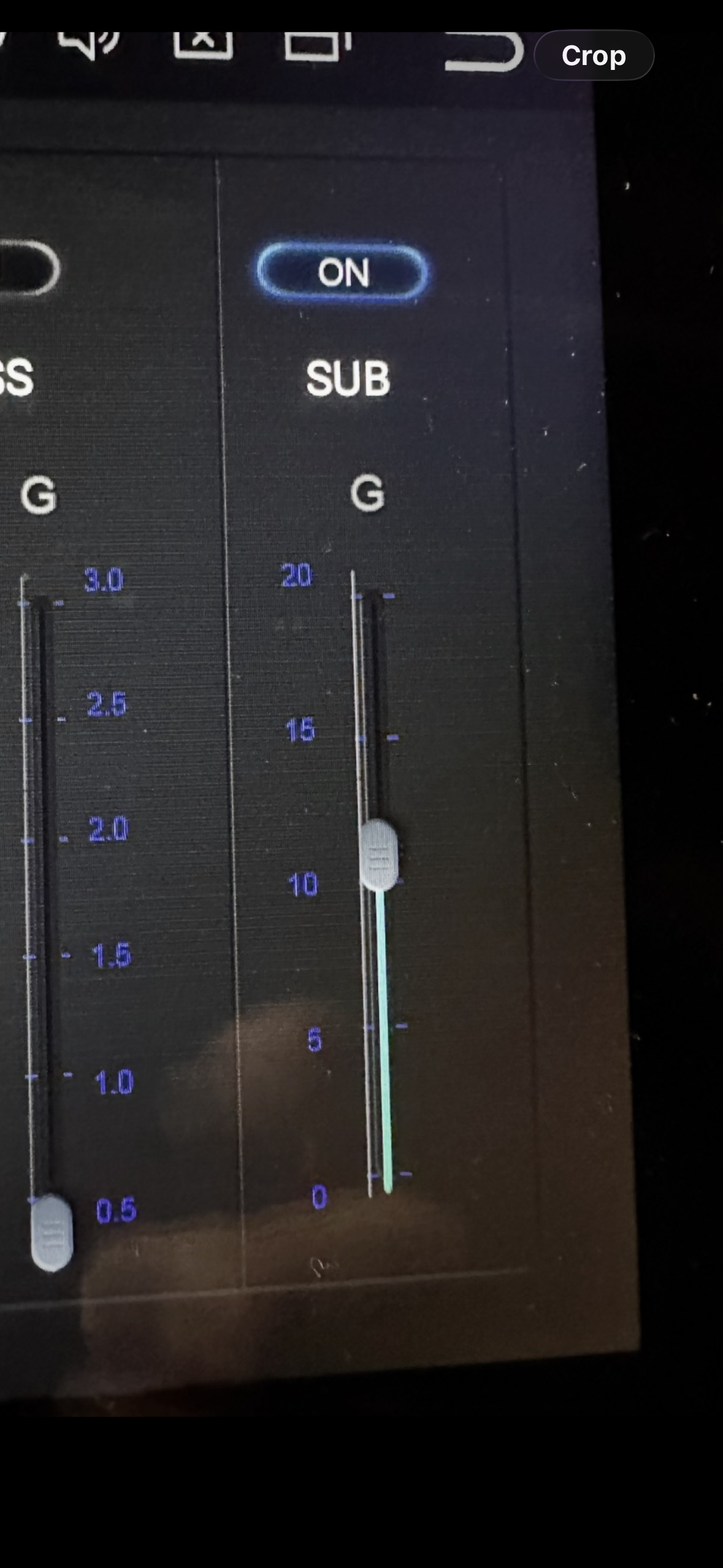
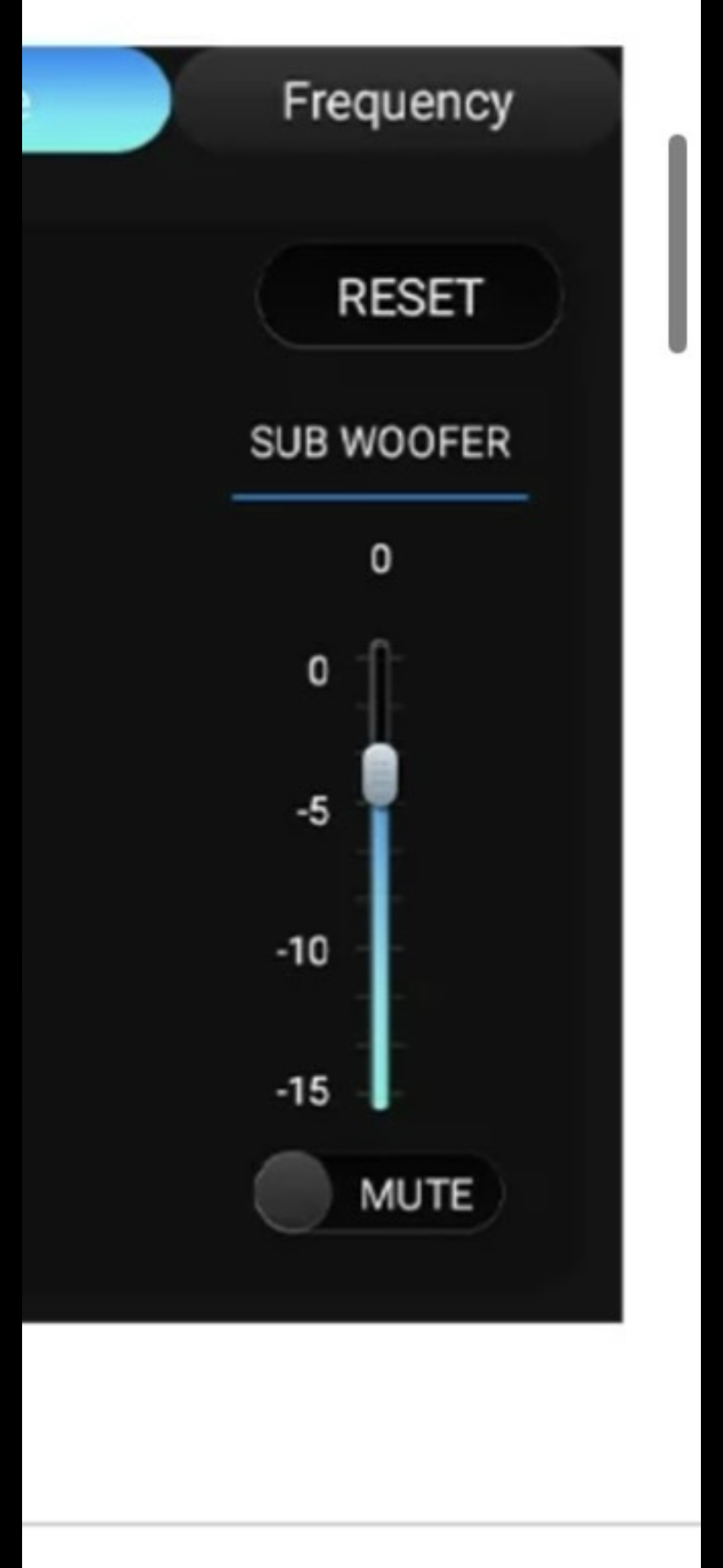
@Support Dasaita okay, what is "unity" gain on the sub fader then? Meaning the position where the sub out signal's level is neither boosted nor reduced. No way is it with the fader all the way down to 0, the sub is barely audible at that level. The value goes from 0-20. 0 being the lowest and 20 being the highest. Is it 10 being the middle of the fader? The new firmware shows unity gain being 0 in the middle of the sub fader.
@tone T Hi there, 0 is the "unity" gain, you said that no sub output when it's set to "0", could you let us know your current firmware Build Number? You could kindly let us know if the situation occur before your proceed the udapte. Please let us know if the subwoofer is aftermarket or factory.
@Support Dasaita thank you for the response. Yes when it is at "0" when the fader is all the way down, the sub is barely audible. It would not make any sense that I have to turn the fader all the way down for "0". That is why I'm guessing it is in the middle as pictured in the photo below. I am on
PX6 android 10: HA3_rk3399_10.0_ota
the android 13 version shows "0" and around located a "4" on the fader. I have attached 2 photos showing android 10 fader vs android 13 below. I am considering updating to android 11 or 13 in hopes to fix Apple Music not being able to run on my android 10 px6 headunit as it detects a "root" unless you guys release a firmware update to fix that.
@tone T
Here are the key points regarding your questions:
-
Fader/Sound Difference: The difference you noticed is because Android 13 models use different hardware with a DTS audio system, which has more advanced controls. The Android 10 version operates differently.
-
Upgrade & Support: Unfortunately, you cannot upgrade from Android 10 to 11 or 13 due to hardware incompatibility. The Android 10 model has been discontinued for over 3 years, and no further software updates (including for the Apple Music "root" issue) are available since 2023.
For device stability, we do not recommend unofficial software modifications.
hi can u share me latest version mtce_mx mcu files?
I'm experiencing constant disconnections with Bluetooth on my iPhone.
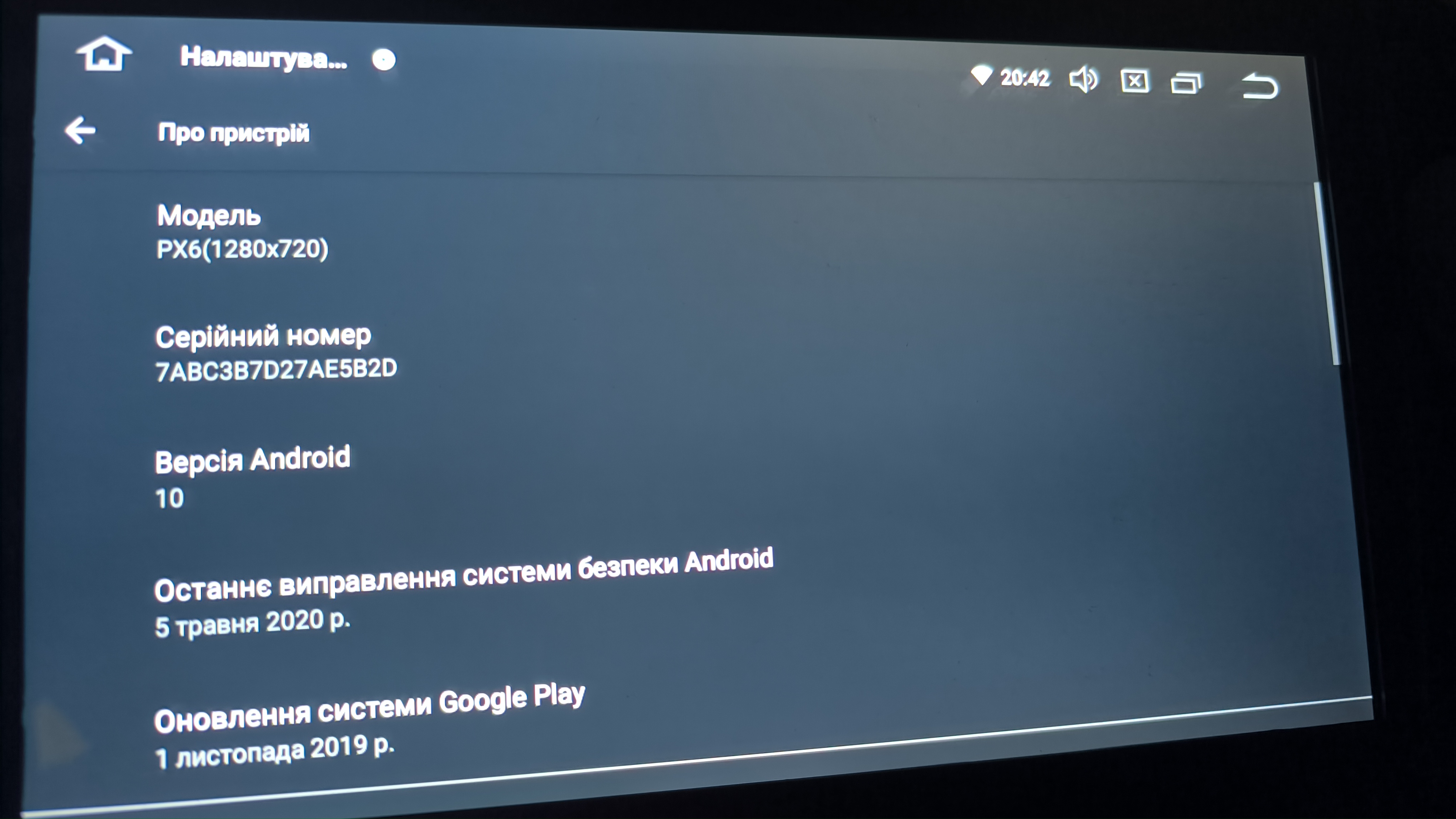
Hello @Support Dasaita , can i have please an original newest update for my radio please, i'm interested in MCU update and an Filmware update. I'm having some problems, i think with update i can solve them. My car is Mitsubishi Lancer 10 Thank you ^-^
@murat ozcetin MTCE_MX is not a Dasaita unit
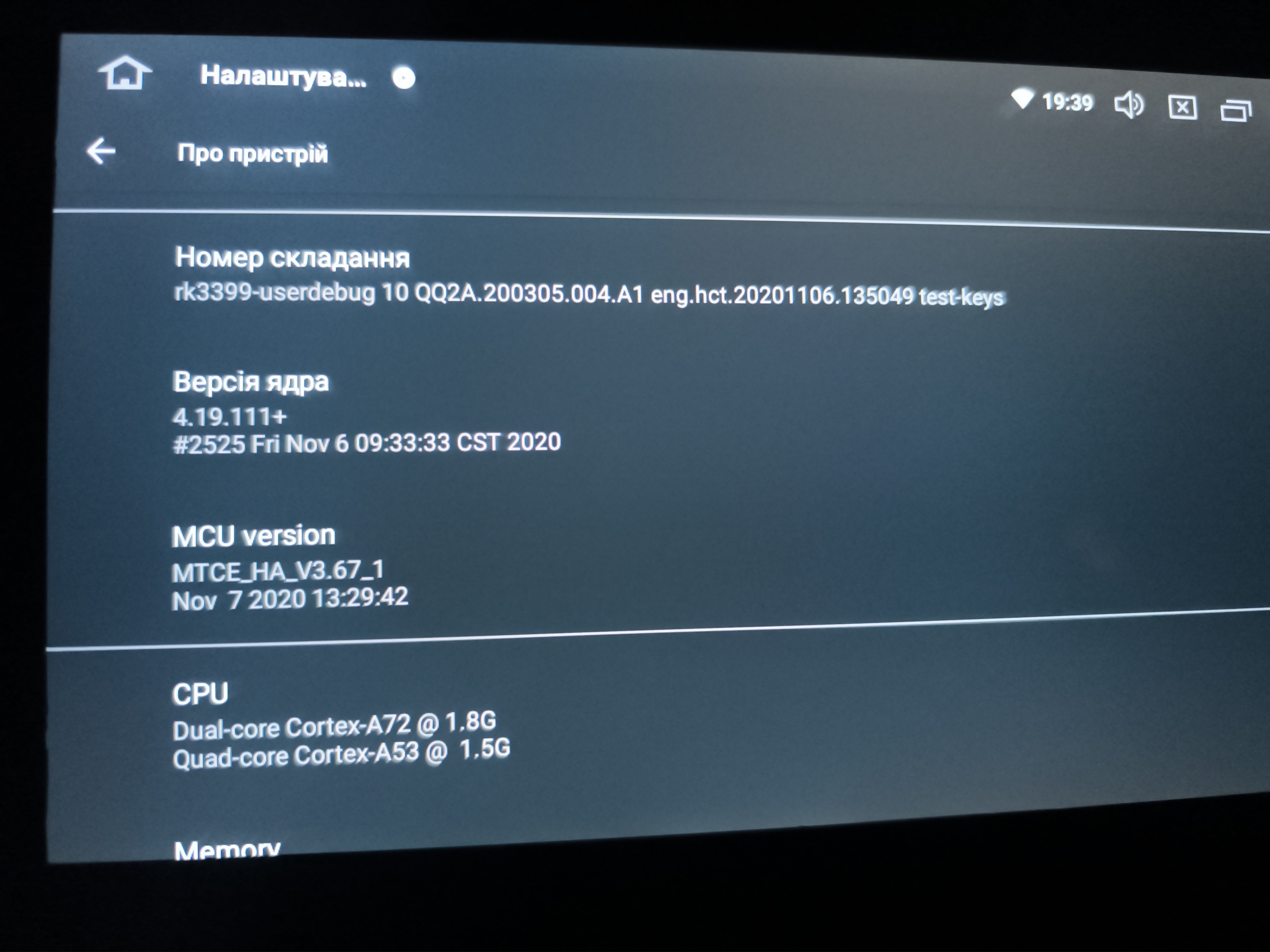
@Support Dasaita Hello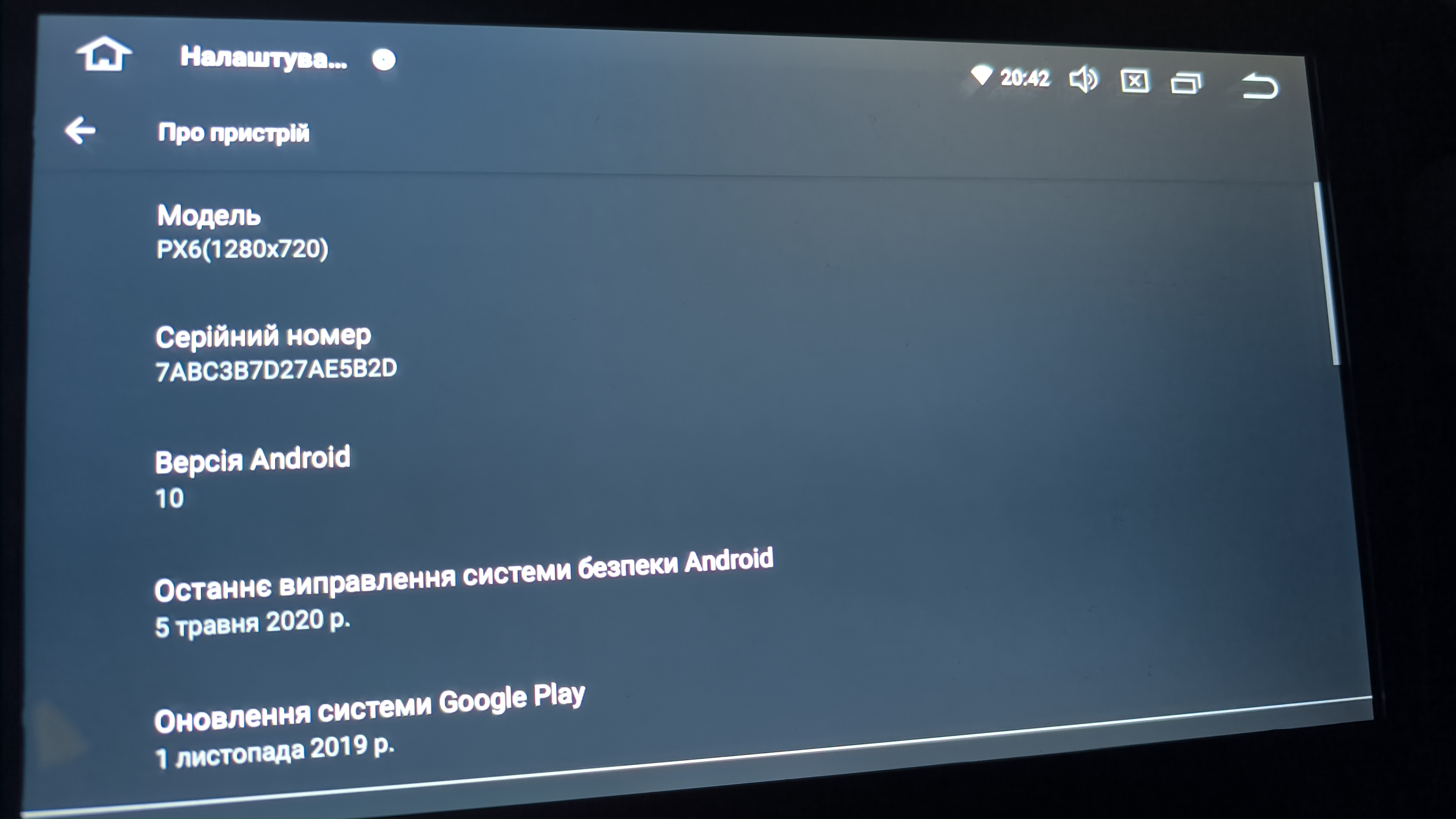 , can i have please an original newest update for my radio please, i'm interested in MCU update and an Filmware update. I'm having some problems, i think with update i can solve them. My car is Mitsubishi Lancer 10 with Rockford audio,Thank you ^-^
Hello,
I am using a Dasaita head unit model HA2228H. After performing a factory reset, the built-in Radio app has completely disappeared from the system.
I have already checked all apps and system apps, and the Radio application is not present anymore.
Here are my device details:
- Model: HA2228H
- MCU Version: MTCHS_HA4Z_V4.15a_1
- The issue started after a factory reset (no firmware was manually flashed)
It seems the system firmware currently installed does not include the original Radio app, or there may be a mismatch between the MCU and Android system.
Could you please provide:
- The correct full firmware package for my unit (Android system update.zip)
- The matching MCU firmware if an update is required
I would like to restore the original Radio functionality.
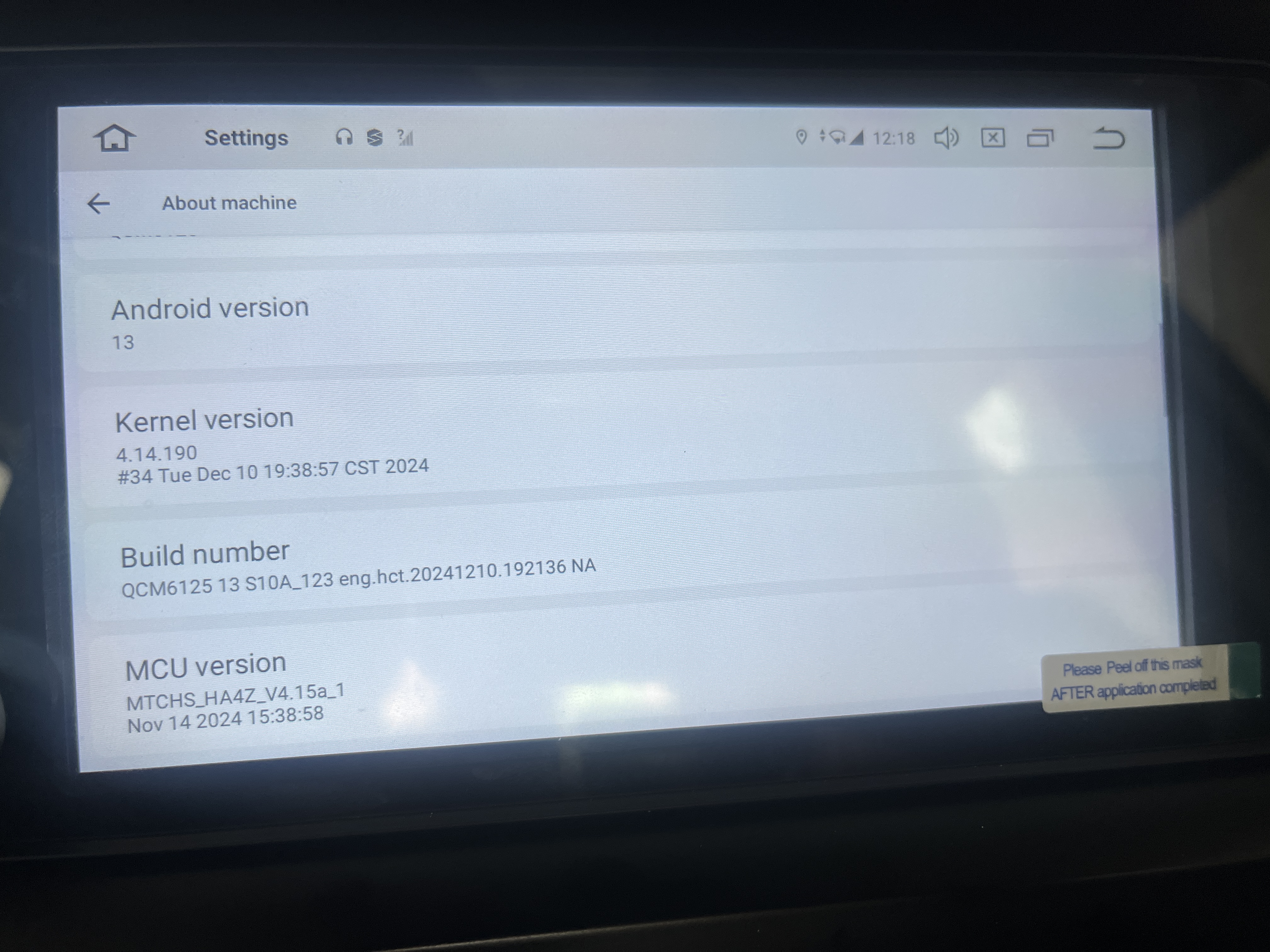
@Support Dasaita I need to get previous version of Vivid 11 (PX6 Android 11). I keep having connection issues with the newest firmware build: telenav_vivid_rk3399_11.0_ota(20250401). The automatic conneciton to wireless CarPlay doesn't always work. If I remember correctly I didn't face this issue on the previous build. Thanks.
@Ed Bold
Hello,
Thanks for your contact.
What version were you using ? Do you still have the related information so we could send you?
Thanks for your time and cooperation.
Hi the Zlink app disappeared from my head unit. I did a factory reset and these issues happened:
lost access to Zlink for car play authorization is required
screen resolution changed
touch screen is inaccurate
capacitive touch buttons mapping is wrong
steering wheel mapping is lost
RGB is not functioning when I turn on head lights
which firmware or MCU update should I do to resolve this?
2007 Toyota Camry:
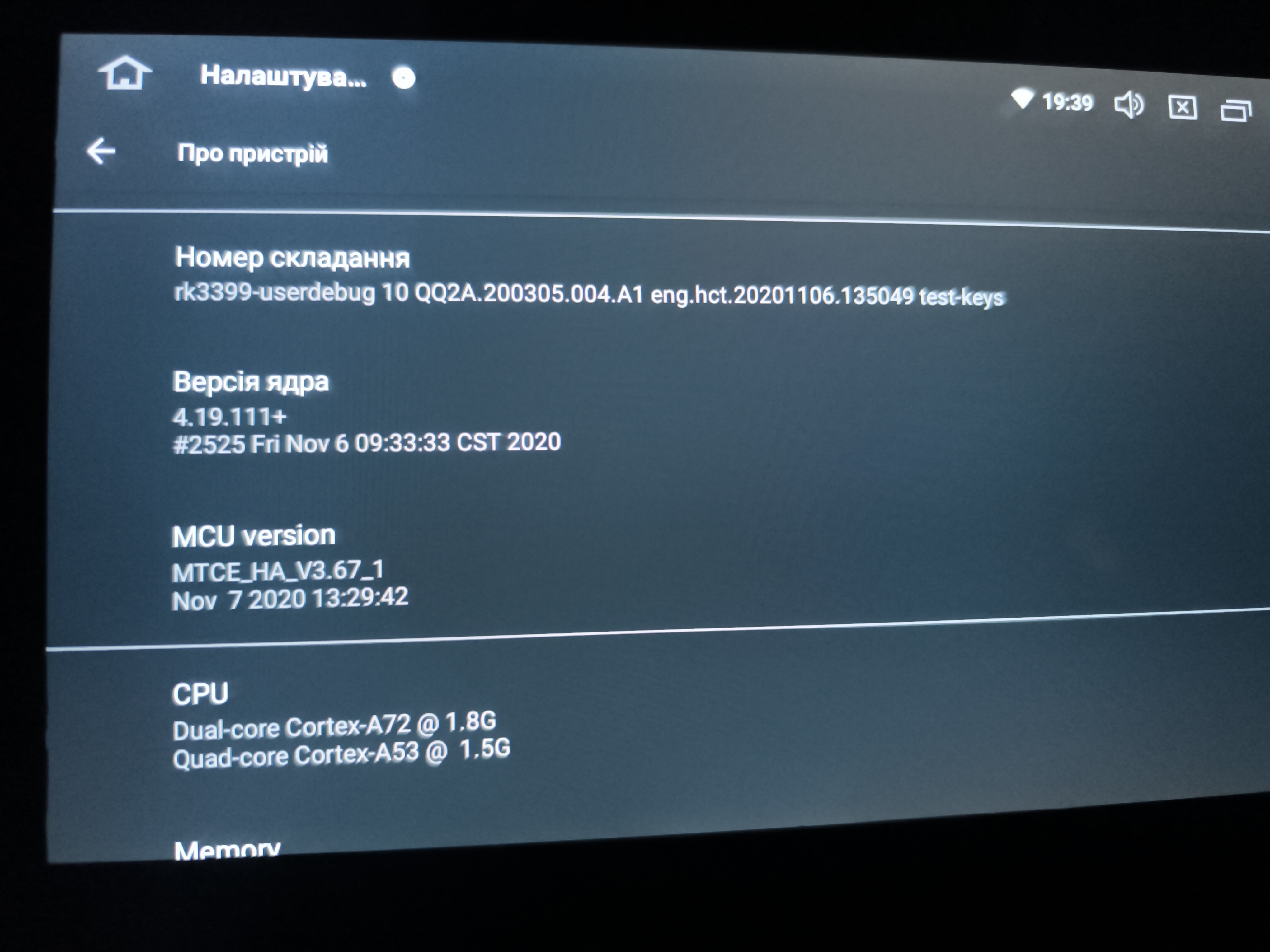
- Model: PX6 (RK3399) Android 10
- Screen: 9” / 1280×720 LCD
- MCU Branch: MTCE_HA
Hardware Specifications:
- CPU: Dual-core Cortex-A72 @ 1.8 GHz + Quad-core Cortex-A53 @ 1.5 GHz
- RAM: ~4 GB (3841 MB)
- Touchscreen: Capacitive, misaligned due to current 1024×600 resolution setting
- Kernel Version: 4.19.111+
Software / Firmware Details:
- Android Version: 10
- Build Number: rk3399-userdebug 10 QQ2A.200305.004.A1 eng.hct.20201106.135049 test-keys
- MCU Version: MTCE_HA_V3.67_1 (Nov 7 2020 13:29:42)
- Factory reset performed; vendor apps (including ZLink CarPlay/Android Auto) missing
Current Issues / Reason for Update:
- Screen resolution reset to 1024×600 → touch misalignment
- ZLink CarPlay/Android Auto app missing
- Restore unit to stock working state, including correct resolution and vendor apps
Request:
- Please provide PX6 Android 10 firmware package for MTCE_HA branch
- Include ZLink CarPlay/Android Auto app if part of stock package
- Include instructions for USB/SD installation and any required MCU update
Actually the biggest issue I have is getting my resolution back to 1280x720, getting Zlink to Activate work, and getting Bluetooth to work.
@King Mitch Got the same problem, on my device Android auto shows up but Carplay is missing.
also running Model: PX6 (RK3399) Android 10
i did a full factory reset, even checked that carplay is on, but still the same icon Carplay is missing !! only android auto is showing up.
@cleo cleonise
Hello,
Here is the latest version:
Vivid10(20250401)
https://www.dropbox.com/scl/fi/ffkmhx1eo7mibgg1pj04v/update.zip?rlkey=91a37rat2z5gwmzw1ildgpgc2&dl=0
1.Download the documents through the link on your computer/laptop.
(Do not rename and Unzip the file)
2.Format the USB drive(FAT32 Format) before copying the Update.zip file to it, then insert it to the USB cable,and it will pop out the firmware updating tips on the screen.
(Tick the option"Wipe data and format flash")

Thanks for your time and cooperation
@King Mitch
Hello,
Please go Settings> Car>Factory Settings>Password : hcttest01 ,taking a picture to us.
Thank you for your cooperation.