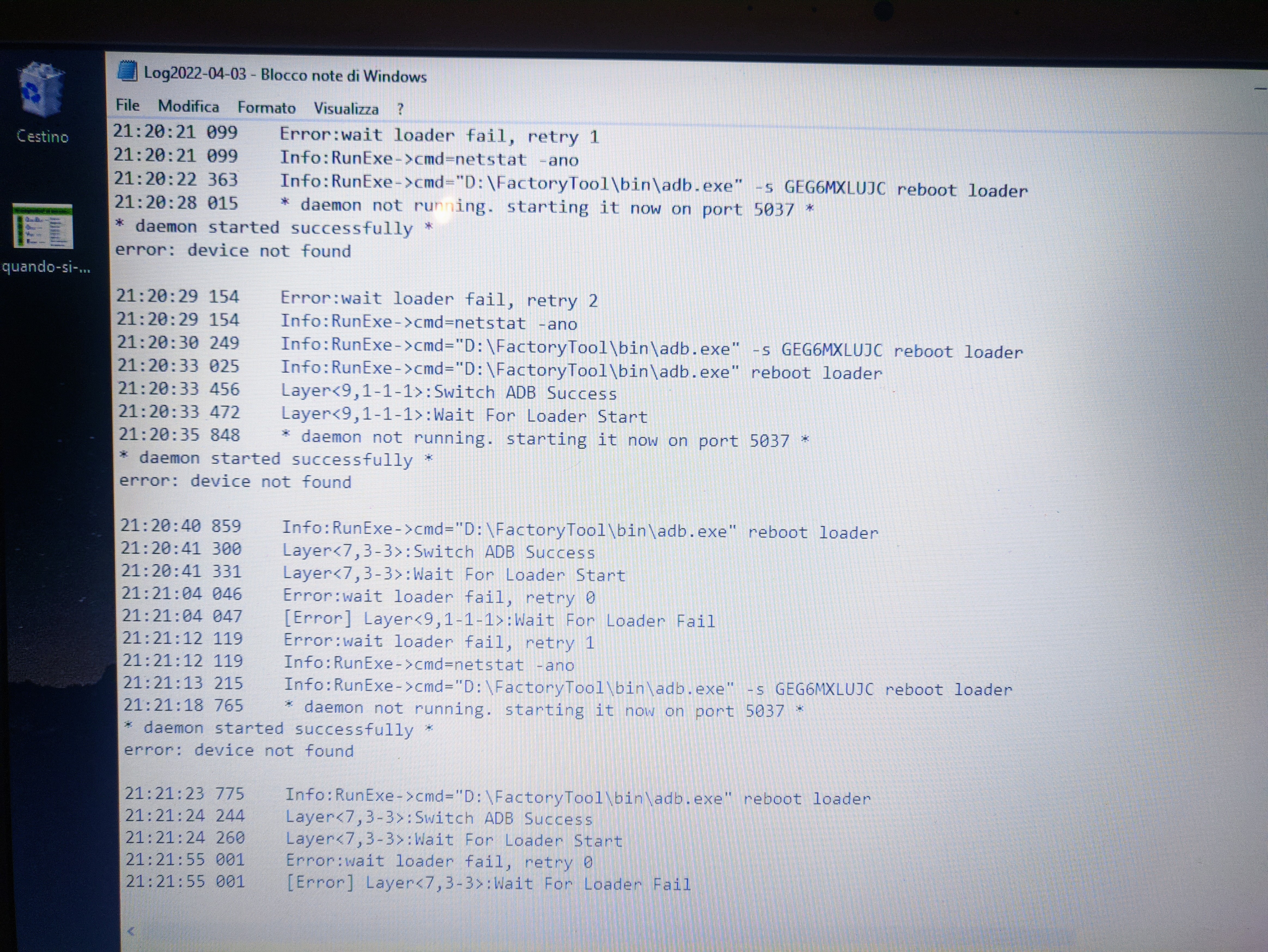
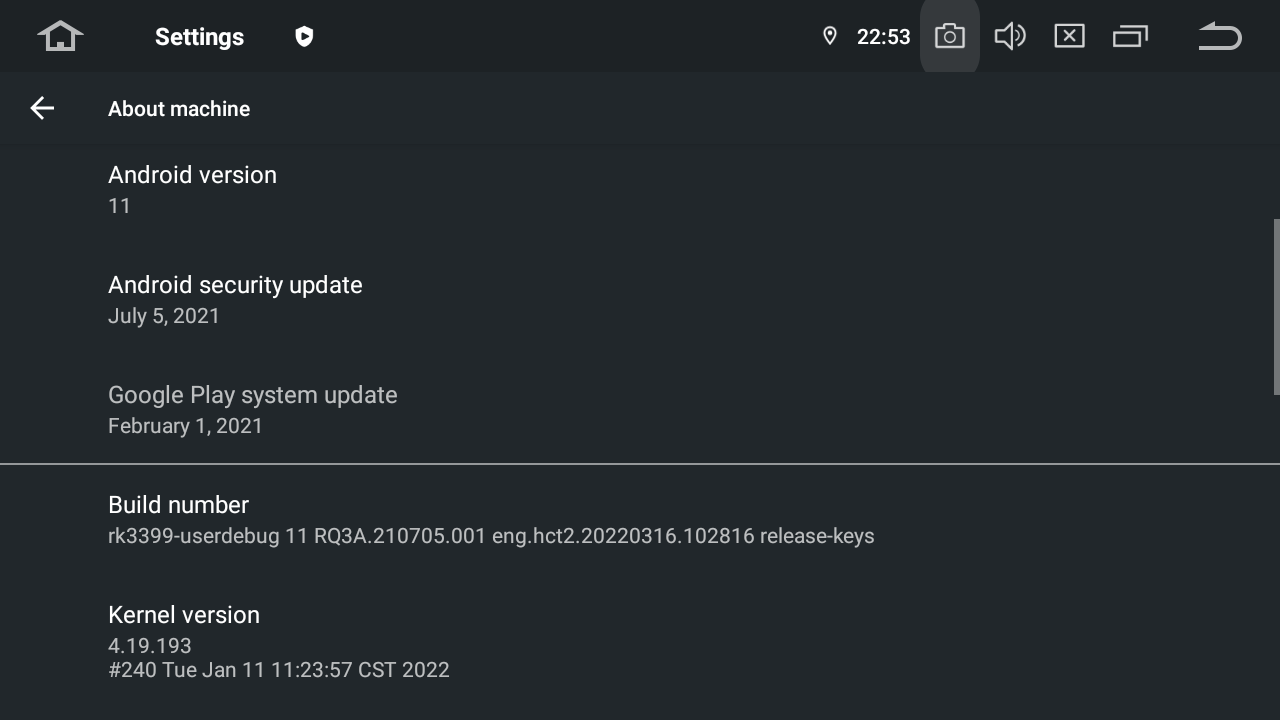
@Salvatore Noschese You need to use a paperclip and hold the reset button (in the hidden hole) until it boots to recovery or it boots to a blank screen (maybe broken recovery). I had the wait for loader issue until I had some progress but it failed after erase IDB. Removed physical power as unit seemed bricked. After reconnecting power then reset with paperclip again and it failed at maskrom. Then another reset with the paperclip and then it failed at download start after completing maskrom - but that was even worse - I had to disconnect physical power from the unit then reconnect it and try the reset with paperclip again. Then finally I ran it again and it went the whole extra mile and revived the bricked unit - the magic happens when the firmware is uploaded to the unit then the loader goes to green - you simply disconnect the laptop and let the unit do its thing. It took me a whole afternoon to have this done but quite happy with the result and the vivid launcher works fine on it too.
@Carlin Mangar but seems strange cause I can move to all 10 release. Via update zip so, all seems to work fine here. Maybe can be also a cable, or driver, or PC issue. But atm i cannot be sure. I've try also reset, but simply reset device (then lost adb connection and i need to go again in adbon and again in waiting etc). Is a loop.
Will I lose data and settings of installed applications by updating MAX10 to MAX11 in this way? Should the update MAX11 - MAX11 Version : HA3_rk3399_11.0_ota (20220316) be installed after the procedure shown?
Finally upgraded. About one day for fix all (adb.exe and lib changed with latest official release - otherwise no reboot in boot mask mode). With new adb, hang in mask mode cause missed rockchip driver (found on GitHub). Also necessary to install some driver by windows update + Google winusbbdriver.
So, maybe info in first post need to be more detailed.
Anyway, now installed with a windows11 notebook and a simple USB+adapter.
Is a custom tool release with latest official adb (the original in official package do not reboot to me, this yes without problem) + some rk and win USB drivers packages (when found new device, search driver by folder and teorically u have an auto install). Remember also to try win update driver (some found from here). With this, now I'm with A11.
For the rockchip tool using it is necessary to install specific flashing drivers in Windows pc. Perhaps that information is missed on instructions. I didn't review the files provided by dasaita. In case drivers were not included, here you are a link for download (v 5.11).
@Salvatore Noschese I did install all the drivers in your package. Will try again without the type c adapter once I receive the A-A usb cable per Gomez's comment. Thanks.
@TK Zhang if your unit is an rk3399 (like from my previous screen), why not? Some time ago i switch my rk3399 from max 10 to Vivid(still 10) and comeback to max10, now to max11.